Instrument commands should be available within an aux table, as soon as there is any instrument present at the phrase you put the TBX in. The assignment of which instrument commands are visible changes fluidly with different instruments. You can have different instruments being modified by the same TBX - the commands will vary accordingly to the respective instrument but the values stay fixed in each cell of the table. It’s the same as with ‘ordinary’ tables, btw.
Question for anyone who uses the headless tracker: Can you resample internally? I was looking at the manual and it looks like recording can only be done via line in, USB, or “external instrument”. The manual says that the inputs for the external instrument are line in and USB.
People are saying that you can resample though. Just wondering how. Thanks!
Yeah resampling works, check the manual, it’s something like edit x3 while in a selection. After that create a sampler instrument and your render will be pre-loaded
I experienced some graphic glitches in the waveform editor after doing a record -> normalize -> crop -> save -> crop -> overwrite -> bla bla something like that. This is on the latest release firmware (from this past week). Is Discord the place to post that?
The last time this topic came up the recommendation was to modify a USB cable like I said… it takes 5-10 minutes just mark it so you remember why it won’t charge devices afterwards
2023-11-15 - Version 3.2.7
Fix: MIDI Clock was not being sent if playback was stopped (3.2.6 issue)
Fix: Render - Render option “Repeat song XX” would cause artifacts on repeats
USB-C would be nice but I don’t mind the micro USB on the m8. My only wish for the m8mkll would be the possibility to record samples while other samples are playing. That’s an issue that can’t be worked around on the current hardware.
I’m quite impressed by M8’s handling of USB audio. It presents itself as an audio interface to a computer (or smartphone, I hear, but I haven’t tried).
I haven’t tried it with USB to S-1 and I don’t think that would work. But it’s very slick and easy to just hook up S-1 and M8 with a couple of 1/8" stereo headphone cables between MIDI and audio. If you send S-1 audio IN to M8, then you still have the option of sending some other instrument to MIX IN of S-1, so there are three instruments you are hearing.
A MKII/USBC version would not feature USB hosting. So audio to another device would not happen. But even if it did it would still be worse than using the analog output due to latency. USB is not better than good ole analog when it comes to simple audio just working like we expect it to.
When there will be a MKII it will be more about the hardware than any changes that would make features incompatible with the current hardware. There have not been significant improvements in chips to warrant more power under the hood without switching to a raspberry pi or some linux in a box solution which has it’s own set of drawbacks. Furthermore the sample without playing samples limitation (because it is not using large external RAM) also makes features like never have to wait for the loading of a song or sample possible, which is part of the joy.
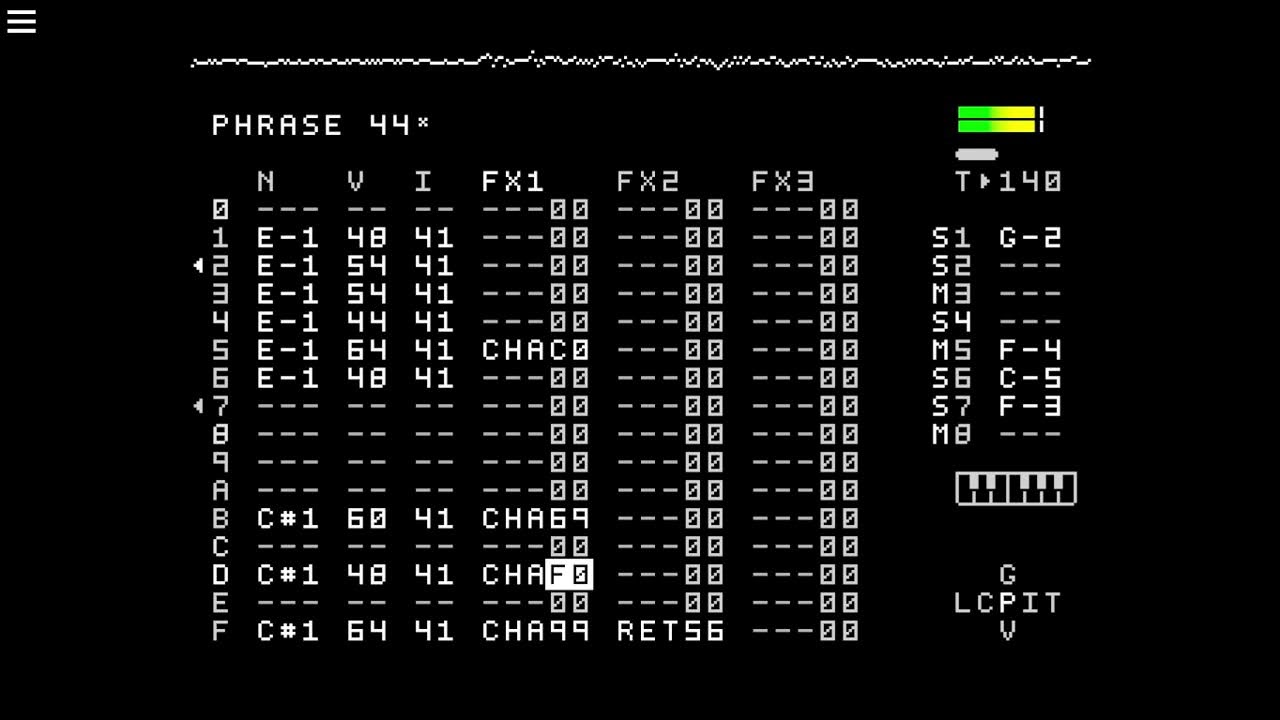

 it’s very useful. Hopefully it’s also available on headless… I never tried
