No, that works pretty ok until now 
1 Like
Hi I think I have a similar issue - I can play the synth to be sampled and can hear the aduio Tonverk keyboard. But then selecting YES in step 2 to start test it sends midi initially and then I hear the sound/audio but then keeps spinning and there is no way to exit the test - I have to turn off and on. Is that what is happening to you? I am going to open a support case.
Interesting! And we’re talking about lock trigs (yellow trigs) here, not note trigs? Can you let me know how long the lock trigs were when it worked for you?
Yes, lock trigs. On this pattern, they’re 1/8.
This happened to me IIUC and it was because the audio
Had a lot of noise so it never dropped below the noise floor for the test to see the note had stopped.
In my case I turned down the gain until the TV realized the note was over then readjusted the detected values.
OK thanks I’m gonna see if I can get that to work
15 posts were merged into an existing topic: Compatible power banks for TV
No. My problem was that the Rytm simply does nothing when receiving the test note. I believe the note is outside the Rytm’s MIDI range.
I circumvented this by setting up a MIDI machine and an appropriate note on a Track, then during the autosampler test I just pressed Yes and the Track button simultaneously.
Your problem sounds more like a stuck MIDI note or an overly long release time on the synth you’re sampling.
No I’m 90% sure it won’t . The pattern change behaviour is based on the machine’s internal clock. Even if you send the program change message from TV to another machine ie Digitone. The pattern change on the recieving side will be based on it’s internal clock, so it will switch once the pattern has reached the last step.
Hi can someone with the TV confirm if the Track Mute is based on muting the trigs, same as on the Digitkat or is it muting based of volume, same as the Octatrack.
Thanks !
I have heard people say that it is possible to import .sfz soundfont files. Has anyone got that to work and if so can you give a description of how you got it working?
1 Like
It’s trig based
1 Like
Hi All,
Does anyone knowhow Tonverk pitches samples. Is it through interpolation like most digital samplers, or does it slow down or speed up a samples like a record player would, and like old school samplers like the S950 does?
Whatever it does, it seems nonstandard, as it sounds very musical somehow. Also, I ran a white noise sample into the TV, and it comes out with resahped amplitude somehow… the same sample ITB looks much more static than how it comes off the TV via USB
Original sample:
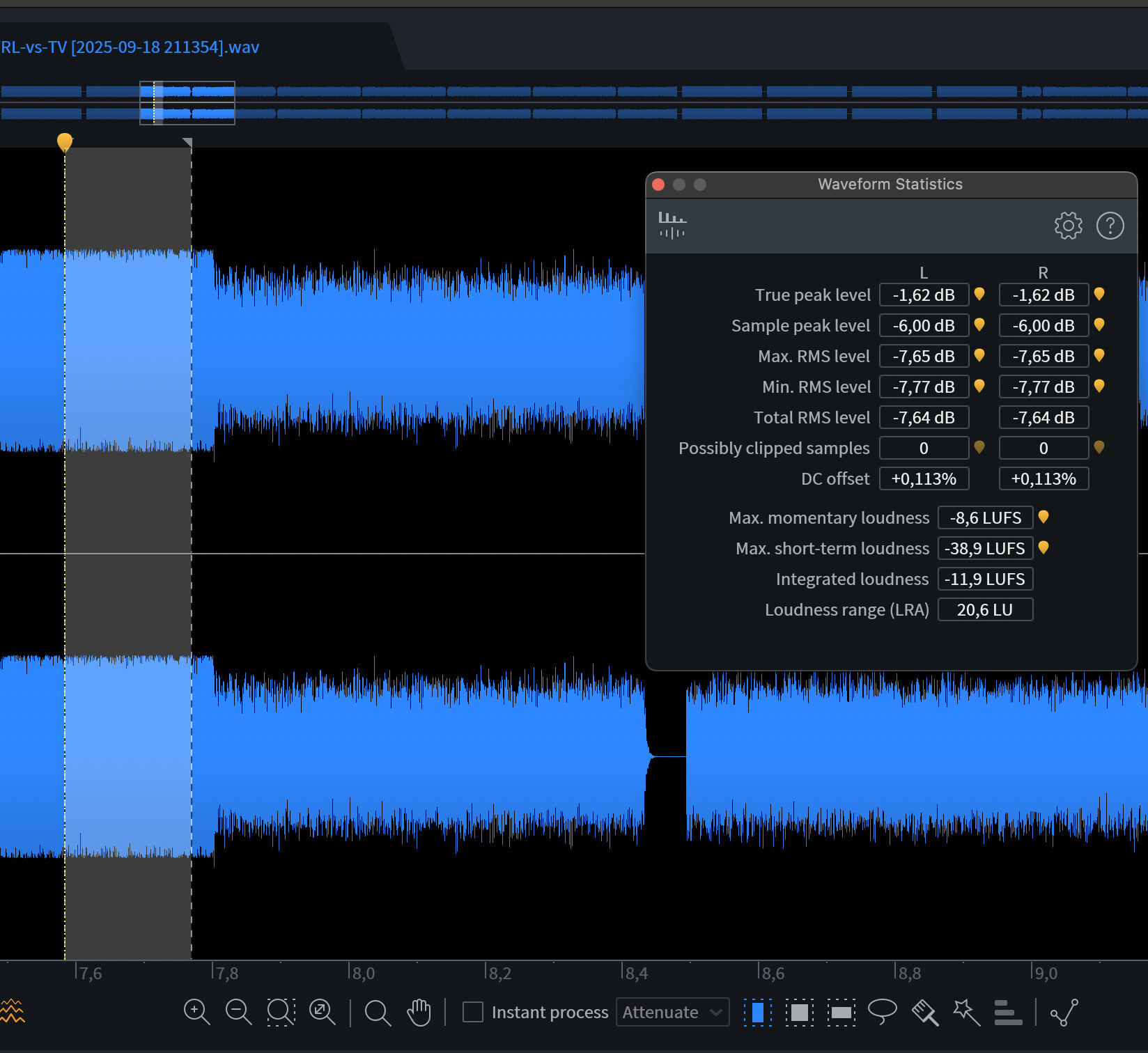
And how it comes off TV:

Not at all sure what to make of it tbh…
1 Like
You can try stripping everything out the sfz file that doesn’t need to be there. Any discontinuities between loop points or overlapping keyzones will stop it from being loaded. If you get an error when loading it you can go to settings → create diagnostic report, then view the report on your pc and it pretty much tells you why it’s throwing an error. But also sometimes the whole thing just crashes 
It was partially implemented in early versions and removed (not rigorously enough as there appears to be some residual functionality half working anecdotally)
It’s something that may come in time, so for now as it’s not supported it’s not worth perpetuating its ‘support’ here by digging too deep - best await its potential support in due course - no idea on if/when tho
2 Likes
Can transpose be recorded to the sequence?
Manual doesn’t say either or. I’m assuming not, but would be fun.
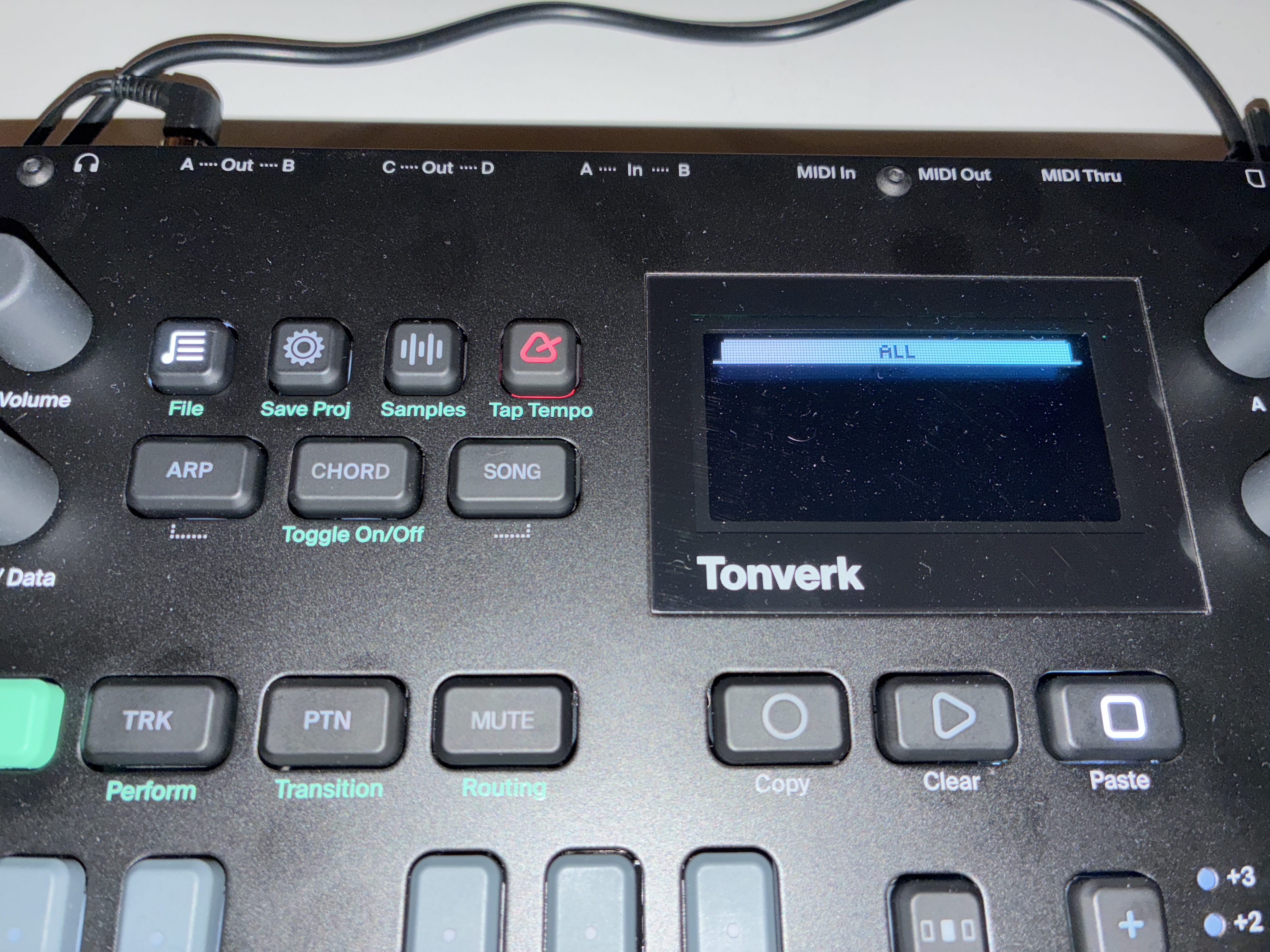
Hmm. I had to format my card, and I think I got everything back in there, but now when I press the file management button, it’s empty – no files, and no categories except ”ALL”… Does anyone have a clue what I messed up?
If I managed to omit some preset files, could someone maybe give me them, don’t need to share samples I think? I checked and I have a bunch of samples on my SD, just the presets aren’t showing up. The manual isn’t exactly wordy about how it works.
EDIT: seems that the preset files are there in each respective directory, but I can’t figure out how to include them. Am I missing some index file?
Think I read that you can’t control subtrack mutes with midi. Is that the case? I also felt like I read that the triggers were on note 60 or something like that.
My logic is that if you are on mute mode and can trigger the subtrack notes, then those will mute , just like on the box.
Have you created a new project? As all the presets, samples, etc are stored in within the project’s database file and have the full path stored in that, could be that you still have the factory project open and it can’t find the files where it expects them to be?
2 Likes