Oxi One Hardware Sequencer

The sequence vew and the keyboard view are independent from each other.
In order to record the what you hear in the keyboard view you have to actually press “record” and record your chord progression. Otherwise you must find/set the desired chord for each step.
That’s not a boomer because it’s pretty fast:

  • Enable the Chord menu by tapping the Step Chord button once (it should be blinking)
  • Enter any chord in the grid
  • Long press that step and the chord menu should popup for that step
  • 1st encoder sets the spread for that step
  • 2nd encoder sets the chord type
  • 3rd the chord inversion/voicing
3 Likes

Sounds good, easy enough.

1 Like

Anyone else struggling with opening the FW updates on MAC?

macOS can not seem to verify that the app is free from malware…

It’s not signed software so you have to tell Apple it’s ok to run it in the settings.

They’ve made this more difficult and don’t tell you how to do it like they used to, but it’s the same process.

1 Like

All sorted, thank you! Cheers.

2 Likes

Pick and place chords is now possible with 2.5 !! a few other workflow improvements have been added too.

8 Likes

OORA was just live in Youtube featuring OXI One with really nice examples.
100% recommended to watch!

7 Likes

Yeah, this was a great and very helpful demo towards me understanding the Oxi way better. Definitely have one eye on this!

2 Likes

Latest beta firmware adds the option to have the bipolar cv and gate status displayed, or leave it as before.

@natehorn you’ll probably like this for your videos :wink:

Grab it here

7 Likes

Nice!!! :purple_heart:

2 Likes

The Oxi just keeps getting better and better! Thanks so much Manu and friends for your hard work!

6 Likes

I can say without any hesitation this is the best project i ever backed ! Thanks for the great work :slight_smile:

6 Likes

so the oxi can output -5V to +5V now?

1 Like

No, -3V to +8V, like always.

2 Likes

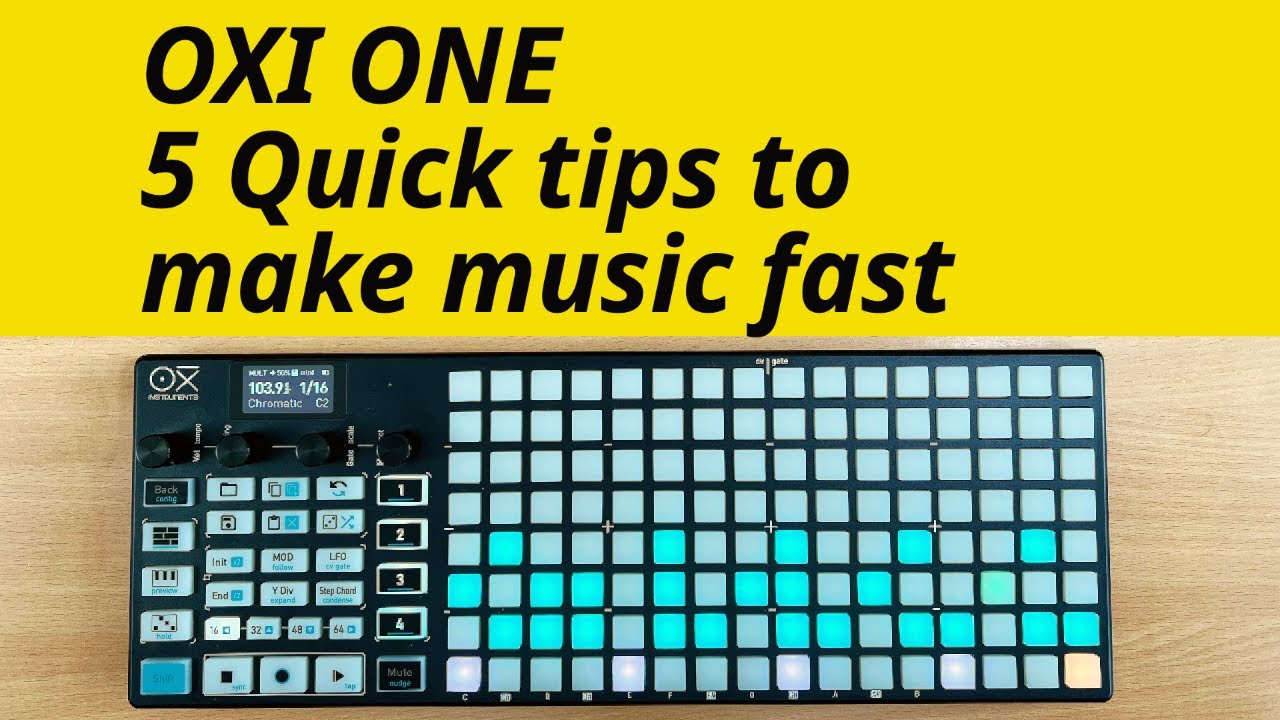
SynthDad made a fantastic video featuring 5 tips (there’re more) with the One.

5 Likes

Some things were not right in multitrack:

6 Likes

Never heard of him until now, but his pace and detail of explanation is great!

2 Likes

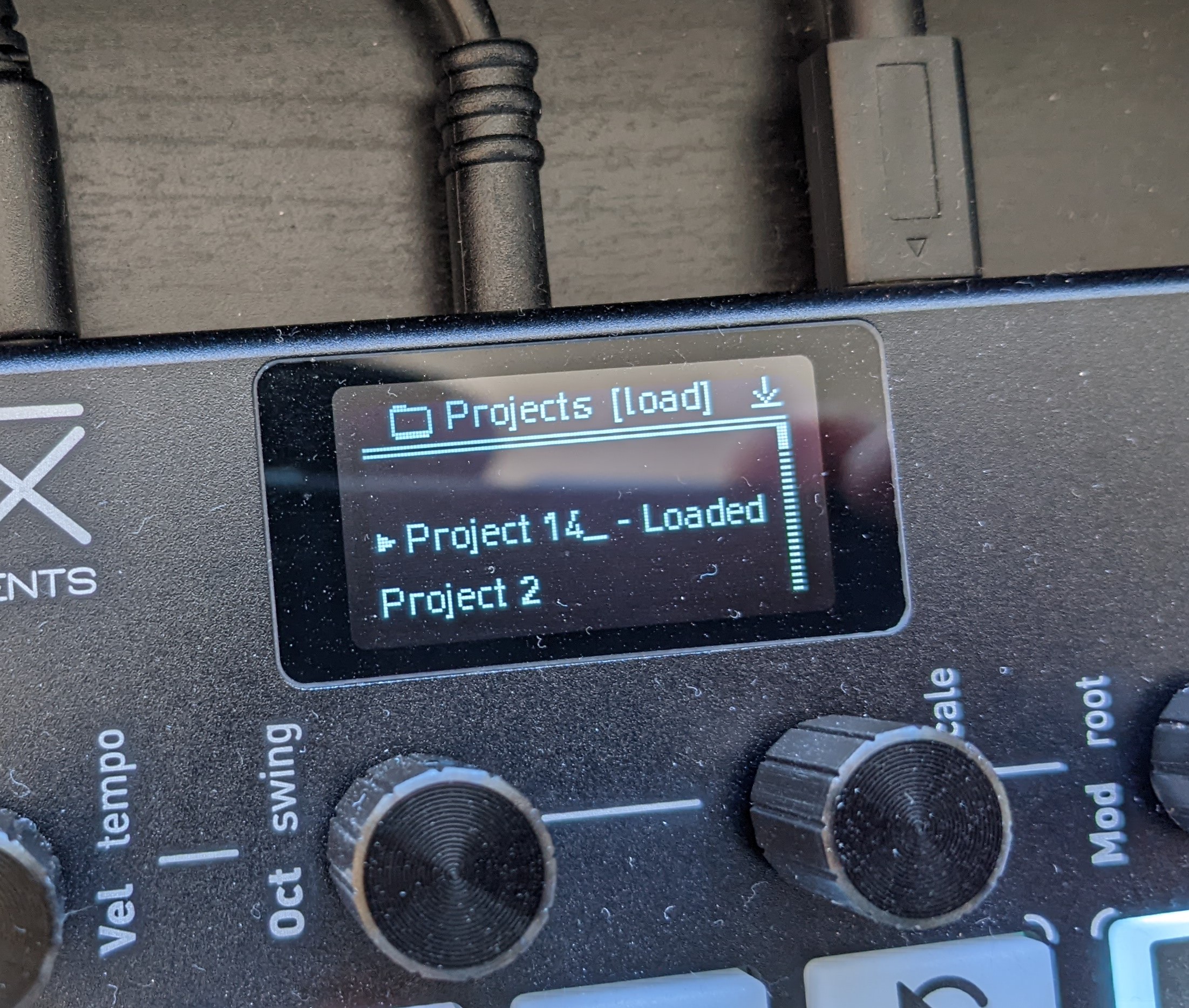
Anyone else lost ‘Project 1’ but gained a ‘Project 14_’ ? :sweat_smile:

Edit: And while I’m here does anyone know how to clear a project? There’s no option in the load screen, I can only clear patterns - the manual mentions it brielfy but not clearly enough for me to be able to find it.

Edit 2: Ah, clearing a project is under the ‘Save’ menu, this was fairly unintuitive for me as I had nothing to save? Feels more like you’re ‘loading’ an empty project @OxiInstruments - which seems to be the convention for Patterns - just my 2 cents :slight_smile:

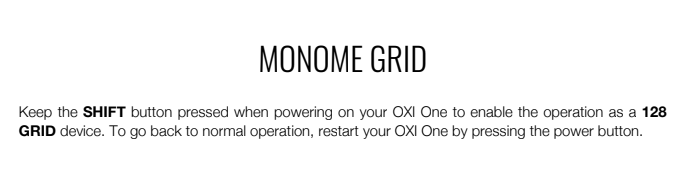
Oxi one was supposed to be Monome compatible, does anyone know wether this true? Thanks!

It is indeed

1 Like