Manu and I had a recent chat with GenoQs. Huge shootout to Marcel and Gabriel, Octopus was (and still is) years ahead of most sequencers out there. The hardware alone is a piece of art IMHO.
4 Likes
looking forward to this new firmware!
Beta 3 can be downloaded, in case you do not know. Worked well for me!
Got mine a few days ago and I am very happy with it.
Did some testing as a Grid with NORNS as well.
It is absolutely amazing that it is possible to turn the OXI ONE into a monome grid., well done OXI 
7 Likes
i didn’t know that Manu is pushing out the betas into the public
but well it overall works good.
2 Likes
Anyone else having this weird issue with the step chord button since the last update?
Seems that I struggle to get the chord voice settings now, the button seems to now want to be a ‘Back’ button 
Video attached shows it switching me into arranger view. If I’ve just been in the keyboard mode then it switches me there instead. Means I’m struggling to change the chord voice settings (sometimes I manage to trick it onto showing me them instead of changing me to a different view but I haven’t worked out a consistent way to do it)
Weird bug I’m assuming?!
2 Likes
Hi Nate, It should be fixed now! The bug appeared when fixing other issues with this temporal menu.
v2.3 beta 5
The auto sync issues are being addressed as well. I think 2.3 we’ll be ready for a public release soon!
9 Likes
You’re amazing thank you!
2 Likes
Noticed this too and wanted to recheck today, thanks for pointing this out, thought I was crazy 
Thanks for fixing this immediately in the latest beta OXI 

1 Like

Anyone know if there’s a consistent way to get a clock out of the Oxi Pipe? In the cv/gate matrix you can output a sequence clock but that can have issues, especially if you mute the sequence (it stops the clock).
It’s a shame there’s a clock IN on the pipe, but not a clock OUT tbh - the original art had it as a clock out I wonder if that could be a software option?
2 Likes
Folks, is there a comparison btw Oxi One and Pyramid somewhere out there yet?
Been a few years. For step sequencing, the grid is night and day over the pyramid. I enjoyed playing into the pyramid, and it had great, great real time MIDI FX. My favorite part was being able to map any scale to the white keys of my controller on input. Very much like Easy Mode on Komplete Kontrol.
When combined with MIDI FX, it was quite powerful.
Pyramid also has many more tracks, IIRC, but the Oxi’s are more powerful, again, due to step sequencer.
I really enjoyed the Pyramid at the time, but i couldn’t ever go back to that layout. I’m sure I’ll try the Hapix one day, but the Oxi is hear to stay.
4 Likes
Couldn’t resist the urge any longer and pulled the trigger on the Oxi One.
6 Likes
I’t an awesome device
2 Likes
Hope for more good tutorials, its a deep device
2 Likes
Same! I’ve been to busy to really dig in, so that’s on me, but I’d love some good, clear tutorials to speed things up 
2 Likes
Curious how this works.
I have the new beta installed.
I went to preview and selected a 11th chord, and then inversion and then spread. Then I turn preview off and go to program in the sequence, and it inserts a regular minor chord, not what I had selected under preview.
How do I get it to work the new way?
1 Like
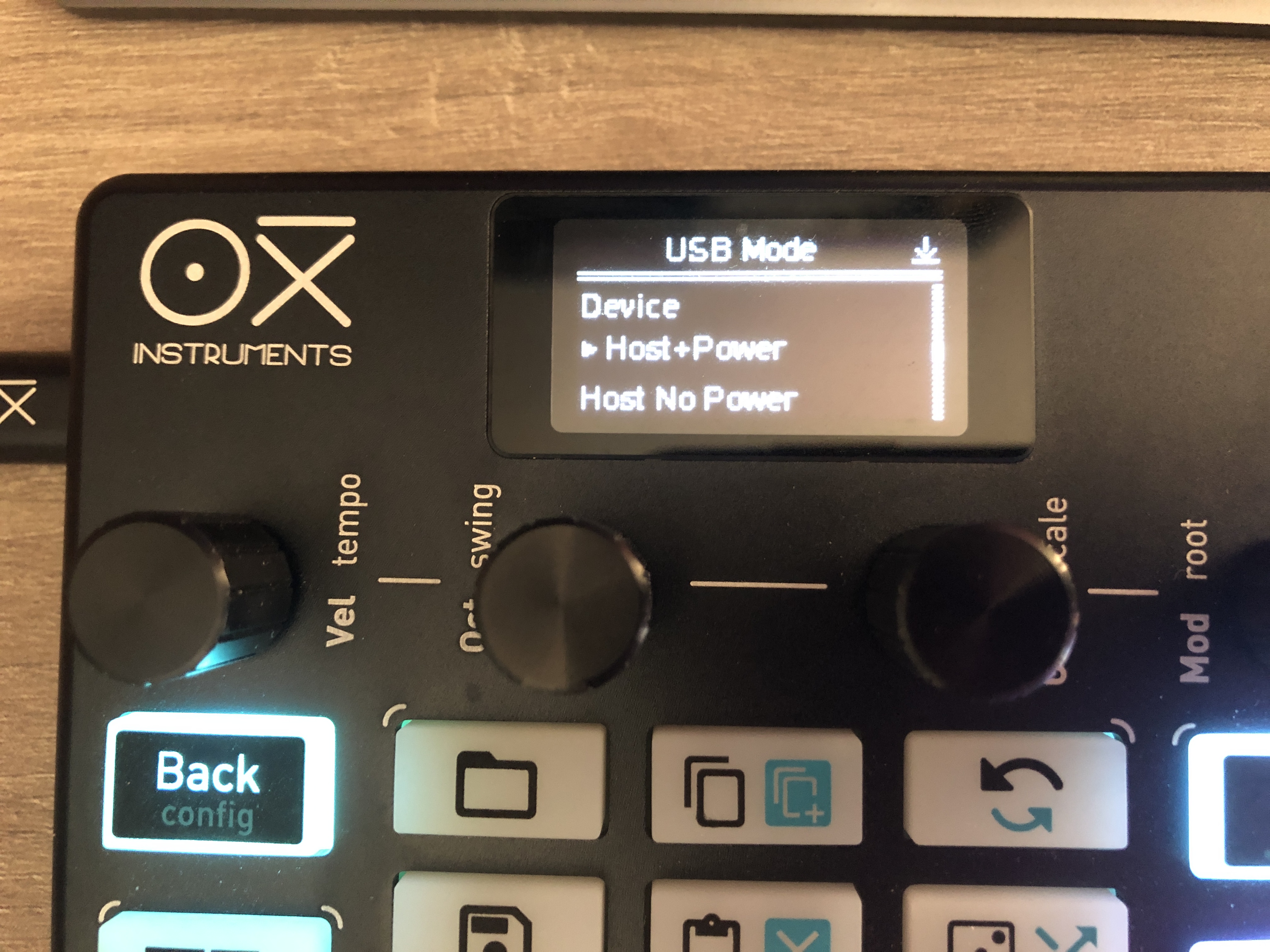
USB MIDI Host … that’s a nice feature! Looking forward to trying with controllers and synths … wonder how it would pair with a pyramid! midimindboggled.
3 Likes
hey, could you have deleted the step by mistake?
What do you mean with preview, the keyboard layout?
Yes, keyboard layout. I may be doing it wrong, or maybe it’s possible I have the wrong beta? Which should I be on?