Thanks for your input!
I’ll experiment some more with the multi, and for desktop I also have the Arturia one, and appreciate Ableton stock fx as well
Think I’ll hold off for now 
This is Neil
Neil never stops riding his horse
Neil doesn’t care if you don’t like boombap
Neil makes dope beats and Neil is consistent AF
7 Likes
He’s great.
1 Like
he is, and his level of consistency is no joke!
3 Likes
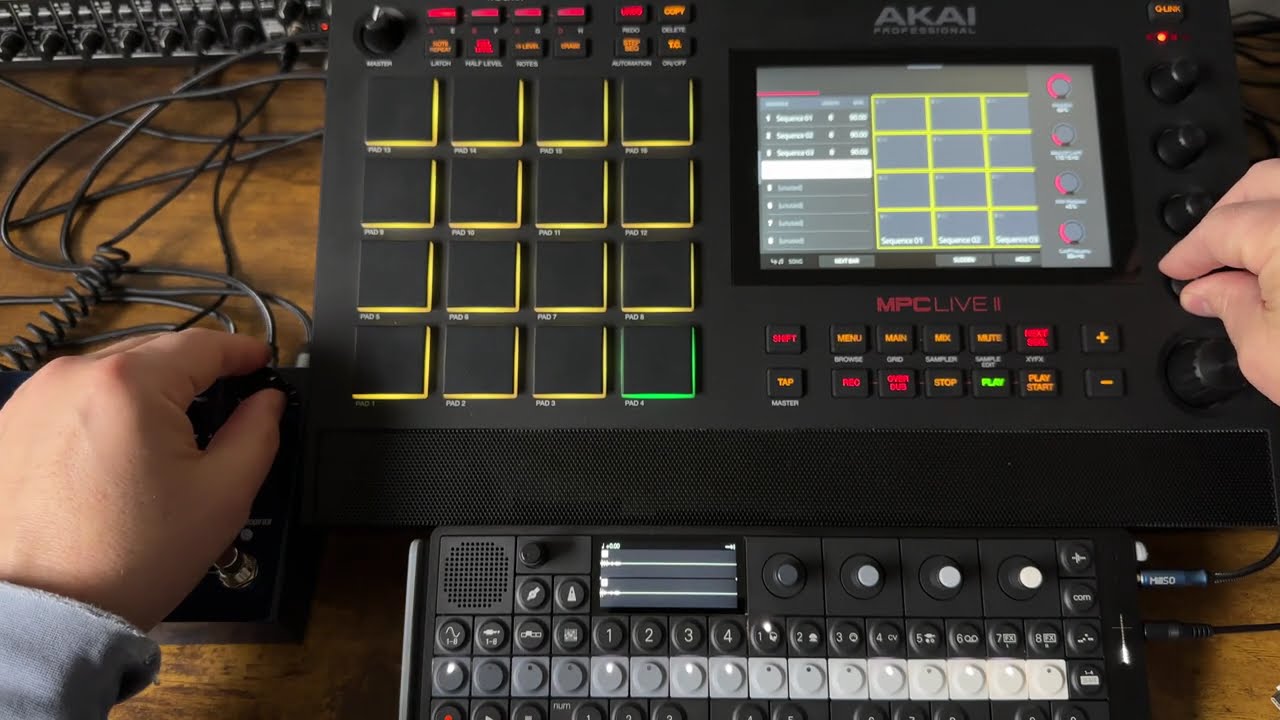
I love my MPC, but sometimes i really wish they implement midi clips per track to fasten up my workflow.
The sequence extending part is a bit timeconsuming and it forces more to work directly on the sequencer part and play all the sound in there. Which is ok, but i need to use the touch screen more.
3 Likes
This. Really wish they would impl some quick duplicate/extend/double sequence function somewhere that doesn’t need use of the touch screen.
#1 thing I miss from Maschine is the quick duplicate for everything scene/pattern/pad
MPC already has duplicate button for pad, wish they could just let that duplicate button work for the next sequence page. And then some shift function or remap button for double up/extend bars, push has a dedicated button for the first as an example. I can think of at least two buttons on my live 2 I wouldn’t miss/dont use.
2 Likes
Another nice thing would be the integration of clips into the drum-programs
4 Likes
Maybe this is already well known but I was today years old when I realized you can save any track midi as an arp pattern on an MPC
Nice things talks about it here but for the force and he deletes/recreates the arp patterns folder to seemingly get the the user arp pattern to show up
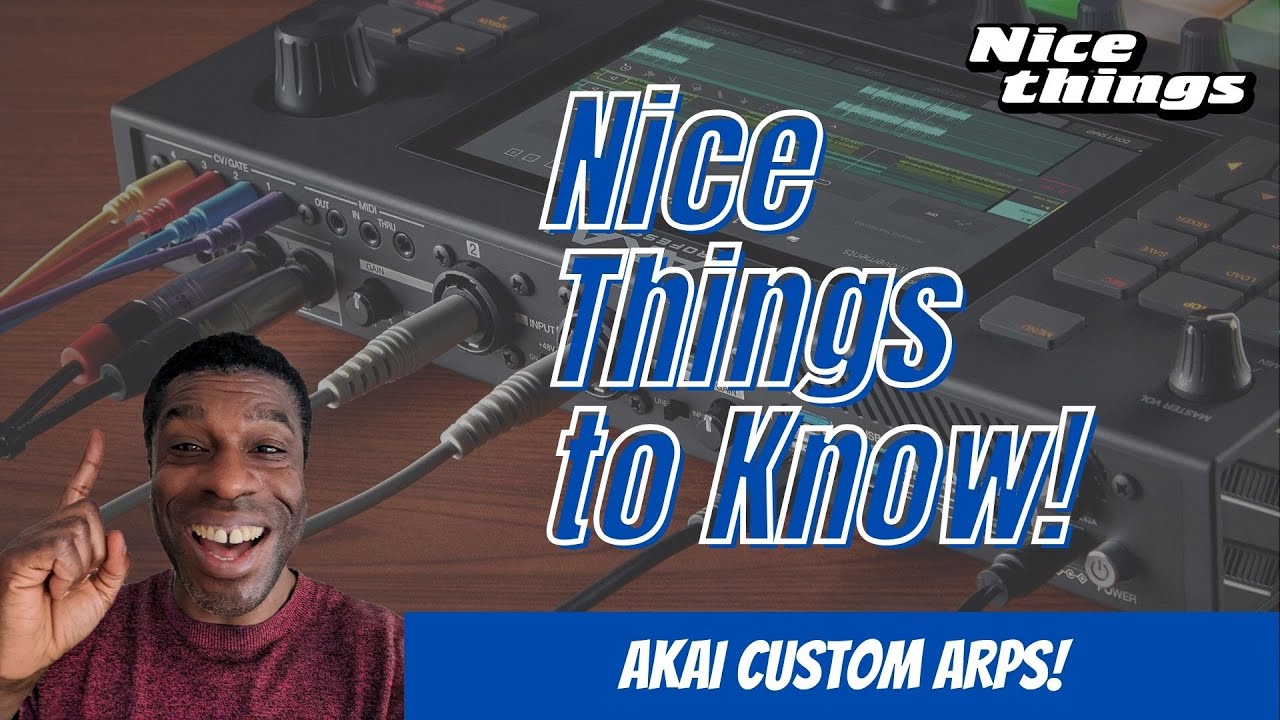
Was just mucking around with the live 2 (latest MPC3 FW) seeing if I could get it to work here also.
Didn’t want to chance messing things up by deleting the ARP patterns folder so thought why not try just saving to it as is
So the went to menu-save-save track as midi, saved the midi file to the internal-mic documents-arp patterns folder then restarted the MPC. Fired up a piano with an arp, browsed through the patterns and bingo there was my newly created midi file available to use for the arp
11 Likes
I kinda wish he never got hired by Akai so he could keep making videos, but I’m glad to have nicethings inside Akai.
2 Likes
He should do a Sunday night livestream, we could all tune in and badger Akai with our requests and get tips for the new firmware.
4 Likes
Hit sequence edit, hit double up bars…
Sure is possible with the touch screen pencil icon but am missing a physical button/combo for this common task.
Ideally I could play in some midi then hit a button somewhere to add more bars without having to use the touch screen at all all while staying in Grid/Arrange mode. Maybe this isn’t how Akai envision ppl using it tho, guess I gotta just embrance the touch screen life (just wish they would disable autoscroll at the edge FFS hehe)
2 Likes
Is it possible to set a sequence to any length and not just in whole bar multiples?
Not sure about sequence, but each track can be set to whatever divisions you want. I often do this by accident!
2 Likes
Thanks. Figured it out. Need to start doing my maths wrt ticks…
1 Like
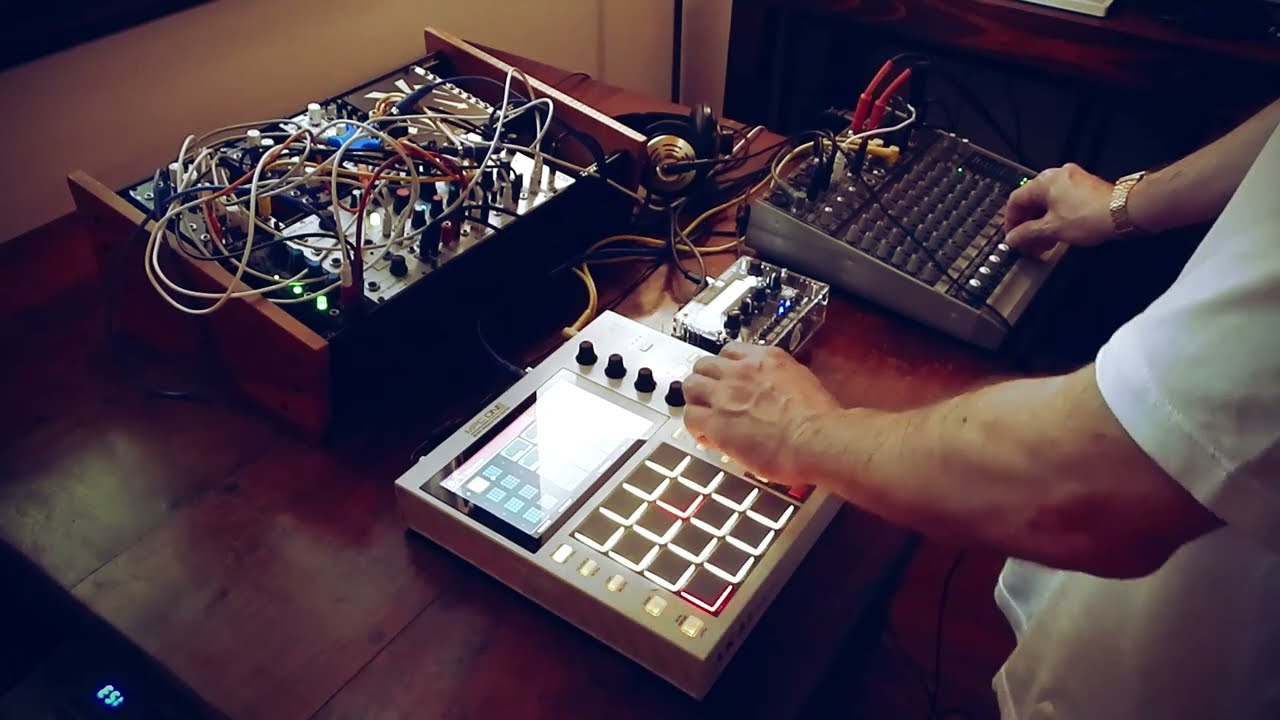
Microesfera takes the MPC One out for an elegant performance
8 Likes
So, i started up my MPC to create a beat and wanted to tune in on the delay pro plugin. I think i’m missing something (visuals)?
Edit:
So i removed the folder of delay pro, and then after it reinstalled again, but still the same.
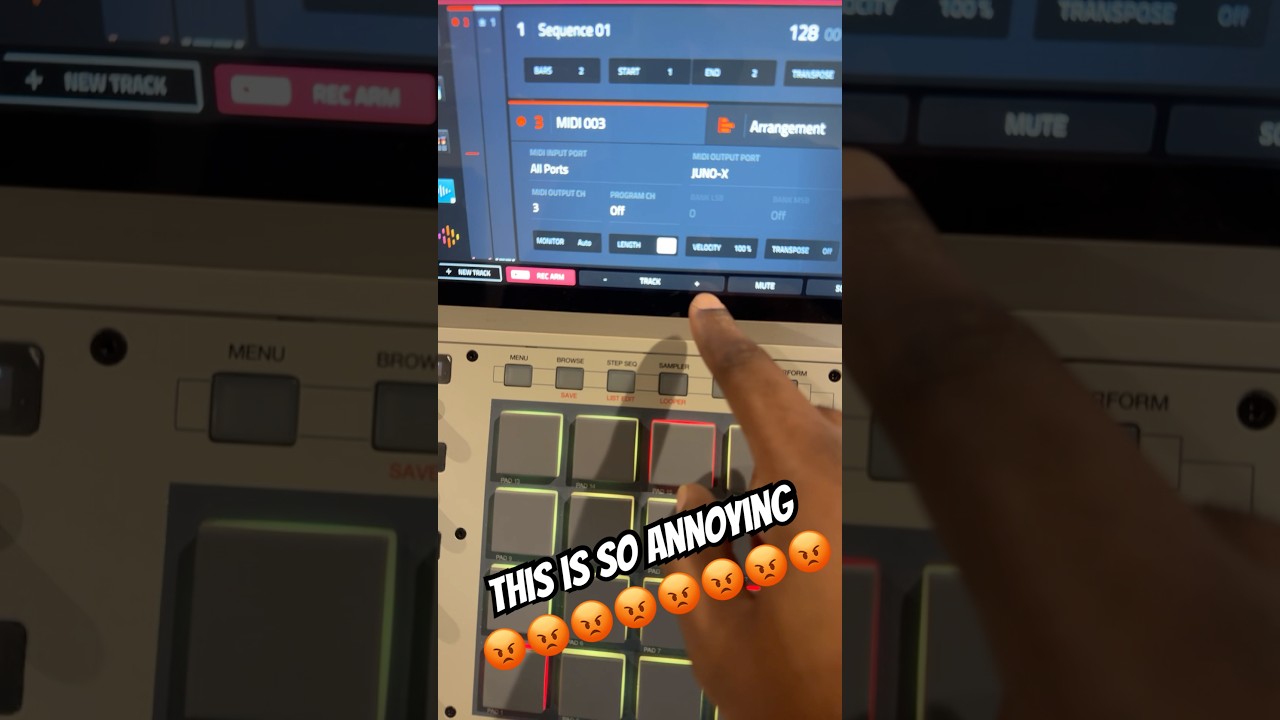
Every time Bolo says “it’s cool”, it sounds like he’s saying this is definitely not cool 
2 Likes
I don’t get it. He used to be able to touch one button on the screen and then select the type of track it would be…. But now he has to touch one button on the screen and then select the type of track it would be.
5 Likes