Hi, new with AH FX, is it possible to have several overbridge in the same session of Logic Pro?
Thx

Nope
Is there an equivalent to the digi-boxes’ save/reload pattern on the AHFX? I’m playing around with the Heat mk2 now, and as far as I can tell, the only way to do this is to save two presets and swap between them.
My main workflow with the Digitakt is to have one midi track dedicated to controlling a handful of plugin parameters. What I really like about this is that I can save the pattern (which saves the midi settings), mess around with the settings, then copy the pattern. Then I can reload the pattern to hear the original settings, then paste the copied pattern to hear my new settings, and go back and forth that way.
1 Like
Same
No, that would be a cool feature though.
2 Likes
H-90 yes
Just went in for deep exploration of the envelope follower. Do the older Heats have that too?
This device just sounds better every day!
I love it when I get gear and like it so much I keep thinking I should’ve gotten one sooner.
I feel like I’m finally learning how take my track from 90% to 100%
Tracks I’ve struggled with for a while are finally shaping up into something proper.
Got a gig booked in a month so I’ll certainly finish a new set.
Time to break out the Motorik heat
5 Likes
Nope. I’m missing it as well it’s definitely something I think Elektron should add.
1 Like
I keep wishing it would have 4 inputs.
So I could use 4 inputs on OT for synths etc and plug that and Rytm into the Heat, for the compressor and master filter that currently sit on the OT master track.
2 Likes
Click on FLOW+HEAT buttons, hit yes, you’ve reloaded your preset.
Long press on FLOW+HEAT, it blinks, you’re ready to save your preset.
2 Likes
Ahh, that’s pretty much how it works on the Heat mk2, except you just turn the clicky encoder to select a preset to load, and long press it to save a preset. It works, but it’s cumbersome compared to a FUNC+YES to save a temporarily state, FUNC+NO to load the temporary state, and FUNC+COPY to put the current state in a “clipboard” like you can on the digi-boxes.
1 Like
You get used to it, with time. Make sure you don’t mix them, or you’ll mess with your patches. There is no visual feedback (yet).
So keep in mind that quick press = LOAD, so that you can do a quick reload.
A nice aspect of it is that you can “prepare” your reloading by pressing the two buttons, and simply hit one YES button when you need the reload to happen. It lets me be slightly more precise, I feel.
2 Likes
This thing can really dial in the sweet spots with the filter!
I made a tune in Ableton this afternoon and decided to pipe it through the heat. Whilst doing some high pass filter sweeps and being careful not to go too mad with the resonance I was finding some right throbbing bottom end power in places and just leaving there for a while to cook 
Can really play that filter 

Playing live Sunday so thinking of taking it with me and putting all my tracks on an SP and have it all go through the Heat…
Also love firing things into that reverb send like Ricky Tinez showed in that last video him and Mario did 
Not had time to experiment lately but get this set out the way and I’m gonna pair it with the Syntakt and go seriously bonkers with it on a midi track or two.
Love it!
2 Likes
More or less. You can find the guide on my DT, DN (and soon ST) cheat sheets.
2 Likes
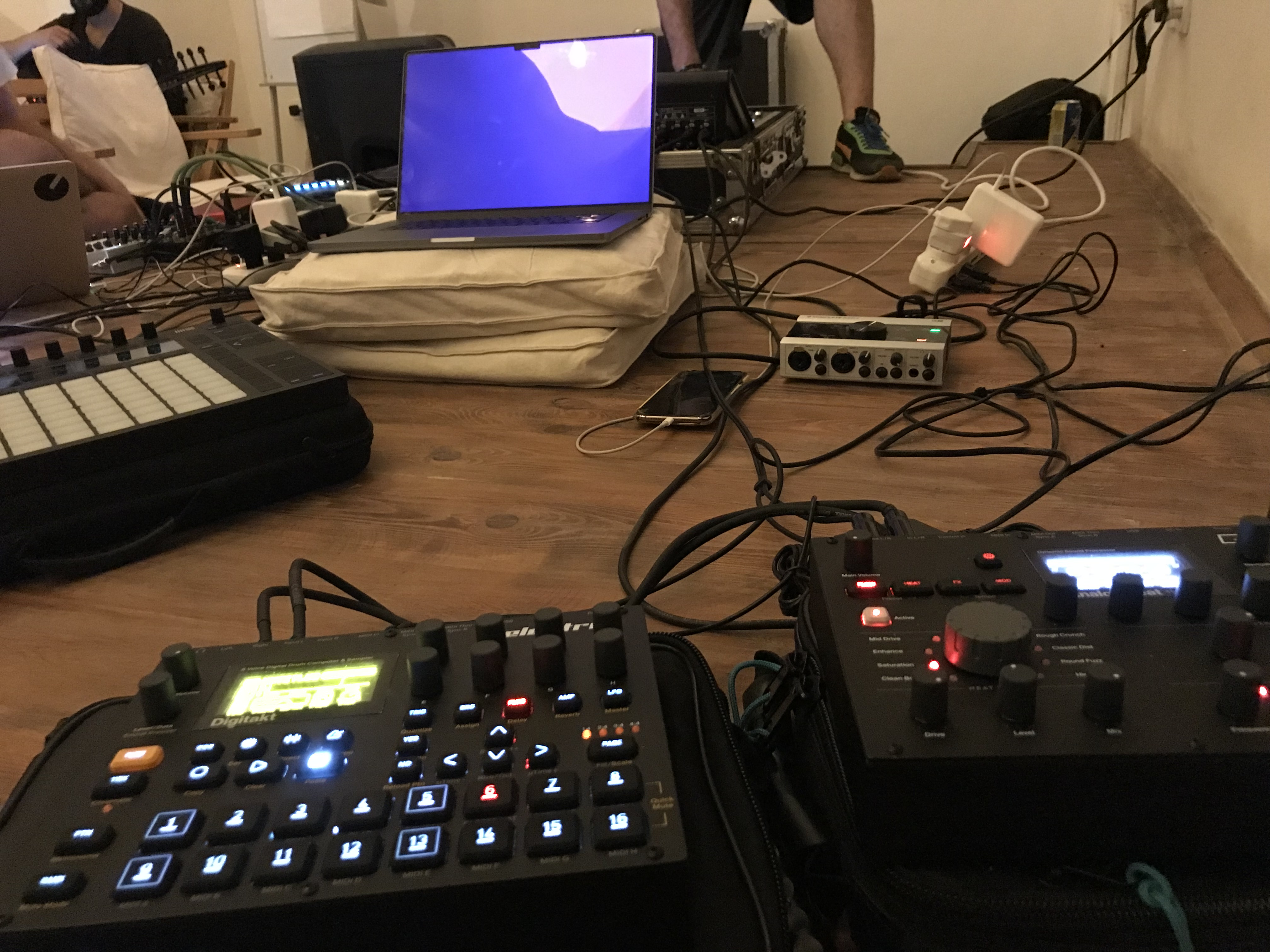
Off-topic : Still using that AudioKontrol sound card ?
Had to use a Russian patch in order to use it.
1 Like
I have never used a Heat, so this question may sound a bit silly. Can I send and process audio from an iPad and e.g. an AR at the same time to the AH?
not mine! neither was the brand new Push 3 
1 Like
First time using the analog heat on my master. Not using the Fx block on this one. I have to say I love how it sounds 
https://www.instagram.com/reel/Cs6yZtMgTXB/?igshid=Y2IzZGU1MTFhOQ==
2 Likes