Mix page can be locked to scenes…so probably p-lock works too.
2 Likes
MkII out for delivery!!!
3 Likes
You are responsible for letting me open this can of worm through your very good tutorial 
Thanks a lot.
1 Like
Nice, thanks for watching.
I’m glad it helped you 
2 Likes
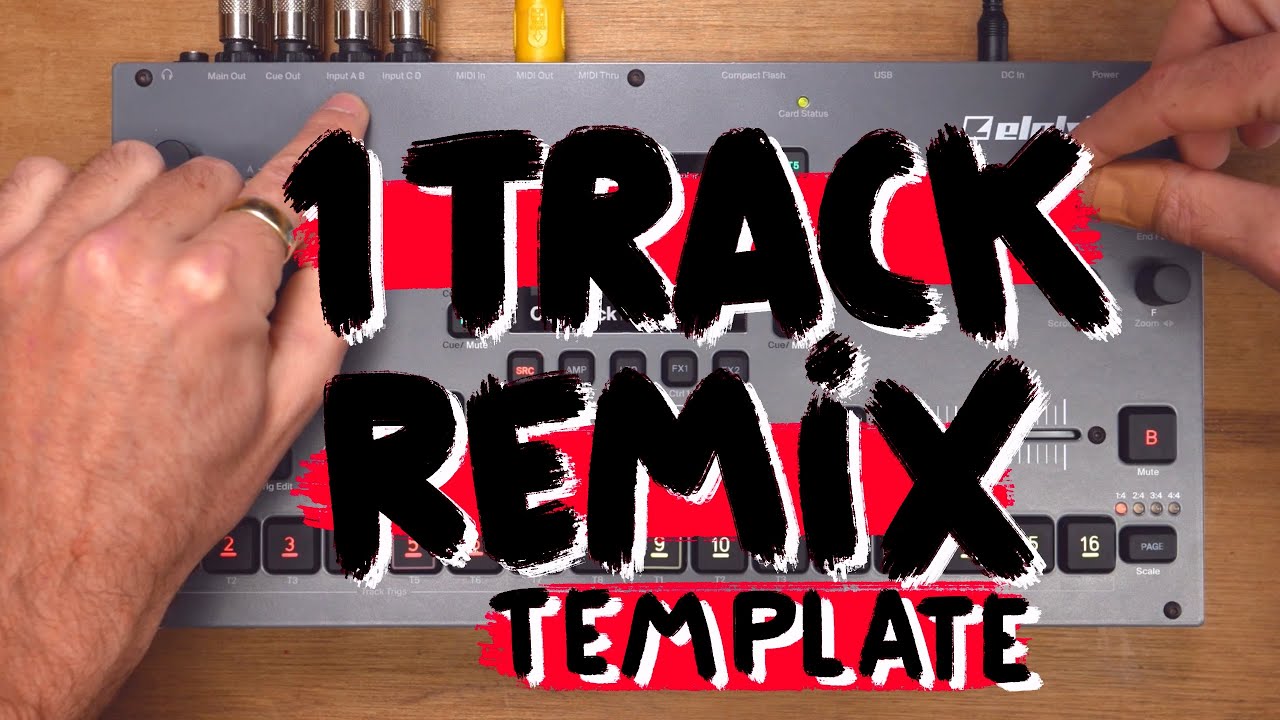
It did indeed as I was basing my workflow for resampling live on EZBOT’s template.
Though now I am a little confused as your way of doing things is having me wondering if it would be possible to achieve a direct resampling but not of the inputs (ABCD) but only internal (T1-T8 or Master).
1 Like
If you want to resample various internal tracks, I think you would have to use multiple recorder tracks. As you can only select 1 internal track as REC3 source (or cue/master of course). But you certainly can sample only internally, if you like.
1 Like
Satan’s sweet anus I’m about 2 hours in and OT is exceeding my expectations and I haven’t even sampled direct. Loading samples was easy. Much left to explore.
Oops I mean, “octatrack sounds thin and flat”.
4 Likes
Thanks for this. Now subscribed. I do wish he had a play list in order to follow. After 1, 2, and 3 it is hard to decide on a best path.
1 Like
They are pretty technical for some of them but yes the knowledge this man has on this machine is very impressive.
EZBOT, TheMessyDesk would also be of interest. Not forgetting about @SonWu
3 Likes
Yeah, although Max’s videos often times focus on sound design and musical techniques so that has made them v helpful and interesting for me.
EZBOT’s videos are superb too and they deal with the kind of structural and therefore for me more agonising aspects of the OT. I have been watching those a lot lately and find them very helpful.
2 Likes
I haven’t read the full stuff, but for the price, why not.
5 Likes
I’m in the club of picking up an Octatrack in the last month. I’m smitten with it but there are two things that I can’t find an answer to:
-
when using recorder trigs (one shot or not), sometimes recording just won’t start. And then… eventually it just does. Are there conditions that stop it from recording that I’m not getting?
-
similarly, Thru tracks sometimes just stop passing audio, even though a have a trig on step 1. Does this happen for anyone else? Again, it just starts working again randomly.
I know these are both user error!
- One shot trigs need to be armed before they do anything. Multiple one shot trigs means arming will activate only the next one shot trig.
Are there any conditions that make recorder trigs not record? Yes, if your Part contains no recording source, it wont record anything. So be mindful of your Parts.
- Similar for Thru machines. Check Parts, Also check amp settings, trig conditons, one shot status, lfo ,scenes etc.
1 Like
- Sounds like you’re sometimes hitting [Stop][Stop]. When you do that, all sound stops, and also the Thru machines close. You need to play their trig again to open them.
2 Likes
This option can also be turned off in Peronnalize.
2 Likes
Question for the usual suspects, ie the knowledgeable
I have a flex track (a recorder buffer) which I am using to sample stuff on the fly. I then usually create a slice grid/random locks.
How do I save the output of it? Including all settings (ie slices retouched etc…). I have tried to save it (save settings as well as save and assign) but it does not seem to act it as I would like to, ie when re-importing the sample on a different flex track, it is the original sample before slicing…
Would I be better of resampling it on a new rec buffer and then save it?
Edit: barely 2 months with the OT and I am having a blast with it. I am using it mainly as a live sampler (ie on the fly) for external and internal sources. There is a lot to find out about this machine and I am not sure why I was so scared of it
1 Like
My friends, do I need to use a different part to play a another loop on the same track/different pattern?
Yes
2 Likes
My suspicions have been confirmed. Thank you.
And I can assign parts to patterns so the parts change automatically with the patterns?
1 Like
3 layers:
Recorder tracks
Audio tracks
Midi tracks.
Record a sample with the recorder track. Save it to the flash card. Load it to a flex machine. Slice it. Save settings.
Now any time you load that sample to any machine, any track, any project, those slices will be recalled, provided you have slice mode on.
Note: you can record a sample, and leave the sample in RAM, ie: not actually save it, if you’re feeling decadent. But you can only play it with a flex machine.