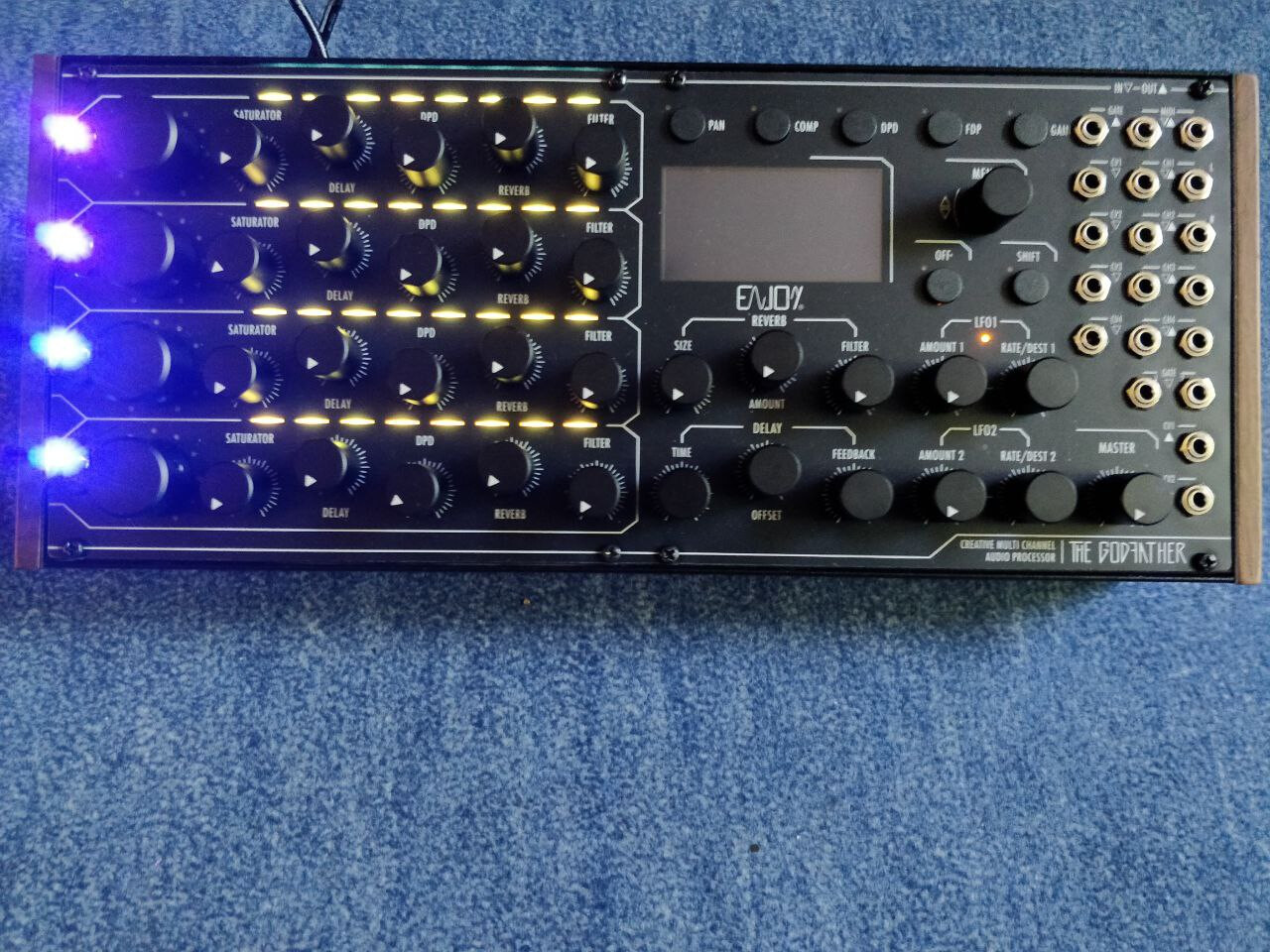
Hello,
Could you explain what are the problems with MIDI sync?
I am considering buying the Godfather but if it doesn’t sync perfectly via MIDI it has no use to me.
Thank you i advance!
Hello,
Could you explain what are the problems with MIDI sync?
I am considering buying the Godfather but if it doesn’t sync perfectly via MIDI it has no use to me.
Thank you i advance!
Hi pal,
I’ve bought mine for 826€ back in June 2022 when it’s been on funding still.
The price has not climbed to the announced 1149 since then (I think the future price tag was set to 1050 back then but could be wrong).
It’s been lower (I think at today’s 976) since then so it’s not a Black Friday thing.
As I’m not part of the company, I cannot say how long it’ll be until it goes up eventually though.
I’d guess you’ll be fine waiting some weeks; However, if you plan on getting it soon anyways and borrowing the missing money isn’t an issue - as well as paying it back - you might as well just go for it now and be safe at 976.
Heya,
Sadly, MIDI sync is a real issue still.
When trying to sync GF to an external MIDI clock (I’m using DT which is super reliable), it will show the correct BPM (or pretty close to it) and it’ll run in sync a couple of cycles. However, it’ll always drift out of sync very soon rendering this option useless.
When trying to sync another MIDI sequencer from the GF MIDI out, nothing works really. I couldn’t make GF send out any MIDI clock whatsoever.
I’ve wrote enjoy electronics about it and really hope that this issue is being addressed soon.
The only way I’ve found to get my digital/MIDI machines (DT and DN) and my analogue/CV machines (Moog Sound Studio) to sync tightly is using a workaround with a DT MIDI sequence set up to send out a low and a high MIDI CC value which go into M-32’s MIDI in where they are converted to high and low CV values (=clock pulses) and are sent to all machines via M-32’s assignable output - see here:
It needs some setting up, and you can’t simply switch to a new pattern on DT if it doesn’t have that MIDI sequence prepared. Once set up, it does work very tightly though.
I’m kind of surprised to read that about the MIDI clock - I’ve got the RemindeR and have used both MIDI and USB for clocking and it’s been fine (this is from DAW though not from other hardware). The RemindeR will even act as an audio device via USB, but it can’t output audio via USB (it can only input via USB for some reason) so it’s kind of a moot point.
I’m sure this is easy to look up but the audio inputs on the Godfather - are they TS or TRS and are they line level?
I am astonished by your review. My use case would be the Torso T-1 Sequencer clocking my Analog Rytm MK1, which would send T-1’s clock to GF with MIDI THRU so this wouldnt work.
But can you clock the GF from an analog clock?
Because T-1 also outputs GATES and CLOCK SYNC. This would solve the problem but man…I don’t know…almost 1k euros for a digital device which can’t be clocked by MIDI seems like a huge waste of money. I was really on the fence but this put me down completely.
Damn, that’s a real problem. I wouldn’t get one now until it’s fixed. Is that all units? Maybe just yours?
Yeah I really don’t get it why MIDI clock isn’t working but good to hear they managed to get it set on their older device.
The audio ins are TS and can handle both line and eurorack level (there’s a gain setting to adjust accordingly).
Yeah I can totally understand that you’re reluctant to get it as long as the MIDI sync issue hasn’t been resolved. It really does annoy me too.
Overall, the GF firmware is still somewhat in beta - they say they still work on integrating / accessing an integral part of the internal memory or something like that.
Clocking GF over gate does work. I think there’s some flutter but I guess that’s normal? Can’t tell exactly as I only use GF as master in my setup.
That said, however, the GF is still extremely valuable to me as it turns my Moog Sound Studio into a complete system without any need to go down the modular rabbit hole. And my workflow really is either all Elektron or all Moog at the moment.
Good question but I’d be surprised if it’s only me. Pretty sure enjoy electronics would have told me if it’s not with everyone’s after I wrote about my issues.
@evenmind has your midi issue been resolved? I could see this replacing several of my pedals, but the broken midi clock would be a dealbreaker.
I don’t know if they resolved the issue but there’s a new FW update coming.
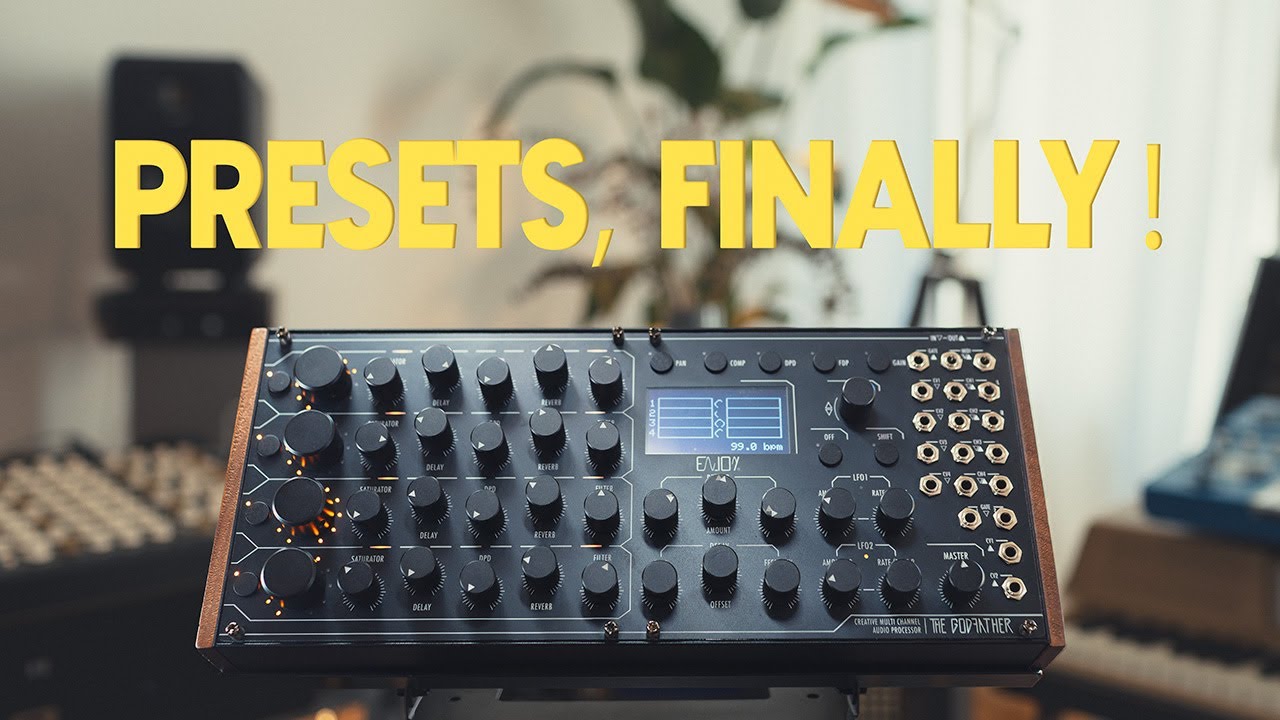
As Tchu said, we’re still waiting for a new fw to be released. Oora doesn’t say anything about improvements on midi unfortunately.
Once it’s released and I find the time I’ll check and let u know.
From the London Synth and Pedal Expo. They talk about the new firmware update.
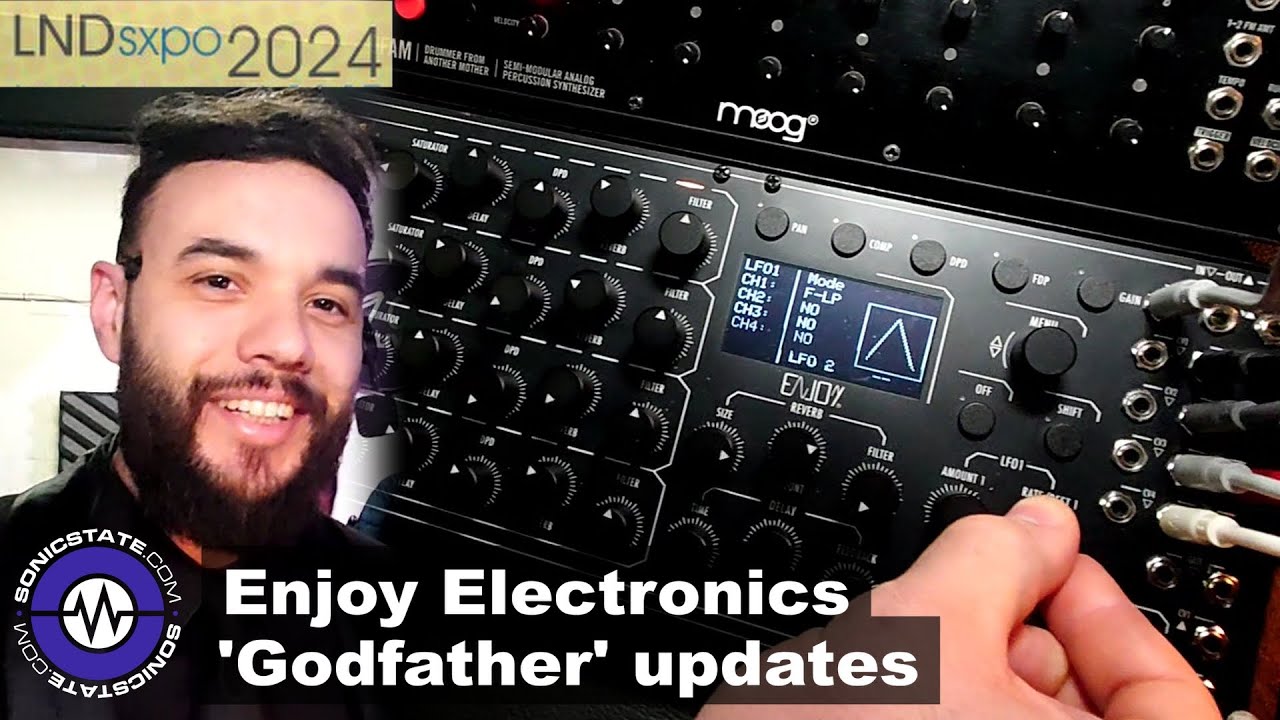
You can save presets now, which are also available via program change, and there are new LFO controls available, as well as several other improvements.
Firmware 1.6 has been released, along with the required bootloader update.
https://enjoy-lab.netlify.app/
Changelog
Yeah, I’ve actually installed 1.60 and only did a short test run on external midi sync (from DT) - it wasn’t good. Better than before but still drifted out of sync after some minutes or so.
Might give it another shot tonight while a friend is around for a jam.
UPDATE: Problem solved eventualy. There must have been a problem with the Update-Server or something not working as it should during the Update-Process!
In the past I always had problems upgrading the firmware, but eventually achieved the goal.
Today I upgraded the firmware (version 1.6) and everything went fine, compared to the times bevor. But ultimately the upgrade failed and killed the Godfather.
I have many electronical devices, such as synths and processors, and always enjoyed taking the risk of supporting small nich companies, such as Enjoy-Lab, beetlecrab.audio, Torso electronics & Co. Reviewing the months I have had it and used it, the Godfather is the first device, that failed my expectations along the line.
Sometimes you win, sometimes you loose  .
.
so as it sits now you’re saying that even after the update went fine, it is now no longer working?
No, that is a missunderstanding. I tryed again a bit later and the update went through. The Godfather now runs on firmware 1.6- 2.
What the problem was, I don’t know. Either a problem with the Update-Server, or a fault during the Update-Process.
ok so all is good, I’ve been thinking about this one alot
I just found the new manual for the Godfather V 1.6 on the webseite of Enjoy Electronics written by Synthdawg [https://www.enjoy-lab.com/_files/ugd/7513ab_816a46108ea748259b51c71d98f31d16.pdf]