chrono pitch with HPF all the way up and LPF all the way down, ramp LFO to wet/dry
2 Likes
How to play drones
Amp Envelope: RELEASE = INF
Page Setup: RESET = INF
Nothing new so far, but there are a few more things to consider when it comes to the TV:
- In a Single Player, a loop must be active. In addition, FUNC+TRIG must be used to set LOOP MODE to CONT.
- Because the LOOP MODE option isn’t available in Multi Player yet, you have to use Multisample Architect to enable the correct loop mode (which works only with your own multisamples, not with autosampled stuff or factory samples, because their single samples are chained):

5 Likes
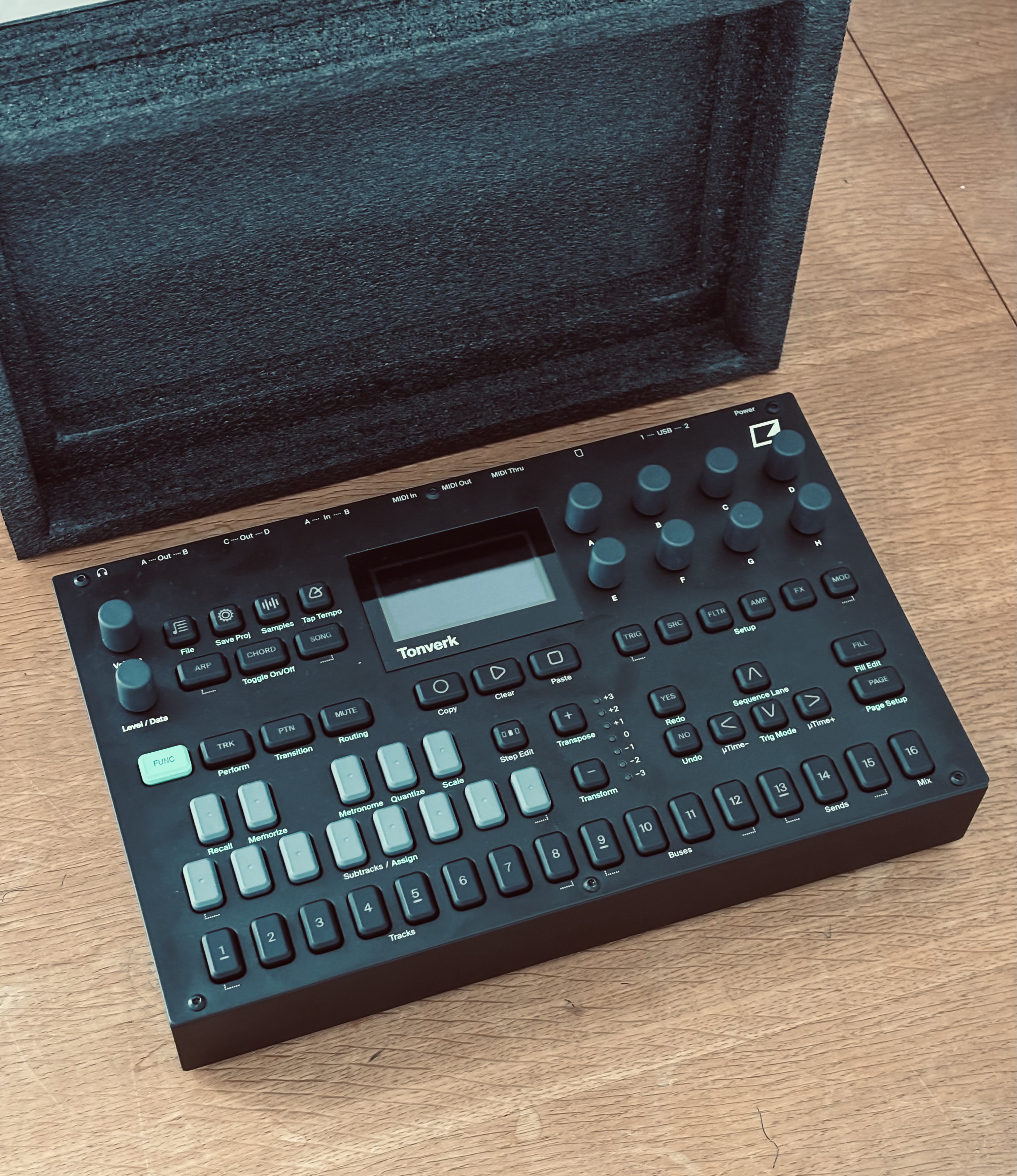
I utilized the box on a couple of flights this week. Held up well, though it is still possible for the encoders to be pushed in. Was great in a pinch.
That’s what I’ve been using while I wait for the official one to arrive.
You can also individually micro-time each separate note on a step
this sounds great.
Chrono Pitch, 100% wet with a small pitch offset, no feedback and smallish window on the master (or a bus) makes for some great kinda Andy Stott style slightly fucked up sound with the right input, and is super fun to tweak
Little example here, the first loop is without the effect on, then I turn it on, then mess about with feedback and window a bit while the kick is taken out.
13 Likes
I was shopping for a decksaver and hadn’t even thought of doing this, thanks for saving me some bucks 
1 Like
Should be possible to cut out or punch out a shallow indentation for the encoders?
Thank you, I cancelled my decksaver order cause this works great!
2 Likes
I’m still using my foam as a DeckSaver since they didn’t know how to properly make the PL-5 that I ordered.
1 Like
Made a bit of an off-topic post in the OS thread, but if anyone is annoyed by the lack of renaming options when multi-sampling they can try the following:
Plug your iPhone into the TV via usb-c, go into Settings, USB DISK MODE, and in Files go to Tonverk>User>Multi-sampled Instruments. Browse to the randomly named folder, then rename only the .emulti.
This might break stuff if that instrument is already used in a pattern. I haven’t tried that.
2 Likes
Doesn’t seem to work for me. Corrupts the multisample.
Yikes. What does it say (if anything?)
To me sidechain is not working, anyone? When I select from the mix compressor I can selected the track the compressor works but I don’t have any SC input.
I think you need to use a compressor on the bus tracks or mix track, not add a compressor on track 1-8
1 Like
yes SC works only on mix compressor by the way I managed to have it working but there’s not any visual feedback as on the other machines like DTII
1 Like
Yeah that visual indicator next to threshold on DT2 is super useful, would be great to have it here too
3 Likes
Subject: You can basically do Syntakt FX Scenes on the new update!
Hi 'Nauts,
I found a cool workflow trick. After the update, you can use the Bus tracks and Master channel to create momentary FX scenes, just like on the Syntakt.
The trick: Simply place trigs on the sequencer with a 0% chance condition. P-lock your effects on these trigs (e.g., one trig for huge reverb, one for distortion). Keep one trig locked as “dry/reset.”
To perform, just hold the trig and press YES (Preview). It allows you to punch in FX scenes manually without messing up the running sequence. Hope this helps someone!
14 Likes