It’s not very obvious in the UI, but each Subtrack has their independent own two Voice LFOs (with 8 Subtracks, that’s 16 LFOs  ).
).
10 Likes
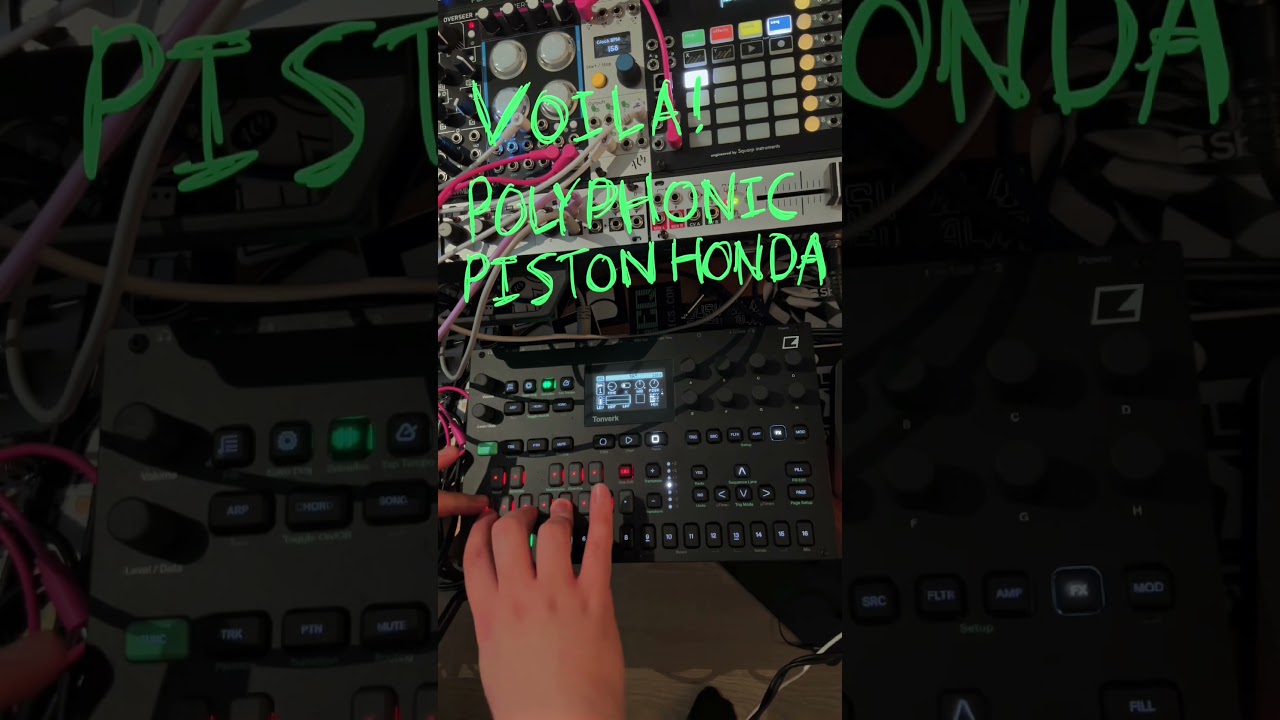
Based on a technique I’m using on my DTII (and TV) I spoke about before, but now polyphonic on the TV
Video by tafony
7 Likes
Does anyone know how to program long time-synced LFO sweeps? (eg. a low-pass filter opening up over 8 bars). On the DT2, I would use a ramp LFO with the trig-mode set to ‘ONE’ - then p-lock LFO.T on the first trig only, to initiate the sweep. But I can’t find LFO.T anywhere on the TV?
Looks like LFO.T is gone, it’s not even in the settings (where you could not plock it anyway).
Maybe set up a bus track, add a filter, set FX-LFO to TRIG and place a trig on the first step of an 8-bar loop (SPD=16, MULT=1 when scale for the bus track is not modified).
5 Likes
tysm  actually works better bc I’m not sacrificing LFO.T for all other steps
1 Like
Sorry if already mentioned : you can use insert FX and FX send on a midi track controlling external gear receiving its audio. (Not possible with other Elektrons)
Set a midi track with FUNC + SRC in order to control external gear.
In MIX track (16), SRC page set IN A/B ROUTing to the midi track.
Set FX…
4 Likes
That’s actually pretty cool and will be an awesome feautre as soon as the latency issues get resolved (hopefully in 1.0.2)
Is there a way to copy and paste the first subtrack over the rest of them so I can quickly have a set of the same sample to play around with? Sample browsing is really letting the Tonverk down for me.
Wouldn’t you do this step in the Routing page? I think I might be missing something.
I would if I could. Did you see In A/B routing in Routing page ?
Is there some way to plug, say, a monosynth into input A, and then route that so it outputs to both sides of my headphones and/or speakers? I poked around all the menus and couldn’t find an obvious way to do it.
MIX track, SRC menu, set A input panning to center position, done
2 Likes
Ah, right. Was away from the device.
1 Like
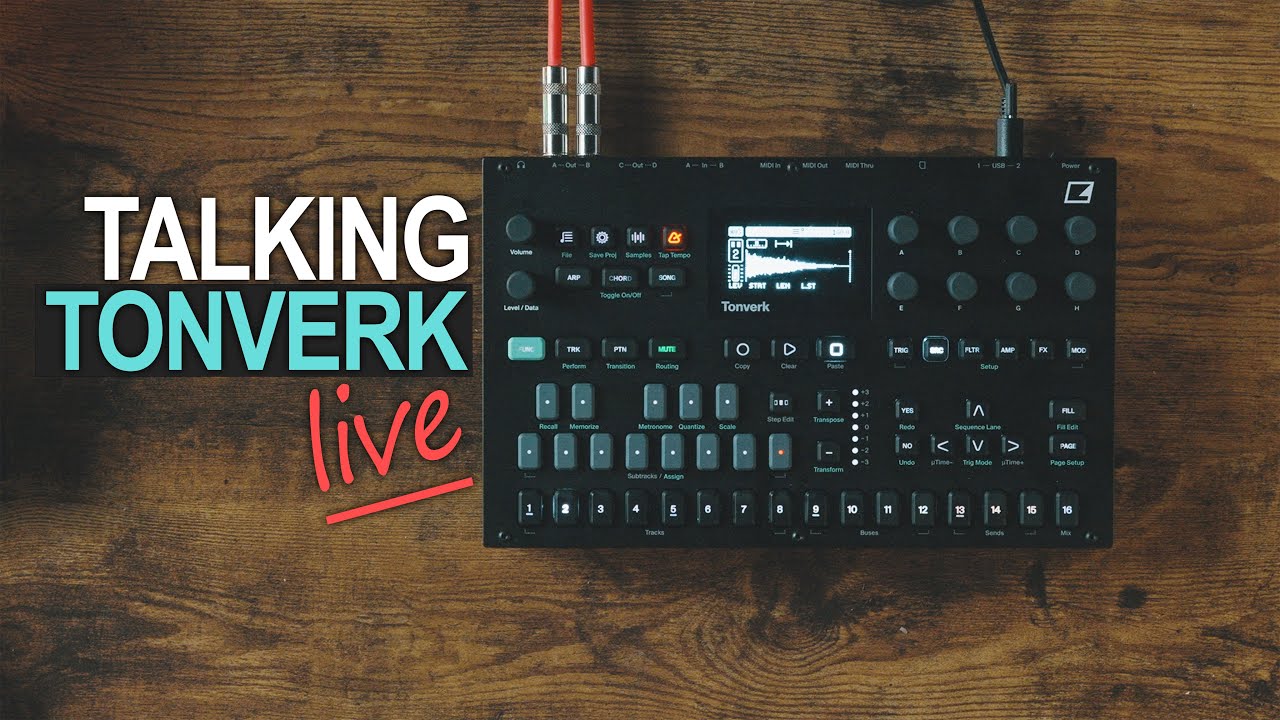
Just watching Ezbots chat with Mario at Elektron, and this tip about creating a second oscillator with Chronopitch looks handy. (timestamp.)
4 Likes
You can power the Tonverk with a MacBook charger. Also, you can use the second usb-c slot to power a midi device such as the Arturia Minilab 3, though you still need to use a midi cable to send midi (haven’t tested any other devices).
2 Likes
Yeah, that’s great. I use the TV’s 2nd USB connector to power my Micromonsta 2 which has no own power switch. In this case, that’s two advantages in one  .
.
3 Likes
Microtiming in micro increments
You can get insanely subtle microtimings by holding trig + left/right to enter the microtiming menu, and then pressing up or down for smaller increments. Instead of the usual 1/384 on other Elektron devices you can go as subtle as 1/1920.
18 Likes
This was a very nice surprise to stumble across:
When an LFO is in HOLD mode, FADE now actually works! Great to have control over a param’s fade-in/out amount with static/held values.
8 Likes
TRIG length 128 = 8 x 16
There is also no TRIG length INF. And AMP:REL INF does not work. After 128 TRIGs, you have to restart the sample anyway. I hope this behavior will be adjusted!
2 Likes
I’ve got to say, I’m really loving the Chronopitch. I’m getting what I can only describe as a “glittery bass” and it’s a sound I’ve never heard in music before.
7 Likes