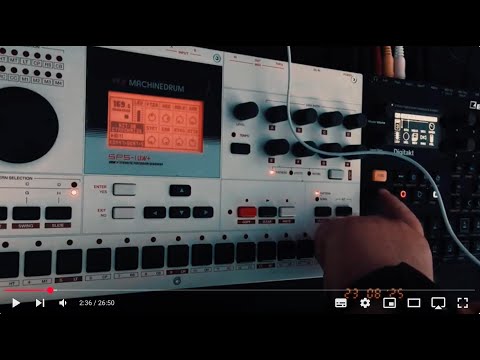
The Machinedrum Chronicles 17 - MIDI (CC) for live trigger, parameter manipulation, and extra LFOs and envelopes
TL;DR
- Machinedrum MIDI powerful, different from later Elektrons
- Base channel + 3 → control, notes mapped to keys, no chromatic play
- CCs spread across 4 channels, tons of remote control
- Use Digitakt/other sequencers for polymeter, polyrhythm, conditional trigs
- Extra tricks: independent phrases, chord progressions, trig-less modulation
- Bonus: add LFOs/envelopes via Digitakt MIDI tracks
Introduction
Hello, this time it is text first and video second (if at all). I just want to report a little bit on my findings of how MIDI works in the Machinedrum and how this can be utilized.
The MIDI implementation of the Machinedrum is vast and extensive and it differs in certain important ways from the MIDI implementations of later Elektron developments.
The manual of the Machinedrum has a very important, detailed, in-depth appendix where everything is described in a short form and in tables and this also includes a lot of SysEx commands which will not be the focus of this entry of the Machinedrum Chronicles.
Here, I want to focus on things that non-engineers can achieve with MIDI sequencers or other MIDI signal generating machines like the Digitakt or Octatrack.
In some paragraphs I describe in more detail the procedures to set up the controlling machine, in this case the Digitakt. It should work in a similar manner in other machines like the Octatrack or the Syntakt. The Digitone also has a really powerful MIDI sequencer. I remember that one being more complex and different. However, I’m pretty sure you can achieve the described results with the Digitone as well.
This is my first impression and how I understood it in the experiments and tests. If there’s anything wrong, please do correct me in any case.
Important basics
Base channel plus 3
What I understood so far is that there is a base channel and that the base channel plus the next subsequent channels are used to control the machine remotely. This is different from, for example, the Digitakt, where every track can be set to its own channel and there is an additional base channel for receiving general commands.
The base channel of the MD (x+3) can be set in the global menu. I set it to channels 13 to 16 in order to avoid collision with other MIDI signals because these tracks are used less often.
Midi note trigger
The MIDI notes are triggered like in old school drum machines from a map where every instrument is mapped to a certain note. In the setting that I found it is set in a way that the 16 instruments are equally dispersed over the white keys of roughly two octaves (I need to look up what the lowest key is).
You can trigger (the same) sounds from all of the 4 set MIDI channels, which is an advantage for certain applications, which I will come back later to.
This is different from other machines, as already described, where every track has its own channel and you can also use different MIDI notes to play instruments chromatically. This is not possible in MD. If you want to have a different pitches in MD you need to alter the respective tune or pitch parameter.
Midi CCs
In the appendix of the Machinedrum manual, there is a list of all parameters that can be set remotely from other machines. There are too many parameters to fit into the CC range of a single MIDI channel. That is why (I think this is the reason) they are distributed over all 4 receiving MIDI channels of the MD. You would need to look up the CC number of each parameter in the table (MIDI base channel + x {0, 1, 2, 3} and CC number (given in hexadecimal and decimal numbers - very convenient).
Use cases
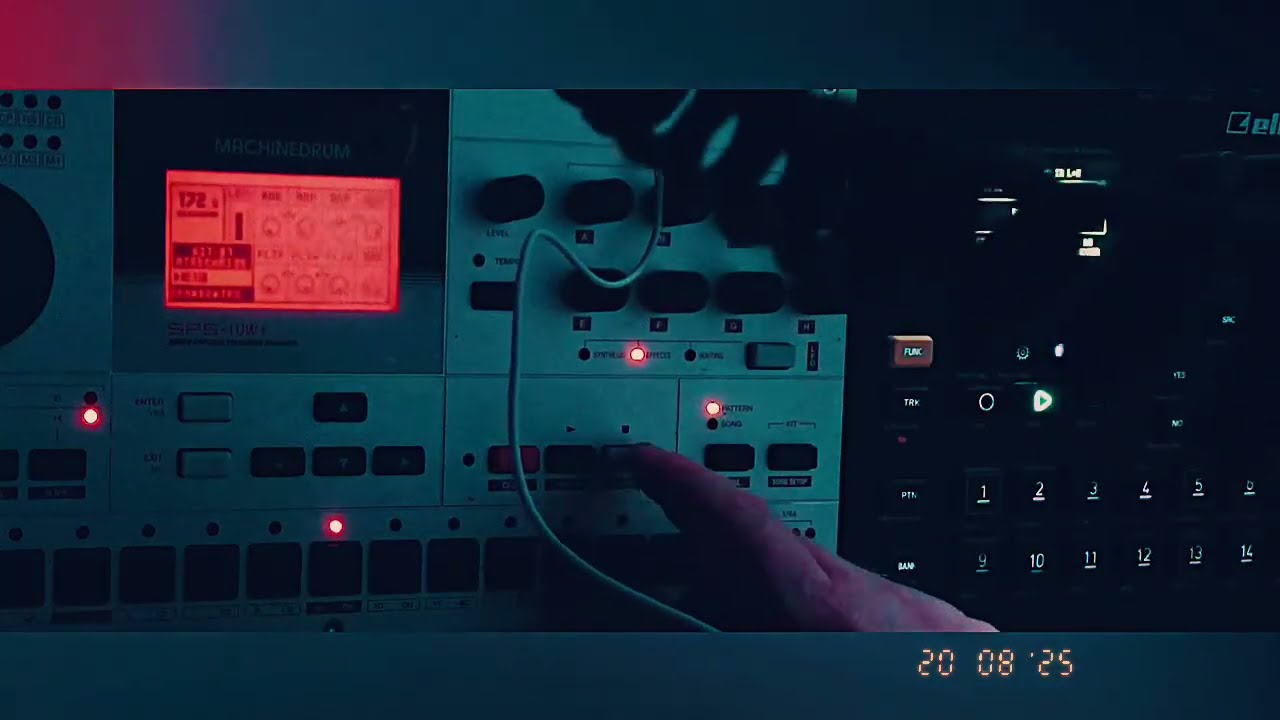
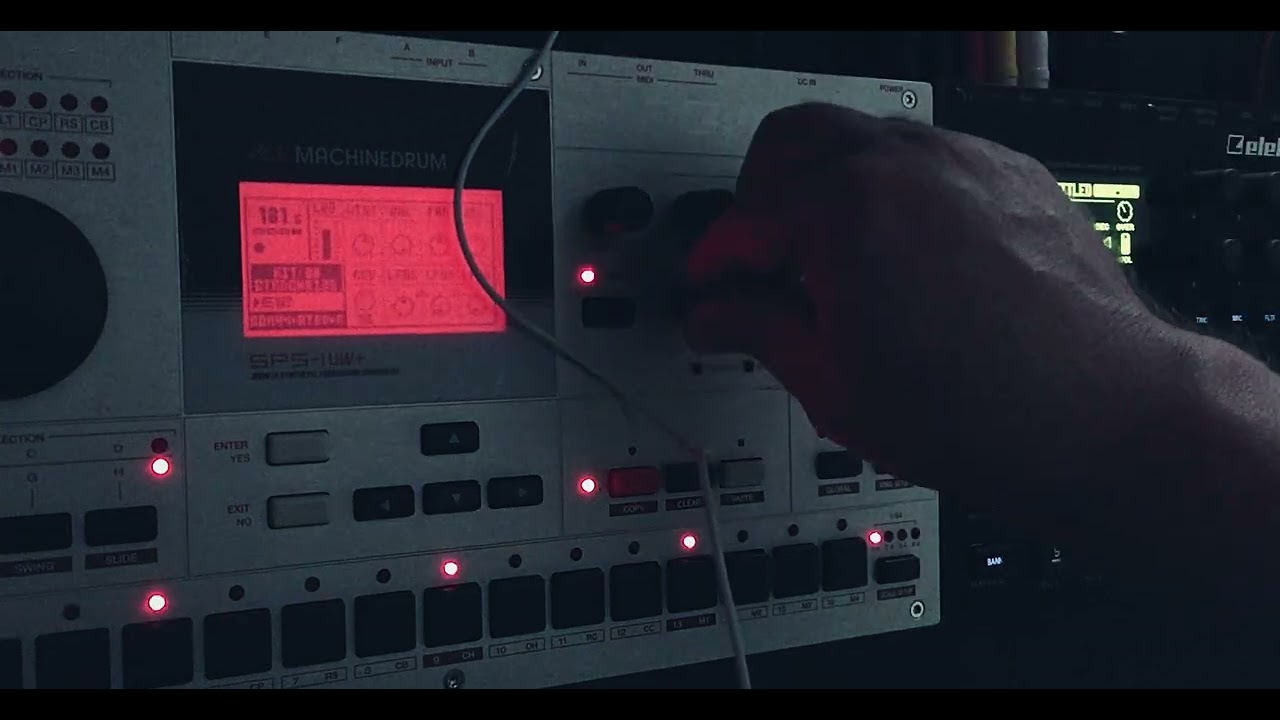
All of the following use cases can be explored with a fully coupled (audio out MD → audio in DT, audio out DT → audio in of MD; MIDI out of MD → MIDI in of DT; MIDI out of DT → MIDI in of MD; one machine set to MIDI master clock, one machine set to MIDI clock slave) pair of one MD and one DT.
Polymeter and polyrhythm
The MD sequencer has no polymeter (different number of steps per track) or polyrhythm (different division to steps per bar) functionality yet. These are later developments in Elektron sequencers and work for example in DT (polyrhythm in DT still limited but this is another topic).
With triggering the tracks you want to set to another track length different from 16, 32, 48 or 64 from the other machine, in this case Digitakt, it is possible to have all the polymeter and polyrhythm goodness we have come to be accustomed to (and which are essential ingredients for some types of electronic music).
Use the conditional trig-possibilities of later Elektron sequencers in MD
The same is true for conditional trigs, the simplest application being saving programming work for impactful techniques like a clap that is played only every 5th bar. (The logical NOT-trig condition, which is even more useful, does, to my knowledge, only exist in DTII (and maybe DNII)).
Dial in phrases, fills, melodies, transpositions independently from base pattern in MD
This is another basic concept that makes work easier every time you work with a pair of machines with sequencers. It lets you run through the basic rhythm at the main machine and fly in phrases, fills, melodies, etc. from the other machine.
This also makes it possible to have melodic transpositions (e.g. for chord progressions). This is easily achieved with DT using let’s say 4 midi tracks for the same sound and use conditional trigs so that the first MIDI track is played every 1 in 4, the second every 2 in 4 etc. That way you can have pretty long chord progressions in rather short patterns. This can even be extended by setting these tracks to run slower in the scale setting (FUNC+PAGE).
There are two ways to achieve transpositions.
- One is to program the melody in Digitakt and also program the transposition like I described in the previous paragraph.
- The other one is to program the melody in the Machinedrum and the changes via CC parameter trigs from the Digitakt.
- However, as far as I understood it, it is (in most or all machines in MD) not possible to set a base note with p-locks and then alter the pitch via parameter (like it is possible in the Digitakt) because of how the Machinedrum is conceptualised. So this might be a limited approach, but could still be useful in certain cases—especially if paired with newer Elektron machines like the Digitakt or Syntakt.
Modulate parameters individually and independently from trigger (trig-less)
Set up the DT for controlling MD via MIDI
With the MIDI tracks on the Digitakt this is rather simple, however it’s necessary to understand how the Digitakt needs to be set up (and this is not really intuitive): you need to select the respective page (there are three important pages on the MIDI tracks for the Digitakt, selected via the buttons normally used for filter etc). In the first page you select the MIDI channel. You need to activate it by pressing FUNC and simultaneously depressing the encoder (A) (!).
If you want to use other parameters like pitch bend etc. which is on the same page, you also need to press function and depress the respective encoder to activate it. The settings that you can dial in here are the basic settings for the MIDI track.
The next two pages are for selecting the parameter you want to control - also with the same method, and I believe (I will check this later) that in the third (!) page you select the number for the CC to be controlled just by rotating the encoder (A to H) to the respective number you dial in the base value in the second screen.
Programming trigs and CC modulation
Now you can program trigs. You will have to set the MIDI note of the trig according to the instrument that is mapped to that note. You can trigger up to four independent notes at once. So it’s also possible to program a simple drum pattern from one MIDI track. Be careful because some MIDI notes are set to select patterns on the machine drum.
You can also make trig-less trigs, I think via pressing FUNC and a trig button while you’re on step record mode. They will appear yellow then. This could have advantages if you want to alter sounds via the machine drum sound parameters while the sound is playing.
However, if you want to make a polymetric modulation, like the filter settings follow a different pattern than the repetition of the pattern of that instrument on MD, it is needed to set the trig on the Digitakt to a MIDI note that doesn’t trigger anything on the MD - program CCs (you can select 8 per DT MIDI track) via p-locks on DT that will run along and will follow the rhythm programmed on the MD.
Extra LFOs and envelopes
Now for the really exciting and useful part.
LFOs in Elektron machines can be used for all kind of things including pitch and filter envelopes as one of the most important applications.
The Machinedrum has only one LFO per instrument. One really good thing about the Machinedrum is that you can assign (“steal”) LFOs from other instruments and stack up to 16 LFOs per instrument if you don’t want them on the other instruments (I wish the Analog Rytm would have this). However, this can get really confusing and things can get messed up easily, like if you load in other sounds (copy and paste tracks on MD includes sounds) or change the kit.
So if you wanted, for example, to have a pitch envelope, you can use the LFO of the instrument of the Machinedrum for this (set the LFO to trig and one cycle). And if you additionally want to have the pan to be modulated for that instrument you can use the MIDI LFO from the Digitakt (press LFO button, settings are roughly the same as in first 8 internal tracks of the Digitakt). The MIDI LFO from the Digitakt is slower (maximum speed) but absolutely useful for modulation and also useful for pitch envelopes (or falling envelopes on parameters like SRR). So if you wanted to use triggered LFOs you need to set trigs on the DT, but you can also set it to free running LFOs for other purposes like slow waves of detuning, random modulations and similar effects, etc., and this can also be synced to BPM AFAIR. Sadly, there is only one MIDI LFO per MIDI track in the Digitakt - so in some circumstances you have to sacrifice more of the 8 MIDI tracks of the DT to achieve complex modulation.
Conclusion and personal message
So this is it for this entry of the Machinedrum Chronicles. I hope some of you found some of it interesting or useful. For me and my ears it was really satisfying to explore all of this and I really like the fact that the limitations of MD, or what at first glance might be perceived as such, help to think about the machine and how to achieve certain things and thereby understand the machine better and deeper and come to completely different, complex and sonically very rewarding results. Cheers!