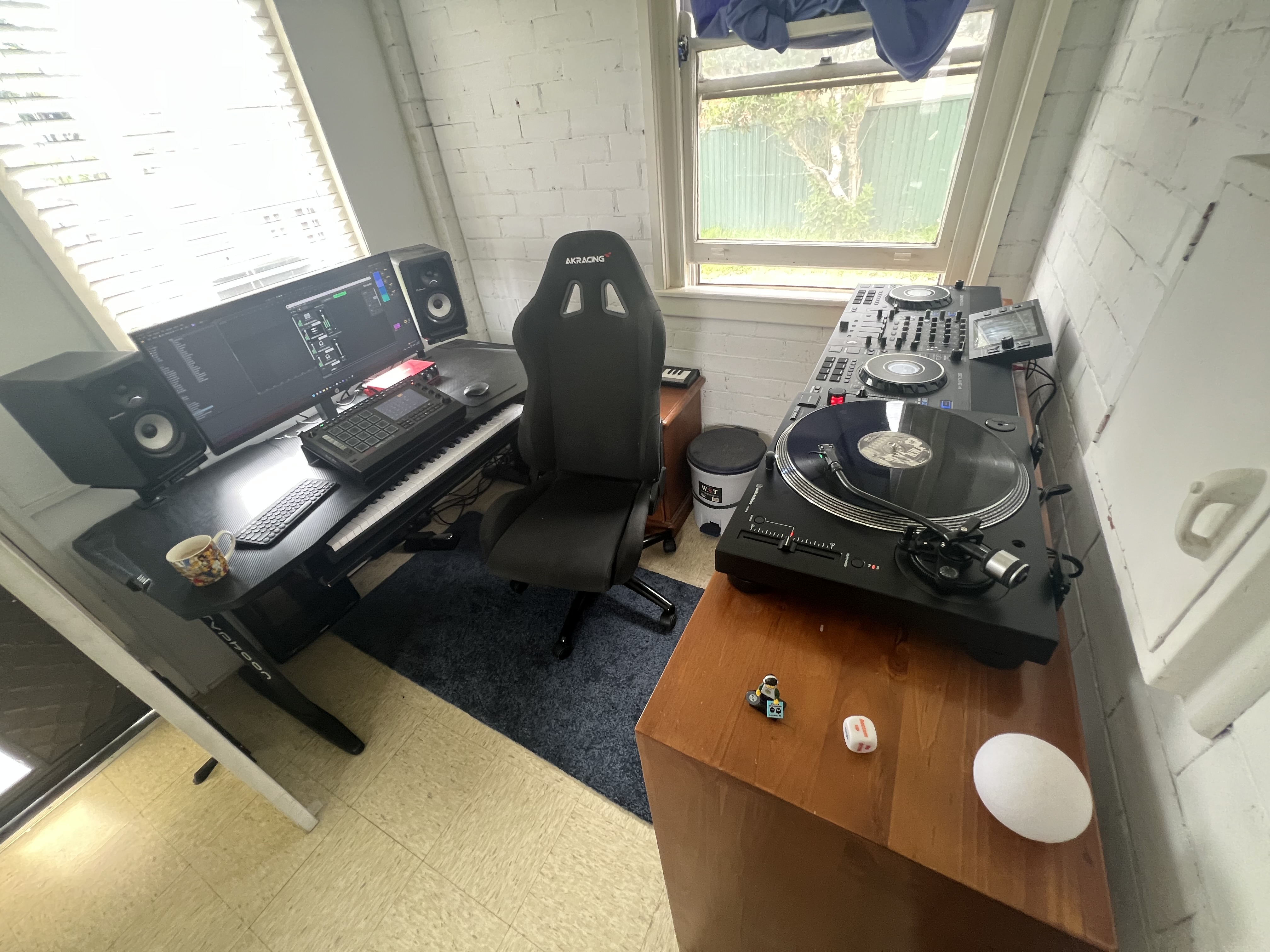
Sampling from my denon sc live today, it has ableton link so makes it pretty easy to record loops straight into clips. No matter how much I adjusted the offset and sounds perfect after recording I had to slightly nudge it to get perfect in time though. But still pretty awesome how easy to get in time.
3 Likes
Yeah this is exactly how I feel, it’s wouldn’t be so bad if it felt fluid but the gesture required to get it to move is massive for starters and it all feels a bit unintuitive…
1 Like
Yeah I do this with my ddj and algoriddim djay and serato, works really nicely, great for catching scratches with time based effects into an audio track…
1 Like
I did a poll on here about how many people use the + & - buttons. It was many. The should let us reassign buttons like the Force hacked OS. Many times the directional button aren’t doing much either.
2 Likes
Hey yall - curious, are there any good saturation / distortion plug-ins for the MPC Live 3. The distortions and drives that come standard with the box aren’t doing it for me. Is the Fly-Lo plug-in any good? I’m looking for something that gets gnarly but doesn’t grate on my ears i.e. doesn’t sound digital…
Thanks!
flavor pro (its dope i use it itb as well)
i imagine the soft clipper would be good too for more subtle distortion
and multiband filterbank with just the drive control with everything set to neutral
you have trials! use them  10 days is plenty
4 Likes
This is what I was looking for - thanks!
1 Like
Don’t sleep on Tubedrive the insert FX (the Tubedrive in the DrumFX section of the Drum track editor isn’t the same. Also the BB filters can get real nasty. I wish they would add more in that section. The Decimator can be used with a filter or tubedrive add some more dirt.
1 Like
Note that they risk of “frying” your MPC is essentially zero. This patch makes minor modifications to the default AKAI MPC OS image. It’s easy enough to revert back to the default firmware. But as in all endeavors – backup your data first!
6 Likes
Has anybody had experience with Akai RMA in here? It’s been almost 3 weeks with no news for me and it’s getting exhausting tbh
Hey yall - low key, with some of these stranger FX in the MPC like Ether, it’s proving to me to be a great sound and sample design machine.
But how do I save these newly created single samples?
Thanks!
1 Like
You should be able to hit the save button and then there should be an option to save the sample specifically.
4 Likes
Gotcha - it seems the challenge I was having is that I had to have the sample I want to save focused on the Sample Edit page.
I can’t just save the sample from the Sample Edit screen or even from the pool of samples
4 Likes
Ahhh. Yeah as flexible as the OS is sometimes you just have to be in a really specific place to do the thing you want and it isn’t immediately clear which place that is. Glad you got it figured out!
2 Likes
Nice little matrix demo:
2 Likes
This drives me nuts too!
I have an APC40mk2 that would pair with my live 2 perfectly. I’ve been hanging on to it for years thinking surely Akai would enable this.
If the Hakai group allows me to do it, I’m there in a second.
2 Likes
The OP of this post played a major role in one of the hacked OS, so I would ask him if it’s possible. I believe it is tho, but I’m 100%.
https://www.mpc-forums.com/viewtopic.php?f=48&t=220325&view=unread#p1901698
You can also save a sample if have it selected in a clip in clip matrix and press save, but I’m finding it cuts off the end of sample sometimes when you try reloading it, it’s only 3/4 of the sample. Think is bug, but if add audio tail think fixes it. This was frustrating me yesterday, and it doesn’t save warp info with samples like ableton unfortunately.
I’m still experimenting with bouncing samples and saving things and honestly finding there is a few bugs
I think the only reason the launchpad always seem to get supported first is the fact that novation provide a really comprehensive programmers guide for them that takes all the guess work out of their core functionality…
2 Likes
This is probably the simplest thing, but I don’t know how best to approach it or what the best tool would be for the job.
I have 3 pedals currently (Tonex One, MS70CDR+, Chroma Console) and I’d like to set them up in a hub of sorts. I’d like a situation where I can single any one of them out to send and receive a track from the L3, but would also be cool to chain together when necessary. Tonex One would only ever take from external guitar of course, but would be cool to just be able to route that accordingly just like I would do with the tracks above. What the hell am I looking for, or is this possible with the L3 alone?