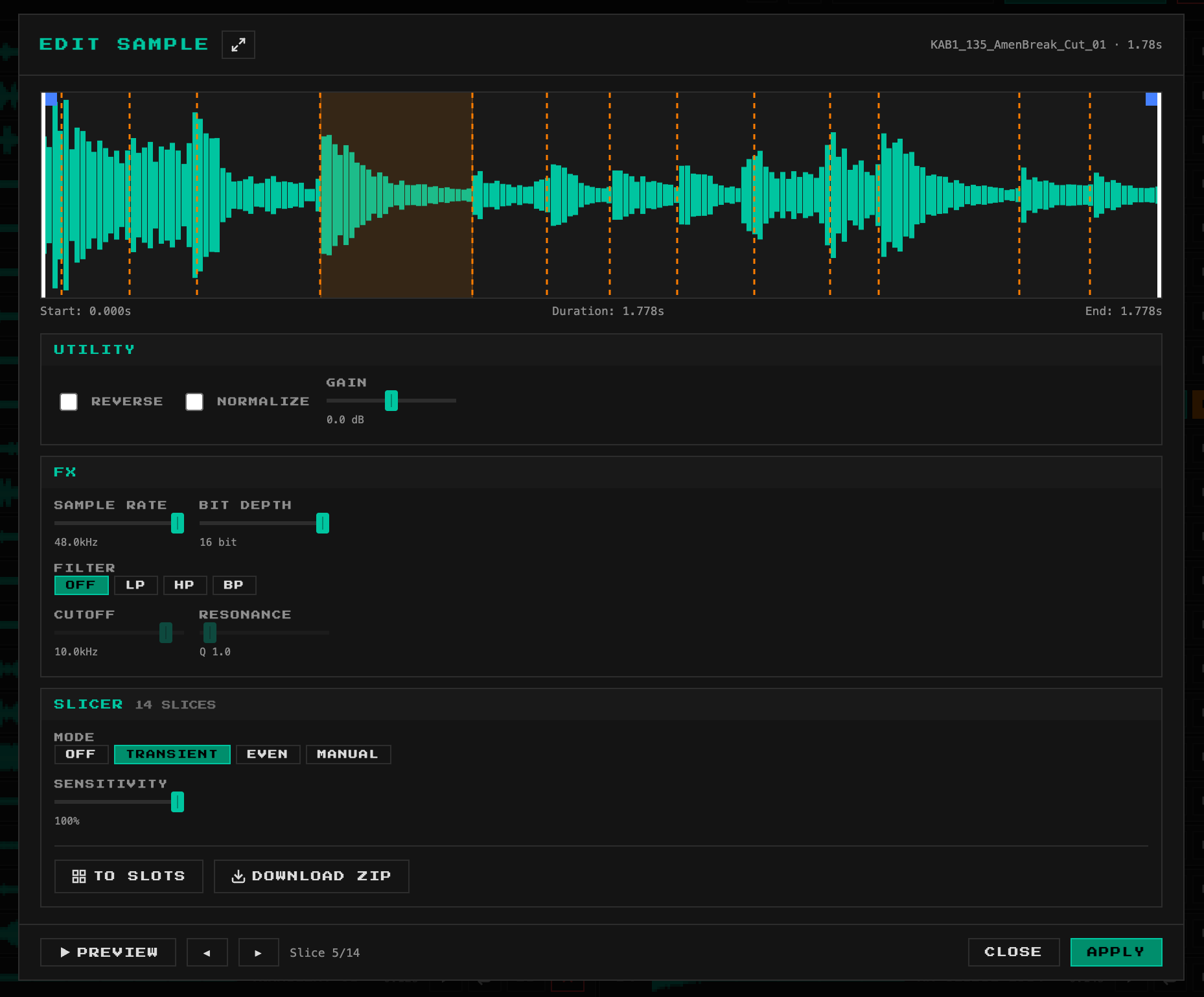
Okay, this is getting to be fun. Because your tool is so convenient AND supports sample rate reduction, I’ve been using it to experiment with incorporating sampled elements and even loops of my own Ableton produced music on the Syntakt.
I knew on paper that this sample support on the Syntakt would be a game changer for me, but it’s so much fun to start hearing layered elements of my own music coming from the Syntakt that would be impossible to replicate with just the synthesis machines. This Sympakt sample pack manager is an important part of my pipeline.
Side note, I’m working on a web application for VO work, and I already have the main application and pipeline in place with some solid audio file I/O support. Now I need to expand the app to handle large lists of both input and output files. I went ahead and grabbed your source and will be looking at it as a reference to jumpstart the enhancement of my own project. Thanks for making that available.
Look in the settings, you’ll find an option to extend lo-fi up to 80s
40s is definitely usable, 80s will be more limited to specific kind of samples as it’s bass/mid only.
I love the options and also the layout where the status bar shows what lengths you‘ll get and changing that with the lofi setting to fit in makes it a breeze to adjust ^^
the fact that you can have sounds running for as long as 80 seconds is such a nice background tape player, highly digital but a lot of vibe tho, making it easy to taptampo the rest of the machine to the layered sound and building from that
Few small UI fixes today, and also added the option to load default ST sample pack when no samples are loaded, to allow quickly testing the tool or starting from the default samples (was requested a few times elsewhere).
having a great time putting all sorts of samples, snippets, tx6 recordings, op-1 tapes and such into the ST with your tool ^^ I think I would stay at the stock sounds never realizing how much fun it is to listen to all kinds of recorded audio playing this long with the aliasing and the eq filter types can easily re-form the audio back into the „normal“ kinda 80s walkman „old“ tape vibe ^^
would you be able to incorporate some fx algos that could be baked „destructively“ on the samples or the ability to load in 2 samples per slot with the ability to say one is the forward and the other the backward slot?
that would allow to store up to 128 samples with ease I guess
FX I’m not sure, if I come to this there’s a full sample editor to bring in, so it might be difficult. I got working something interesting though, to allow crossfading at the start of the loop points instead of the end, which is more suitable in some cases. Will come in next release.
8 controls per machine that could be equipped with every machine parameter in Elektron history, that would lead to all sorts of filterbanks, multi fx, quad delays etc etc.


 so nice how it holds the inserted samples “” when reloading and such