My Octratrack has to go back too. The encoders are all bad. They go squiggly and bounce the numbers all over the place.
So bizarre.
I tested and compared to my Analog Fours and RYTM and these give a nice increase and decrease in steps. If I turn the Octatrack it’s a blurry number that jumps around like a blur until I stop to see where it lands.
Glad you receive properly functioning replacements. For a sec there you seemed sure they weren’t gonna send you anything back. Awesome everything worked out.
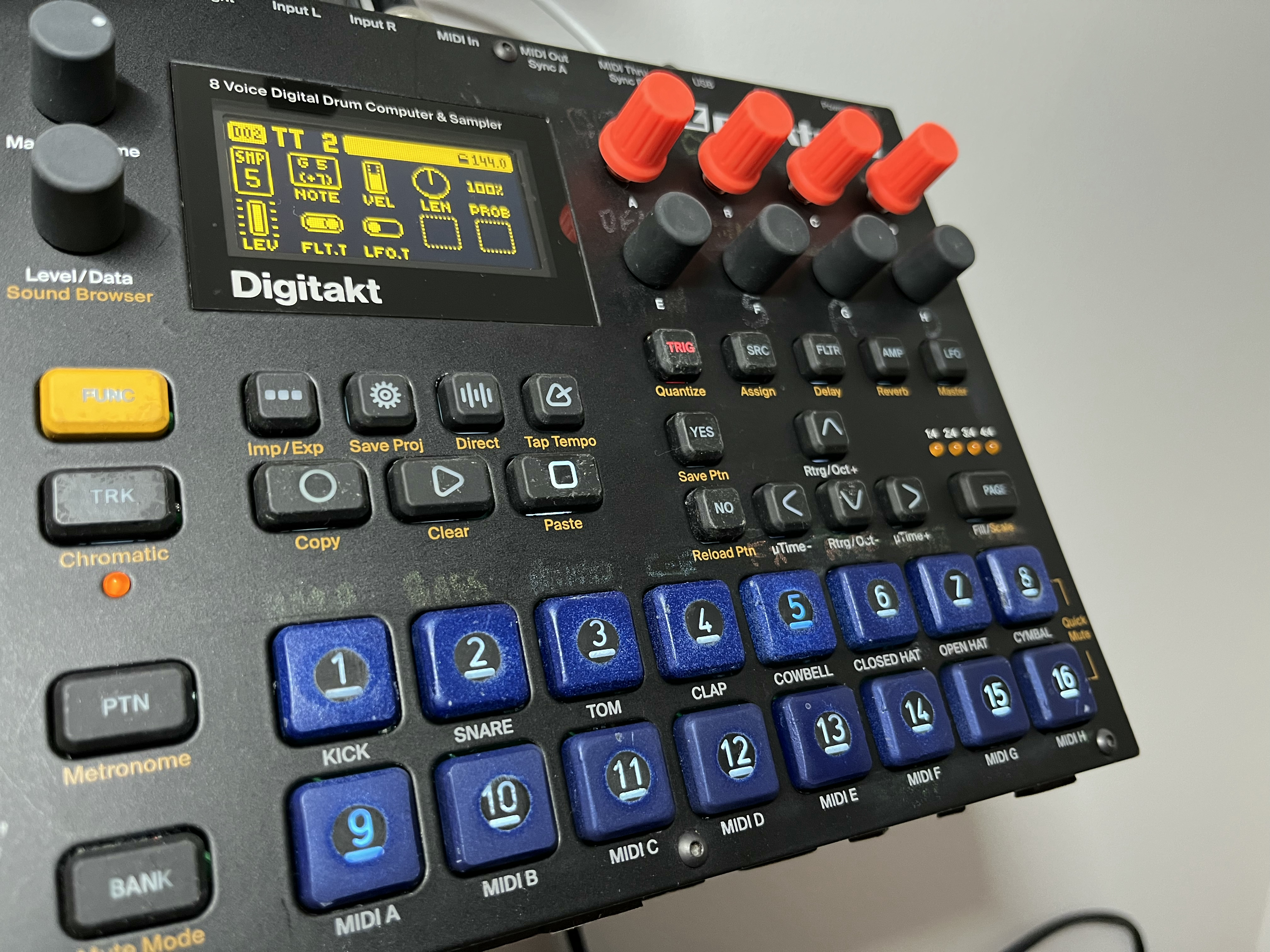
I know it’s been a while. Just want to mention the sticky buttons on mine (15 and 7) stayed so I just decided to send it finally in for repair before the 3 years extended warranty of the dealer end. We’ll see.
Funnily enough my replacement DT developed a couple of sticky keys a few weeks into use, just like the previous one. Out of warranty now so no repair, it seems like a fairly common problem especially with the 16 trig.
I hope they won’t replace the unit (and don’t think they will). I managed to backup all samples and projects but I could not backup my selfmade “sounds” in the sound browser. There is just no such choice in the sysex-dump menu. Pity.
I have the same sticky buttons problem on AR the trk and 5 from the sequencer stay push and and the worst happened after the return due to a fixed problem with the pads bugs.
I think it’s a problem from panel or the screws parallelism of the buttons.
has anyone tried to open, fix the problem themselves ?
Yes, I’ve done the same thing. I’ve also noticed the newer buttons seem to be sensitive to dust or pet hair getting caught in them. I use a guitar pick to pop them off and clean them from time to time.
After getting it back from the dealer (who had not sent it to elektron but dealt with it on its own - introducing other problems while fixing one) I think this is the way to go. Digitakt is very tidy inside. Few screws, align the plate by some micromillimeters, works.
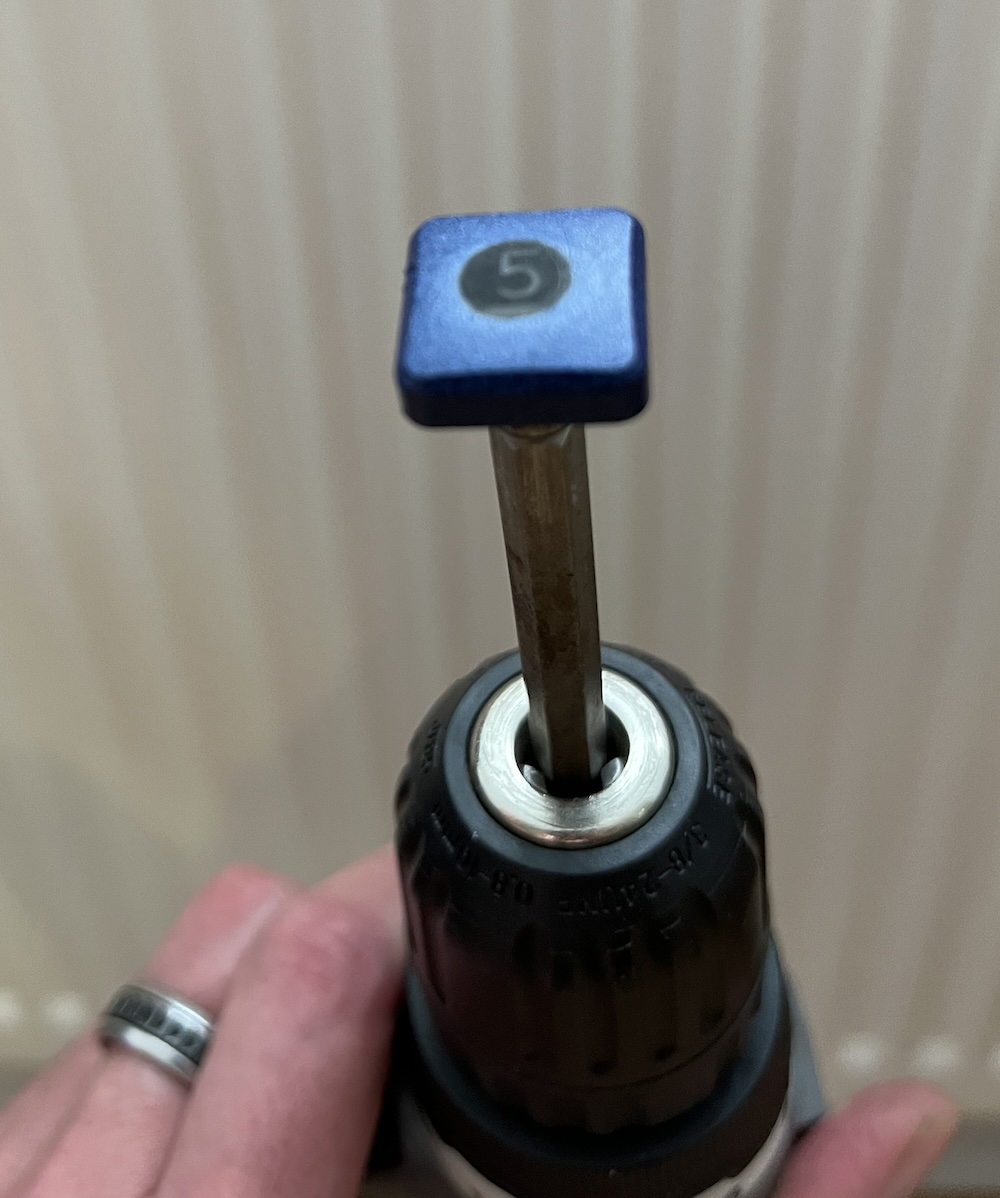
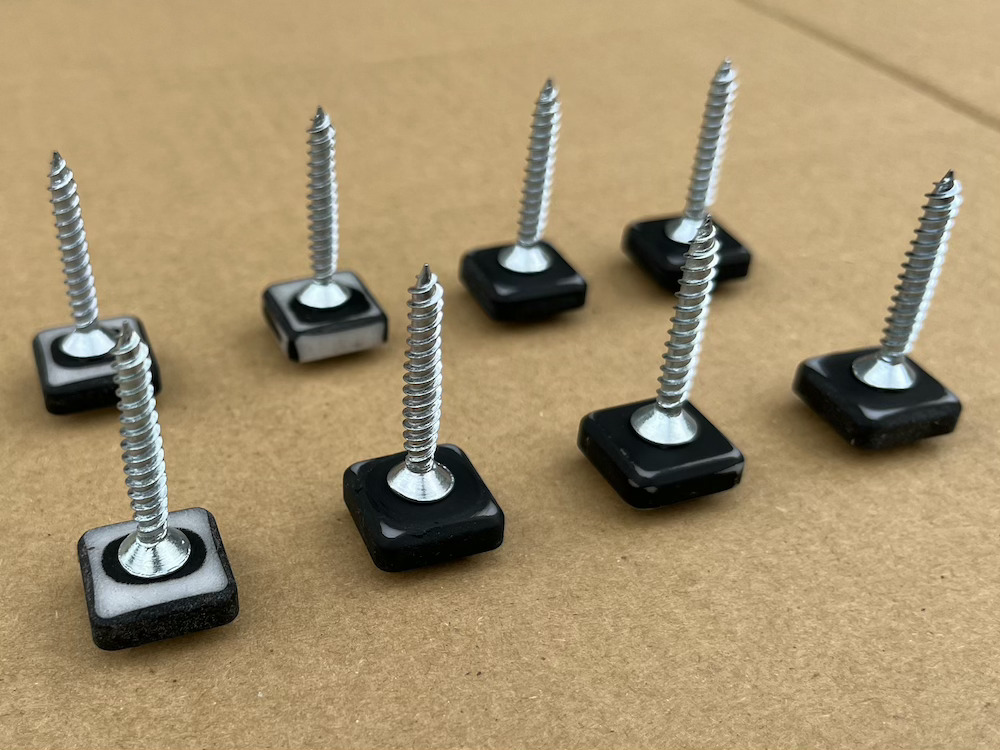
Use drill to spin the button whilst placing the button face on a scouring pad/sand paper, repeat 16 times
Stand a flat screen over the button number
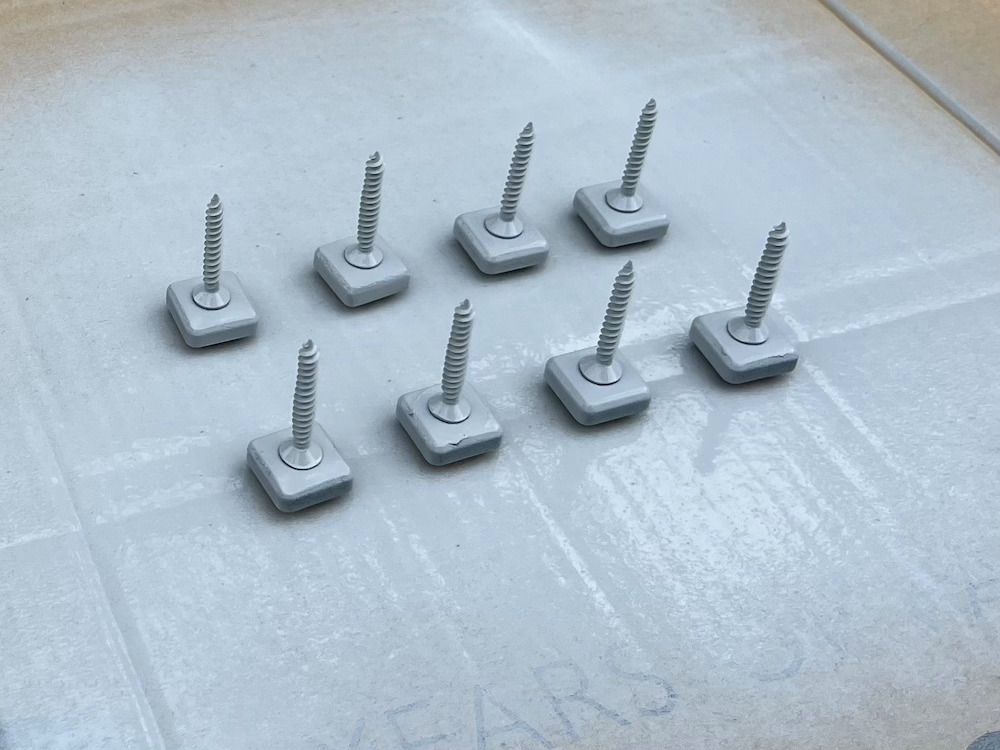
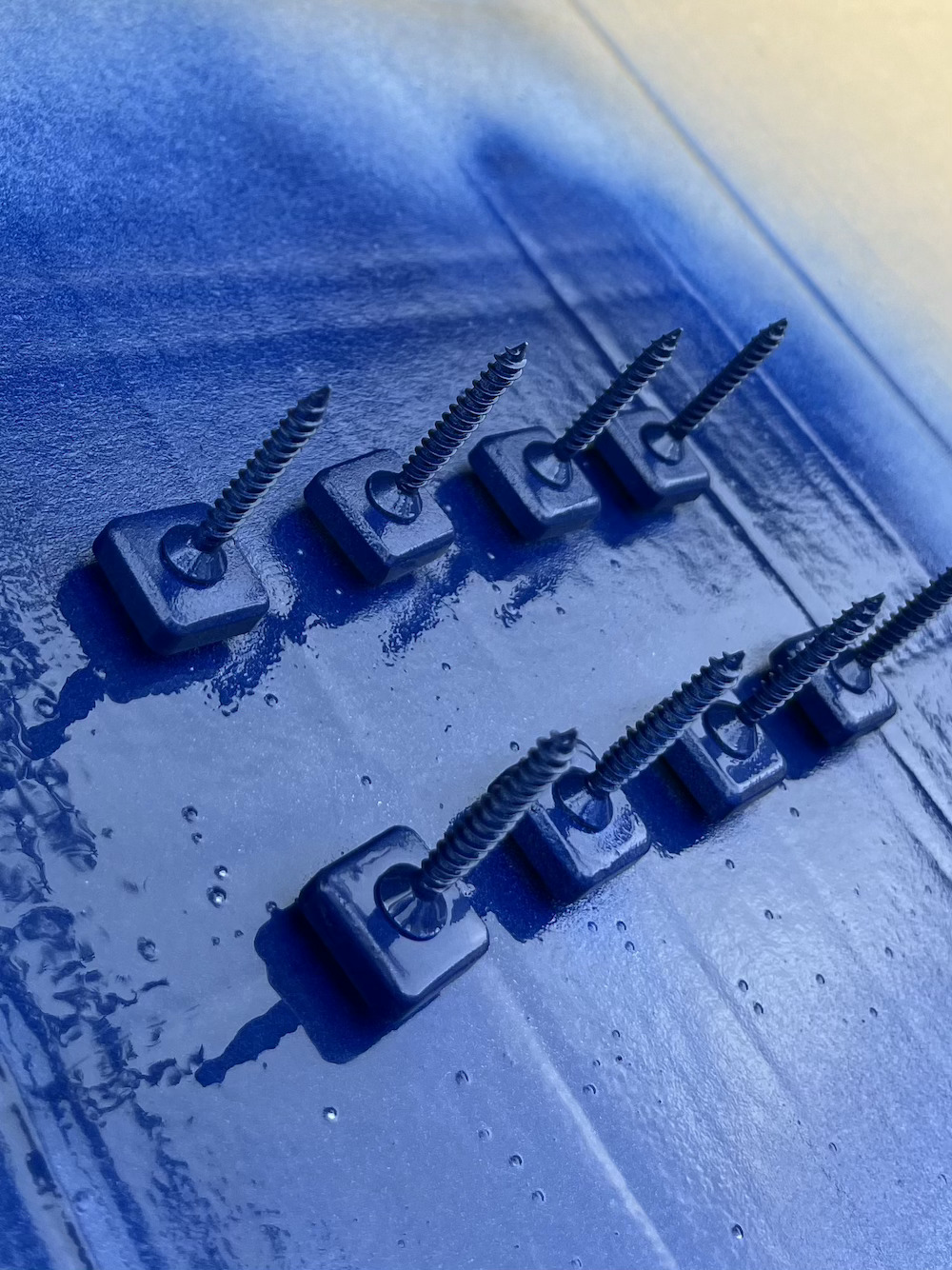
Apply base paint, colour paint, lacquer
Refit to Digitakt
Result ? not perfect, but not gunky anymore. Probably should have painted all 16 at the same time, instead of 2 lots of 8. A square template of the number would have looked better I think. Still in the dark its look great. Not sure I to do the remaining buttons…