Check if loop is turned on on the sample. It needs to be off otherwise I think this happens. Might not be the issue but worth checking as it’s caught me out before.
5 Likes
This will definitely cause the above behavior!
2 Likes
Unfortunately loop is turned off on the sample and so is gate. That was the first thing I checked.
Damn, that is odd.
Could it be in one shot mode: Enter / Gate. In that mode the sample plays until the end no matter if you trigger it.
2 Likes
Nope, not that either. I use that option frequently to trigger once long drones, so I’m familiar with its uses.
2 Likes
A big maybe,
but maybe you have made a setting to the trig you have putted down in tr-rec mode? I am not sure, but I think you can say that a trigger in tr-rec can have gate or loop on them?
Because I think that before I put down a trig in tr-rec mode, I put off gate mode there instead of the sample. You can at least adjust how long it should play ,pressing shift I think?
Very unsure, and I am not with my SP now, but maybe someone can confirm if this is true or not.
1 Like
That sounds like a possibility, I’ll investigate. Thanks!
I don’t believe you can change a pad’s playing behavior from loop to gate (or reverse/bpm sync) in a TR-REC step. The setting are made per pad, not per event. It’d be nice if we could make some of those changes per step, but I haven’t seen anything that would allow this to happen in firmware 4.07… happy to be corrected though if I am wrong.
What you can change in TR-REC is when a gate will end (it is measured in 16th notes), or you can set it to last so that it will play until the end of the pattern.
4 Likes
Don’t loose heart. It’s actually a very sensible device, despite its reputation. It has, as you’ve said, gotten more complicated and this is harder to make sense of now than it was in the beginning, but it doesn’t do things for random or magic reasons.
So if it’s behaving in some unexpected way, we can count on it just doing what it’s always been doing. It’s our expectations that are askew. That means it’s almost always something we can figure out and don’t have to just live with it being weird.
Of course, once we do, we may decide the way it does things doesn’t fit our needs. Making sense doesn’t always mean good sense. But it does, at least, mean it’s debugable.
This is a good example. Nothing about the length or bpm of the sample or track should matter here. If the pad is not set to loop, it should play from the beginning each time it’s triggered every time it’s triggered. If it is set to loop, it will toggle whether or not it is playing every time it’s triggered — regardless of how long or what speed it is. The length/BPM is a red herring.
Focus on what’s happening with the pad, instead. What happens if you manually play the pad twice? Does it restart from the beginning or does it turn itself on, then off? If it turns itself on and off when hitting it manually, then we know it has nothing to do with the pattern. There’s some setting on the pad (likely loop) that’s causing the behavior.
If, however, manually triggering behaves as expected (restarting each time it’s hit) then something in the sequence must be to blame. What happens if you put another trigger on step 4? Does it restart the sample from the beginning or turn playback of the pad off? If it restarts as expected, there must be some setting on step 1 that’s causing weirdness. What happens if you remove and add step one? If you create a new pattern? If you don’t use TR-REC? Etc.
Good luck! You’ll find it!
7 Likes
You’re absolutely right, and there will undoubtedly be a very good reason why what I did failed to work in the way I expected.
Excuse my obvious exasperation.
The important thing is that, for me, I have it working as a sequenced device from the DT now. Thankfully I got it as a swiss army knife type device for audio processing, sample chopping, etc and it is performing those tasks well.
I could indeed put a bunch of time into debugging and figuring it out, but it’s a case of the juice not being worth the squeeze for me.
2 Likes
No excuse needed! This is an important place to vent as well as ask for help. I just have trouble telling which is which sometimes, so forgive me for going in depth when you’re trying to get stuff off your chest.
The important thing is you have it working in a way that works for you. 
4 Likes
That’s exactly it, I went in with my eyes open to the reported issues people have, and for me and the way I work (and my brain functions, or fails to function) it’s the kind of device that can be really creatively used in a few areas where my other devices are severely lacking. For that reason, I love it.
I can’t see a situation where I ever put in the time to work with patterns after working with them for a few months. For me it’s all about working with pads, and resampling pads. All the strengths of the 404 without what I perceive to be the weaknesses.
I still need to get a mic stand for my desk and a decent dynamic to properly test the looping, which I suspect will be another big use case for me, but we’ll get there eventually.
4 Likes
Im going to make a video and show what its doing in a bit! I appreciate the help… Ill tag you…
but let me share what we did last night… I jammed out with a session guitarist…
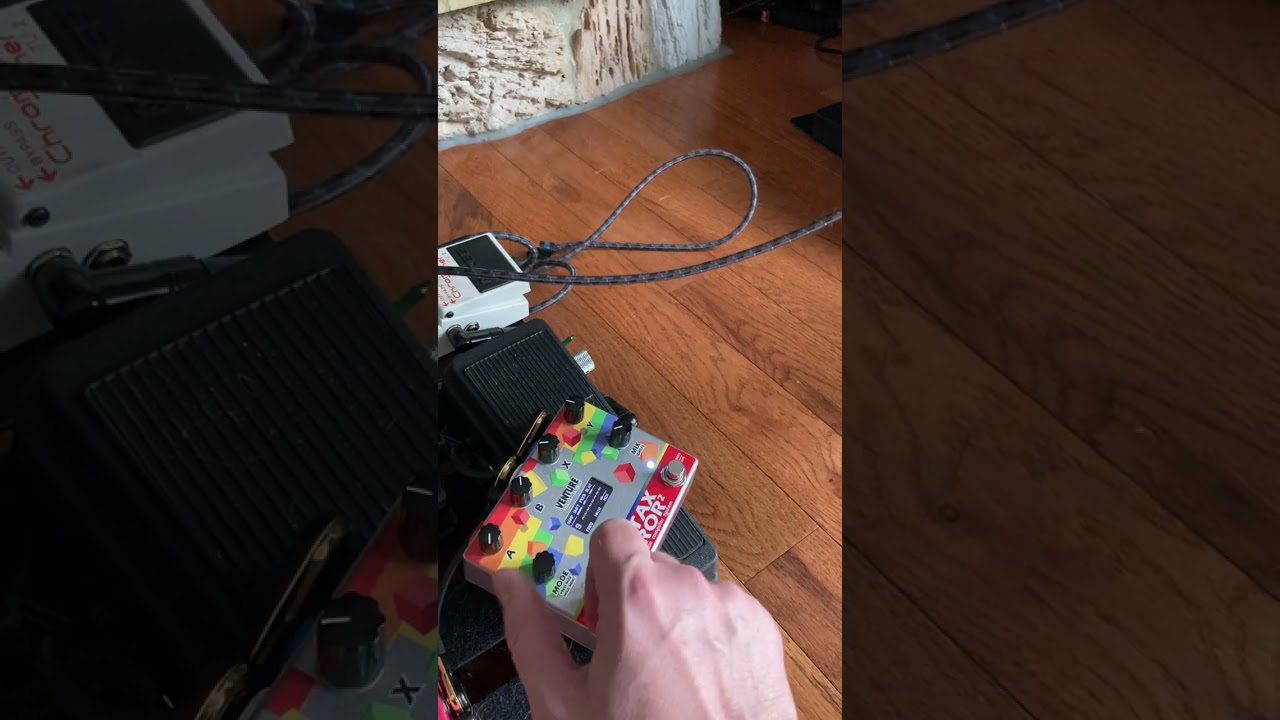
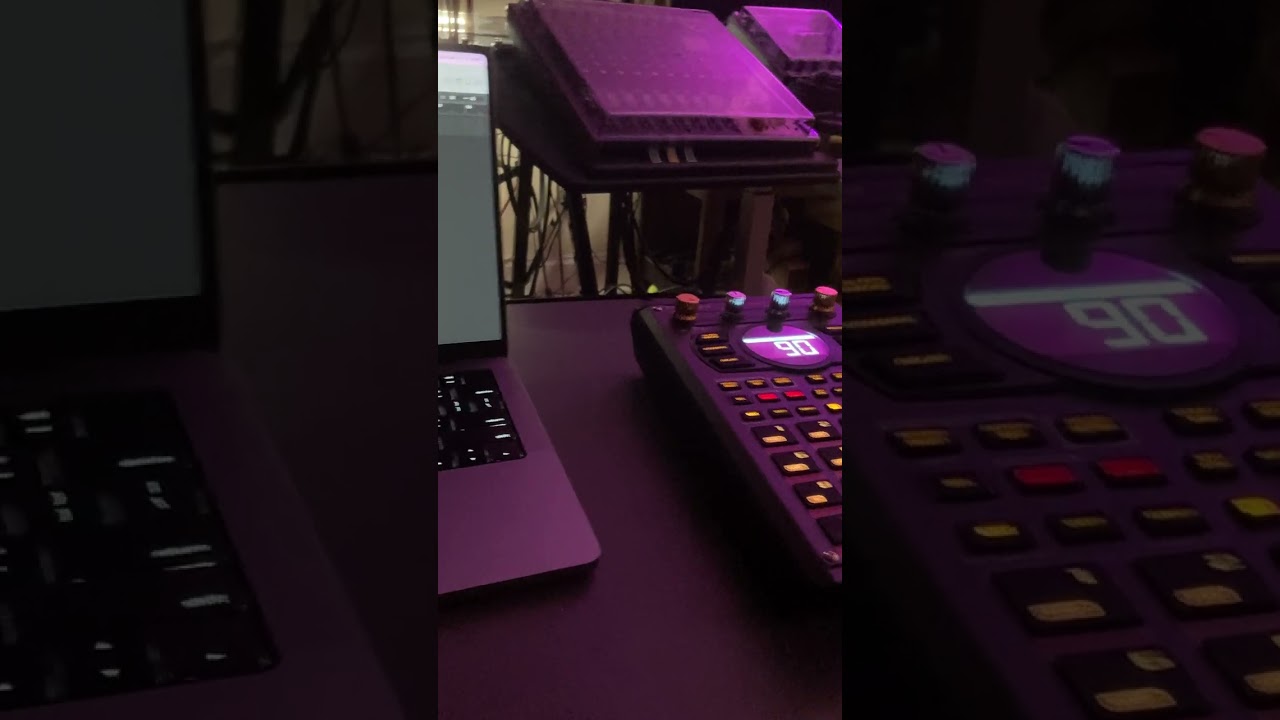
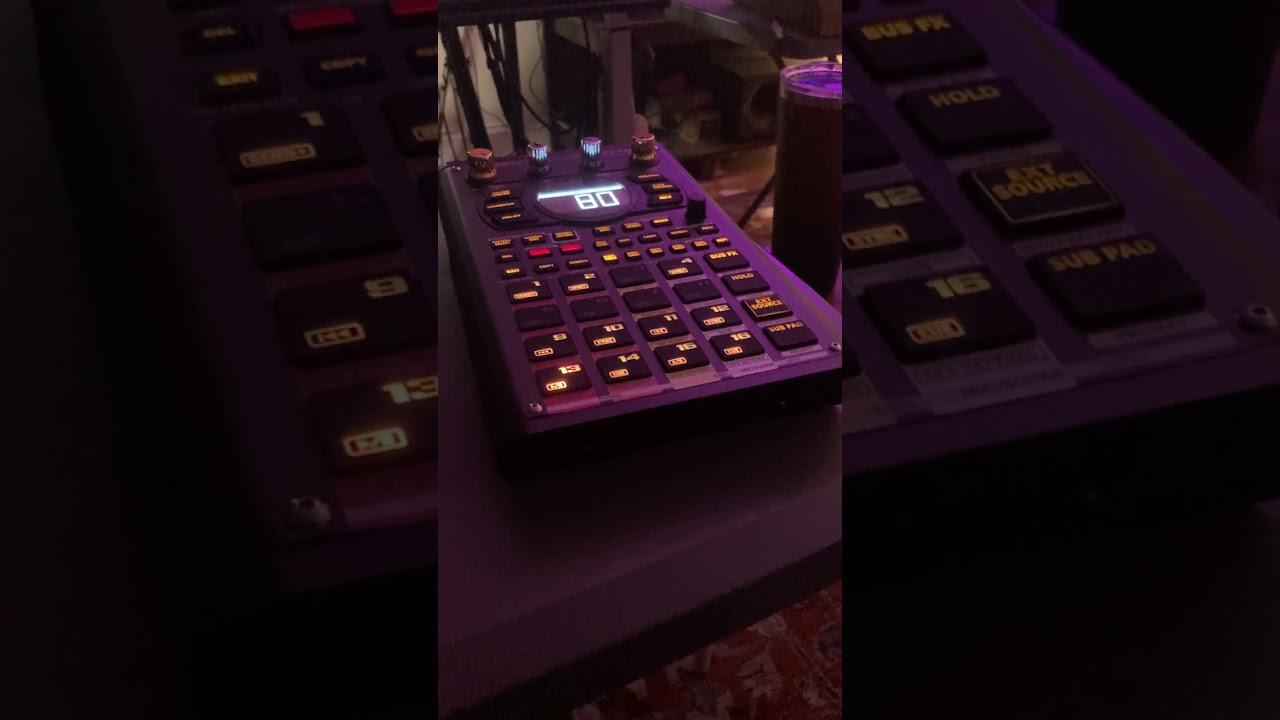
All of this was guitaer direct line in, and I used the resampling method to make takes with the drums baked in… I need to figure out how to make everything into separate tracks… should be easier.
Also, I was reading all these small issues, and sometimes if you adjust the substep know to last, it will glitch until you reset the gate function… also, mine glitched in TRrec mode, where I had the velocity set to pad, and it still was inputting the step based on velocity of what I was hitting…
My dude also had a crackle, that was still there even after we updated, and he said it was there from the beginning…
I solve all of these by restarting my 404, and his crackle got solved by a factory reset.
yes the device is frustrating, and in my YEARS of owning this thing, it is by far my favorite device, even with the issues… I especially LOVE the sequencer… I dont feel the need to defend the device, because it is perfectly imperfect, and if I wanted sterile perfection, I would just get an MPC… even Maschine is quirky… but all that glitch and quirk helps my workflow by culling ideas… if they are good enough, they will survive all the issues I run into…
Or you could just use a daw, which I do if i need to go beast mode…
But I perform on stage in Chicago with this thing all the time… Ill link some vids to this message…
2 Likes
I mean… I think I like the 404…
NAW SON. ITS LOVE!! I LOVE THE 404!!!
here are other events I performed at in the Chicago thread
This was all in the last couple weeks by the way…
Im a part of a crew of beat flippers called Duckworld… it was founded by Duckgirl808… she was in the Serrato commercial for the Hex effects plugin… its national… same as Flip A Beat Club…
Im on instagram if you want more info and want to join in the fun!
I even got a shout out from Phasemega!
Wow! I’m working on a song and I finally maxed out the polyphony. I was pulling my hair out trying to figure out why a sample kept getting short. I feel like I need a merit badge or something. Haha!
9 Likes
So i made a video after Roland Tech support got back to me, and they are reviewing the issue and getting back to me… here is what i sent them, and i will report back once I hear the solution, for anyone else trying to do this…
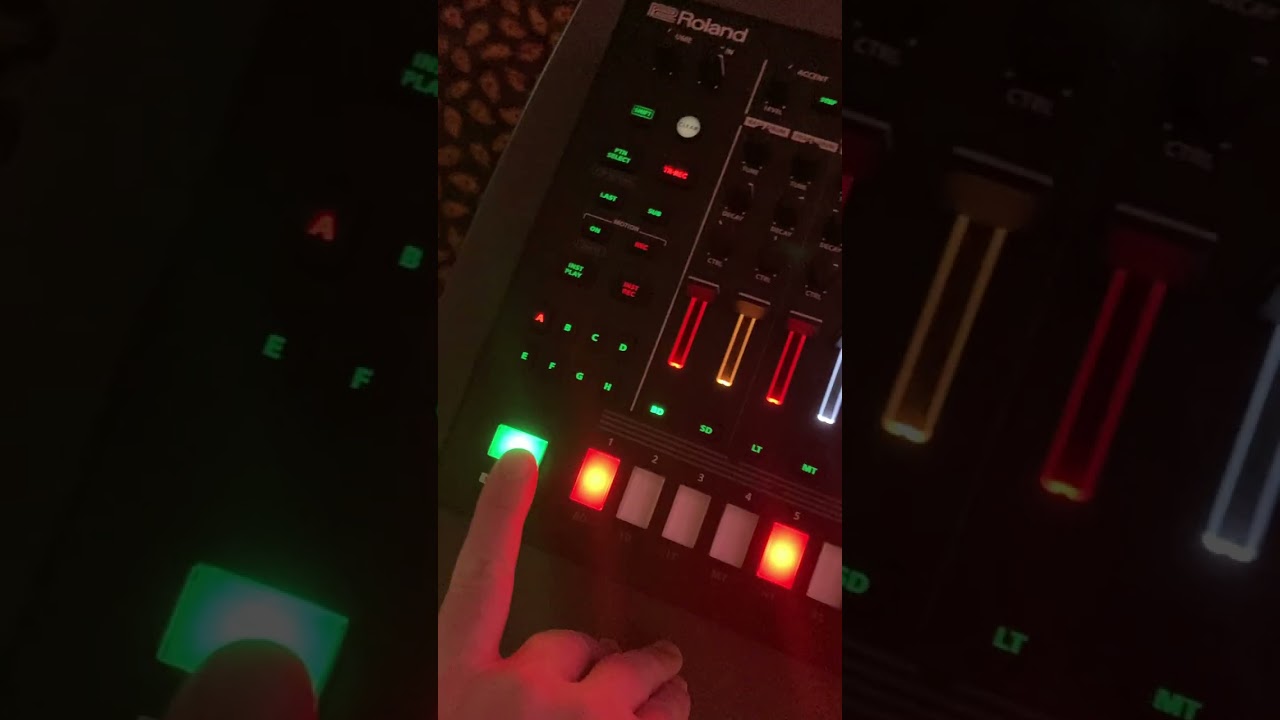
edit
ooohhh… I bet its one of the sync settings sending pulse to make sure the midi is in line
Sorry to cross post but I tracked everything on to the SP-404 MK2. I used my Maschine+ to sequence the Hydrasynth KB and Multi/Poly. Sampled some drums from my TR-8S in to the SP-303 then to the P-6, which I programmed the main beat on. Sampled some more drums from the TR-8S in to the 404 and mangled them. I know it’s longer than normal TikTok songs but I promise it goes somewhere.
8 Likes
Hey @NearTao here is some glitched out behavior I am having with the pattern length selection… (heaven forbid i call it a loop and try to find articles… now that there is a looper in there… )
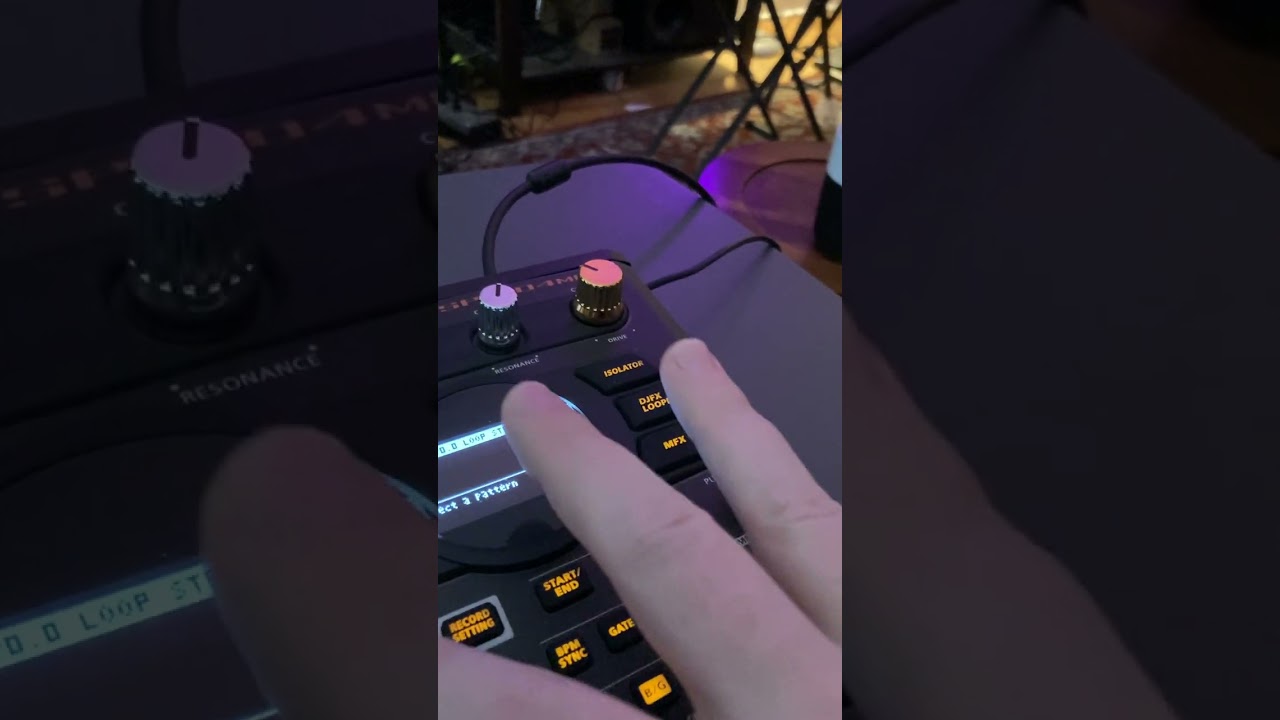
I am at a loss!
Thanks !
PS… still waiting to hear back from roland about the undo steps and i will update the thread when i have a solution
so I get your problem… and did a recent video on it https://youtu.be/hcBHZ0rBiJQ
The problem you are having is you have to play the loop to get it to do the subsection, and then enter record.
It is dumb behavior, but that’s the way I’ve found it to work.
EDIT: oh wow… saw further what you were doing after hitting reply… wild that’s super inconsistent lol… so it’s past “annoying” and definitely well into “bug that is bad enough that they might actually make it work better”
2 Likes