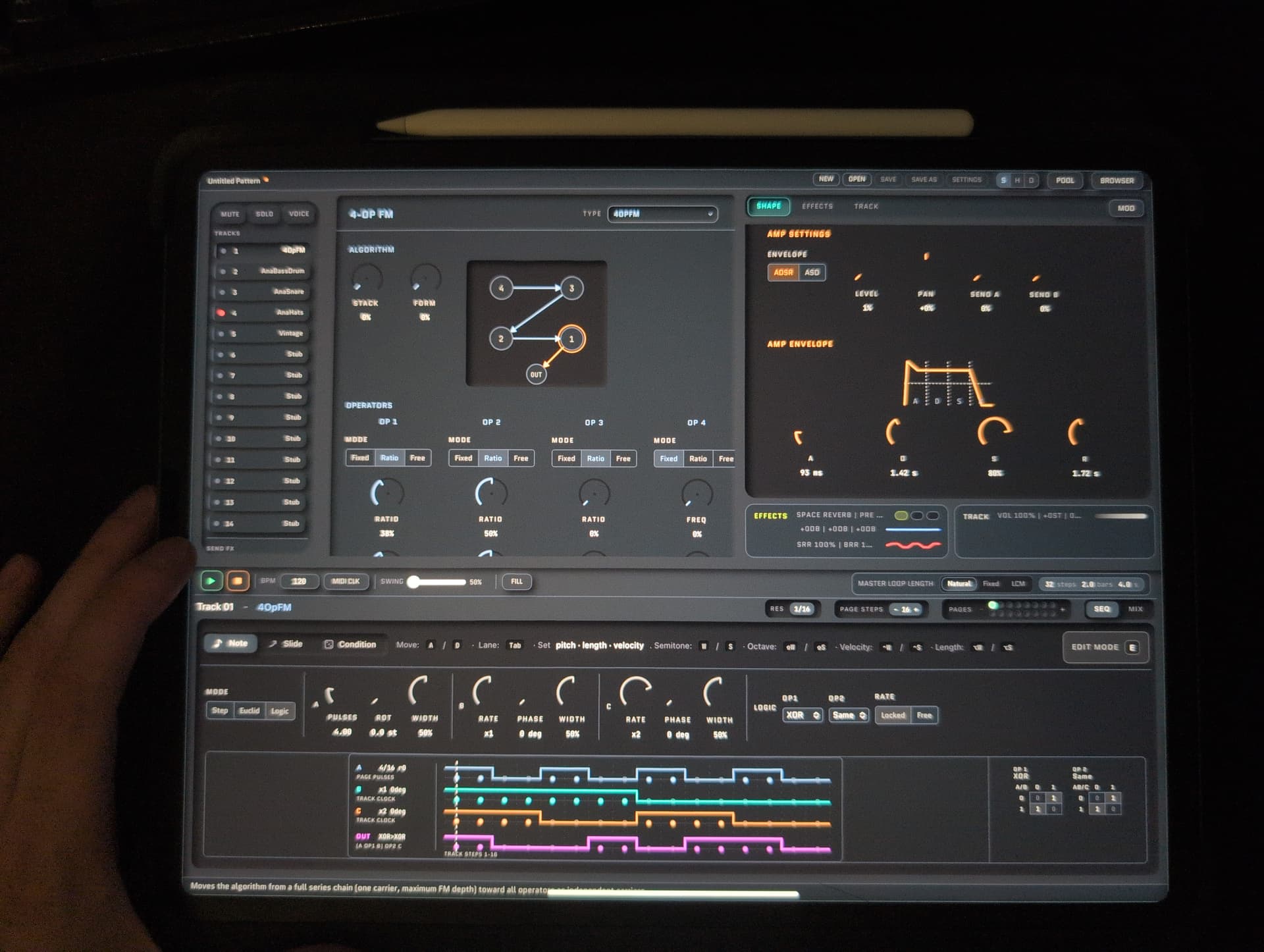
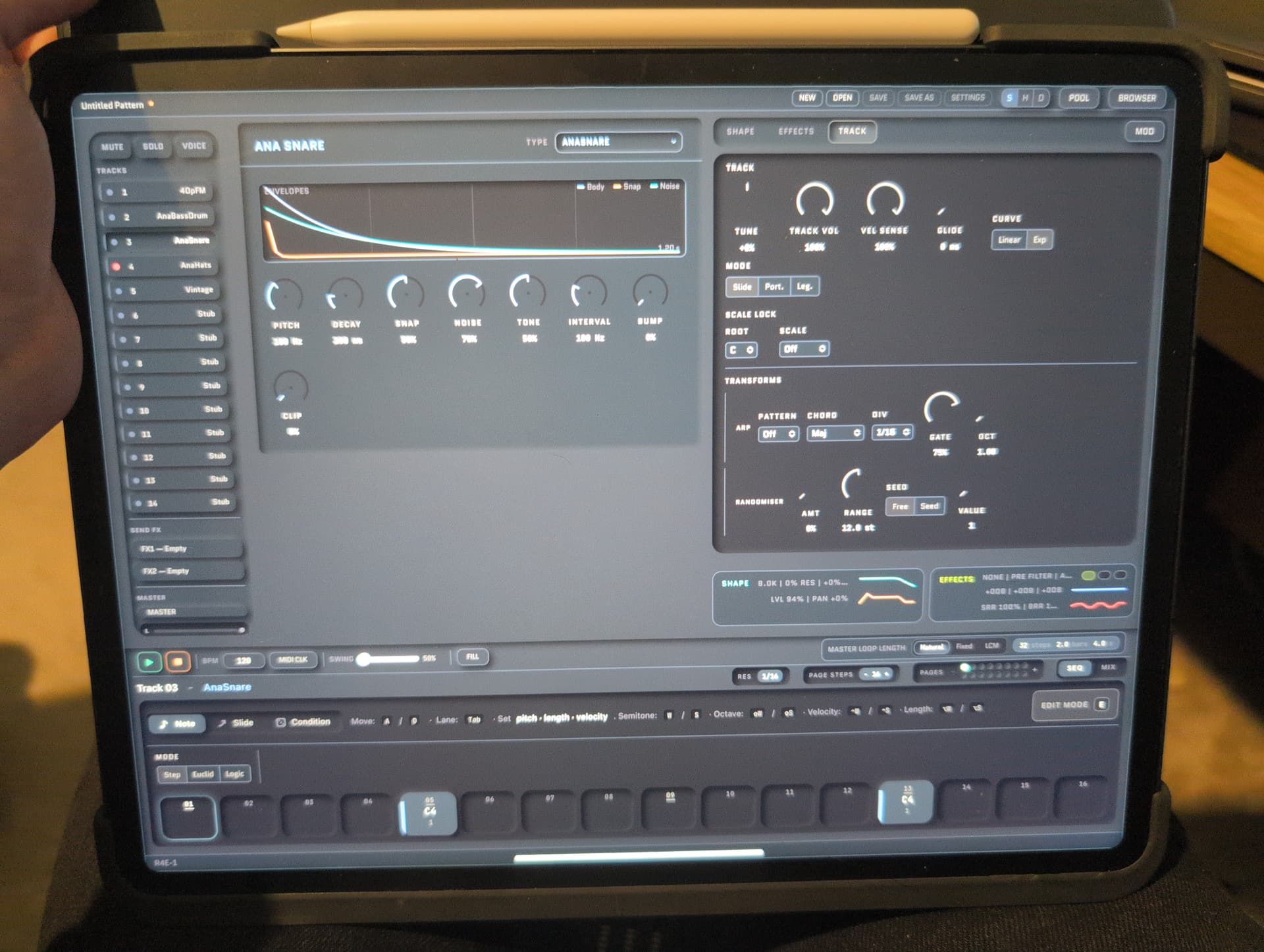
Howdy, it’s been a while. Lot going on; company layoffs, team lead promotion, other personal life stuff. I ended up taking a break for a while, as I had too much on to delve deep. I’ve returned, and I’ve got some stonking new features to share.
Macros
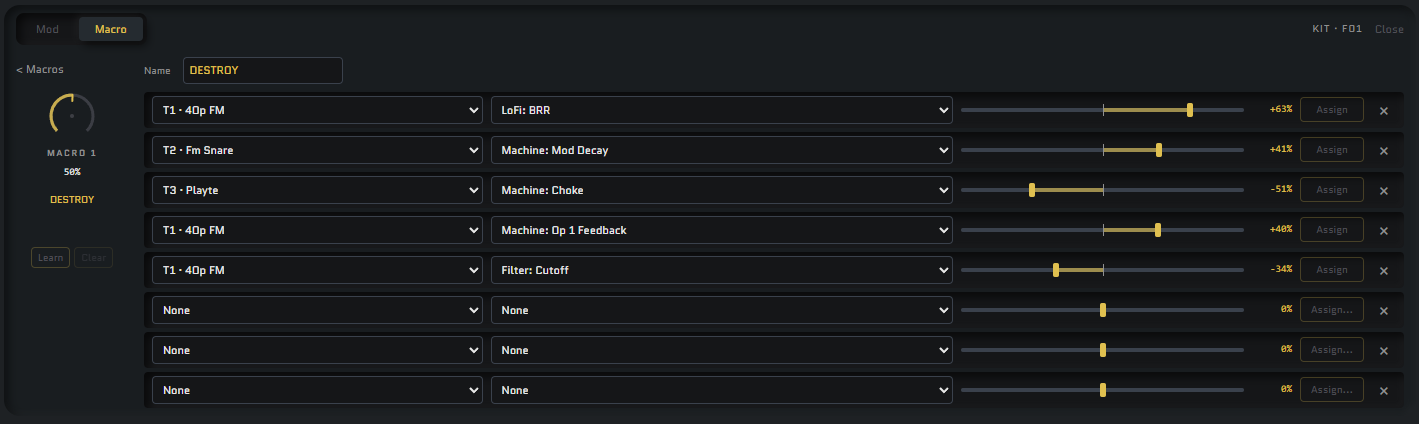
8 Macros with the ability to assign 8 controls each with midi learn, and knob learn capabilties. Hosted in the mod drawer, soon to include a crossfader/XY pad or something similar.
Wavetable LFOs
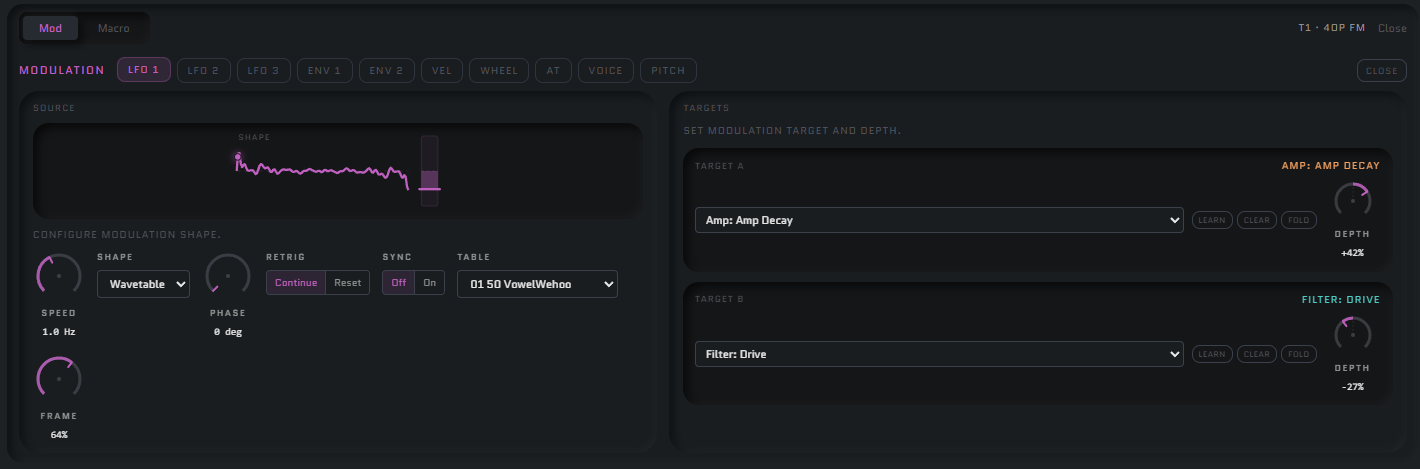
Load your own wavetables, modulate the frame with smooth interpolation with another LFO to get an LFO shape that no one else can replicate but you!
Wavetable management
The pool now includes a bank of 64 wavetable slots, seperate from your 64 samples. Can be saved/collected with the project so you never lose them.
Presets
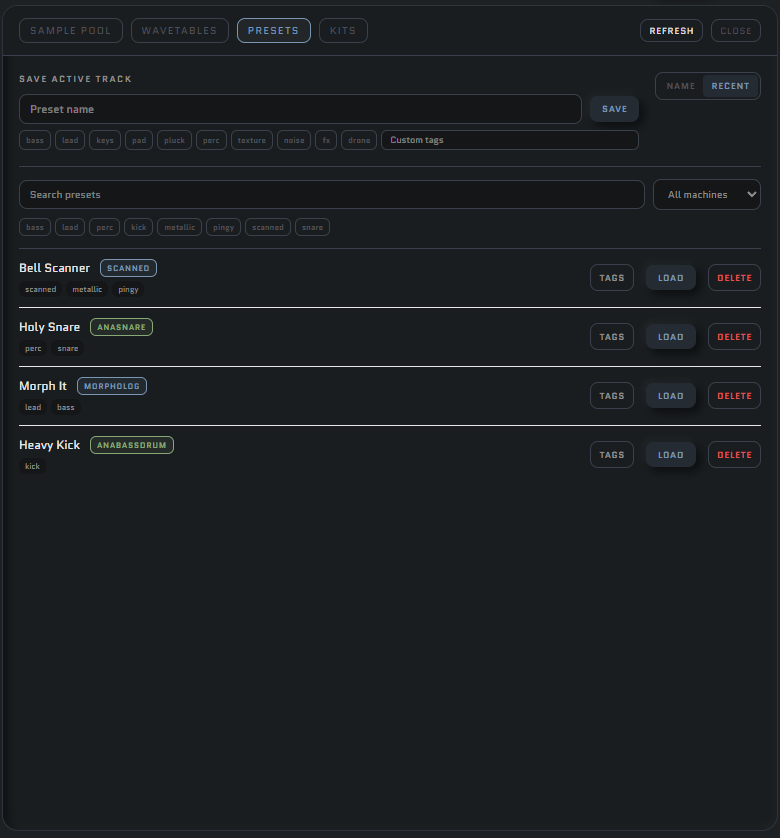
Save, tag, search and filter your presets containing all machine, modulation, filter, amp, lofi, fx and EQ settings. Instantly load to any track. Tag with whatever you want, if the preset tags don’t cover it.
You can also save all the tracks to a kit you can reload to any pattern.
Pattern management
Banks, patterns etc are now a bit easier to navigate. Direct jump, or pattern reset on transition. Tails persist till a machine is triggered on a track. Click Arrange to then click a bunch of patterns and dump them into your currently selected song in the order you clicked them for quick song mode creation.
Song mode
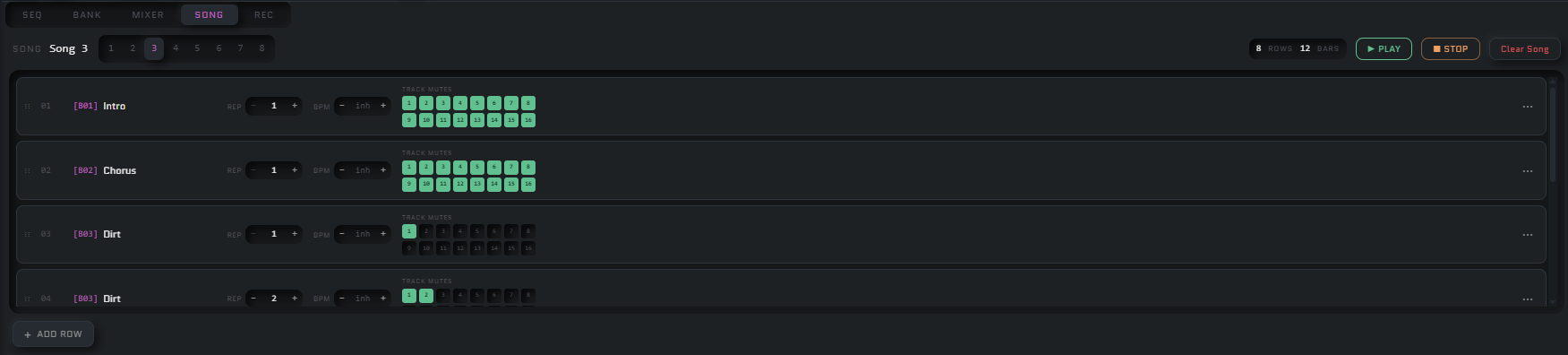
UI needs a bit of polish, but set your reps, reorder rows by dragging, mute individual tracks across 8 song banks.
Inbuilt recorder
Arm, play and record your patterns. Capture the tails after you hit pause if you want!
Help menus
Click the (i) beside a machine to get a description of what the fuck this thing does. Doesn’t tell you how to use it, but kinda explains some quirks.
Colourised Machines
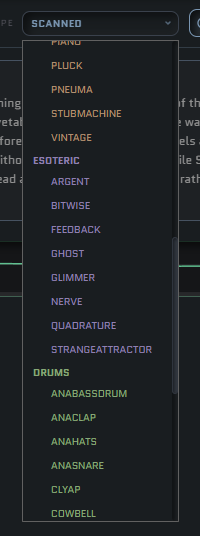
Coloured accents and organisation into machine catagories:
- Blue = Synthesis. Your deep dive machines
- Orange = Instruments. Simpler interfaces that are built for a specific job, think like a syntakt engine. Simpler, not neccisarily inflexible.
- Green = Drums. Y’know, percussion.
- Purple = Esoteric. Weirdo machines for the experimentalist.
- Pink = Sampler machines.
The sidebar now has icons for each machine type.
Mutable instruments machines, called Tresse
Full set of braids machines in one machine, plockable with an interface that tells you what the two knobs (timbre, color) do under the hood. I included the easteregg machine as well.
Track Note Modifiers
Sidebar pinning
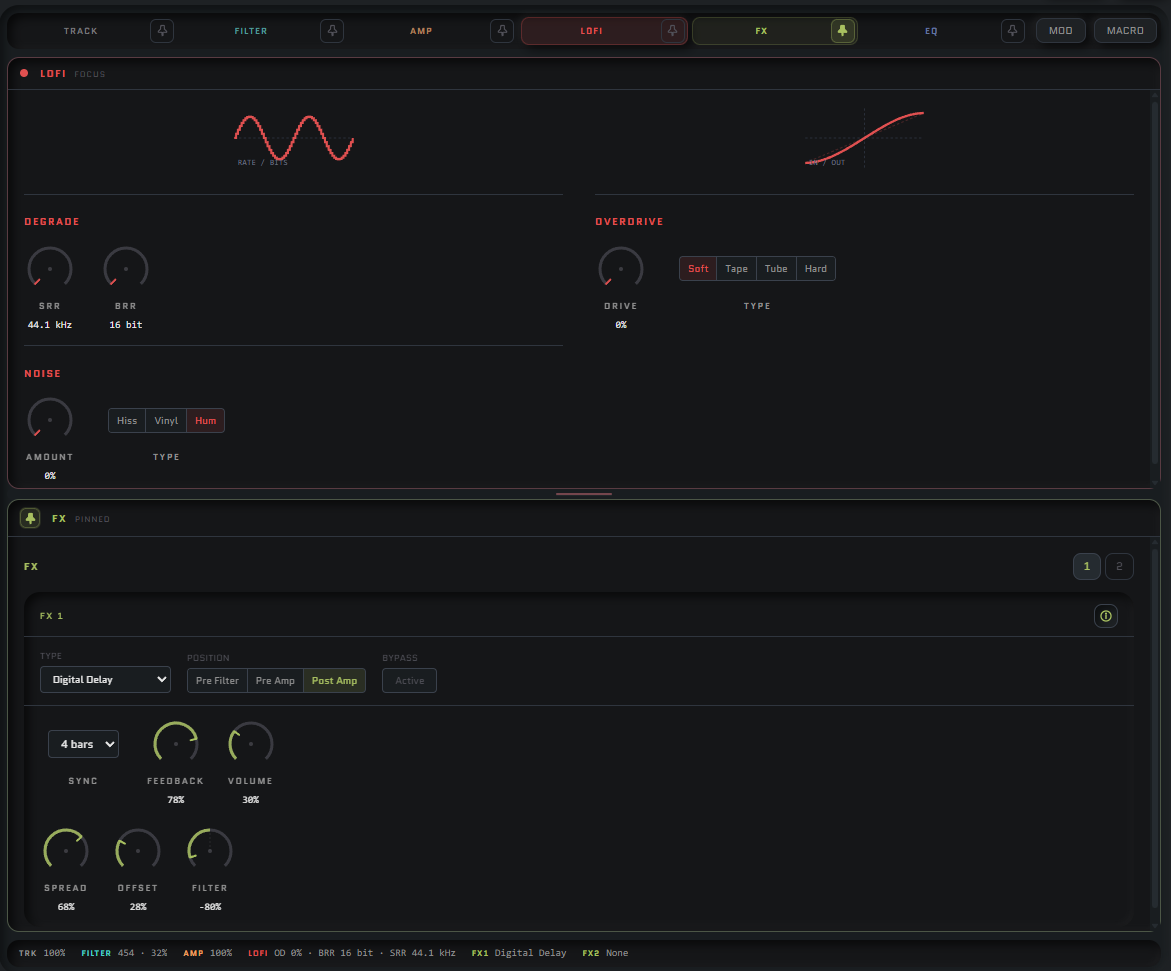
Select a sidebar item to pin, and you’ll get a split screen with it always rendered, here we’ve pinned the FX so we can still see them whilst looking at the lowfi menu.
Lowfi
Now includes noise
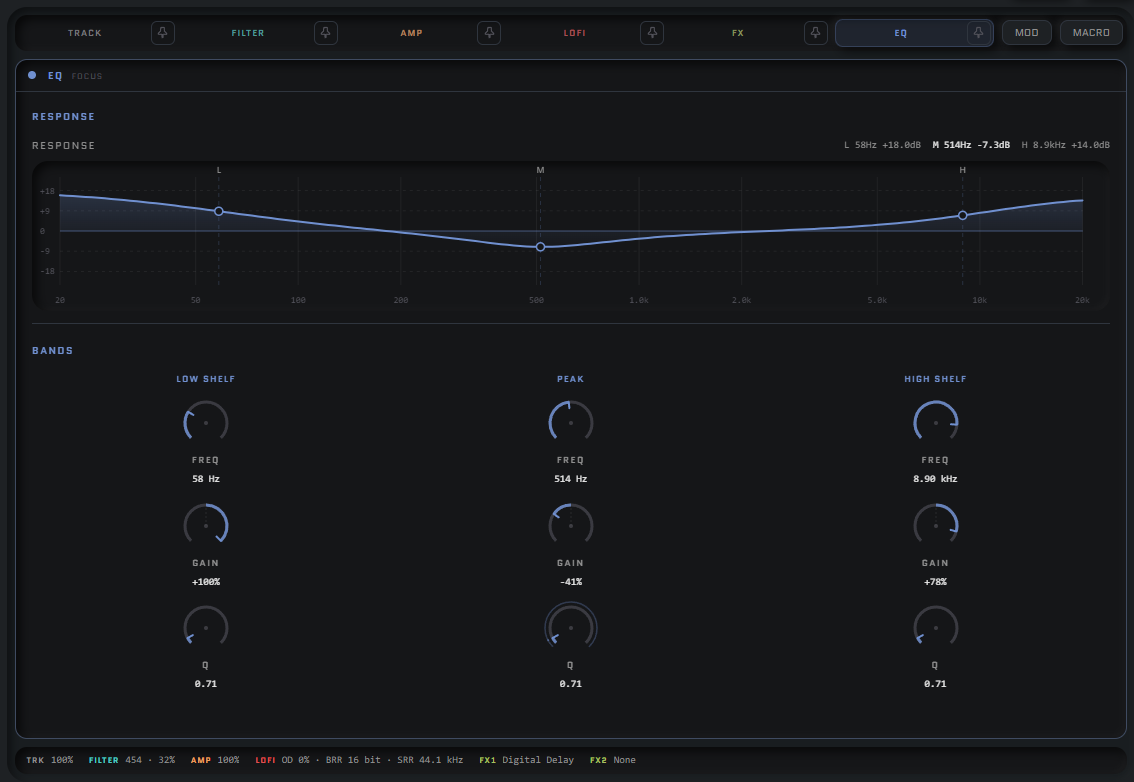
EQ
Now manipulatable from the graph!
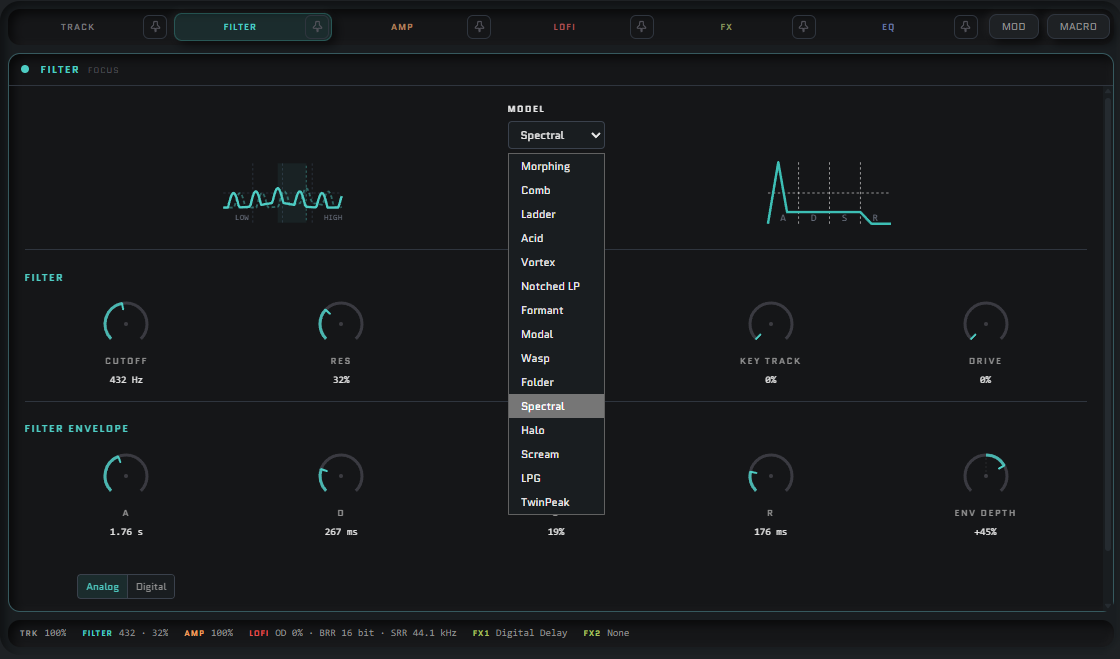
Filters
New models, some familiar, some esoteric. All of them have drive now, and all of them have a color knob for their particular character; some morph from high to low pass, some change the width of the banding, some change the vowel spacing, some add folding.
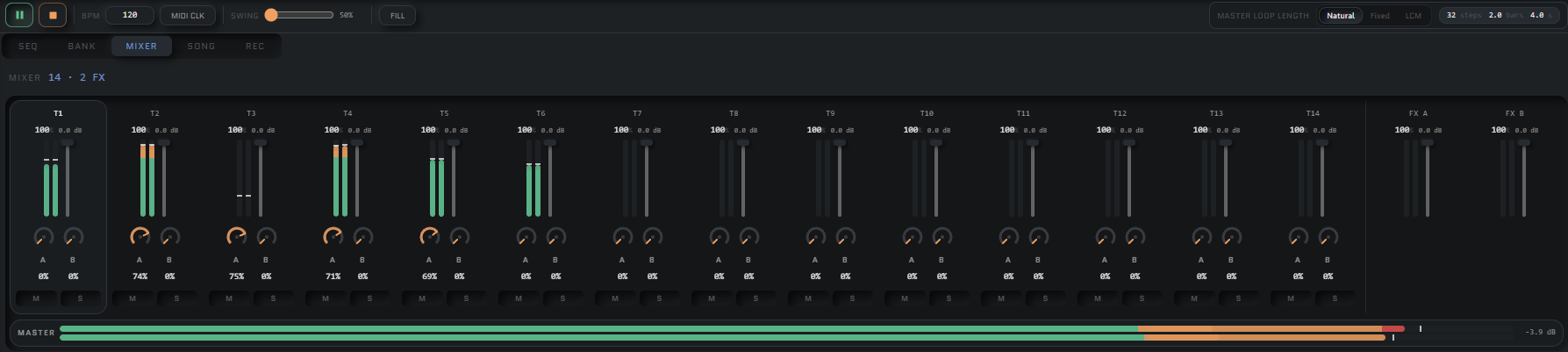
Mixer
Now includes the master track along the button and the volume scales in a much more natural manner.
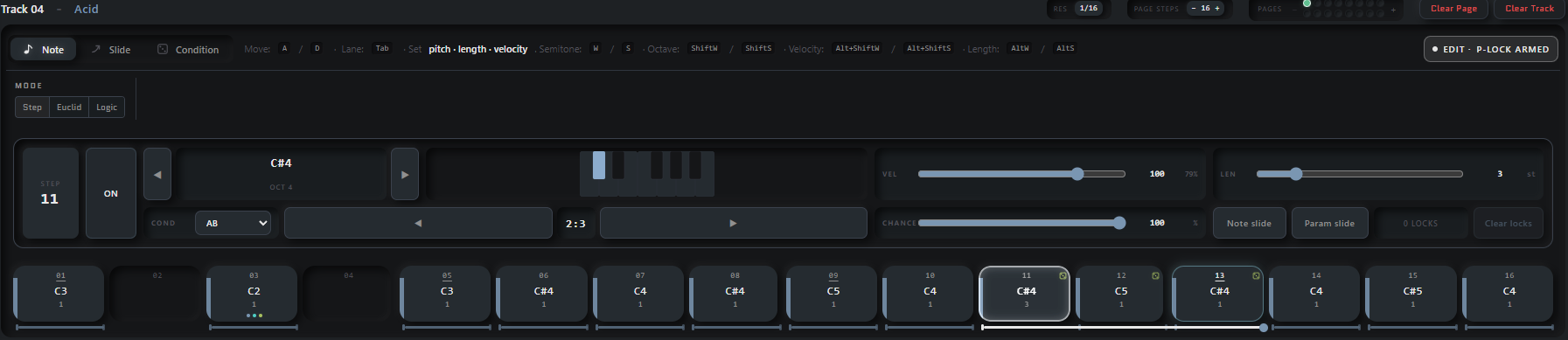
Pattern Note Edit Mode
Still juggling this about, trying to make it nice for an ipad and desktop. Conditions, Chance, Length, Velocity and Note data are easier to enter, along with lock tracking and clearing.
Full track and page clearing can be done with one button click too.
Track disabiling
You can now power off entire tracks to save CPU (If you need it).
Send FX Track Slides and PLocks
This was missing before, and is now added. Sequence your send FX lanes!
There’s probably some more, including a bunch of new audio machines, but I’ll try and capture some audio for that.
I’lll start working on iPad and Mac stability once I’ve finalised a few UI bits, I think I’ve got some pain ahead with file management on the iPad but i’ve started to get some bones together for it. Don’t want to maintain 3 seperate codebases.
Sorry it’s been a while, hope you enjoyed a taste of some of the tweaks made. I’ll be badgering some people soon for alpha testing, installers are working now but I’ve got to test on different OS’s than what I’ve got available. I’ve also not gone through apples rigmarole for handling iPad development licencing, and all the possible bitching that comes with getting them to approve release.