I never suggested Ableton was up to anything fishy. I merely made an observation about the nature of the packaging—that is all. Your point is well taken though. I do like the recyclability of the entire package. “A thing can be two things,” though. It can be true that the boxes and other packaging designs are for recycling purposes, and it can also be true that, by their nature, it is very difficult to know if the product you are buying has been, quite easily, repackaged after a return. That’s all I am saying. No need to read more into it than that.
Agreed. Have been playing with mine on and off all day and am very impressed with the quality. I’d watched a lot of videos, but realize now that there is so much to learn (which is a good thing). As others have said, the sensitivity of the pads are “to die for.” I am a light touch player and these are very, very satisfying. I love having Live on the screen right next to me as I move around. Also bought a notation control xl a couple of weeks ago, and like being able to do mixing separately while messing around. Very, very happy with the Push!
2 Likes
I took it more as just an observation. It’s true there’s usually much more material to get through, for a product of this price. More things sealed/taped.
I did the same as you and just inspected everything little thing.
I didn’t think it could be a refurb just because of the timeline, but I still checked all the same.
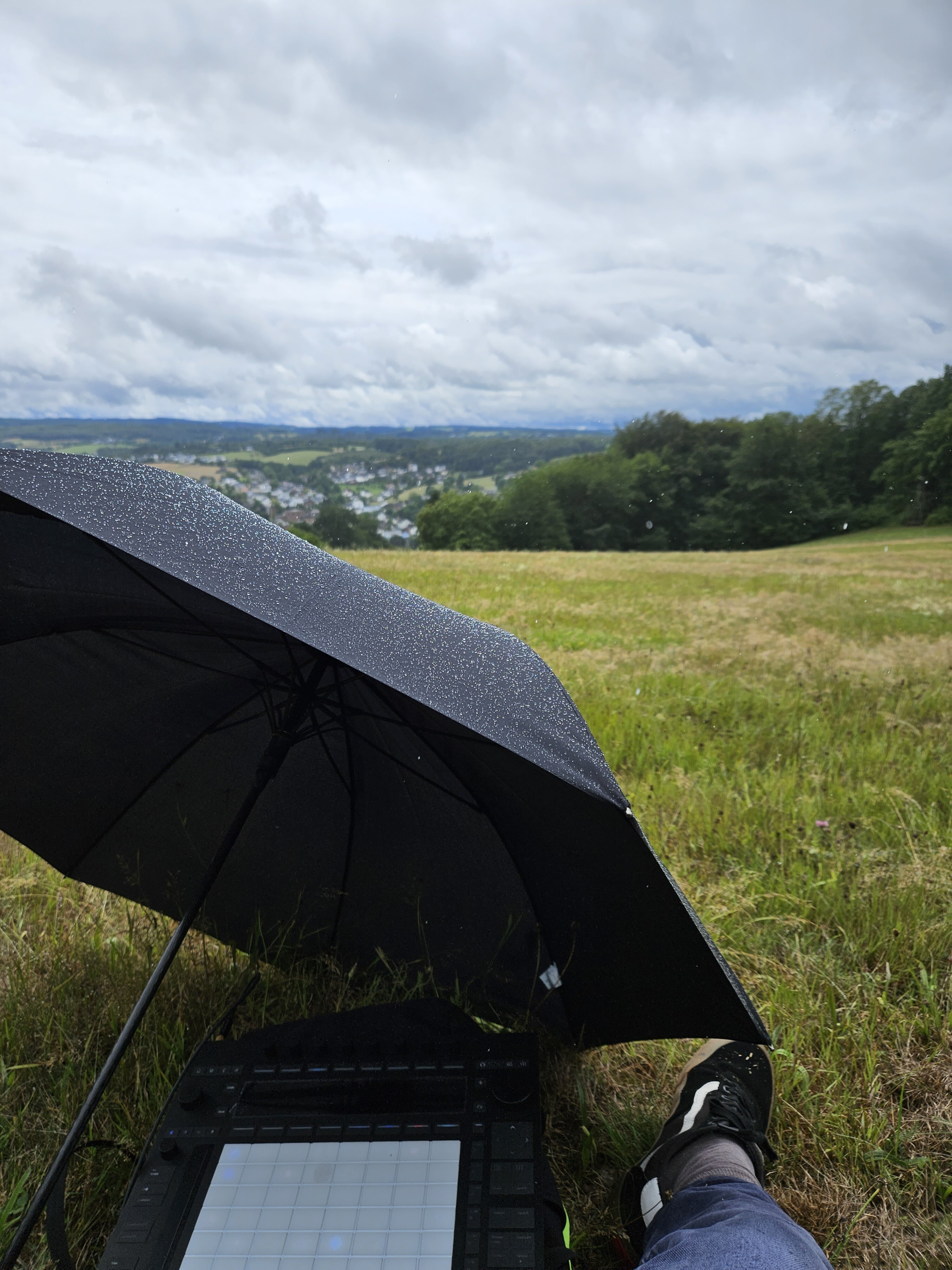
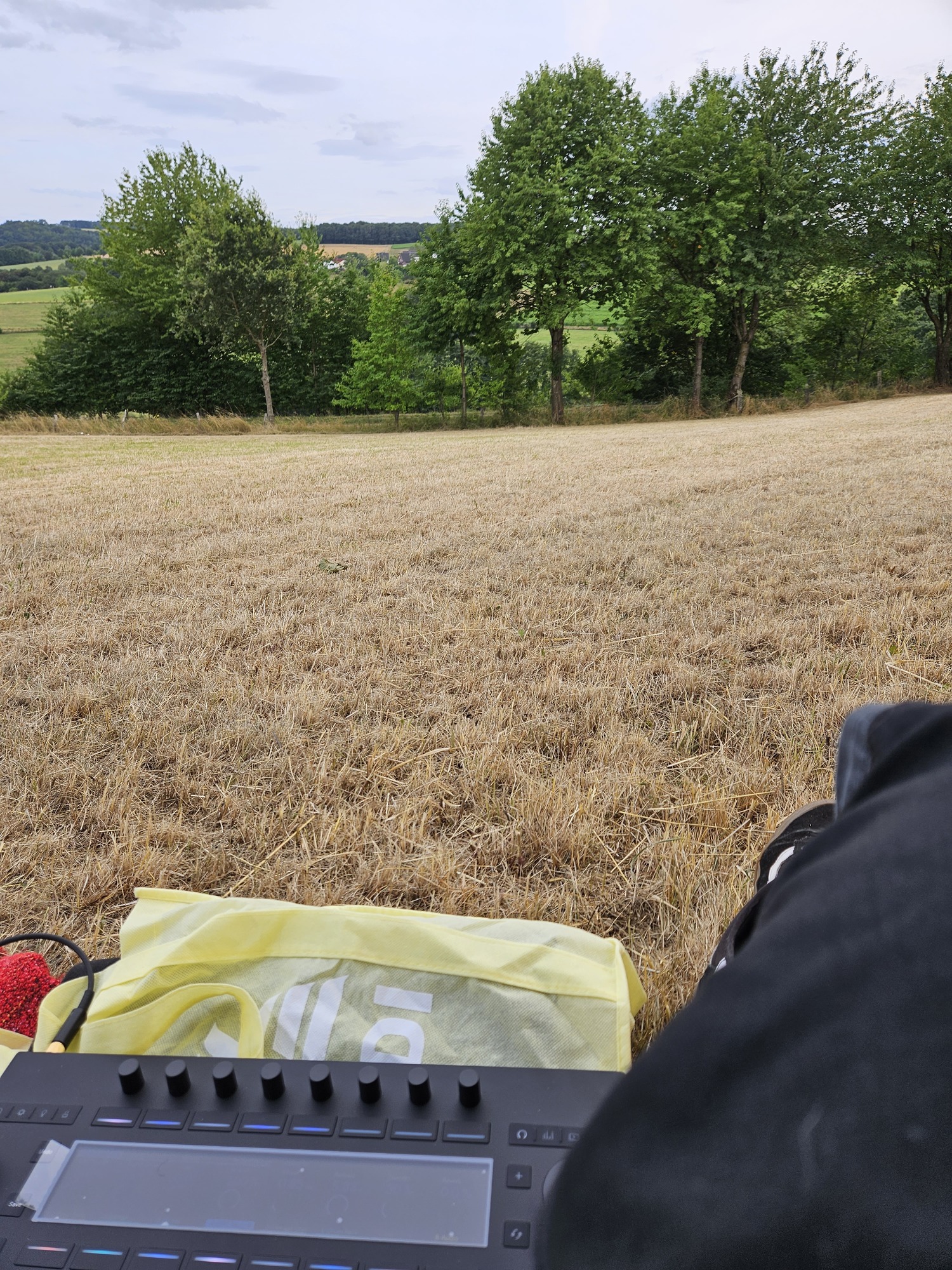
My P3 SA arrived last weekend and I had two outdoor sessions with it. Absolutely new and inspiring to me sitting in the nature and having some nice sounds going on. The brightness of the pads and Display isnt good enough. Nothing to see on a sunny day.
Looking forward to a decksaver and a nice looking carry bag.
2 Likes
Looks like a Van Gogh painting!
It’s funny that the pads aren’t bright enough. For my needs, I wish I could dial them down even more.
The screen though, while bright enough for me, I know it should be brighter for others, and other scenarios.
Trying to record video of Syntakt and Push 3 at the same is difficult because of their screens. P3 at its highest is still lower than Syntakt at its lowest.
It would be easier if at least, Push 3 could match the lowest brightness setting on ST.
I imagine that would change the battery times though on standalone.
I can confirm that my push three controller version has the same outcome as you and others. When plugged into the Mac, but not plugged into the power, the LED and pads are not nearly as bright. I have a 2021 16 inch MacBook Pro. One thing I haven’t tried yet is to see what will happen if I plug it into one of the powered outputs on my CAL digit thunderbolt 4 dock.
1 Like
Thanks for confirming.
I’ve not heard back from Ableton for a couple of days. Suspect they will tell me it is what it is but time will tell.
So I picked up a push 3 standalone and have been enjoying it so far! The pads overall are quite nice, with my only gripe being that I wish the initial activation force was even less. I had a linnstrument for a while and the activation force could be nearly 0 pressure, with the push 3 (even tweaking the threshold down to 0) I can press light enough to not activate them.
Are my standards too high here? Is this what others experience? Everything else about them is great, the velocity detection/pressure etc. Its not enough for me to return it or anything, just want ot make sure this is the expected behavior!
The issue with the Push 3 and not being bright when power is not being used. This is the same as the Push 2 when only used via USB. Is the 3 supposed to be bright when using only via USB? My controller arrives this week, looking forward to using it.
1 Like
I have both the Push 3 and the Linnstrument in my studio. With the Linnstrument set at the highest sensitivity level for pressure, I’d still say the Push 3 requires a lighter touch than the Linnstrument for activation, but the Push 3 seems to require a bit more pressure than the Linnstrument to achieve changes to the Pressure parameters, but this is early days because I’ve really just started messing around with the Push 3.
I‘m still waiting to ship mine back after Ableton confirmed that it had a hardware issue (one pad is broken).
They have been very helpful and everything but things do take a long time. I guess this is the downside of them not using a retailer. Using 2 weeks to be able to send back a faulty product is a little much imo. I will send them a new email today to hear what is going on.
1 Like
Not good to hear. I was typically getting responses within 24 hours when to-ing and fro-ing with them but not heard back from them since last Wed. I was just really wanting to know if there’s anything that can be done for my issue and, if not, what the process is to return and change up to a standalone but reading your comment makes me think I could be waiting some more time to bottom this one out one way or the other. Getting a little frustrating now as barely used it since getting it two weeks ago as didn’t want to risk any marks or issues if I did need to return it.
1 Like
Yes, same. I’m sure it will be great once I get a working unit but its off to a slow start
1 Like
Finally have been able to dive into push as a live setup main hub. Routing the individual outs of perkons into push for processing. Adding drum racks and within those use sends to do all kinds of crazy stuff. Drum racks and instrument racks are mind blowing. And the fact you can have an instrument rack on a drum pad within a drum rack… insert inception meme. Also going to have fun realizing a processing idea I had with live input. Which hopefully propels my idea of a full improvised set with a minimal setup closer to reality.
Hardware wise I’m happy with the build. Still the small issue with the jog wheel not clicking consistently. Still have to finish my ticket with Ableton about this.
I also noted that the “Fixed Length” button is not lighting up completely. Anybody else has this issue ? “Fixed” is bright and “Length” is progressively dimmer.
7 Likes
For those that have been wanting to map Live’s LFO on the Push SA and have not yet managed it, then there is a useful mod for the original on max4live.com here:
https://maxforlive.com/library/device/9262/free-lfo-for-push
1 Like
Are you using the controller version or standalone?
Will you continue using Elektron sequencers? Can you tell us more about how you integrated the Push and Elektron sequencing paradigms? I’ve had trouble integrating them on the standalone version due to lack of Midi CC send support.
2 Likes
I see the same with the “Fixed Length”, although I don’t find it to be an issue.
1 Like
Yeah it’s not really an issue 
Standalone
I probably will do what I’ve done with dj mixers. Simply running the input into push for some processing and live fx. But I can create great creative fx now so that’s cool. I love the Elektron sequencers so I won’t be sequencing Elektron gear from push. I think I’ll end up with something like push, perkons, syntakt, heat, and OTO boum.
Couldn’t you use midi fx to send midi cc? Haven’t looked into that yet.
2 Likes
Couldn’t you use midi fx to send midi cc?
Sadly, no. Midi CC is implemented in Ableton as an envelope, which isn’t exposed to the Push UI. I’ve been tinkering with various Max For Live devices but haven’t found anything that works yet.
I’m also keeping with my Elektron sequencers for now. But until I find a way to unify Ableton’s midi clip sequences with elektron’s patterns, I’ll have to refrain from using all the awesome Ableton instruments.
2 Likes