P3 standalone does not support remote scripts. I believe the remote script is what drives the lights. I could be wrong but I was looking into something similar for the midi fighter twister.
1 Like
I used the Octatrack as a central hub. Whatever gear I was using for a particular setup would have all it’s audio funnelled into the OT, OT would be the master clock and master transport as well as handle any sequencing for gear with no sequencer. I would do some sample slicing/playback and some looping and resampling with OT as well. I had fun with the fader and it helped me get a feel for arrangements as I built songs.
I was happy with this setup and loved my Octatrack, it worked well enough. But, to me it really showed its age. As a production/studio tool I always wanted more from it, more inputs, outputs, better audio processing for mix purposes and more tracks.
The final and most significant thing I disliked about using the OT was getting all my stems out when it came time to move into the DAW and finish a track. This meant creating a bunch of quantized loops track by track until I had everything I needed from inside OT or an equal amount of overdubbing track by track in Live. Then recoding everything off the other gear, dragging in the OT loops. It was not a streamlined process.
So, for me Push 3 does everything the OT did for me plus so much more. A nice amount of I/O when you throw and ADAT box into the mix. I can mix as I go with a comprehensive set of mixing tools and FX. And, when I’m ready to start finishing the track, everything is already in a Live set. Transitioning from out-of-the-box to in-the-box is almost seamless. Plus there are all the instruments built in to Live that I can access from Push when I’m working out-of-the-box. Max for live devices, CV. It’s a dream machine. Everything I used to dream of when I wondered what an OT MK3 or some sort of successor to the Octatrack might/could look like.
All I’m really left with to morn from the absence of my OT is the fader. Which, was not a useful production tool, it was really just something fun to play with during the out-of-the-box potion of my process.
This is obviously just my personal opinion. I don’t think the Octatrack is useless and I’m not slagging it in any way. I see how it has value for a lot of different scenarios. Just not mine.
14 Likes
Thank you, that is good to know
I’m going to ask what feels like a silly question…
Do you think using the ADAT will result in lower latency than recording directly from synth into Push 3 standalone, than using just the midi to trigger the transport and audio in of the Push 3 directly.
Note i’m not sequencing the synth from P3 just capturing audio when P3 is master. When I record stuff from my OT and ST I do get quite a bit of latency…
feels like the answer is no as you are introducing another machine to the party i wonder the ADAT protocol means the recordings line up better. I have no idea!
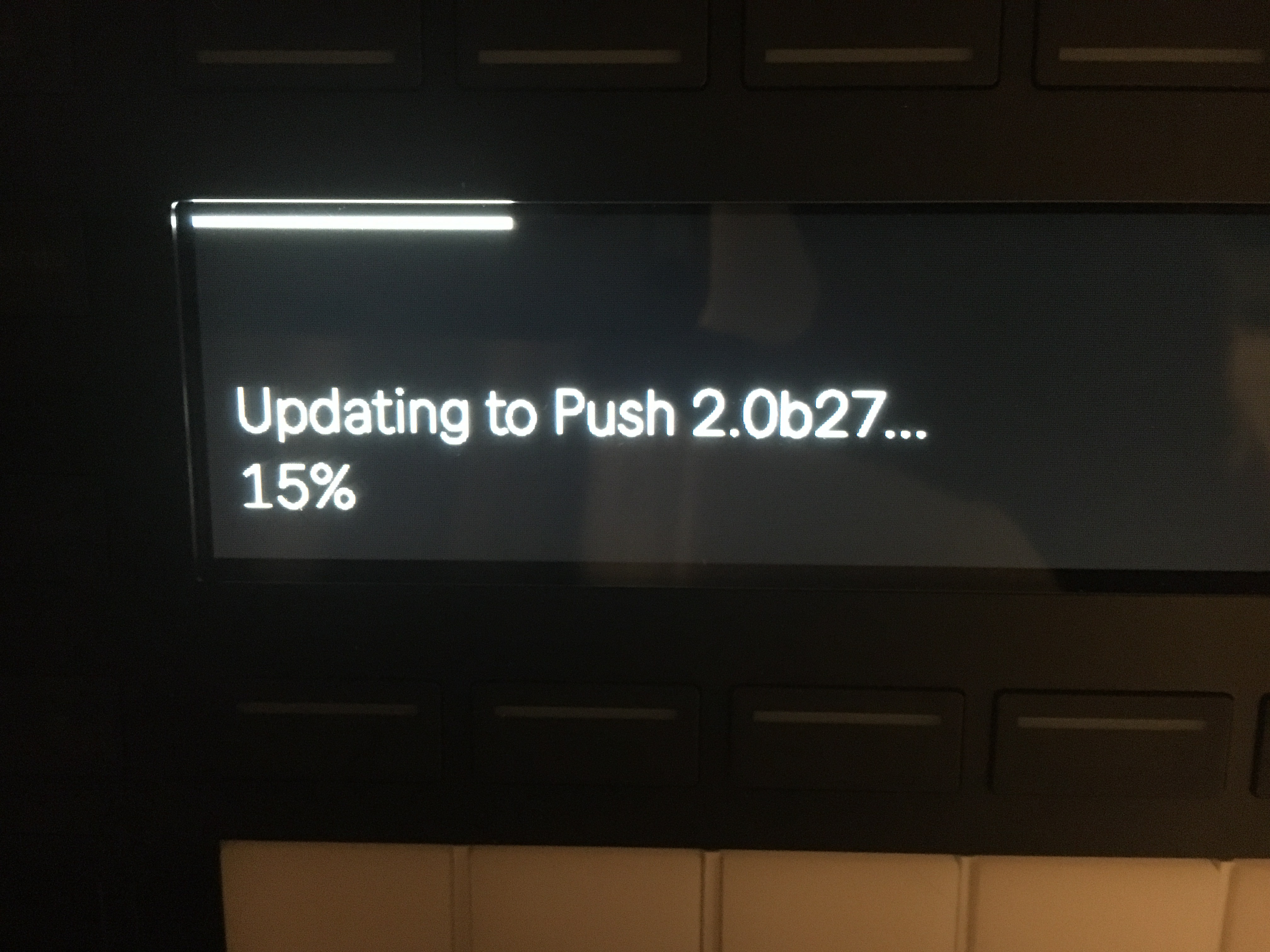
have not done the latest, but normally it takes ages.
1 Like
the release notes says no much news and fixes. So weird this update for “nothing”
12.0b27 Release Notes
February 7, 2024
Live - New features and improvements:
- Updated software text translations in French, German, Italian, Japanese, Simplified Chinese, and Spanish have been added for Live 12 features.
Live - Bugfixes:
- Fixed a crash that occurred in some circumstances when navigating the browser.
- Fixed a bug that caused Sampler to choose samples that were further away from the target pitch than necessary when playing multi-sampled instruments while using a tuning system. This could lead to poor sound results, especially with notes at the top and bottom of the keyboard.
- Live 12 can now be authorized using Sassafras KeyServer.
- Fixed some bugs in various Max for Live devices:
- MPE Control: Fixed incorrect initialization of function when loading a preset.
- MPE Control: Fixed restoring s-curve icon.
- Shaper MIDI: Velocity influence now defaults to 0, to avoid confusion about the scaling of the waveform.
- Expression Control: Fixed display issues on Push.
- DS devices: Fixed occasional note truncation.
- Fixed an issue which prevented some users from seeing tags in the browser.
- Fixed an incorrect pitch in the 12 - Dastgah-e Rast-Panjgah.ascl tuning system file.
- Fixed an issue that prevented factory content from being analyzed for sound similarity.
2 Likes
I had the same reaction, so I am going to be patient.
Exact 4 minutes to update my Push 3 SA , so very fast.
1 Like
Less than 10 minutes of steady download here, which is usual for me.
Random question regarding controlling a playing drum kit on Push 3.
I’ve got a pattern playing from the 808 Core Kit that loops.
When i was recording the pattern in and making adjustments to the sounds afterwards, I was able to select one of the drum slots and adjust the parameters for the drum sound while the sequence was playing. (pitch or decay for example)
Now I’ve gone back to my saved version and it wont let me focus on a particular drum channel while the pattern is playing anymore.
I’ll press the button at the top for Snare Drum for example, or tap the pad that the Snare is on and the parameter page will flash up for a second, then dissapear again showing the group and the midi notes changing.
I’m basically unable to select a slot to edit it while the pattern is playing anymore.
If I stop it playing, then I can select and focus slots/pads as usual.
Not sure if I’ve entered a strange mode where I can’t focus on slots / pads while they play, or if this is a bug.
Any ideas?
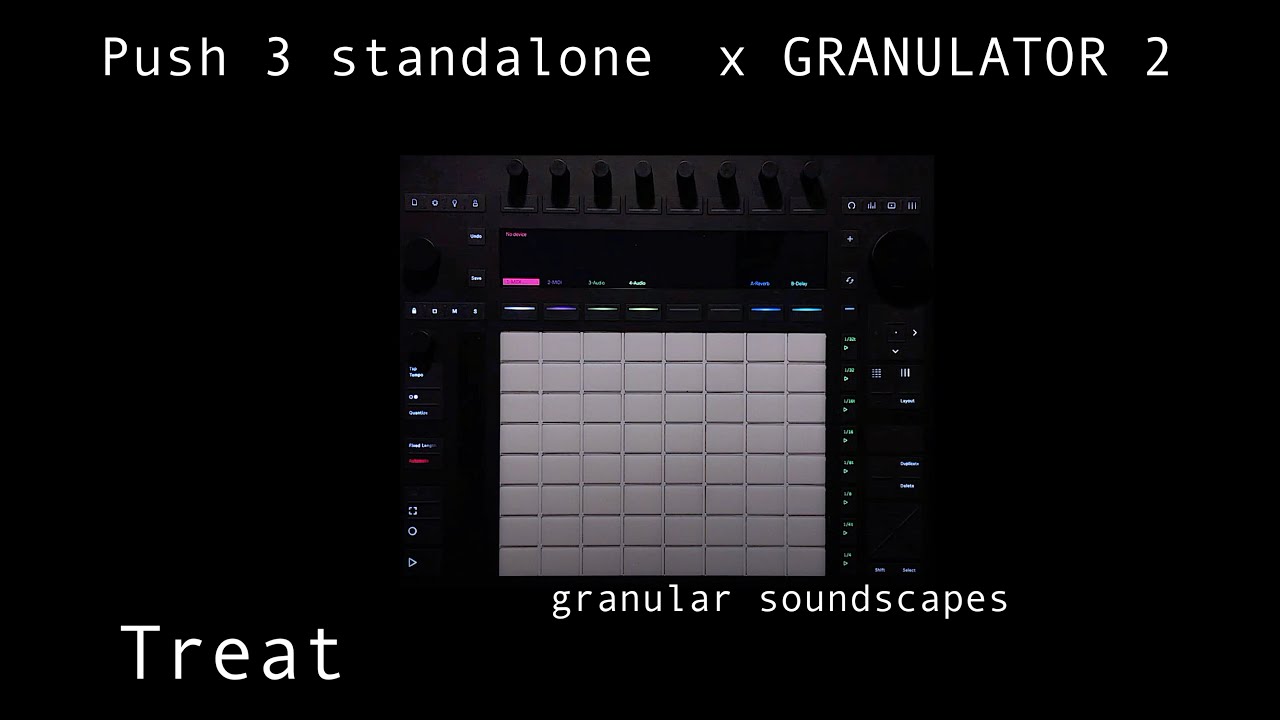
granulator 2 is beast on push 3 sa…
8 Likes
Why the II and not the III?
III doesn’t work on push3 standalone yet. also II is crazy powerful and has FM …
Has anyone encountered a failed update? I tried updating to the latest release but during the process it had failed. Now when I try to update again it says no updates available. Hoping someone here can help rather than having to weeks for a support ticket to be answered. I’m using a Mac M1.
You can also update the Push 3 with a downloaded *.swu file. You can download it from Ableton Centercode.
To install it manually type http://push.local/update in the Safari browser, and browse to the *.swu file you have download.
1 Like
I was reading that slaving push from an external device has now been fixed. Is that not the case with this new update?
Thanks, I’ll try this
Support has been very quick for me recently.
2 Likes
in case people didn’t know this, it’s neat you can record directly to the arrangement page in standalone mode by pressing shift + record…
5 Likes