I tried loading this on Push 3 and got “This device contains missing or incompatible Max objects”, so sadly looks like @chapelierfou is correct.
1 Like
I don’t think this had already been shared but I found it very useful and thought it’s worth risking a re-share even if it has. If it helped me, maybe it helps someone else.
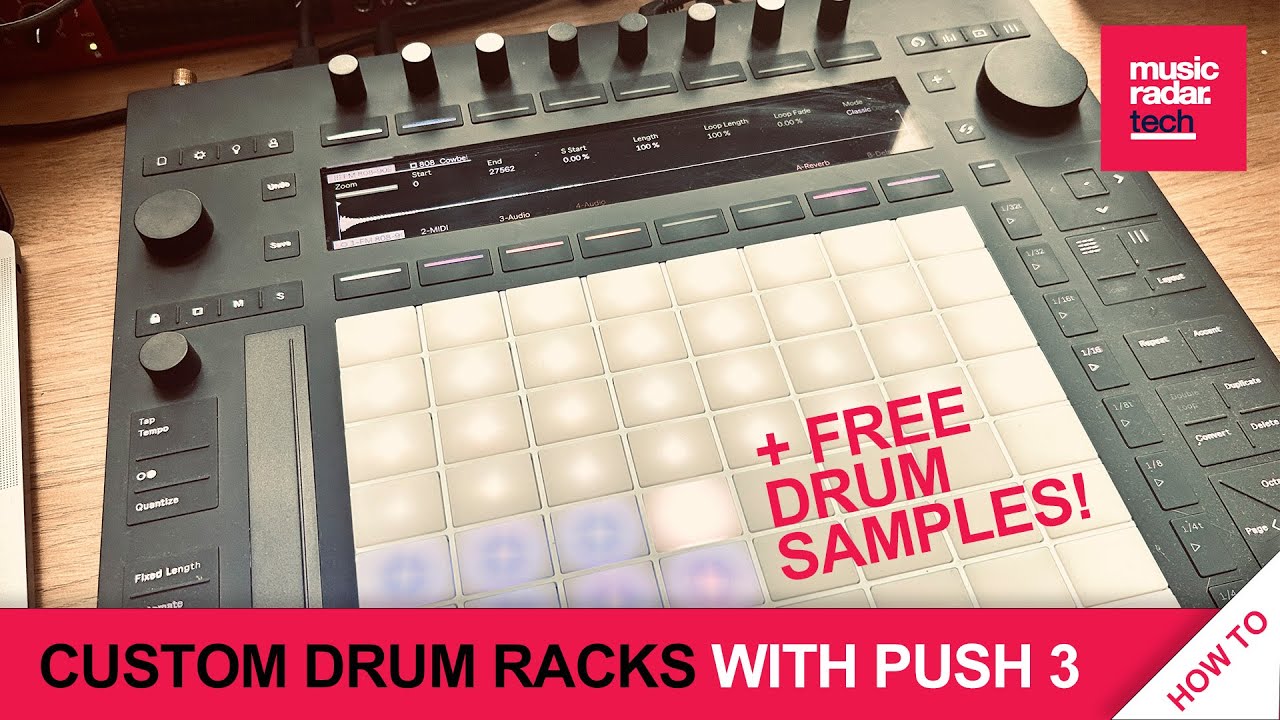
It’s a way to move drum racks across, with their samples intact and the key detail for me (that I clearly missed in the manual) was that holding “Save” and pressing a Rack saves it to the “Presets” folder in your User Library with the rack name. You can then organise as needed.
It’s very straightforward and, though slightly tedious, meant I was able to save down a bunch of the core “Samples From Mars” kits in only around 15-20 minutes of mucking about. I now have lots of new drum kits available. Which is nice. I haven’t tried this yet for some of the instrument racks, e.g. the 101 presets but will do that when I have a chance.
9 Likes
Yeah, it’s a problem not specific to Push Standalone, but with sharing Drum Racks more generally.
Thanks, searched for Themis for 2 weeks. Strange I cannot see fx parameters
Heya. Did you ever get an answer to this one? I get that you can connect a USB midi interface to USB A Host and then go out with serial MIDI from there. But can you connect say a Hydrasynth, a Minilogue and a T-1 via USB to a USB hub?
Tried with Overhub and nothing shows up, but when I just plug the Hydrasynth in directly in the USB A it shows up fine in settings.
1 Like
Yeah. It was hit or miss for me. My newest UGreen hub did not work, but an old Anker one works just fine. Not sure why the Push 3 sees this one but i have it working with 6 synths over usb now.
1 Like
I’ve conected a Digitone, model samples, roland s1 and a behringer td3 and a ssd 500gb on a tp link usb powered hub and all working fine with the push 3
1 Like
I was looking for a protective bag for my Push 3 besides the decksaver.
For anyone interested, UDG has now all their P3 cases available:
https://www.udggear.com/by-device/ableton/push-3
I dunno how good they are, I ordered the Pick Foam Flight Case
and will share some thoughts on it when it arrives.
2 Likes
Thanks, @DaveMech and @echo_opera – will explore the built-in ones, but don’t have time to sit and create my own. That’s just the reality for me these days.
2 Likes
I updated my Push today to the latest firmware version and now I have the following problem:
When I switch tracks in note view via the lower display buttons or the d-pad the pads do not register when I want to play sounds, I always have to hit the session view button then the note view button again - and then the pads register again after that and play sounds normally as they should.
Anybody has that issue?
Not 100% sure about your situation, but it’s worth knowing that holding down the relevant track button for a second or two will arm the track if it is no longer armed for whatever reason. Quicker than jumping beck and forth like that.
Very helpful work arounds here. Thank you for sharing!
1 Like
What Max4live device are you using to map MIDI CC to your external synths?
EDIT: Looks like this is it. I’m going to give this a go with OB6 and Push3S!
8 Likes
@cfurrow Thanks for posting and grabbing this. Let me know how it works out on Push3 & SA. I’ve been curious as I only have a Push2 to test on.
It works great! I was able to assign the CC’s and everything inside Push3 SA. Exactly what I was looking for. After that, I was able to throw LFO’s in there!
The only thing I can’t do in SA is name the CC’s after they’re assigned but that wasn’t unexpected.
Awesome work, @inz1!
4 Likes
This news is very welcome! Thank you for trying it out and reporting back
2 Likes
thanks . yup I knew that.
had to actually do a firmware reset after interacting with ableton support.
well, fresh start I guess.
now it’s working again.
1 Like
Excellent news @cfurrow ! Thanks so much for reporting back.
1 Like
New beta firmware for Push(1.1.20b4) and Live(11.3.20b4) :
Live 11 Beta Release Notes | Ableton
11.3.20b4 Release Notes
Live - Bugfixes:
- Live will no longer repeatedly attempt to re-download an invalid Note set from the Cloud.
- Fixed a crash on Windows that occurred as a result of Direct3D 11 device driver resets and upgrades.
-
- Fixed a bug where exporting audio containing an external audio effect or instrument would not create a resulting audio file when restarted manually or due to drop-outs.
- Fixed a crash that occurred when restarting exporting audio within 100ms after starting Live.
- Live no longer crashes when switching away from track (for example via MIDI mapping that changes tracks) while clicking in the Device tab.
- Fixed a “Serious Program Error" crash that occurred when loading a corrupted Max for Live device.
Push 3 - New features and improvements:
- The selected MIDI port’s sync delay is now shown in the Setup menu’s MIDI tab where it can be changed with an encoder.
- Push’s Play button will now show the state of Live’s transport even when it is synced to an external MIDI clock, but pressing the button when it is externally synced will have no effect.
Push 3 - Bugfixes:
- Canceling the shutdown dialog now restores previous views as expected.
- Removed the FromPush and ToPush MIDI ports from the configuration. When used, these could lead to some erratic behavior. Any control surfaces that the user has configured to use these ports will be disconnected.
- Push should now be more responsive when switching between Control Mode and Standalone Mode.
- Improved Hot-Swap Mode so that the Load Previous and Load Next buttons are now only visible if the previous or next item can be loaded, respectively.
Step-by-step it’s getting better!
11 Likes
Just an update. I assigned 2 LFO’s to 2 CC’s and it totally crippled my Push in standalone mode. I tried this on 3 synths: OB-6, Nymphes, Pro-800. All the same results. I think I’m maxing out the CPU on the Push because audio starts to glitch and latency gets really bad. I’m going to test out in Ableton proper…
1 Like