Thanks a lot for sharing, as I didn’t take the time to test.
Does it mean that Midi routing that you set up on the computer are restored properly when loading on standalone ? That would solve a lot of potential trouble between studio and live setups.
I tried reading this, and… I might not be a smart man, but I didn’t really understand what the hecking heck is this all about. Mapping what to what? Can I map external controllers now?
I really tried. 
1 Like
It’s about the “Map” button that you can find on LFOs, Expression Control, etc… Basically tie a parameter to a “modulator”.
This is currently only done with a mouse action, so… on the computer.
On standalone, there’s currently no “official” way to do these mappings. But in theory, it’s totally doable. I guess it’s more a matter of finding the best workflow/user interface.
Does it answer your question ?
2 Likes
So it is more a proof of concept than an actual solution?
1 Like
Well, it’s totally working.
But I wouldn’t be surprised if :
- Ableton would publish updated versions of their “mapping” devices that would enable mapping via Push. If/when this happens, this would probably settle things more robustly, as there is a chance that people copy the chunk of relevant code and paste into their devices.
- Ableton would introduce a special key combo on Push that would be used for this action.
Only my personal opinion, based on my experience with m4l patching.
(btw, here’s a functional LFO for Push by Elisabeth Homeland FREE LFO For Push version 1.0 by ElisabethHomeland on maxforlive.com, already posted in this topic)
1 Like
Oh okay, I think I get it now. Thanks for this! I have to say, I’ve had so many moments where mr. Fou has been very helpful over the years. Thanks 
1 Like
You’re very welcome. Always happy to help !
I’m actually only starting to work with Push, and super interested in how it can be used with M4L.
I think it can be super inspiring and powerful, especially Standalone. There is a lot of potential to create new instruments with their own look and workflow, and going far from the Ableton common workflow. I’m more into a set of instruments that you could load in tracks, and then use Push Standalone more like a customizable groovebox.
In my opinion, and coming from the Monome “world”, there is a lot to do with re-purposing the button matrix.
5 Likes
Ableton needs to hurry up and improve Push 3 and Max for Live integration.
So much potential being left on the table.
9 Likes
I SO much agree.
They could improve sales significantly with this AND make existing customers happy.
I have no doubt they will at some point, I am also impatient af.
Like Dave Mech already mentioned correctly: The Pushs potential is gained by prepping/developing/working in conjunction with Ableton for the functions that
can’t be reached standalone.
It is just so tempting to have standalone functionality - and to dream having the “m4l
standalone category” with a couple of dozen m4l devices on abletons website ready that have a nice ui and work completely standalone 
(I know I am lazy but a man can dream)
ppl would jump the ship faster than it could leave the harbour 
2 Likes
Searched this topic and didn’t find this, so for posterity for all y’all ‘Nauts…
Link for recovery mode instructions:
https://help.ableton.com/hc/en-us/articles/10726712498076-Recovery-methods-for-Push-standalone-
It was somehow more difficult than it should have been to find when using Google search words like “Push3 won’t boot in standalone mode”. 
Tried to update to “.13” firmware last night and it borked… all good now.
5 Likes
I have my Blokes MIDIHub connected to my P3. That way I have additional 4 IN and 4 OUT, making it 5*16 = 80 theoretically available MIDI Channels.
3 Likes
Thanks for the confirmation!
Can you set for each channel program change and cc value independently per row?
MIDI was the reason why I moved to Bitwig a few years ago. MIDI and controlling external Instruments is still not awesome in Ableton…
I use a Max 4 Live device to do Program Changes and MIDI CC in Ableton and on the Push 3 and it works fine. You can control the synth, you can define up to 16 MIDI CC per Instance to control and you can automate that. That is enough for me personally, might not be enough for everybody else.
Don’t know how deep you are into Ableton, so the next info might nothing new:
There is a Plugin (Device) named External Instrument in Ableton and on the Push. This lets you choose the MIDI Port and Channel, an Audioport (where the sound comes in) and lets you control incoming audio gain and latency compensation. Doing so, you can add Audio FX to the same track that processes the incoming audio of the external device, so you can route it to additional stuff as well as send FX. I have my external devices connected to a ADAT Interface, so everything can be handled separately.
On that Track I have a Max 4 Live device (first it was a quick and dirty solution I wrote myself, a few days ago a quite nice one was released that does it better, but costs 6$), that handles Program Change and MIDI CC.
3 Likes
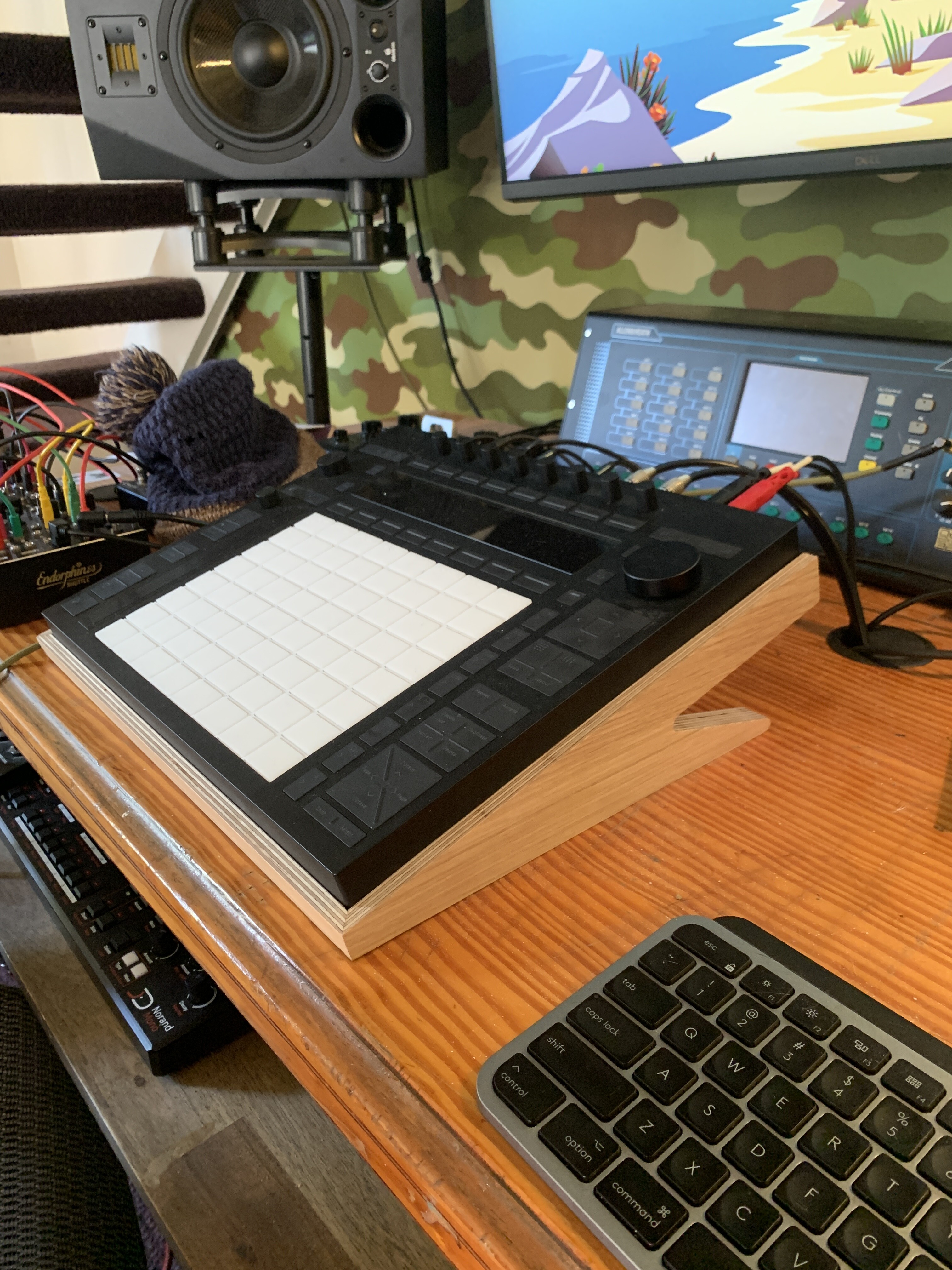
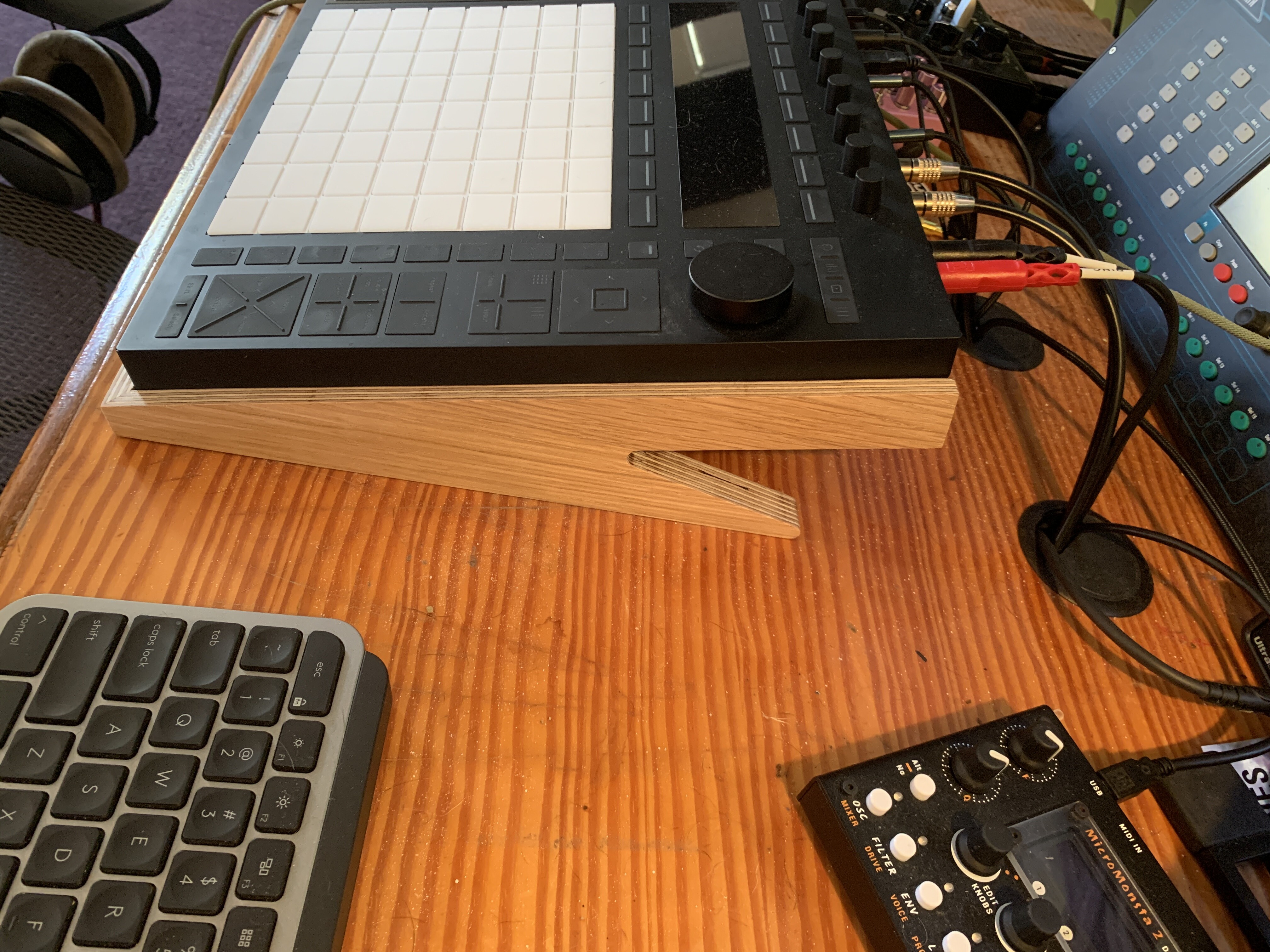
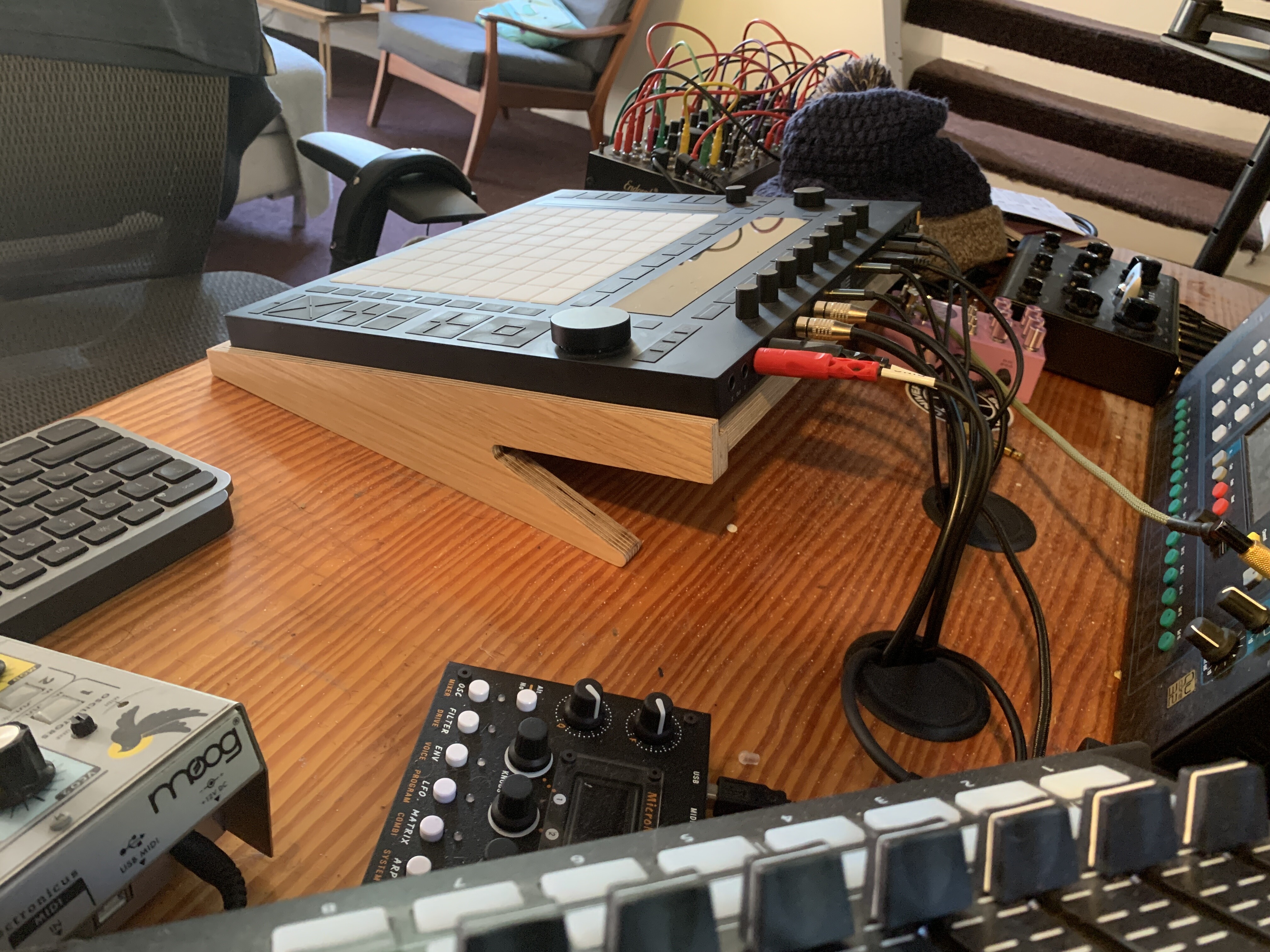
Right now the thing I want most for my P3S is a suite of Max for Live effects/Live effects that work in Standalone that have a max of 8 parameters (ideally), but that are super interesting (think Unfiltered Audio) and that sound amazing (like Fors good).
A Plaits-like distillation of rad DSP. 
2 Likes
Have you explored all the Effects Racks in Stand Alone? I’m finding some nice ones i never used before since i always relied on VSTs.
I’m discovering so many nice things in stand alone because they of the focus it brings.
4 Likes
You can also create this yourself. Which is what’s so cool about Ableton imho.
There are also max4live effects that have presets with macros etc already mapped for some of the presets. The live packs that come with suite contains loads of those. Like Drone lab (not max4live but still interesting). Outer Spaces is another one that is really great.
Most of the time parameters that are not available on push can still be mapped to macros in live which will make them available on push. For example the ‘grab’ function on Granulator II can be mapped to a macro and that way you can grab live audio on stand alone.
Still would be nice to get something like you describe though
I’m also really hoping for sequencers that use the MPE grid somehow in a creative way to provide more complex sequencing. I did find some devices that will add a:b conditions to trigs and pre. Still have to see if that works nicely on push standalone though.
3 Likes
Speaking about plaits;
Will a plaits clone (e.g. Flechtwerk Ternär Music Technology | Device) run on the Push standalone?
Pretty sure it would not run, as it’s probably based on an external object.
This might change in the future, if they officially release a Linux version of Max, so developers can compile externals for Linux.
2 Likes
I hadn’t even thought to try this, very cool!
1 Like