thanks, I’m just on the hunt for some clips of people really showing off the performance mode workflow on the mini and I haven’t found much, probably cause people are just getting them into hand I guess…
3 Likes
The thing with “portable devices” …on a trip am I going to bring this one box that can do this one thing, or am I going to bring my iPad that musically does everything and anything…and also let’s me check my email and read the news?
1 Like
I prefer not having distractions and unplugging from the interwebs on my music making devices.
4 Likes
Yep,that part is what I’m struggling with. Should get a tracker mini or chill out with my mini 6.
1 Like
I’ve been toying with the idea of buying a macbook and installing Renoise for travelling, since that is the tracker i know how to use. Problem is it’s not that much of a portable solution.
Tracker mini and M8 both look great but I’m trying to avoid buying gear that requires me to invest time in learning and just trying to use what i already have.
2 Likes
Maybe just to avoid stress on the headphone cable since you are mostly invited to play it upright?
I feel the same about Moog with the sideways synth biz 
Irksome
1 Like
any videos on the tracker mini doing performance mode with external midi controllers?
it seems that no one has done it yet.
Haven’t had to adjust my hand position at all. Every is reachable with two thumbs. Very intuitive UI and having the various plus and minus buttons is actually quicker to work with than the old jog wheel.
Ports on the bottom make sense as most of the time you are holding it. Means no cables getting in the way.
2 Likes
for those that have it, does the class compliant USB audio also allow sending audio to the tracker mini for sampling?
Currently no. And there is not enough info atm, if that could be supported in the future.
Oh this is huge!
The lack of USB audio was a big problem on the original and was a hardware limitation.
All they need to do now is add 8 MIDI only tracks to go with the Audio ones like a Digitakt and it will be an instabuy for me.
1 Like
oh well… bit of a shame but no deal breaker.
it briefly got me excited because i thought you could resample through plugins with the ipad until i realized that you can’t sample while playing audio anyway lol.
still great for tracking out finished songs to give them that extra polish later on.
Oh that’s a shame, I absolutely want to sample my iOS synths with it.
We shall see. I mean there are still two channels reserved for the future (seen here: Polyend Tracker Mini - #1399 by rotallytuined). 
Or maybe it is actually possible and we don’t know. But as it stands as of Firmware 1.0.0 - no dice.
1 Like
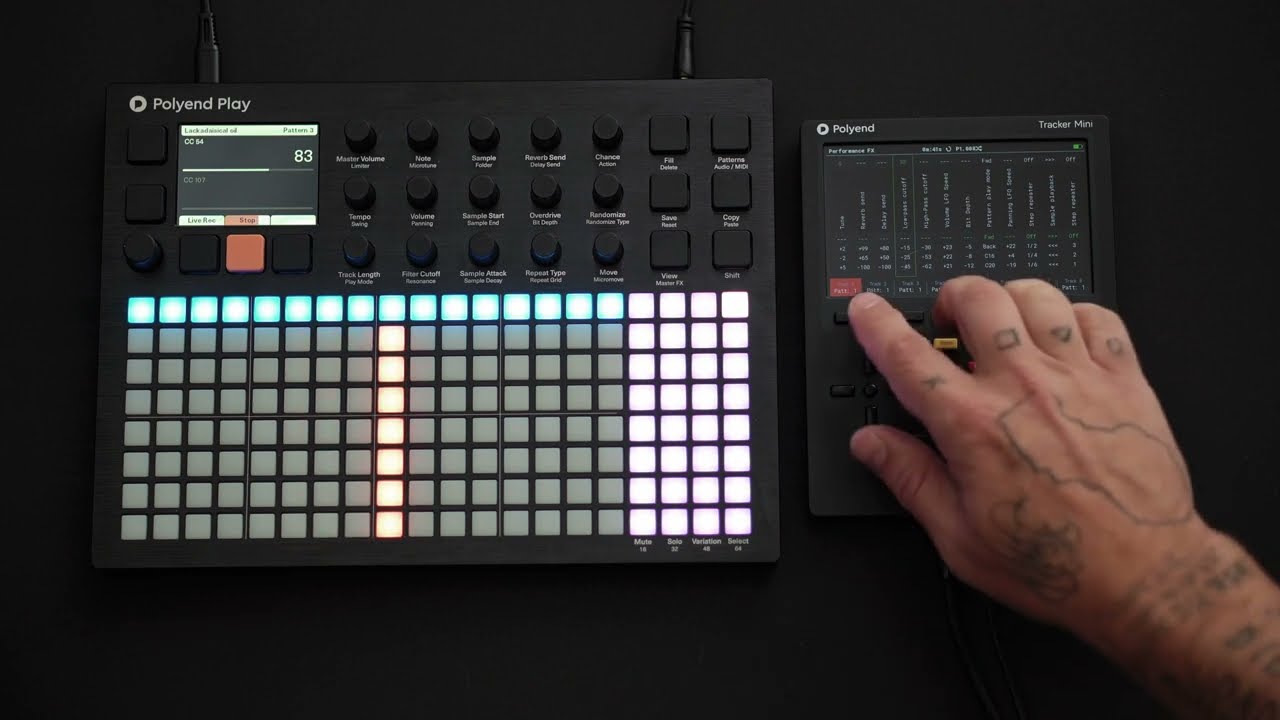
There is one problem with “videos from real users” that has to do more with the video camera than with the Mini. Most videos that we have seen so far show the Mini on the table, but I bet most people use the Mini holding it with both hands, not on a surface. However, to record a video, it is easier to put the Mini on the table, and that won’t show how the same person actually uses the device.
I’m waiting for someone to record a Mini performance with a GoPro or similar on their head.  That will show how they are really using it.
2 Likes
I was actually considering doing some standing or holding shots. But it was just way to freaking warm that day  and nobody wants to see my sweaty fingers across the shiney shiney
1 Like
Anyone on the fence needing an extra excuse/push my brother states that ‘the zip on the case is the smoothest most sensual mechanism I’ve ever experienced’ 
Who can resist?
5 Likes
An m1 MacBook Air is an amazing portable solution. You can do everything on it. I’m not sure I follow this.
1 Like
I can’t explain how great it is to have the Tracker in this format. I just did my commute to work and jammed with samples I made from my Syntakt last night.
8 Likes