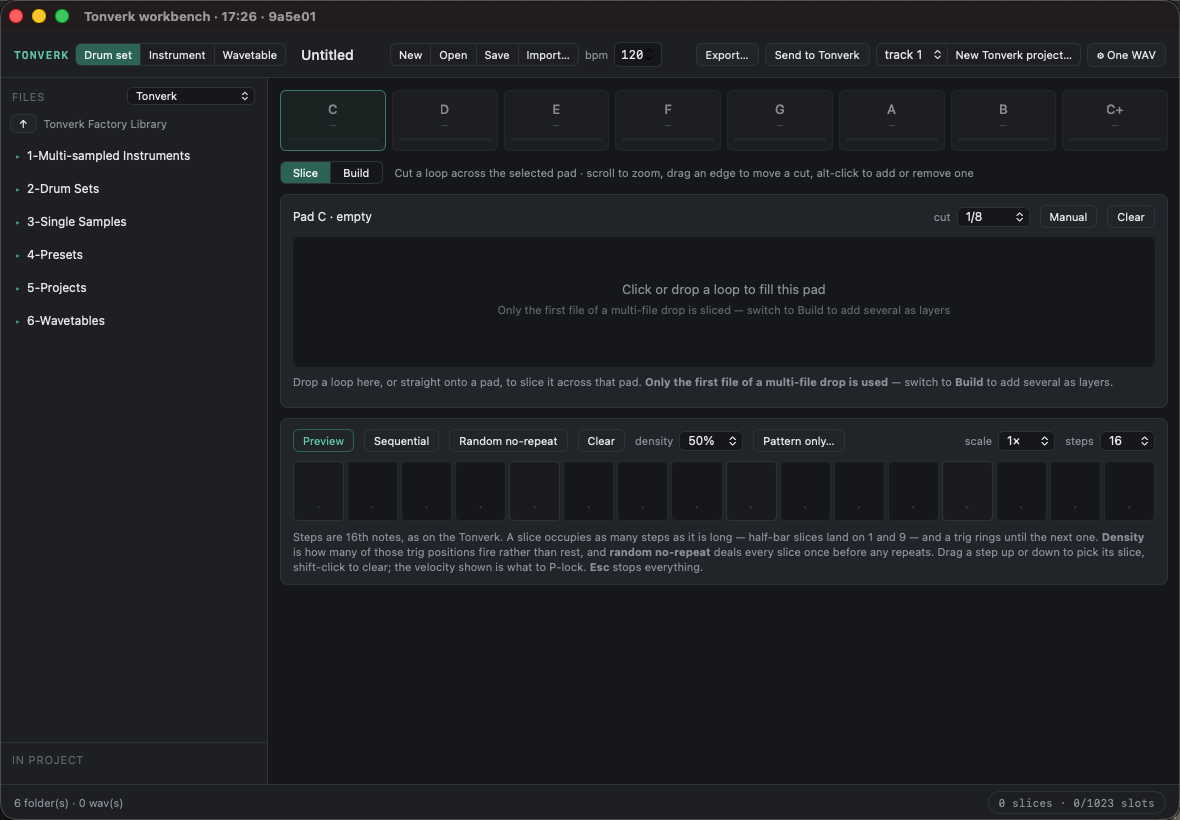
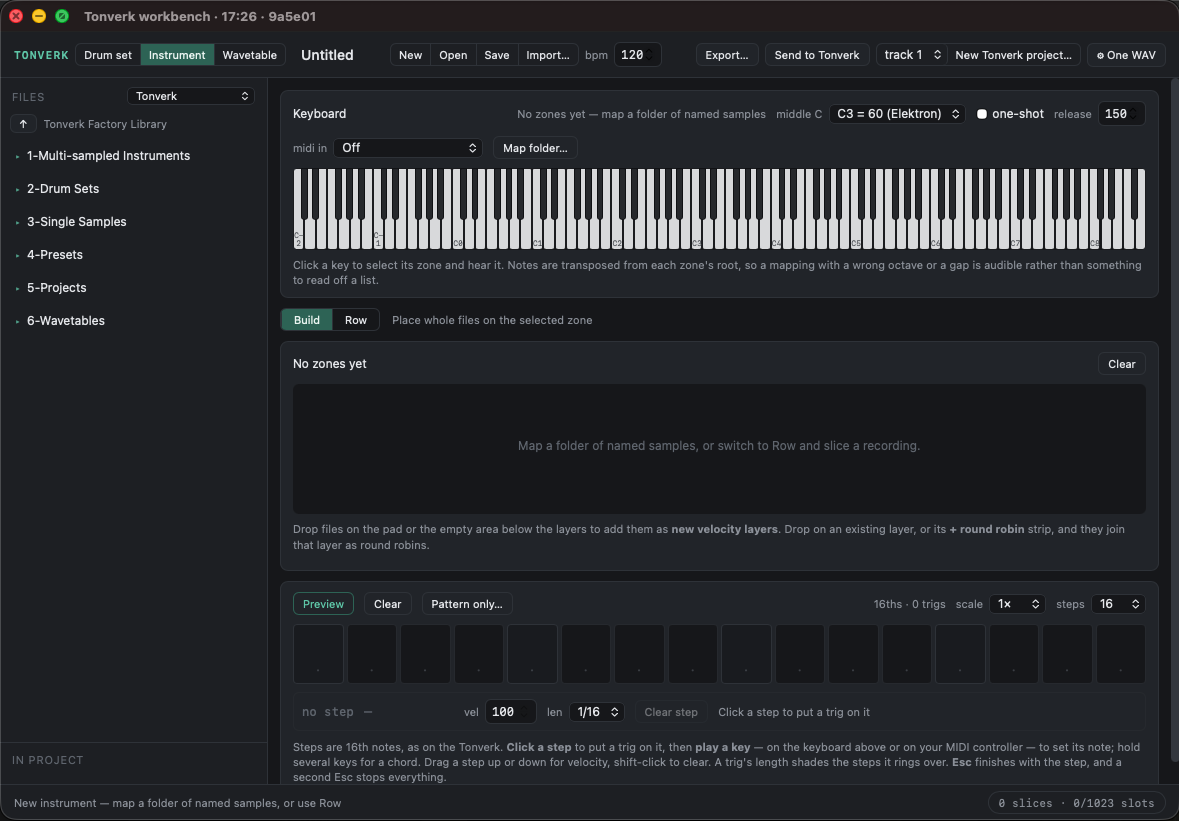
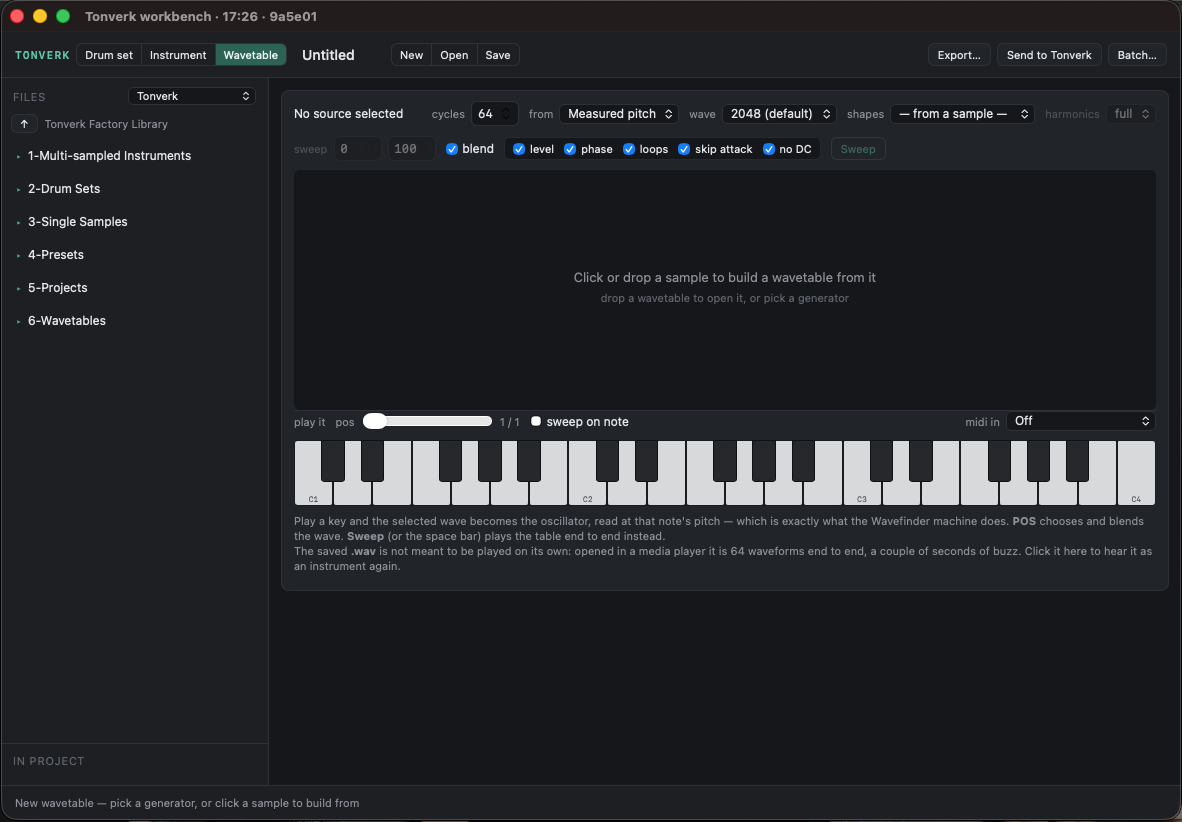
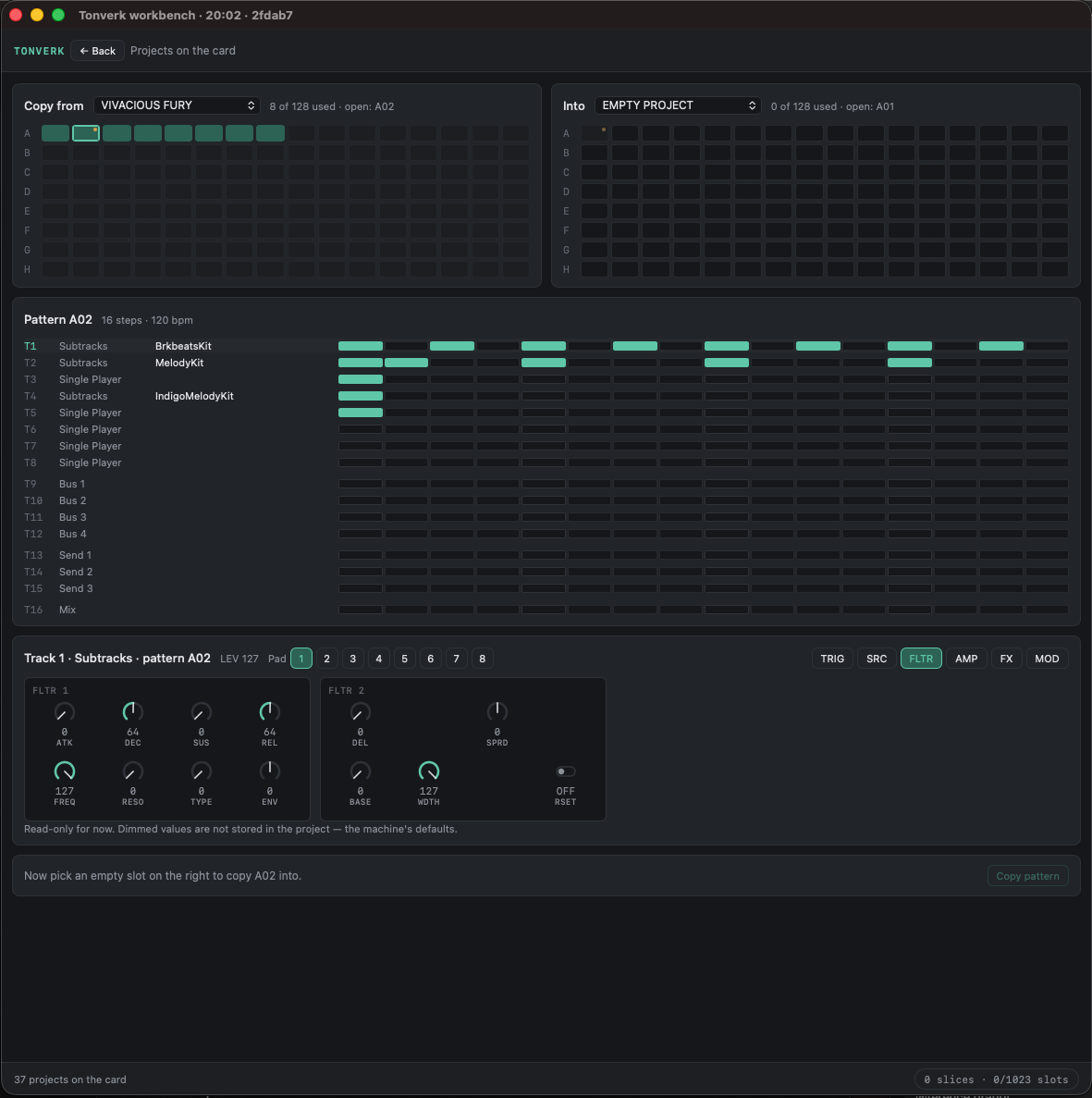
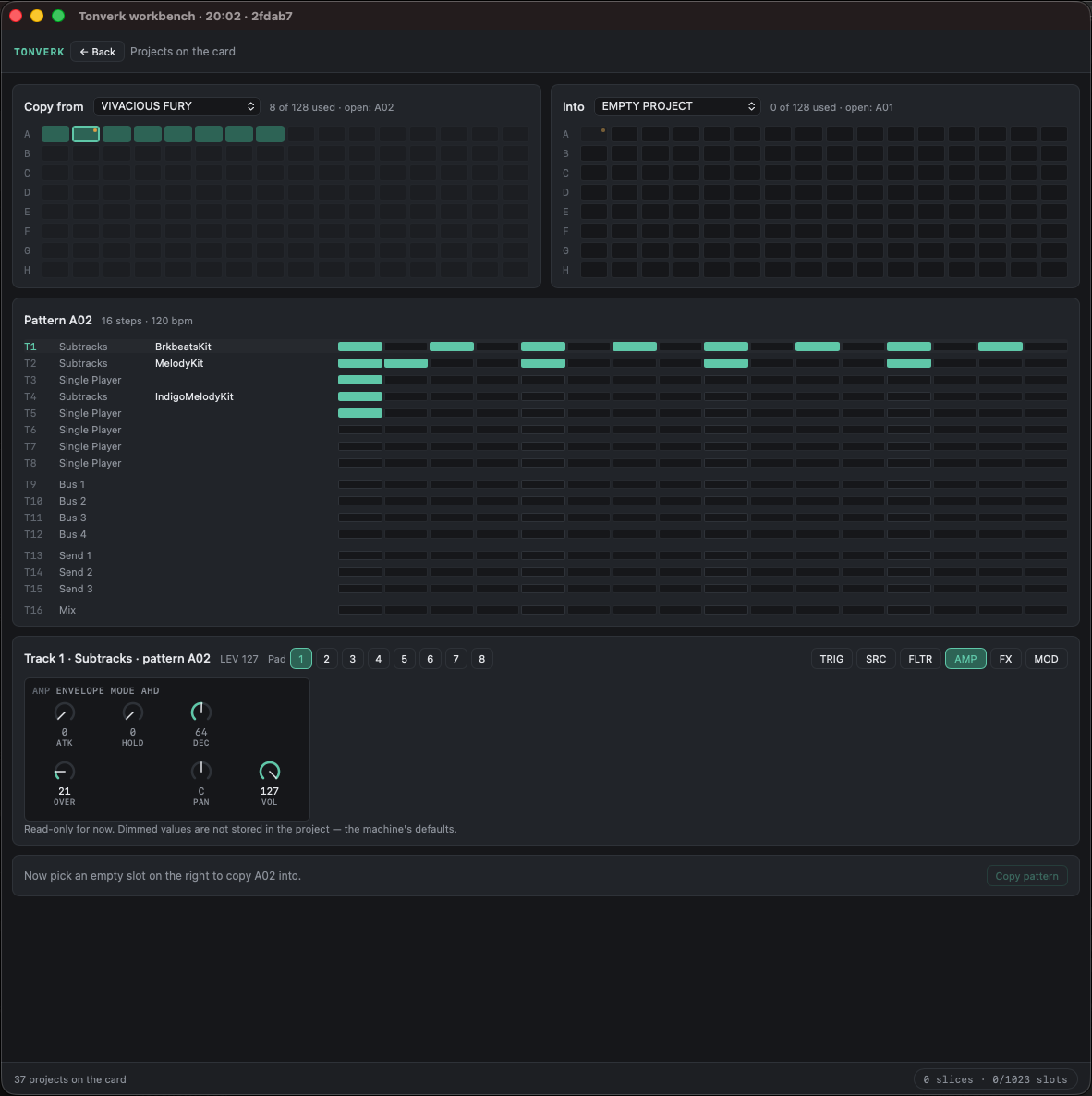
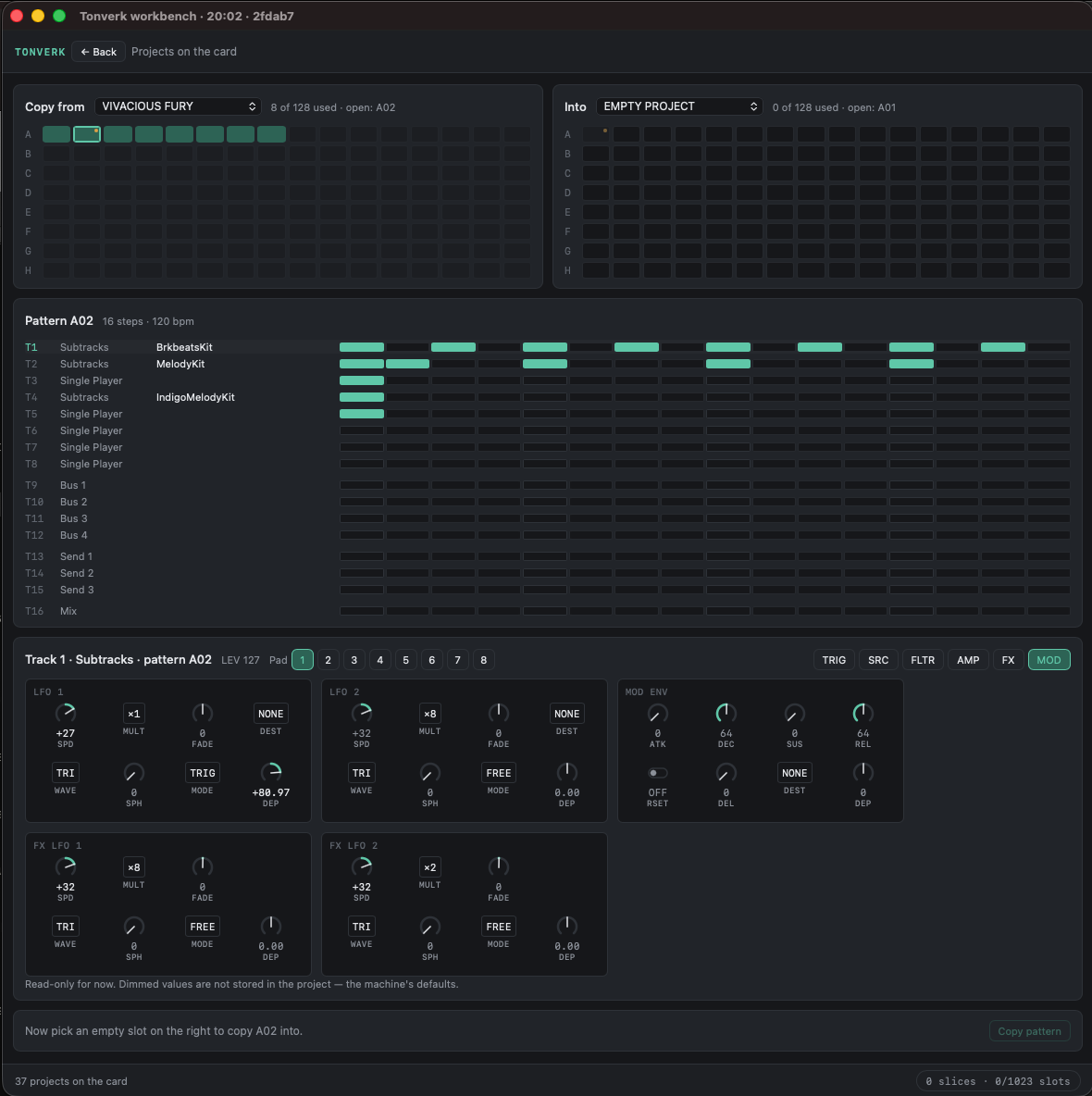
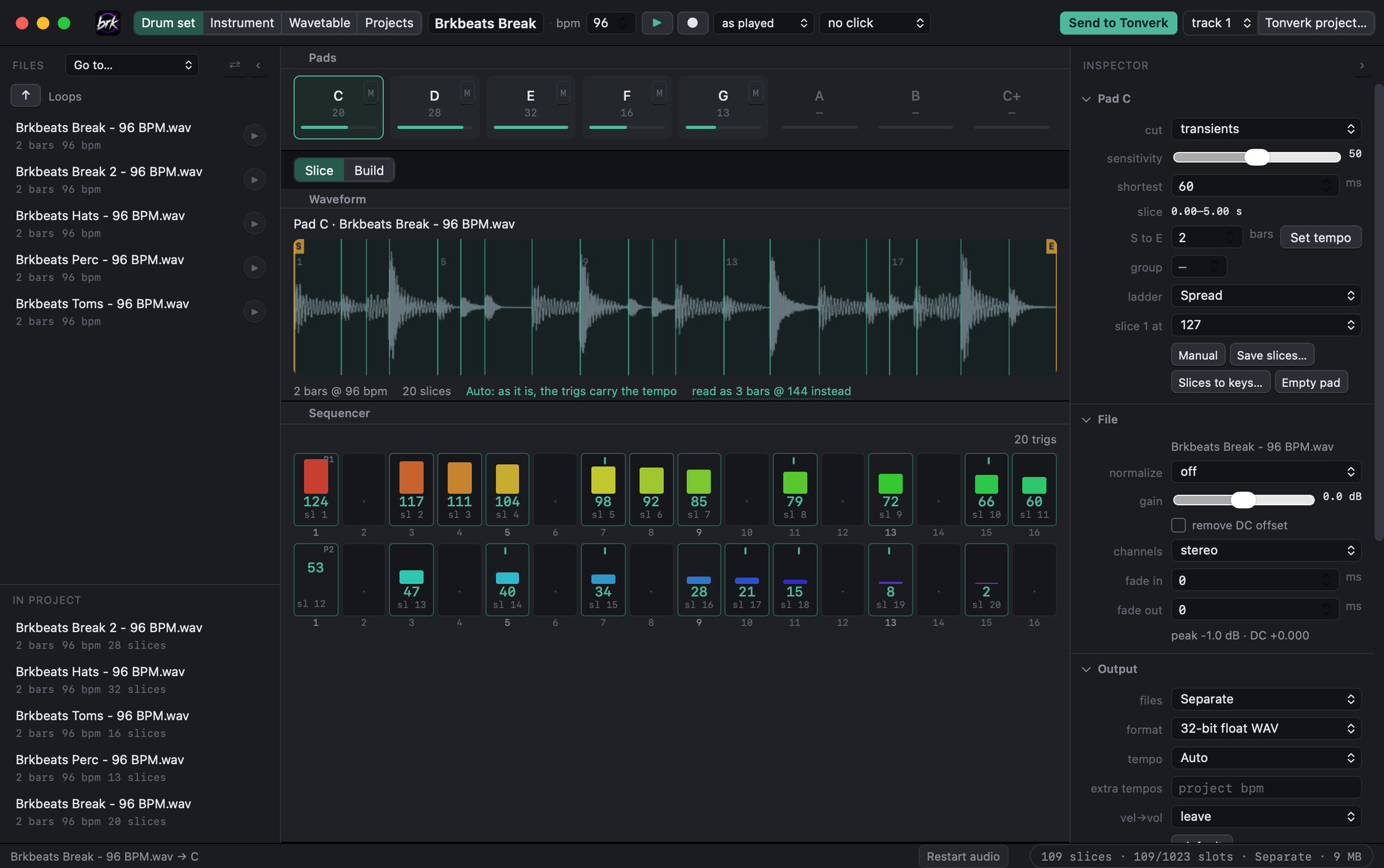
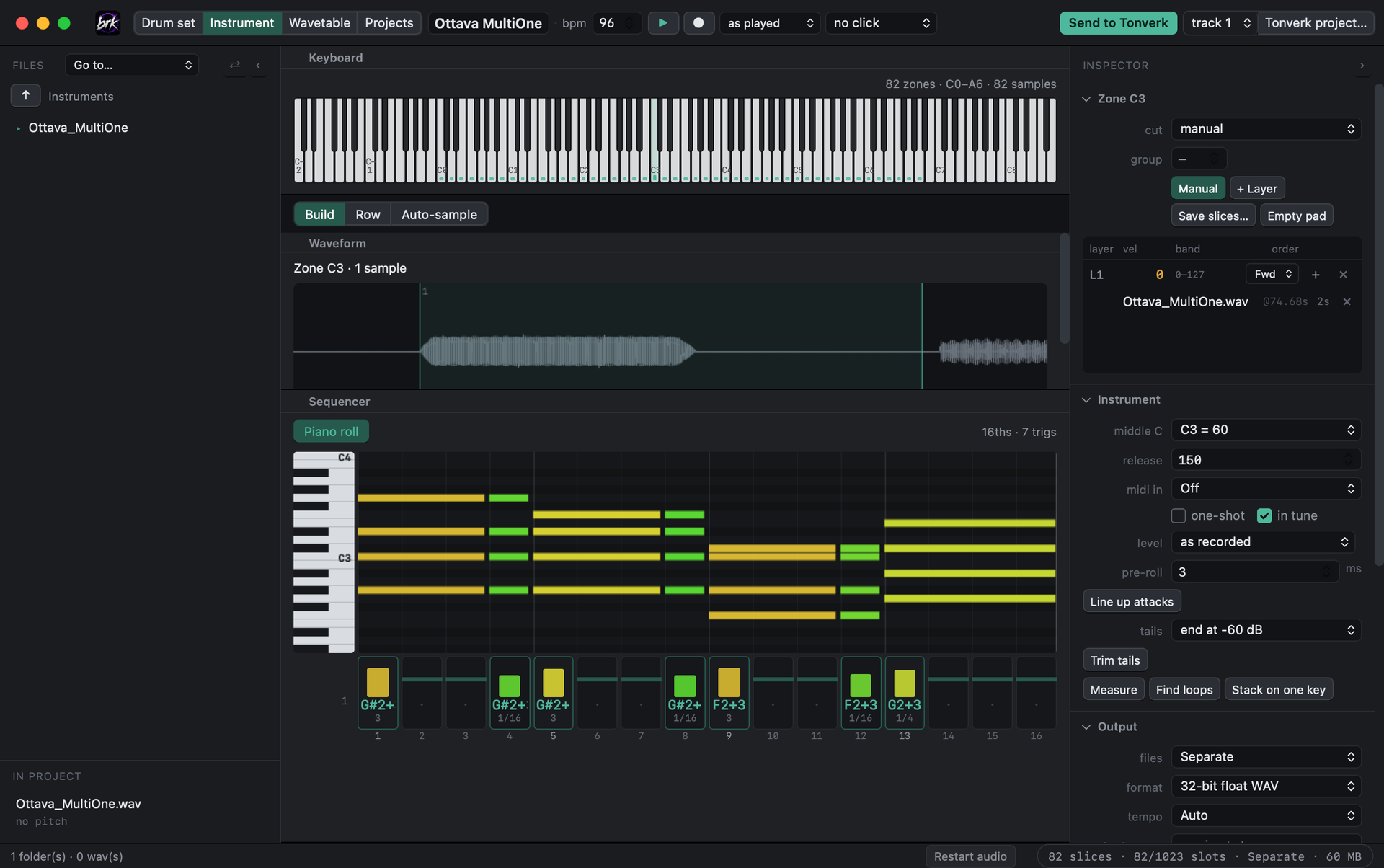
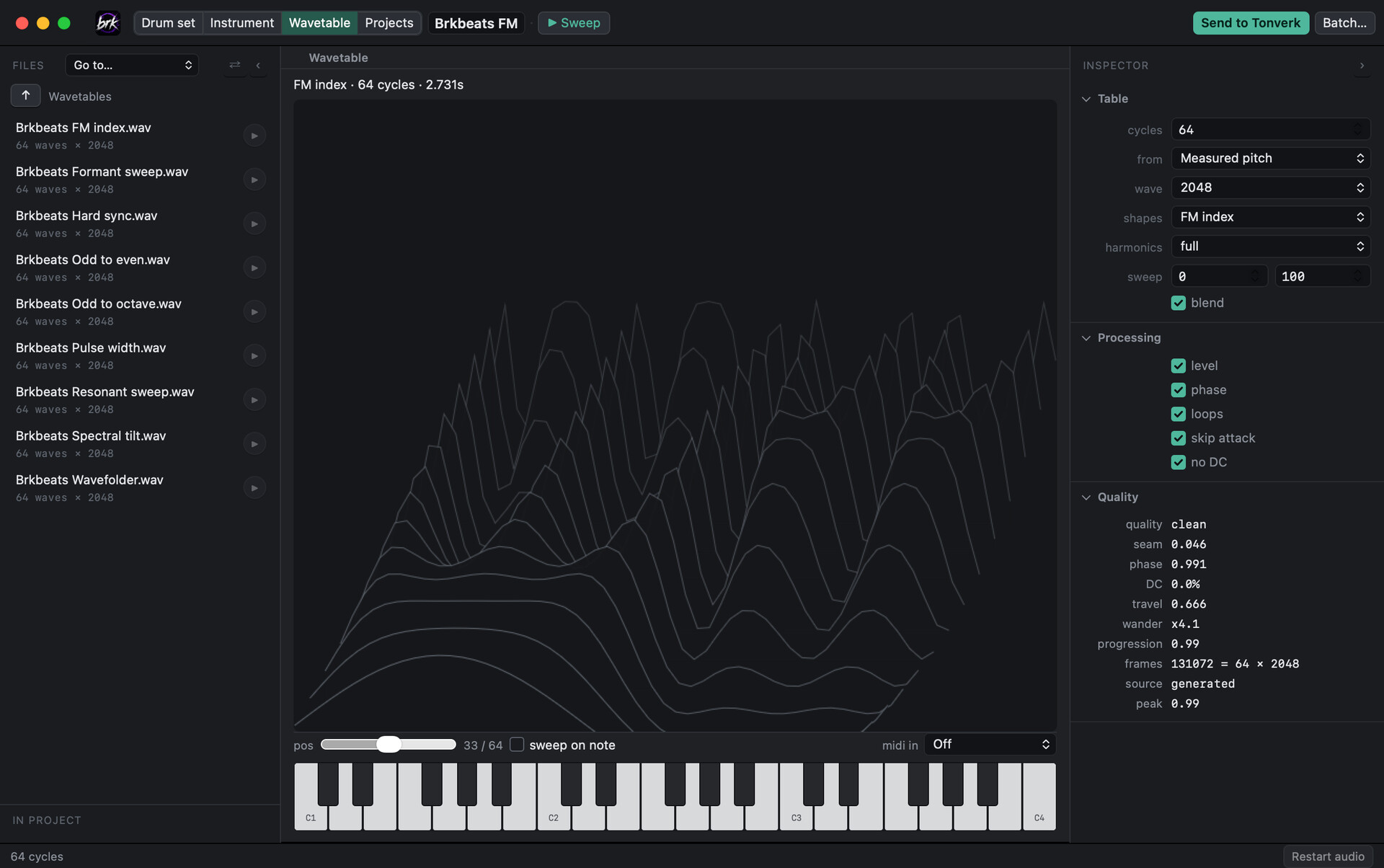
I’ve been building a desktop app to take the busywork out of getting sounds onto the Tonverk, and I’d like feedback from people who use the machine differently than I do. What’s missing, what would you use, and what have I got wrong about the workflow?
It has three engines, one for each thing the Tonverk loads (screenshots below):
Drum set (.eldrum for Subtracks)
- Slice: drop in a loop and it reads the bar count and tempo, then cuts it on a grid you choose (1/1, 1/2, 1/4…). You can also cut by hand: drag markers, alt-click to add or remove.
- Build: put whole one-shots or loops into a pad’s slots, stacked as velocity layers or round robins.
- Every slice gets a velocity, so a P-locked velocity picks the slice on the machine. The app shows the P-lock map for each pad.
- A step sequencer with a lane per pad, like subtracks. Sequential or random no-repeat fills, and a density control.
Instrument (.elmulti for Multi Player)
- Build key zones from a folder of samples. It reads note names, velocity layers and round-robin numbers from the file names.
- Row mode: record yourself playing up a scale on something with no MIDI (guitar, an old synth), and it finds the notes and turns them into key zones.
- Import SFZ, Decent Sampler and Logic Sampler instruments.
- Play it from the on-screen keyboard or a MIDI controller, with a release control so note tails in the preview behave like the Tonverk’s amp envelope.
- A step sequencer that works like the Tonverk’s: click a step, play a key or hold a chord, then set VEL and LEN. LEN reads the way the machine shows it (.125 … 1/16 … 1/4 … 128). Preview plays it through the instrument, and it goes straight into a project.
Wavetable (for Wavefinder)
- Nine generators that sweep a real synthesis parameter across the table: spectral tilt, pulse width, formant, odd/even, FM, wavefolder, hard sync, a CZ-style resonant sweep and more. There are start/end controls for the sweep range.
- Or build a table from any sample by tracking its pitch, one cycle per wave.
- It always writes the
_wt<size>file name so the machine reads the wave size correctly, withradded when you turn blending off. - Batch mode builds a table from every file in a folder.
Getting it onto the Tonverk
- Export to a folder on your computer: the kit file, WAVs, a
.tvpstpreset and a notes sheet. - Send to Tonverk writes the kit (or wavetable) straight into the right folder on the card.
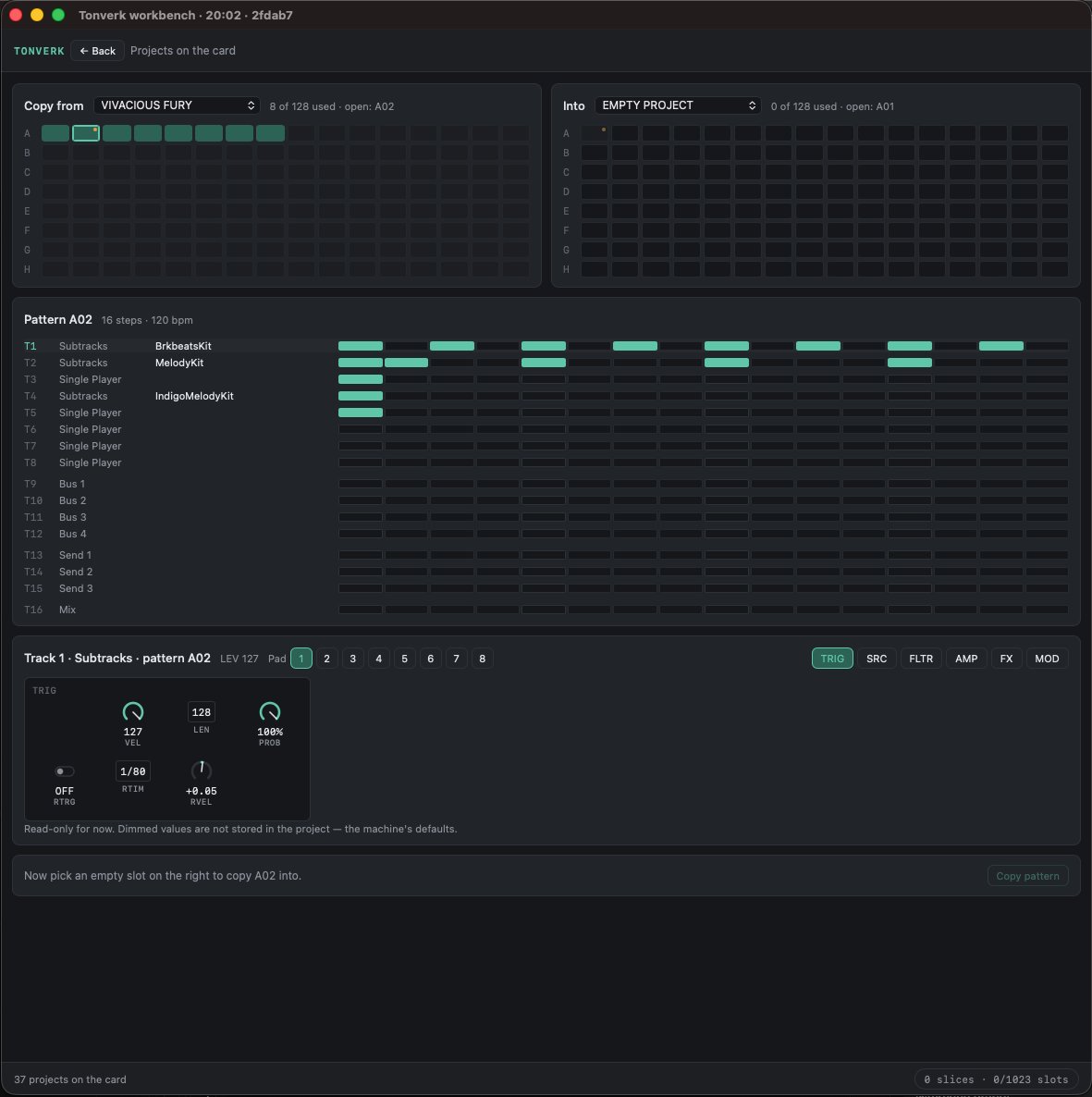
- New Tonverk project creates a project on the card with the kit on a track you choose and your pattern already in it (drum or instrument), ready to load and play.
- Pattern only writes just the pattern into an existing project, backing the project up first.
- A progress bar that only says “Safe to eject” once everything has really been written to the card.
- Samples go out as separate files or as one WAV with trim points, whichever suits the sample-slot budget. It warns you before you hit the 1,023-sample limit.
- Tempo: varispeed, time-stretch, or leave as is, and you can export the same kit at several tempos. Only loops are moved; one-shots and instrument samples keep their own length and pitch.
Opening existing kits
- Open any
.eldrumor.elmulti: your own, one built on the machine, or an Elektron factory kit. Edit it, then send it back out. Velocity layers, round robins, trim points and loop points all come through intact.
Everything above has been tested on my Tonverk (OS 1.4.0). That includes instruments with 47 zones, 6 velocity layers and 144 round robins in one layer, and an instrument pattern with chords and trig lengths going straight into a project. I also opened and re-exported every kit on my card, factory library included: 265 of 266 came back identical, and the one that didn’t was missing samples before the app touched it.
The project writing is unofficial. I worked out the project format myself, Elektron doesn’t document it, and it only ever creates new projects or writes into ones it backs up first. Still, back up your card.
What I’d like to know:
- What’s the most tedious part of your Tonverk workflow that this doesn’t touch?
- Do you use other sample formats or instrument sources I should support?
- Anything about Subtracks, Multi Player or Wavefinder the app seems to misunderstand?
- For the sequencers: what else would you want from the TRIG page in the app? Probability, conditions, retrigs, note slide?