Been trying all day to get my AR MK2 up and running at a MacBook Pro. Latest beta OS installed at AR but no device recognised in the Engine. Seen a few posting regarding the same problem here. Anyone who got it working? Any suggestions?
Having a nightmare with the new OB throwing everything in my DAW out of sync. I got around this issue with the ‘Closed beta’ by just turning off sync in the plugins, I don’t want OB as my clock as I’m using my Ultralite mk4 for all my other hardware and it sends the midi clock.
I got a message displayed when I first loaded the new Beta saying that I should not sync any other interface when using OB?? This makes it completely useless to me, that wasn’t the case with the Closed beta, it was working great. Is there anywhere I can download the previous Beta again and scrap this one?
*To clarify my plan is to only use OB for the Rytm FX audio and for automation as I use the individual outs with my Ultralite due to the better sound quality, I was doing this before by turning off sync in the OB plugin and using track delay in ‘Live’ to sync the incoming OB audio channel to the Ultralite inputs, now I can’t seem to do this, the moment the OB engine is turned on everything is out of sync.
No, I sorted it by removing the new public beta and re-installing the closed beta from before and now the sync is ok, however now I can only get the A4 plugin to work, the AR one is receiving a signal in the OB control panel but not picking up in the plugin, I’m guessing the new AR OS I’ve just installed now won’t work with the closed beta?
I think the issue with the new Public beta is that latency check it now does when you start up the OB engine
OB2.0 has amazing potential. Thank you for making it available.
Glitching quite badly - glitch sounds, sequenced notes going off pitch, timing is off - at the start of pressing Play through the DAW with Digitakt or AF plugin instance on the track. Then it corrects itself on later passes (if looping).
Responsiveness of the onboard device controls and plugin parameters is good.
Here’s hoping the final release will happen soon - SO much potential here, I love it!
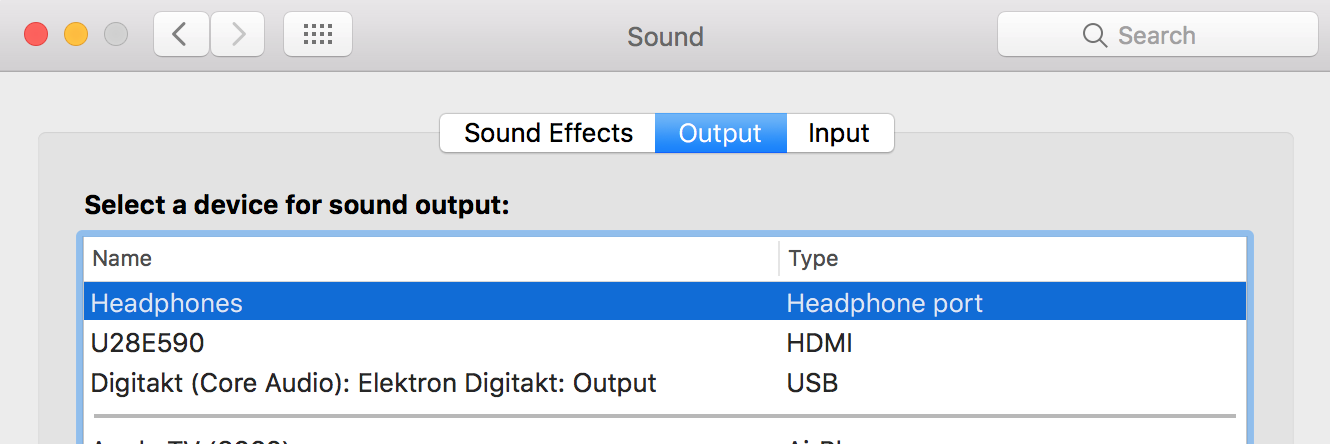
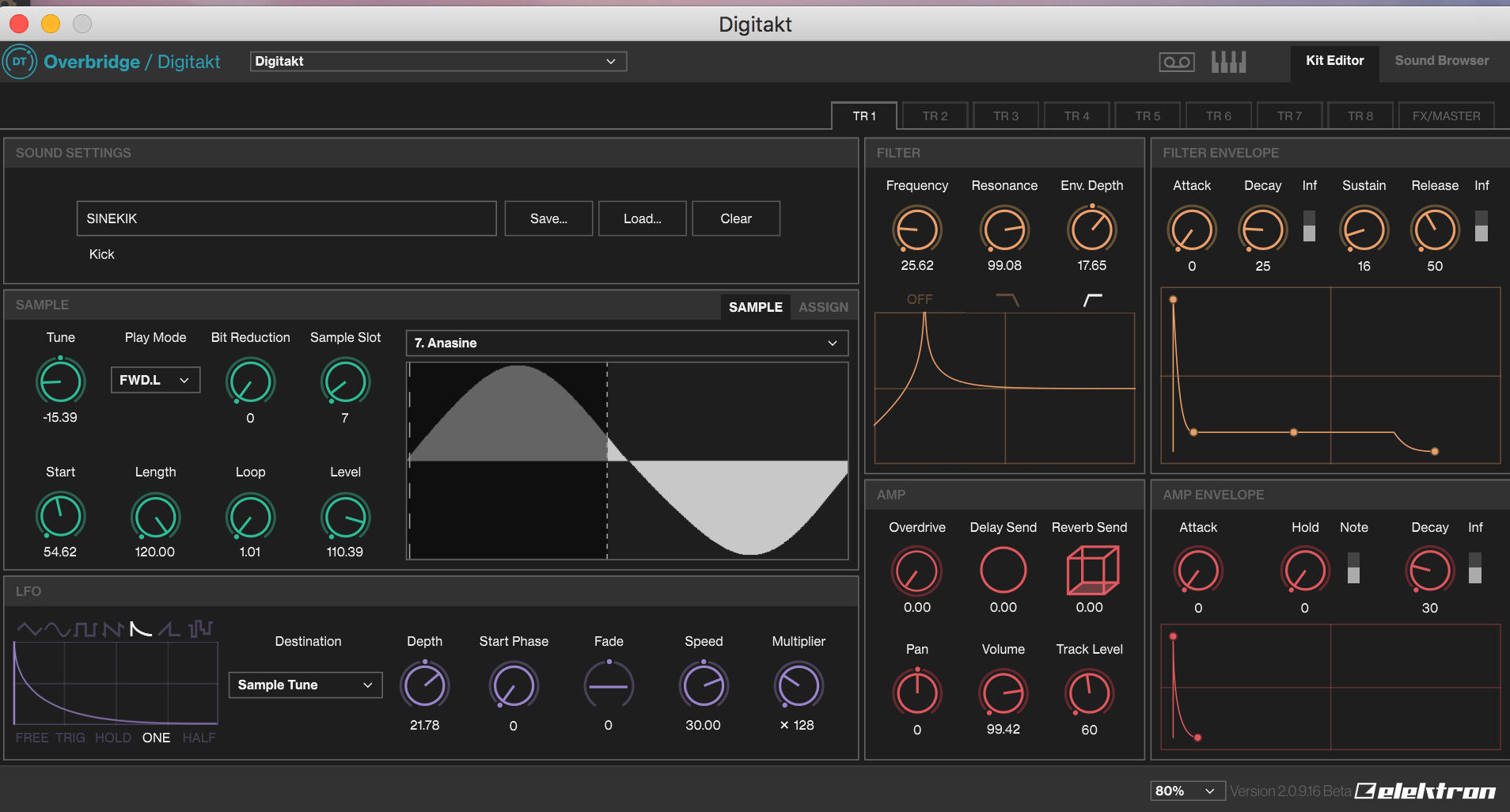
Having an issue with OB and Digitakt. I’ve installed OB 2.0, the newest beta firmware for the DT, have the DT connected and set to OB mode, and seems to have sync to both the control panel and DT VST interface (I’m on a 2016 MacBook with latest OS version). The DT is hooked straight to my MacBook via USB; no other audio interface in the mix.
BUT
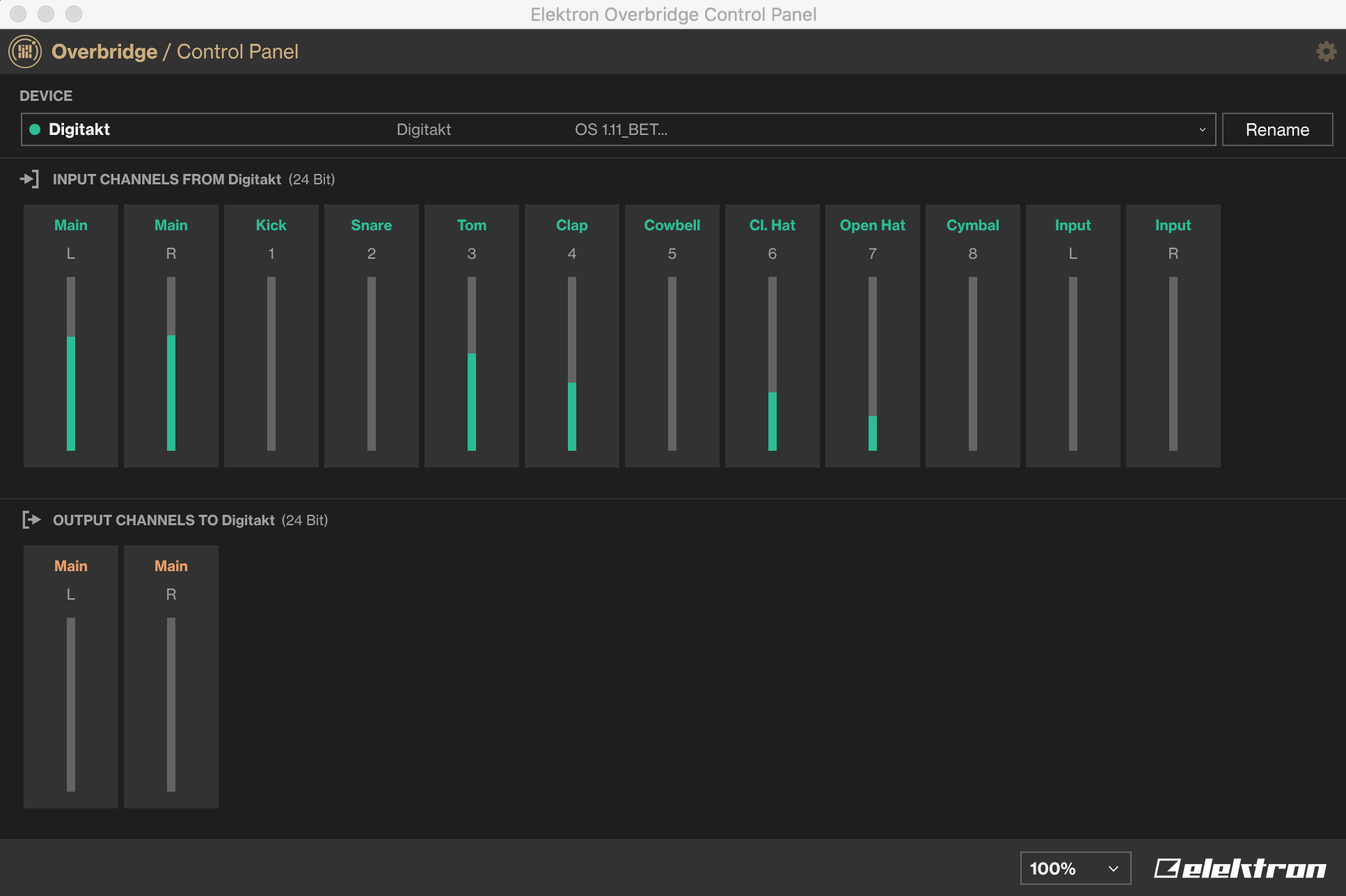
No sound is coming out. When looking at the control panel, the input L/R does not register any response when the DT is playing, and neither is the output main L/R. In the VST, I smack buttons and no sound is produced. At first, I thought maybe it’s something to do with Ableton, but I’m pretty sure that I’m supposed to hear the DT without the need of Ableton.
Is there something I’m missing with my DT talking to my MacBook?
Well I have Digitakt working well on my Lenovo x220 i5 Standalone mode so this is cool as it has saved me upgrading my main Daw pc to win 10 ect ect. I have everything working smoothly and tested the Seperate track audio capture to x220 ext HD and all great. all i do is plug the HD drive into my main daw for all the streams and good to go. I will be testing the X220 with reaper daw to see how that works but for now as my i5 processor only supports up to OpenGL3.1 i am very pleased indeed to be able to get my separate tracks .
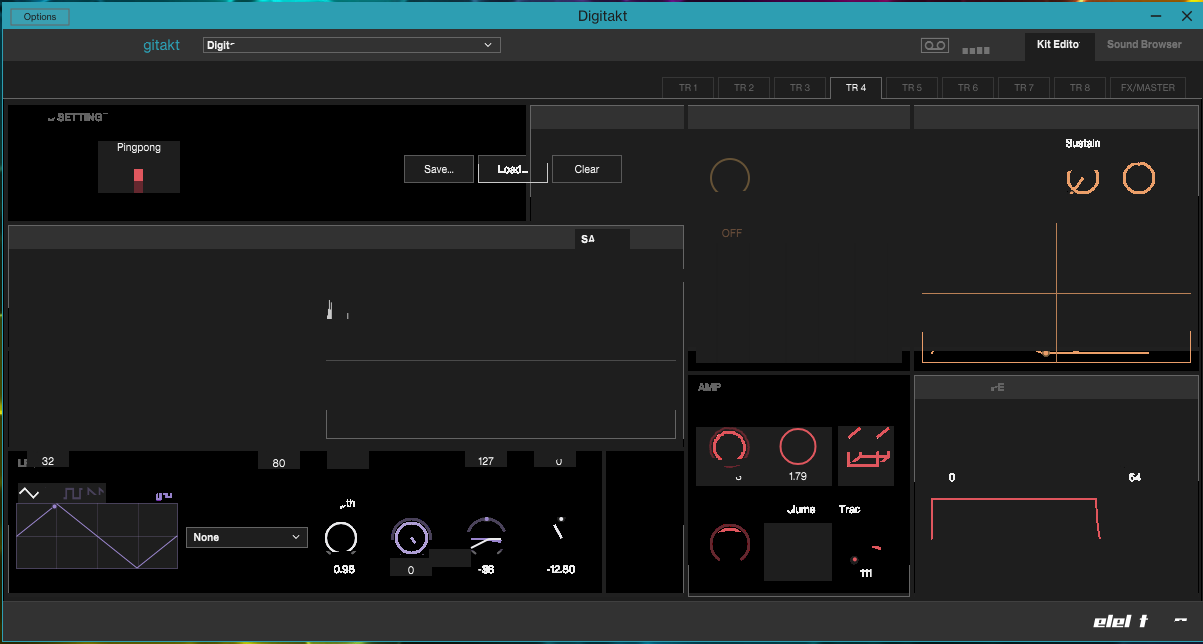
You can actually seeing things flashing etc as the Digitakt plays, so effectively it’s “working” but obviously the UI is not. Incidentally too, the plugin is letting me split the track audio in my DAW… I just can’t use the interface.
Has anyone else seen anything like this?! Any ideas anyone?
My only hunch is that maybe it’s to do with my Win 7 install being quite behind on updates - I’ve left it alone because of how insanely stable it is. But never seen anything like this before in a plugin or elsewhere.
System is a well spec-ed i7 with onboard Intel graphics, which well exceed Elektron’s specs.
I could not get far on my win7 Ben, it was 32 bit for a start so i decided because this OB software is written for Win 10 i would test it on a win 10 laptop and is all good . Need to test DAW setup yet. I know if i want this on my main DAW Win7 32bit it is upgrade and memory upgrade . I just dont want to do it right now as i have so much stuff to reload on Grrrr But this is state of the art programming you have to be running the right specs.
Just some general feedback. This build (2.9.16) has been working very well for me. Used it on a few different MacBooks all but one running Mojave. I may be lucky but I haven’t had any issues or bugs other than the sounds going weird very rarely. But that might be user error. It sounds very laggy and metallic sometimes. Other than that this beta has helped getting work from the machines with ease and in great audio quality.
Is this setup intended to work simultaneously with OB, on the same unit, Dave?
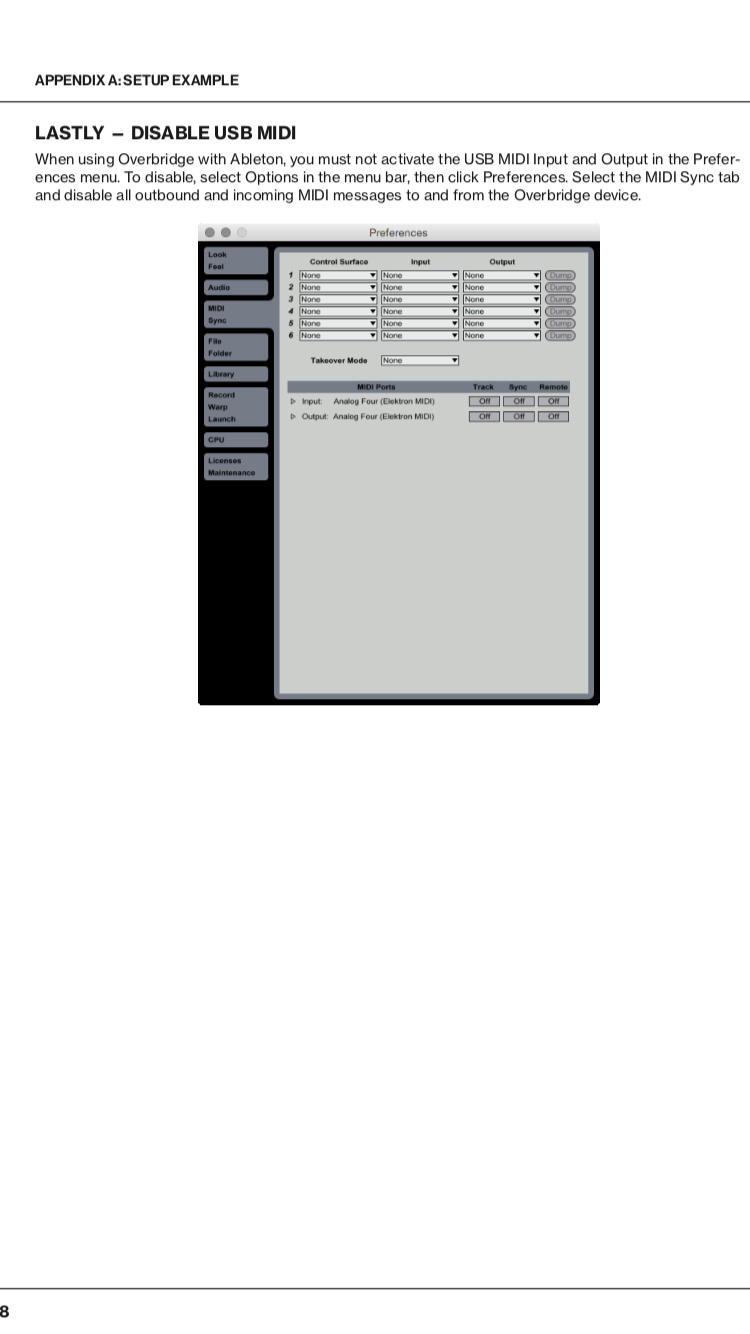
Reason for asking is because, at least for Ableton Live, the OB manual recommends disabling usb midi (page 38)
I was curious to know why it’s recommended against this kind of setup in the OB manual, as I too have wanted to setup OB + send midi through usb on the same device, but encountered some glitches and pops, and ended up going the midi din connector route for this matter.
What’s the driver trick? I’m on Windows 8.1 64Bit. Can’t get OB to install. Installer keeps ending ‘prematurely’. Apologies if the answer is somewhere amongst the 1000+ posts in this thread. No response from Elektron on my support ticket this week.
True, I’m not in my studio ATM so I’m not entirely sure if Ableton picks up the midi without setting it to receive midi from DT.
In Studio One one can only control vsts by selecting a midi instrument so you have to add DT as a midi device . Didn’t notice any problems so far running things that way.