Hello Elektronauts! This wiki is for everyone who gets hold of Outbox 8 and is able to test out their non-Elektron gear. Collectively, you of course have access to far more gear than we could ever hope to get hold of.
First and foremost, Outbox 8 has been designed to work with Elektron boxes - both current and many legacy machines. Because we develop and test within our own ecosystem, we can help ensure things continue running smoothly as supported Elektron devices are updated. Please see the Outbox 8 Compatibility Matrix to see how each Elektron device works with it.
But, as you know, one of the great things about Outbox 8 is that it can also work with a wide range of other devices, configurable via the Outbox 8 Web App. While USB-MIDI support is wide, audio compatibility depends on each device’s manufacturer and how it handles Class Compliant Audio and USB host/device negotiation. We aim to have support for as many things as possible. However, firmware updates from other manufacturers can - at least temporarily - affect compatibility, and naturally we don’t have control over that.
Please feel free to update the wiki to let everyone know how your specific piece of gear works with Outbox 8 (best done on a computer).
Hopefully this space can help to keep audio compatibility information as comprehensive and up to date as possible across the many devices out there.
So please check the latest confirmed devices and community-tested setups. And remember, even if one of your devices isn’t listed, it could still be compatible with Outbox 8.
*If the gear connects as a host - indicated by a blue LED on Outbox 8 - Outbox 8 will always be perceived as an 8-channel device. If the gear connects as a device - indicated by a white LED on Outbox 8 - the number of channels can vary depending on what is available on your gear.
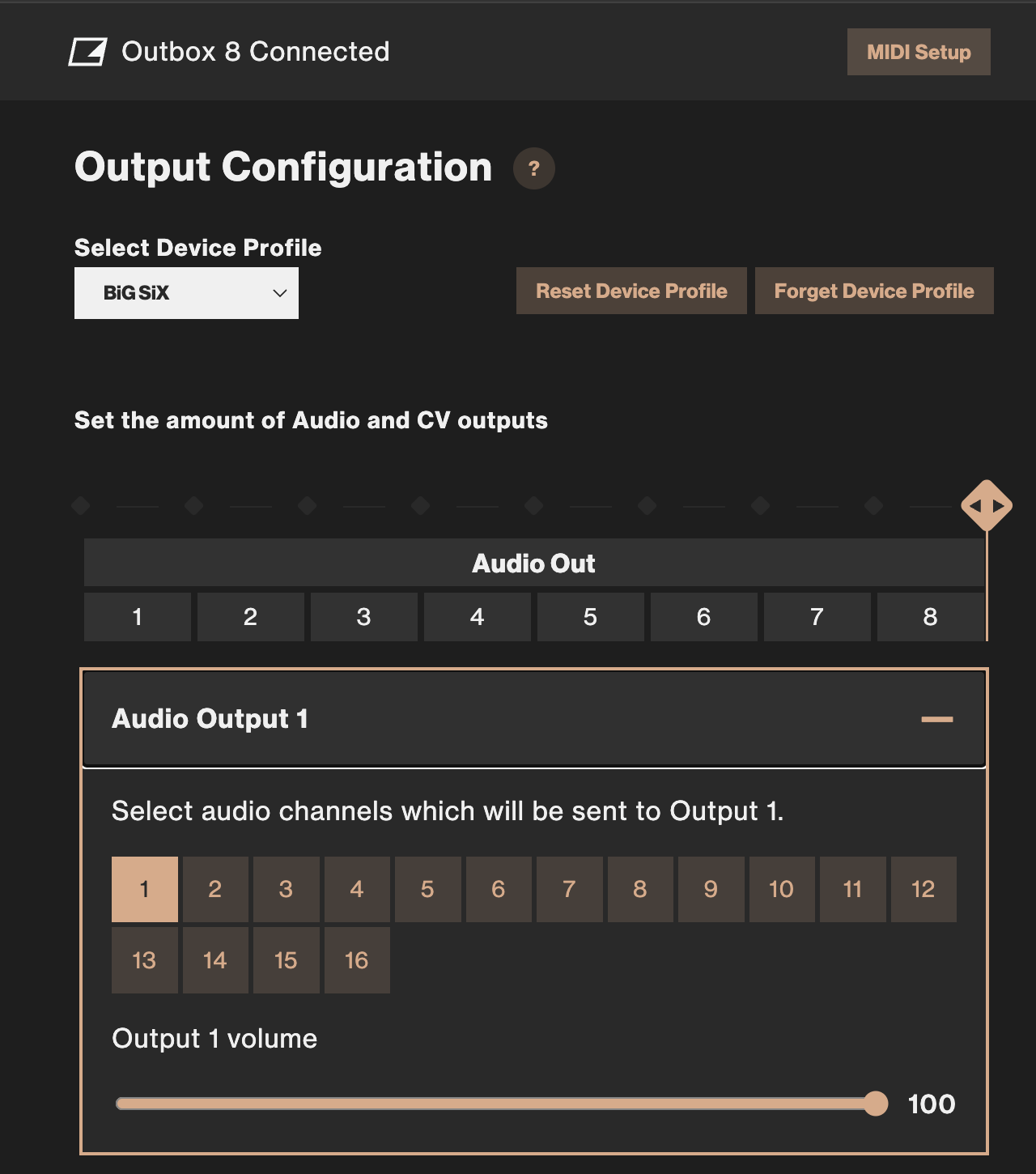
SSL BiG SiX is registered as 16 audio channels. This means you can send each 4 mono channels and 4 stereo channels and BUS B are 13/14 and EXT IN are summed to 15/16 via the Outbox 8. This opens up a lot of interesting options.
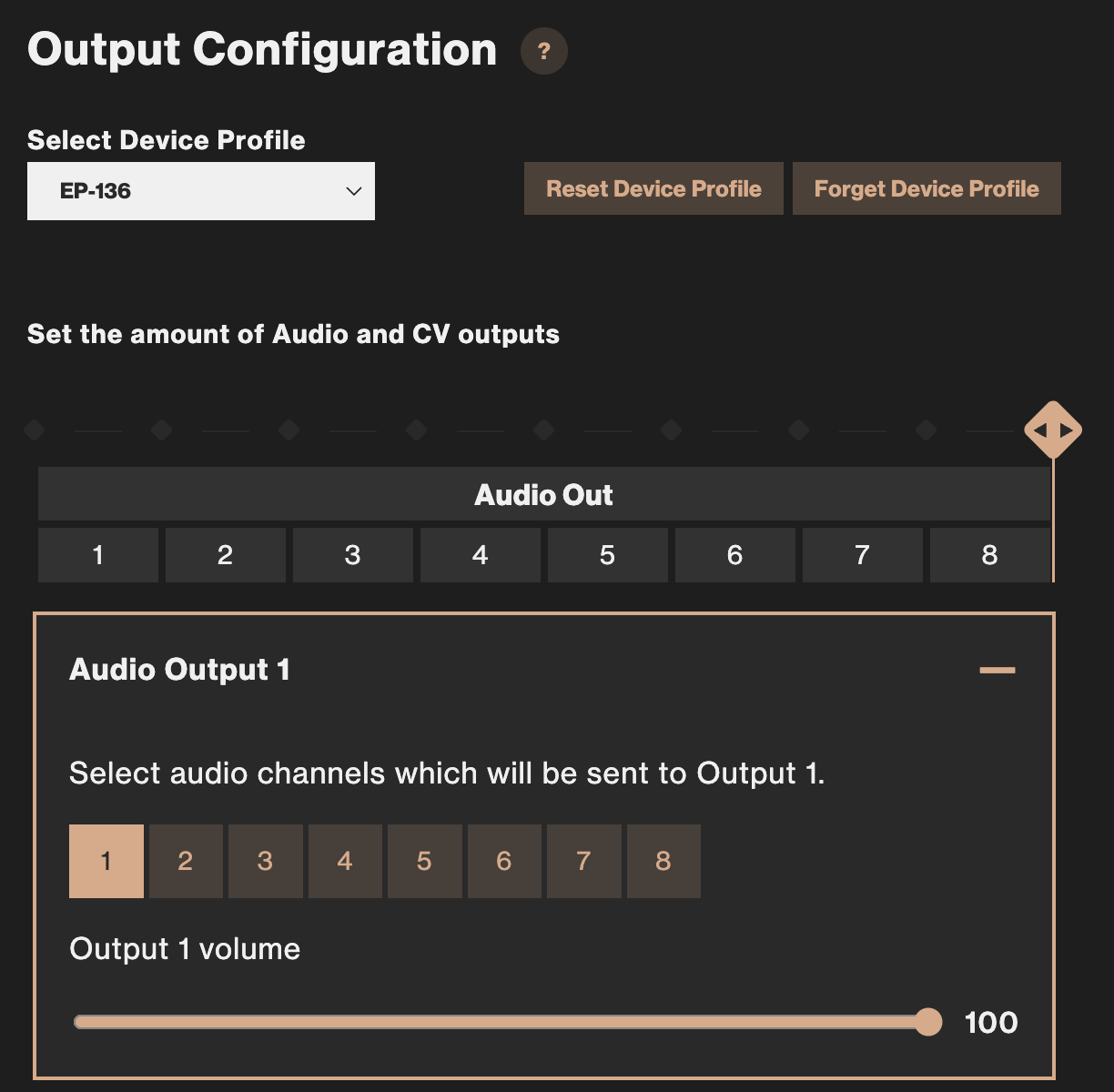
EP-40 also works but you only get 1/2 so no real world need for the EPs besides the Sidekick.
Edit: EP-133 KOII also registered as a unit but when I had it connected and hit play it got an error every time and shut down. Some kind of power issue and I didn’t have time to try different settings in the EP-133 or with and without power to Outbox 8 but I will try later and ad it to the list and also a note what the issue was.
Edit 2: The EP-133 worked when testing today. Not sure what the issue was last night. Added to the list. Perhaps in what order they are connected. Today I had everything off and connected the devices and power on the EP-13 first then the Outbox 8.
Note that EP-series cant power the Outbox 8 but they will get power from the Outbox 8.
The iPad will see Outbox 8 as a device (audio/MIDI interface), meaning the Outbox 8 uses the “Computer/Host” profile, regardless of any apps used. LED is then blue instead of white.
Yes add all findings I would say. It will be very nice to have a complete list of everything tested that works. This gets indexed on search engines (google, bing etc) so it will be easy to find for anybody looking for compatibility.
As this topic gets a bit longer it may be helpful to see the hints and tips to get things working for a given entry
I’ve linked the first community response as an example although it’s super easy to find
To make a nice link just follow this syntax
[LinkDescription](PastedLink)
that’s square brackets around the link description and curved brackets around the pasted link copied from right clicking the post timestamp top right of the post with details (no gaps btw)… i guess two successive links could be added in this cell if there are further caveats established by another user later on
There’s also the search functionality to scan below the table for relevant details
The example link looks like this, it appears to have a line break in the cell but it’s just due to the total string length so it’s one continuous entry as follows …
The “Audio channels” column is now split up into “Audio channels / Host” (with a description), to separate the two modes (White LED => The connected unit is a device, Blue LED => The connected unit is a host, and provides 8 audio channels + MIDI interface). Added iPad and iPhone as examples.
There is compatibility with the latest-generation MPCs—something perhaps only Loopop has verified so far; if anyone can provide details, that would be useful information for many people
Anyone paired outbox to tonverk? I could pair with Digitone || DT|| Analog Keys but I was not able to use it with TV so far….even the online editor was not recognizing the TV. I run the latest firmware.
Make sure that Tonverk is set to Overbridge mode and that you have a power supply connected to Outbox 8 as well. Also, since both Outbox 8 and Tonverk can be a host & device, there is a certain randomness in what role each device takes. So retry a couple of times until you see the white LED.
This seems to me unstable with tonverk. I tried this a couple of times but a white light never show up. I have blue light or green status. I tried different cables and power supllies. Hopefully we will get and outbox 8 mode like on the digi-series.