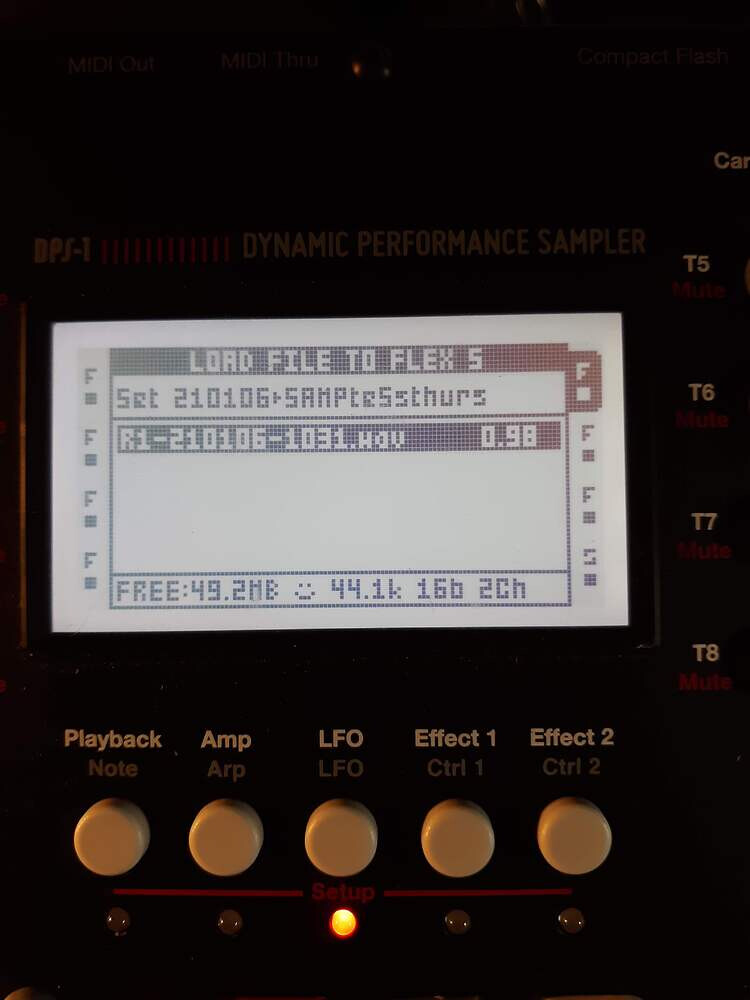
Got your samples now? Can you access them and load onto a machine?
Sampled stuff is saved in the AUDIO folder by default, other option is saved in the project folder within the AUDIO folder.
*Edit or could be the projects folders are within the set folder, not 100% sure…
So if you are in another set, you won’t find samples from a previously mounted set in the AUDIO folder there.
This was important for me when I first set things up. I save my recording to the project folder, so they correspond to the track I’m working on.
Thanx @Schnork. I was stumped there for a minute.
It’s a thing with the OT. I just recently upgraded to 64 gig card and rearranged a 3 year mess I had made, so everything is where I need it. It’s like taking a bubblebath while drinking fine wine after that.
You’ll figure it all out…how the OT is designed, how the OS works and everything, the whole concept - it makes sense! There’s an underlying logic, even the button combos make really sense if you think about it.
Idk, but maybe Elektron should invite real astronauts to their berlin office and let them figure out sampling on the OT as a promotion event^^
I think one of the culprits was what Shnork said, I had a trig or something on the Rate setting under Playback that was not sounding. I turned it all the way clockwise
I agree about the logic and layout of the Elektrons. I have MDM, MNM, A4 mk2, A Rytm, and this OT-1, they all coincide, and the Logic is evident. I often wondered how they did this so well. i think they must have written the manuals after the machines were built, to be honest.
hmm. now back to not working… Live sampling , Damn just had it too. When i moved onto the other recording buffer tracks… I did the same thing, but no sound playback… Where is the sample I just recorded?