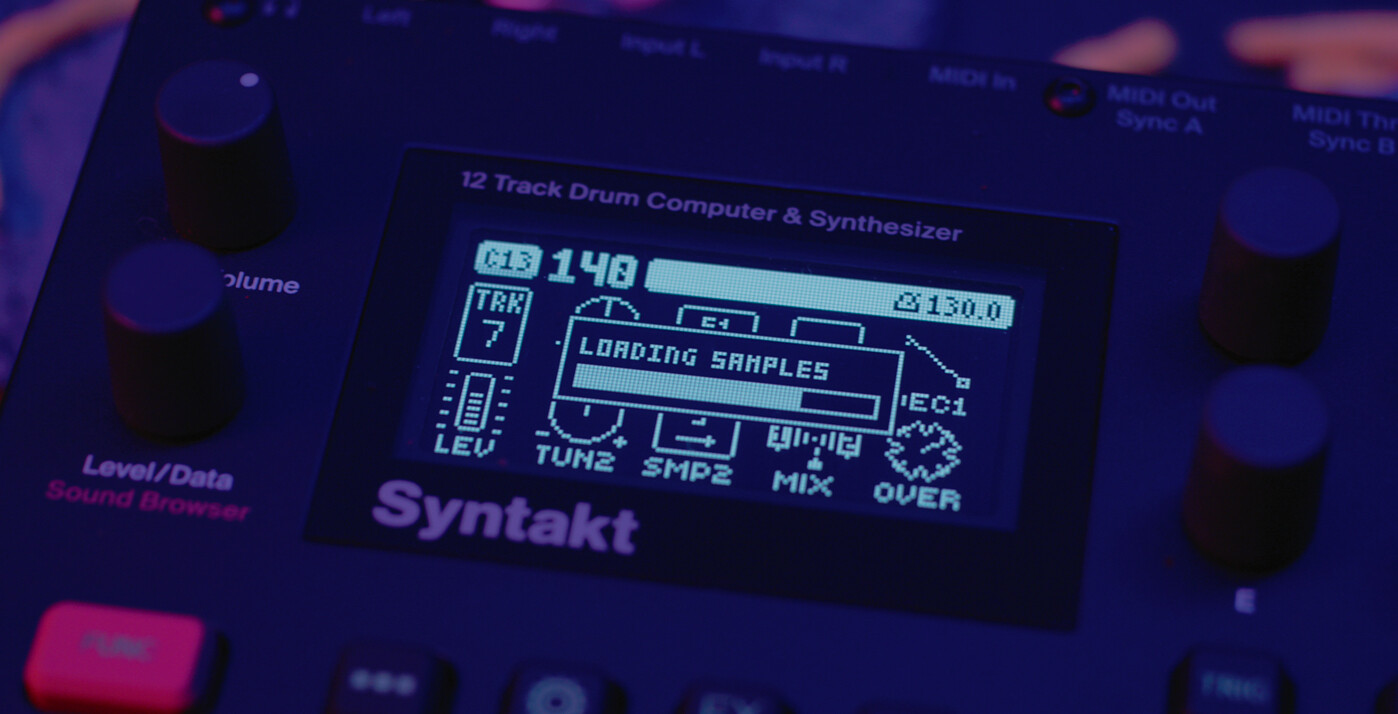
Syntakt levels up. OS 1.40 introduces Twinshot - a dual sample player machine offering a playful and versatile complement to Syntakt’s existing digital and analog possibilities. And that’s not all. This OS also brings a range of features that offer extra fun, more control, deeper sound design, and greater personalisation.
Twinshot
Syntakt’s newest machine is an unexpected one. Bringing sample playing to a device already covering so many Elektron bases really does solidify it as a heck of an all rounder. And it’s very much a happy bending of the rules of nature in order for it to be possible, given that Syntakt’s architecture wasn’t designed to accommodate samples. But Twinshot is here, nonetheless, in all its quirky goodness. You have 64 global samples to work with, choosing two at a time. One can be a transient, one a body, and you can blend them as you like: forwards or backwards, overdriven, LFO-ed to the max, and opening up new sonic options with acoustic samples, classic drum machine sounds, and drum-looping.
Track Relations: Layering & Choking
We’ve added new ways for tracks - including the FX track - to interact with each other. Track layering allows for other tracks to be played at the same time, triggered by the active track. You can easily set up for some massive sounds. On the flip side of this, let’s say you want one track to stop others that are already playing. Track chokes do this, with the active track able to instantly choke however many tracks you like. This opens up all kinds of options, not least some classic hi-hat control.
Filter Pan
On Syntakt’s analog FX track you can now adjust the cutoff frequency of the filter, more in either left or right channel. Filter Pan can for example open one side while closing the other for subtle or dramatic stereo motion.
Key Tracking
The modulation setup options on Syntakt are extended by the arrival of Key Tracking. Here you have as many as four parameter destinations to select to be modulated differently depending on where you are playing on the keyboard: lower modulation the closer you are to your anchor note, and more emphatic modulation the higher you go.
Control All Config
With Control All Config you get to decide just how much control that powerful function exhibits - specifically, which tracks come along for the ride when you FUNC and turn your pattern whichever wild direction you want.
And more
We have also added Snap on Parameter Locks, Prepare Mutes, Note Parameter Lockable to Scale, Live Record Overdub, Live Recording Parameter Locks only on already existing trigs, Track Select options, Page Autocopy and more. For a full overview of all new features and fixes, check out the release notes.
Transfer
Please update Transfer to get things ready for the new OS, especially necessary in order to move samples to your device for the first time. See this video showing the steps for doing this, and the free sample pack Twinshot offering a sweet starting point to playing with samples on Syntakt.
Overbridge
You can use Syntakt OS 1.40 together with Overbridge. Please ensure you install the latest version of Overbridge - released today to accompany the new OS.
Download Syntakt 1.40 here.
Note that this OS package comes with OS 1.40 itself, as well as updated versions of Transfer and Overbridge, and the Twin Shot sample pack with a variety of options custom built for starting out on Syntakt. We also wanted to dispel any lingering rumours: there are no plans for a Syntakt II. Digitakt II, Digitone II, and Syntakt stand as the Digi Trilogy as we see it. Syntakt continues to grow, and OS 1.40 is its next step forward.
Check out the 1.40 launch video on YouTube.
Check out the 1.40 Tutorials.


