Thats really cool.
What setting did you have on the TX-6? 12 ch in and out?
1 Like
Can we stop this immediately please? Do we really want both OP-XY threads locked?
11 Likes
Yes. 12 ch in and out. Does not work on the other USB settings.
Thanks for all your input on here.
3 Likes
The other thread is open again 
1 Like
Mixing is a very personal thing I think. Especially with breaks I try to find a beat that fits the music instead of trying to force a breakbeat into the music. I had a much heavier beat with more cymbals and a verby (less dry) snare first, but somehow I found this dry beat more suitable, because the rest of the sounds carry lots of effects already. Is it the best choice? I don’t know, but I like it this way
1 Like
no-one ? Sorry to be a nag ! 
incoming audio can/is routed to Saturator, Master Compressor, FX slots and Tape
3 Likes
amazing. thanks for clarifying man. That’s a clincher then 
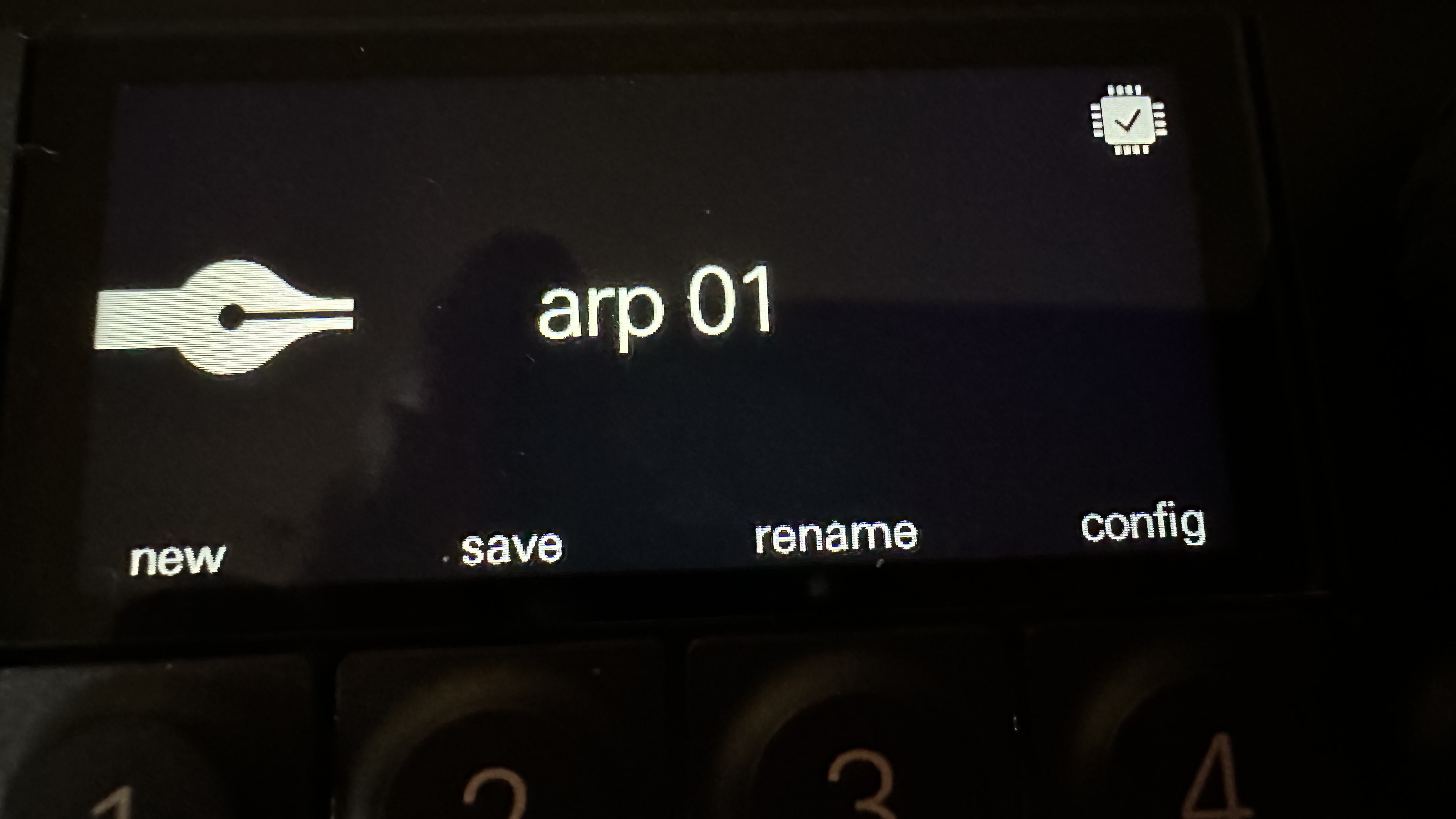
Noticed this symbol in the upper right corner flashing randomly while playing a project. Anybody know what it is? I’m guessing a CPU load signal. I’m playing four tracks. One drum track and 2 track other tracks are playing samples. The other is a synth engine. If I mute two sample tracks it does not appear.
No issues just wondering what it is. If it was an “X” instead of a check mark I would be concerned
 .
.
1 Like
I’ve seen that often even with not a lot going on. I do not know what it is but I hope it is not an indication of cpu limitations.
I can’t stop making music on this amazing machine. In this video I accidentally transposed my lead up by an octave. I couldn’t understand what happened and then I realized that you can do this intentionally in the arranger by holding shift + plus or minus. Can transpose in these time.
3 Likes
My first OP-XY quick tip:
Recording parameter modulation with pitch bend
XY records pitch bend with more resolution than parameter locks, and you can set a different destination than pitch for the pitch bend.
Hold shift and hit the Instrument Mode button. Scroll to “mod,” then change pitchbend target to whatever you want, and pitchbend amount to whatever you want (-50 to 50).
To make it so pitch bend doesn’t affect pitch, open up the second menu/module (M2) on an instrument track and hold shift. The third parameter is how much pitch bend affects the pitch. I like to disable it.
Then you just record normally while playing with pitch bend, or record normally then add pitch bend after for modulation.
This will definitely be a go-to trick for me.
12 Likes
Wow this is almost as good as having another LFO. Nice tip!
1 Like
extra pro tip.
Have something like a Expressive E touché so that you can record in Mod wheel and pitch bend at the same time.
XY powers it directly from the USB and it can act as a midi out hub sending XY midi data via USB to Touché out via its midi TRS out and into your midi device.
3 Likes
Another little snippet:
9 Likes
nice nice 
keep em comin
1 Like
I can confirm connecting XY and TP-7 together works like it should. Able to record 6 channels from XY to TP-7.
4 Likes
Wait, so they deliberately crippled this so Multi out audio only works with the TP-7?
So technically it has USBC multi track out. It just does it via the TP and not class compliant. Good to know.
1 Like
Ah nice tip! I honestly hadn’t found that instrument settings menu everywhere I looked. Don’t think I tried Shift+Inst Track
So sadly this means I should for sure return OP-XY for the pitch bend issue my unit is having. Damn 
1 Like