I have all three, and the LPP3 has an isomorphic keyboard mode out of the box, you can check out the manual for the note mode section. So either what you’re asking about is already there, or I’ve misunderstood you again.
1 Like
Just checked the video on it, thanks!
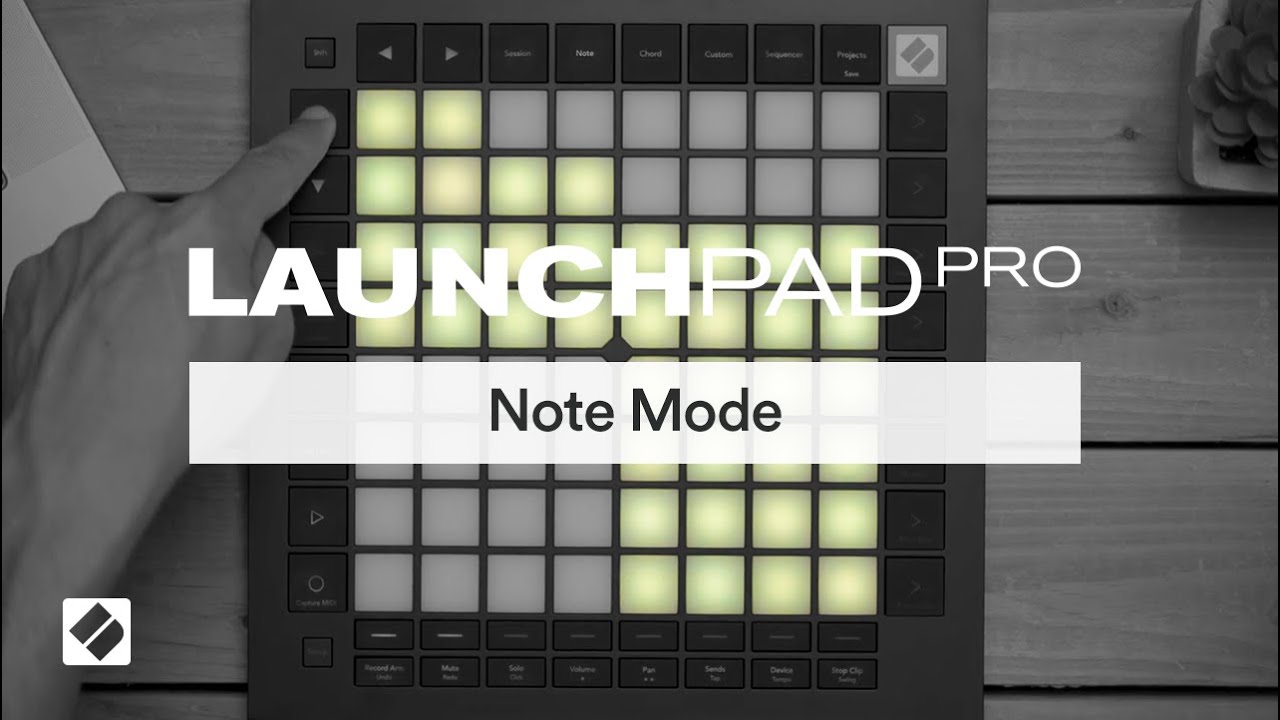
Good evening everyone.
I got a Launchpad Pro MK3 for my dawless setup and I’m trying to learn how it works.
So far something has really surprised me:
If I’m in the sequencer on track 1 (the one with the orange notes on the left in the square), the synthesizer plays normally and the notes sound correct from C to the next C octave.
However, if I select track 2, 3, or 4, I can’t get it to play the notes the way they’re actually supposed to sound, and it sounds like it’s using a different scale.
Any help?
Thanks!
The default orange layout on Trk1 is a drum layout (mirroring Ableton’s Drumrack) so that gives you all the notes chromatically, in a 4x4 grid.
Trk2-4 are by default a C minor scale with one octave in each of 4 rows
You can choose any track’s layout and scale by pressing shift+Sequencer then choosing the tracks you want to change with the track buttons at the bottom.
The 3 yellow buttons on the top row of the Shift+Sequencer set up page let you select Drum layout, Scale layout or Chromatic (giving you the full keyboard range).
Sounds like you are looking for the Chromatic layout which is the top right yellow pad.
But if you do want to use a scale, the two rows of blue pads in the set-up page let you choose from 16 preset scales. The two rows above that (laid out like the chromatic keyboard) show you which notes will be in the scale and let you pick the root note of that scale too.
Hope that helps you out.
4 Likes
Give the people what they want Novation you cowards - MPE launchpad
6 Likes
With 8 tracks.
Maybe longer patterns.
If so, customisable steps per page 
(also a velocity sensitive launchpad mini)
2 Likes
Thank you so much!!
I don’t know if anybody would be interested, but I created a Digitakt 2 custom mode for the Launch pad pro MK3. (It would also work with the Digitone 2, but I think it just makes more sense with the Digitakt 2)
The idea is to have a custom mode that lets me
-trigger individual tracks with velocity
-mute individual tracks
-and play melodically on the auto-channel.
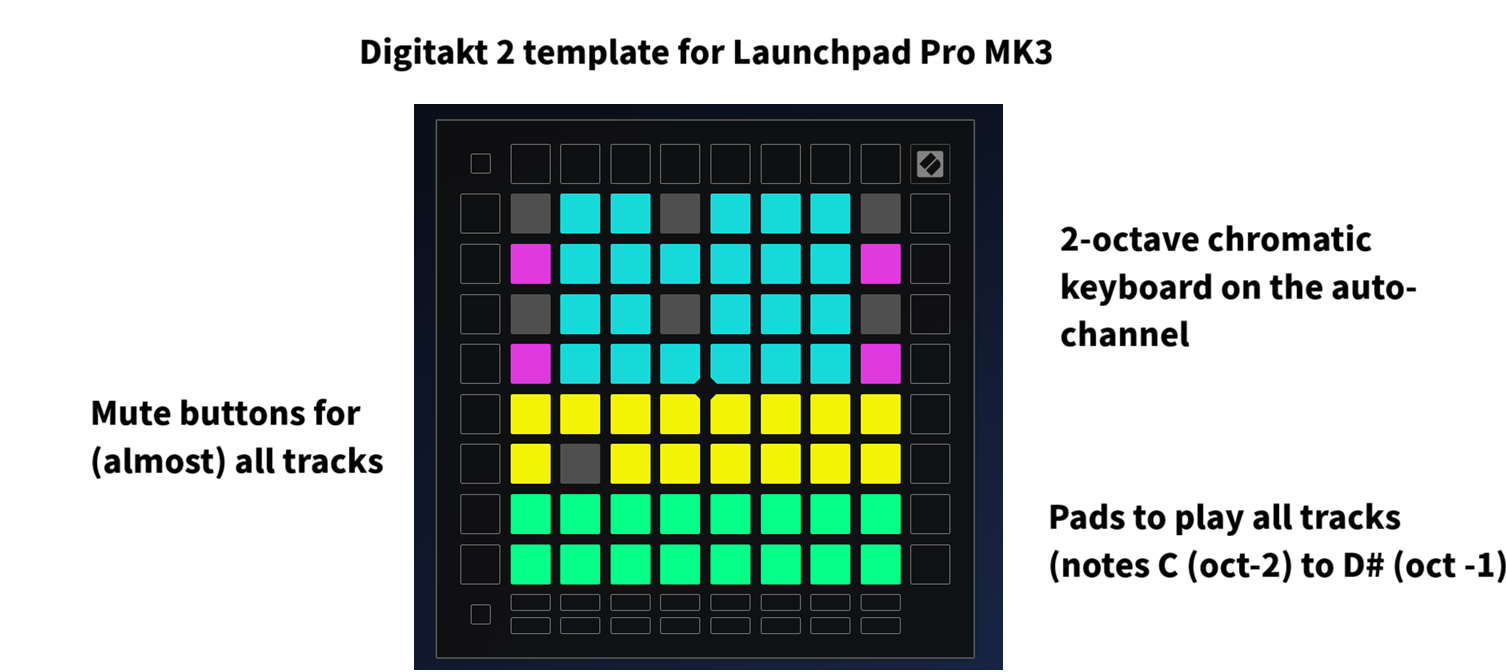
-the top 4 rows contain 2 chromatic keyboards for 2 different octaves on the auto-channel. that way you can play some basic melodies.
I chose chromatic keyboards because in custom mode you can’t change the settings of the diatonic keyboards (root note and scale).
If I want to play more complex melodies over more octaves, I have to switch to the note mode and set it to “scale mode” (=diatonic). I choose the root note and the scale in the confusing note menu and I display it in sequential mode (so that I can access 8 octaves)
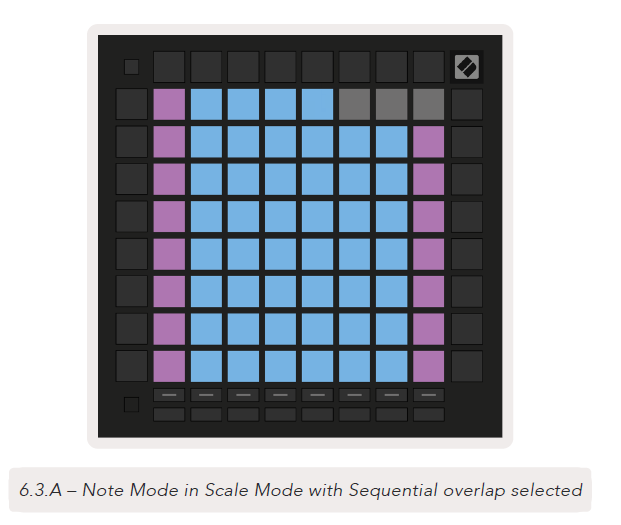
The next 2 rows contain mute buttons for almost all tracks. (same layout as on the DT2) As I’m using the auto channel, I have to sacrifice one track (in my case, track 10). one workaround is to always pair the missing track to another one (same midi channel)
-The bottom 2 rows can trigger any track (1-16) by playing the 16 lowest notes (from C -2 to D# -1). I set the velocity to low. That way I can play all the tracks without having to press too hard.
7 Likes