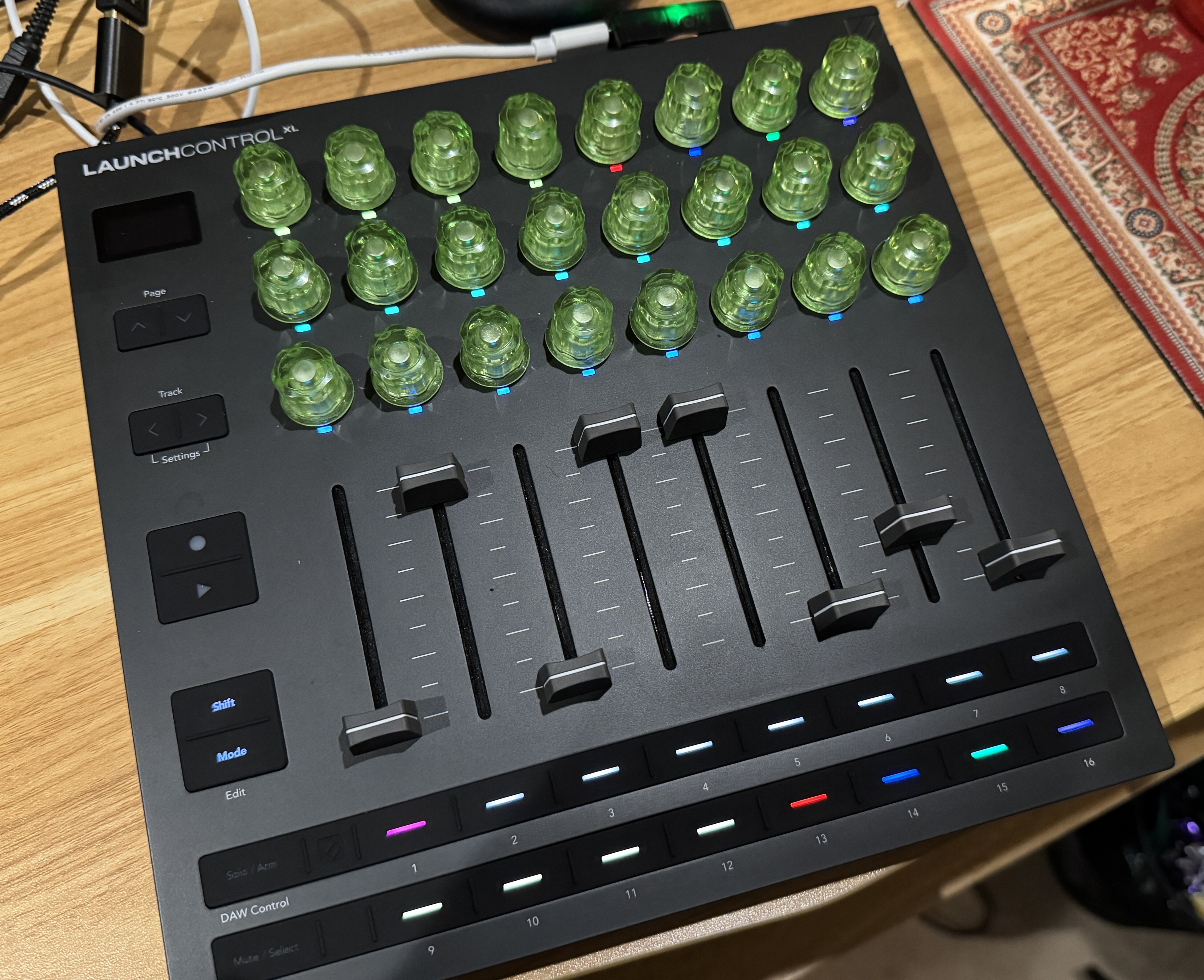
I get my replacement/tested LCXL3 today - just in time for the new firmware drop:
Launch Control XL’s v1.1 firmware update is here, bringing built-in support for more DAWs via Mackie HUI, more flexible MIDI routing, adjustable acceleration curves for encoders, fader pickup and preview, and faster Custom Mode selection.
the v1.1 update seems to bring in nice new features
If I had to pick a few:
-being able to preview fader assignments by holding shift
-added a pickup mode for faders
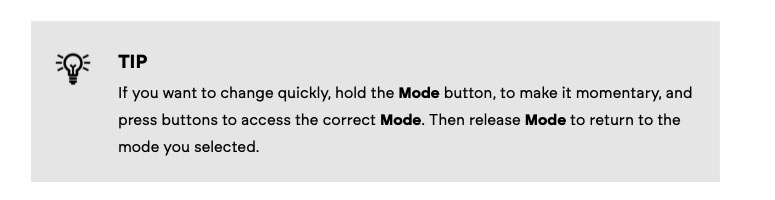
-mode button can now be held to be momentary instead of toggle
-endoder acceleration can be set to slow, normal or fast
there are also changes to the way the midi in works and a mackie mode for unsupported DAWs
It means that If you hold shift and move the fader, you don’t change the value, you just see what the fader is assigned to plus the value. (for example “Track 2 Delay” “94”)
It can be useful when you switch from one custom mode to another as you can avoid value jumps
For info, if you want to change the fader mode to “pick up” (with the V1.1 firmware update), you need to hold shift and both left and right “track” buttons to access the settings (it wasn’ t mentioned in the patch notes)
Just a quick followup that my fourth LCXL3, the one swapped by novation direct and tested before send-out, is working fine. Very impressed with the support from them and glad I didn’t make do with one of the previous 3 with erratic encoders.
They had a faulty encoder each, which was easy to spot when turning the encoders quickly as they didn’t just cleanly go 0-127-0, they would sometimes only go 0-40 or so, and would sometimes drop/gain in value opposite to the quickly turned direction.
Here’s a video of what it looked like - res was a working encoder, freq was a faulty one being turned exactly the same way.
Thanks to whoever was talking upthread about using custom templates to control performance macros rather than the parameters themselves. I’ve gone down that route, and it is working perfectly.
I had already been using the performance macros on my Analog Keys, and I hadn’t realised how easy it is to replicate those on a Digitone 1 just by using Mod Wheel and Breath Control (CC 1 and 2) mapped to encoders for each track.
I am now working with a setup of my AK and DN1, with two encoders assigned to each of the four tracks on each device, with mixer volumes of the 8 tracks on the faders, and 2 encoders devoted to the FX track mixer volumes for each device.
This means that I can set up a drone across both devices, and do a whole performance just by controlling the LCXL3, multitracked into Ableton Live.
Yeah it’s quite powerful, I’m really pleased how it turned out.
I need to finish setting it up by turning the push buttons into keystrokes for switching views in Live, but other than that it’s the first time I’ve been happy trying to manually control drone stuff on Elektron gear. So often in the past I’ve been in a situation where I wanted to change values simultaneously, but they are over multiple pages.
Same. The majority of Amazon returns go straight to landfill, in the case of more valuable items like this they are probably just sold off to third parties.
What I suspect sometimes happens is that third parties buy up the returns then sell them as a marketplace seller, so they re-enter the pool of products.
They should be listed as used but I guess sometimes unscrupulous people don’t do that if they think they can get away with it.
Also never had the problem in the UK so could be a problem more in some territories.
Is this controller an overkill if all I want is basically dedicated knobs to control DN2/DT2 macros? What would be a good alternative for this (important that it works for both devices simultaneously) ?