Thinkin the same thing. Need some kinda double jointed right elbow or something.
1 Like
Damn! Life can so cold. I just posted his video today. Come home & find this:
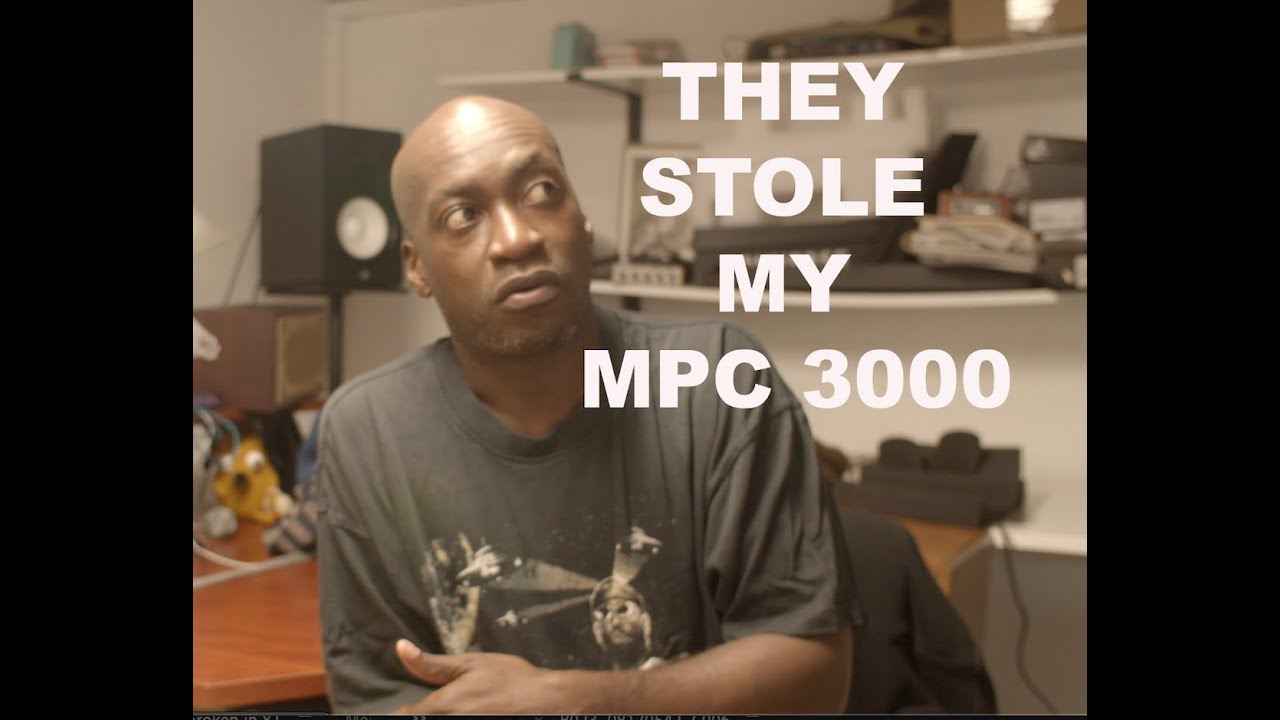
His GofundMe is in the video description.
Hey guys, I got an MPC one plus last week. I read so many comments on here and Reddit that the touch screen isn’t that big of a deal and that you can mostly avoid it…this has not been my experience at all so far, especially in grid mode. Any tips for power moves using the Q links and data wheel in place of using the touch screen? It’s much worse than an iPad and every bit as much as an ATM screen as the critics said. I just can’t imagine doing finely grained midi editing on such a device….
1 Like
Its something you’ll have to adjust to. Make sure you take off the screen protective plastic.
You can do what I did which may seem counter-intuitive & force yourself to use it as much as you can. At first it’ll drive you kinda crazy (if you aren’t already), but after you get used to its speed, you won’t really think about. I think trying not to use will only make you hate using the MPC in the long run, but YMMV as with everything.
5 Likes
The touchscreen is absolutely mandatory.
Anyway you can select events with the pads directly for instance and some stuff can be set with the main wheel as well. But the main problem is that it is often hard to figure where is what. Check out the list edit and step sequencer for further editing. Some operations are done from the main mode (pen tool).
Make sure you take off the screen protective plastic.
I would not do that.
3 Likes
For programming and most non-midi note editing, the screen works well enough to kind of dumbly tap whatever you are trying to adjust and then use the q-links and knob to adjust it. For the other stuff, I’ve found a capacitive stylus works better than sticking a finger out for a really long time. For navigating, set browser shortcuts and put the modes you use most in the little slide out drawer that you can drag out from the left.
It’s absurd that things like pinch to zoom and multitouch don’t work better, but it’s better the sooner you accept that.
4 Likes
frankly, I’m already slow with touch screens and I suck at tablets so I don’t really even notice it being bad.
2 Likes
Well you said your a old dude, which comes with its unique blessings.
1 Like

Some people love it. Some don’t. If you’re in the second group, you still have the option to return it.
My power tip is to get used to the machine and its workflow.
It usually takes a bit more time than just one week.
1 Like
I don’t consider the MPC’s piano roll to be a midi editing tool. It’s just a display for viewing notes.
wonder if an mpc x with a SMALLER screen (same-is as Live 2) that fits in the screen slot perfectly could be made…
Pro tip is, don‘t use the grid.
And unfortunately, I mean that actually.
2 Likes
Yeah. I agree with that. Unless it’s the most basic edit I just replay the whole thing back in. The screen/piano roll editing just don’t work for me.
I don’t find that a problem though. Still love the MPC One. I just fond a way to limit the touchscreen use.
Hello!
I’ve had my MPC One+ for 14 days now. Here is some of my first set of beats:
I’m very happy with the machine! Thank you for the love and support.
12 Likes
(edited:)
Speaking of which, is there an option to turn off that shortcuts panel from appearing when swiping? It gets in the way for me sometimes in sample edit mode.
Yep, it’s in the preferences menu. Not at my MPC now so not sure where exactly but I remember it being pretty obvious. You can just toggle it off-makes a big difference as it’s annoying!
1 Like
Thank you!!
1 Like
A truly awful thing to happen. I hope he gets his stuff back (or is able to replace it). This kind of thing can be soul-crushing. On the flip side, the response to the gofundme drive is encouraging. I hope he maintains his positive attitude and continues making music and videos. No-one should have to go through this sort of thing.
5 Likes
Agree! Makes a huge difference!