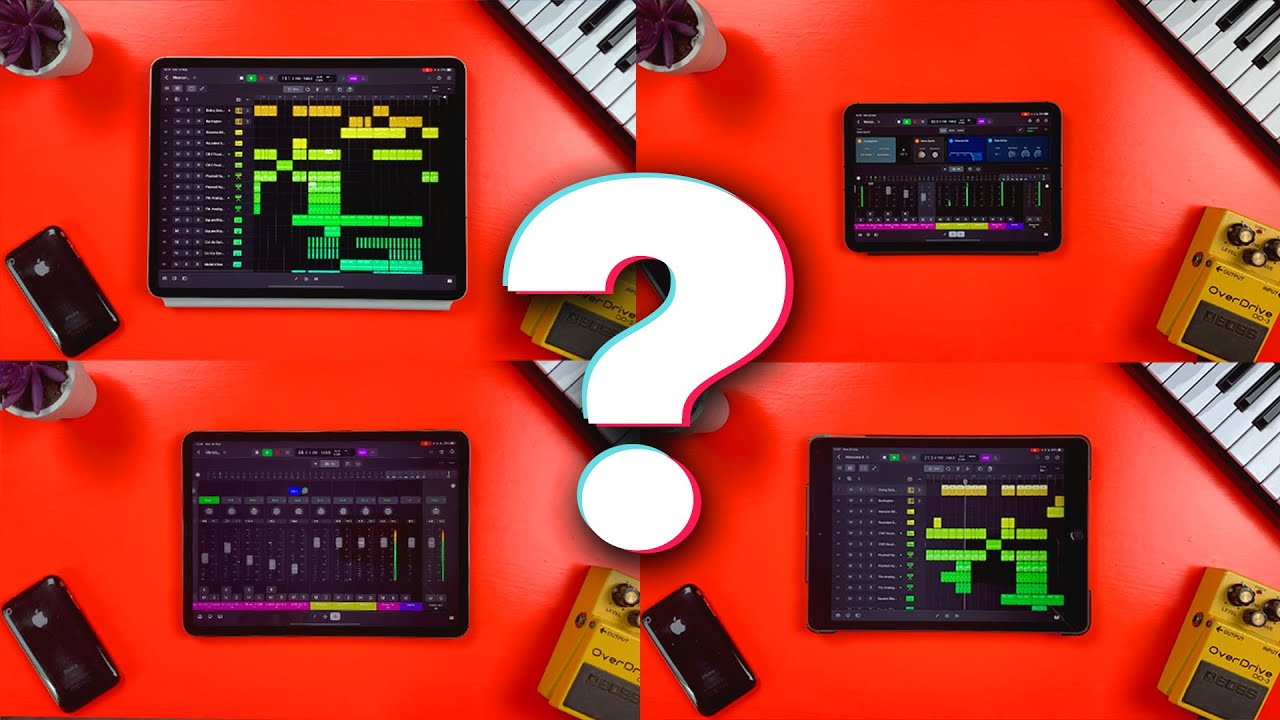
I don’t think so. On the desktop, this was kind-of-sort-of possible on the track-level with “Smart Controls”, but this doesn’t seem to have made the transition. Just as well… they were confusing and nowhere near as powerful. Nothing on the scale of Live or Bitwig, at any rate. For better or worse, Logic has always been a “the full plugin UI or automation” kind of DAW.
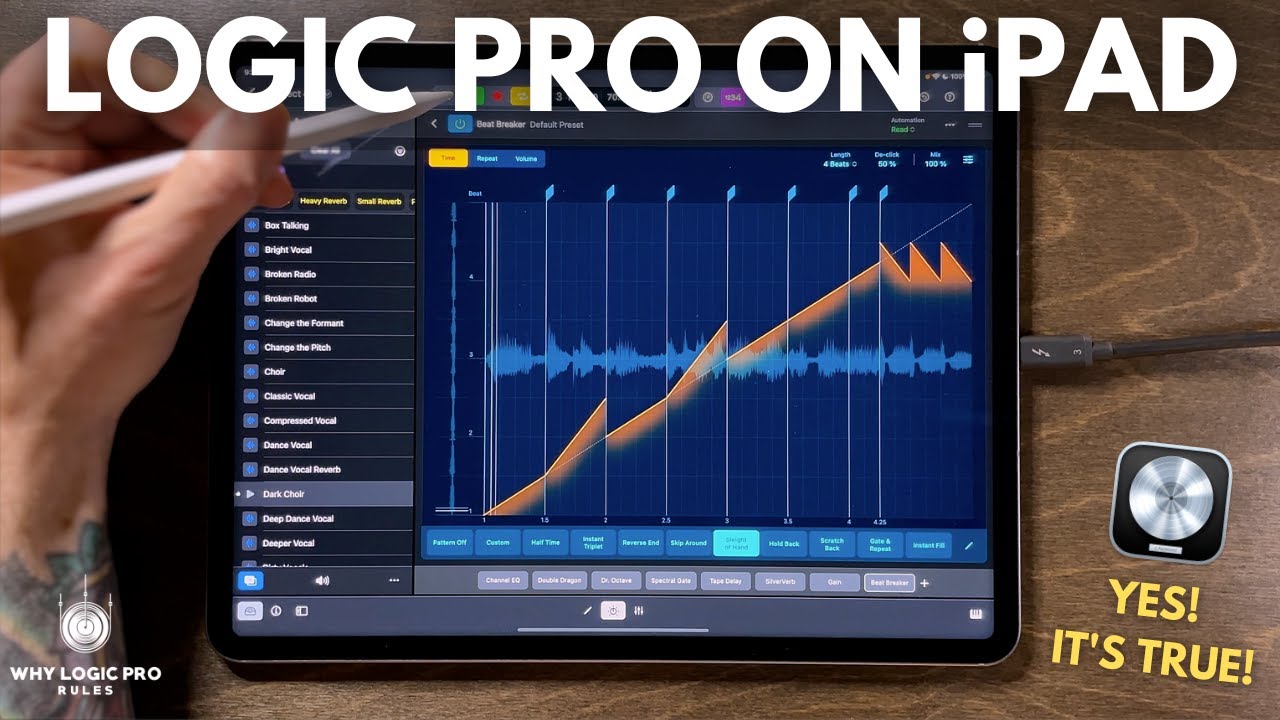
This new plugin strip and “Tiles” view on the iPad version is the first attempt at something different, and frankly feels a little bit like “we need a horizontal list of plugins… how are we going to fill that space? Let’s randomly pick two params and throw them in there.”
Or maybe this is a new layout available to AUv3 developers and we’ll see some more appropriate and awesome looking Tiles at some point? But even after just a day I find myself avoiding it and managing plugins via the mixer. Old habits die hard I guess?
Cool thing I just discovered. For people who are used to ⌘ clicking to jump between tools, and find “switch to a tool, use it, tab back on original tool” tedious on iPad, you can tap-hold on a tool with one hand, use it with the other, and when you let go it will jump back to the old tool. Nice touch!
Took me forever to find! With a new track, the plug-in strip at the bottom of the screen (from the knob-shaped button in the bar) has an Instrument (and Midi and FX) + button. It’s in a menu there, and once you set one up it can be saved as a preset /patch and added more easily next time
Adding to @Humanprogram. You have to add an instrument track. Then select + Instrument.
Then scroll down to Audio Units. Your AUV3 should be listed there by maker under Instruments.
When it is selected. Double tap on the selected instrument and it will open the actual instrument/app inside Logic Pro. Scrolling and double tapping to explore
Sure, of course, but some sampled instrument plugins are huge. My Native Instrument catalog of plugins alone is nearly nearly half a TB. Omnisphere is maybe 100 GB, Spitfire Audio stuff is 300 GB. And so on.
Finally got around to checking it out on my iPad with my OP-1 Field. I can see this working very well on my overnight flight to Edinburgh in a few weeks (accepting recommendations on any places to see/do/eat!). A few initial impressions:
I’m really enjoying it as an alternative to the OP-1’s tape, which I’ve found a bit cumbersome and frustrating to work with.
I’m a novice to Logic for the most part, but found it quite easy to get up and running. Will take me some time to get the hang of the other bells and whistles. Wondering how easy it will be to purchase/install 3rd party effects in the future (Valhalla Reverb, please).
Using my iPad speakers has been a nice alternative to an improved-but-still-tinny OP-1F speaker.
Maybe a silly question, but how have you gone about recording guitar into it? I tried connecting my UA Apollo x4, but was met with the “iPad doesn’t support Thunderbolt” message.
Even if you buy a Thunderbolt iPad, you need to install specific drivers and they are not available for iPad so basically Apollos are not compatible (for now at least).
Not a complaint, I didn’t expect it to be easy, but as a first time logic user I found navigating the interface once a project was created next to impossible in the loop mode, and a bit better in the regular tracks mode. I did get a sequence and sounds happening on my own but I really miss being able to hover a cursor and get the function name of an icon pop up.
Will definitely need some tutorials.
Edit: ok, no tutorials needed so far. Managed to get midi out of a Circuit into Logic and out to Perfourmer, then audio back into Logic through some reverb and recorded to a separate track via mix bus, with some sequenced drums to accompany. Nothing fancy or complex but it’s not the kind of thing I’ve been able to do with other iPad apps without having to stop and look stuff up. I hate the feeling of basically knowing what you want to do and not being able to figure it out from the options in front of you, especially when it’s basic functionality like this. So far happy, I might even subscribe.
How does everyone see themselves using this?
In the DAW sequencing/composing? Recording hardware and basic mixing? Their main DAW for anything and everything?
Also curious if anyone has tried it with Stage Manager and an external display? Does it work? My iPad is one generation too old to treat an external monitor as a separate display
dunno what the complaints are about with regard to the plugs UI. I like the minimalist style [watching in vid. no hands on]. I personally prefer the simplified look.
adding: is Ultrabeat in there? if so, how’s it look? the computer version is kinda gross. [personal opin]
I also agree with this. And in portrait they are full screen, most of them at least. Once you get used to how the expanding and collapsing works, it’s pretty good. Best thing for before sleep bed music that I tried.
I will be using to record and arrange tracks started on DN/DT. Or in Koala. And maybe getting more complex in future.
I used to use Logic and GarageBand before switching to Ableton, and I prefer Ableton’s UI and design. It’s all so much faster. If I want to send audio or midi between tracks, I don’t have to set up buses and aux tracks like I do in Logic.
But I much prefer Logic for timeline editing. Maybe it’s because the shortcuts are all more familiar to a Mac user.
I really like LP for iPad though. My only wish is that it would follow external MIDI start/stop. Then, I could use it as a kind of track and FX expander for the DN. Or say you have a track split across DN+DT. You could track the DT part into Logic on an iPad mini, and continue the song with just the DN and iPad on your lap. Using the iPad’s speakers!
I’m not sure if I’ve been unlucky, it’s because I’m using an iPad Air with a lightning adapter or something else, but I cannot get any output through my UMC even though it recognises it. There is a nasty hum though. Also seems to sometimes lose devices and I need to plug the adapter in again.
My AirPod Max’s are unusable because of a Bluetooth delay and forget using airplay, totally useless.
The sounds and interface are great and better than my MPC Live. But I won’t be able to replace the MPC with Logic on the iPad unless I can sort out the device connectivity issues.