Starting this thread to exhange ideas and user experiences.
My first fun thing : Make a note channel, modulate with second channnel with LFO, motion or just cc and voila u got a sequencer 
Starting this thread to exhange ideas and user experiences.
My first fun thing : Make a note channel, modulate with second channnel with LFO, motion or just cc and voila u got a sequencer
Also the Monolit is a beast when it comes to modulation. If your hardware lacks in that department the Monolit is a no brainer
Cuckoo sort of teased an upcoming FW update recently, and I’m really looking forward to it.
I don’t own a Monolit yet but I’m seriously considering it, both for its size and interesting approach/features.
I have actually submitted a number of feature requests to Lightreft (essentially related to MIDI looping). If they implement them, I will certainly break my money pot and go for it.
It seems there are not so many users around yet, so I wanted to ask you if it is possible to create macro controls on the Monolit, i.e. to control several CC’s with just one fader or modulation?
Ive had it for 2 days and have not yet explored if there is any macros
Its possible to have one fader controll several other faders in the Monolit making a sort of ”macro” control.
Loads of stuff to explore and i just scratched the surface so far
Feels like endless possibilties and i very glad that i got one.
A very BIG selling point for me was that its fully programmable on the actuall hardware. The web midi editor is just a nice bonus for me.
Following the development
It’s coming, I just received their newsletter:
"FIRMWARE 2.0 - COMING SOON
We’re completely redesigning Monolit’s core logic to expand its creative potential - but don’t worry, the familiar workflow isn’t going anywhere. Everything you know and love will stay the same.
Right now, we’re working on a new Performance Mode that lets you control multiple parameters from a single screen. And yes, we’re also developing an 8-track built-in sequencer with scale randomization and probability settings."
Ive done my first preset on the Monolit.
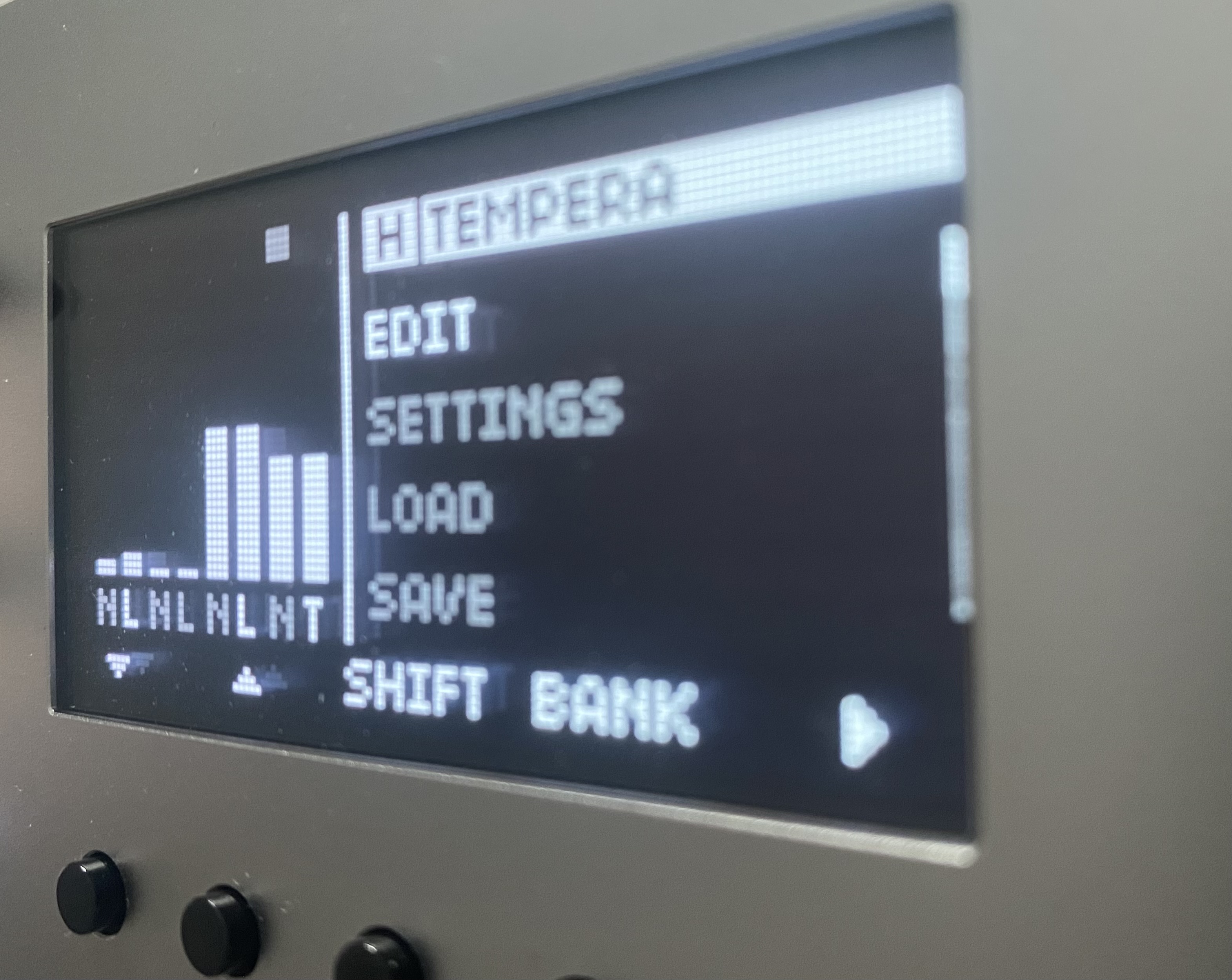
Did a dedicated Tempera preset.
Easy access to most parameters and even had space for 4 separate note sequencers. One for each emitter
Now i just need to name everything 
You can use website monolit.jp for faster naming, or just connect usb keyboard )
Hi!
Ive tried but i run into some bug. Wouldnt let me rename parameters and the monolit didnt load what i typed in. Also could type in more letters then then monolit allowed. This happened after i saved the preset. Could name before the preset was saved
So i typed in everything on the Monolit. I had time over was sick just laying in bed. Good opportunity to learn the interface 
Ive been using it alot with my setup and its à brilliant piece of hardware.
Lookin forward to next update
Hi everyone, my name is Sasha Dza, I’m the creator of Monolit. I’m really glad to be here and happy to answer questions or clarify anything about the functionality whenever I can.
We are a very small company, so we have to handle many different tasks ourselves, and I may not always have time to follow the thread regularly.
If it’s about bug reports or you need a quick reply, please use the website www.lightreft.jp
Hi @dza and Monolit users!
I just learnt about the elektronauts thread. I had my Monolit for under a month so I am still quite fresh. On the coming weeks I would like to share my discoveries and explorations with the community.
I will be posting my journey on yt/ insta and dropping some thoughts on the thread every now and then. Feel free to reach out if you are as excited as me about Monolit, happy to chat and exchange presets, dont be a stranger!
Hi and welcome!
Nice to see other users joining in.
I got my Monolit last week, just done one preset so far.
Please link your youtube if you want.
Looking forward to see what you post
Love it! Happy to connect. Here is my channel, with my first Monolit jam:
Hey Sasha,
I just received my Monolit. I tried using it with Ableton right away without the manual. Because it was so intuitive, things were going smoothly right away, so kudos to you and the team for that.
I’m running into my first issue now, which is in Notes mode. I have the fader mapped to six notes: but for some reason C3 60 won’t trigger a MIDI note at all. C#3 61 triggers, B2 59 triggers, but not C3.
I’ve attached a video below.
I also repeated this again after the video while watching Ableton’s MIDI monitor in the top right corner. And it doesn’t even receive a MIDI message when the fader is sweeping over C3 60, but it does for the rest of the range (A2 57, G2 55, E2 52, A1 45, and A0 33). So I’m getting a sweep of five notes when it should have six.
While we’re on the subject, can we please have more than 6 steps in the next/a future firmware release? I would ideally like to have a way to sweep through bigger chords, like strumming an autoharp or swiping across an Omnichord strum plate.
Could the limit theoretically be 128 steps here? I can’t imagine anyone would need that many (a real piano only has 88 chromatically), but I’m definitely curious as to why we can only step through six notes right now.
Hello Sasha, thanks for making this fine device. so nice I bought two. I love pairs of fine things! I was extremely impressed with using it plug and play styles with the monome grid. I cannot wait for 2.0 i literally bought the second unit in anticipation for the new firmware! I love the future-past aesthetic! it looks like 1979 made a baby with 2179! Build quality is second to none mate! Thank you for inspiring me with your kit!
Sasha wrote back to me about my issue of C3 not triggering and explained it was likely an Ableton bug where notes from Monolit (when selected as Control Surface in Ableton settings) may be redirected by Ableton for its own internal purposes. In my case, Monolit was never selected as a Control Surface, but for some reason when I plugged it in again today it sent C3 60 as it was expected to, so all is well there. He also told me not to rely on Ableton’s MIDI Monitor, and to check with an external MIDI monitor. So I downloaded MIDI Monitor from Snoize (from the people who made SysEx Librarian) and it shows that it was transmitting all the notes, so that’s a relief.
As a general aside, I hope one day we can have a Discord or something similar where we can organize the different types of feedback on this product, like bugs, feature/firmware requests, general discussion, music we’re making with it, etc.
I have some more firmware/feature requests:
Would love to have the 6 Step Limit raised for bigger sweeps/chords.
It would be great for a sweep to be something other than linear. This way, the speed of the triggers is still under manual control, but the Steps themselves are a surprise as to which note is triggered. Basically like how most arpeggiators have Up/Down/Up&Down/Random/2 Oct/3 Oct modes (thinking of Monomachine or Korg Minilogue).
Say I have a bunch of chords setup so that each fader can sweep along to create a nice harp-like arpeggiation and that sweeping each subsequent faders moves you along a chord progression. But let’s say I want to be able to change keys mid-song. I suppose a workaround is to setup a second Preset… but to be able to do that within a single Preset to have all or one of the faders transpose in semitones up or down or even by an octave would be really nice, rather than having to edit each note one by one for each fader, and then do that all over again in another Preset, and avoids having to use up two Presets in a single song.
It’s technically already there in the Notes Mode menu as “Offset” but that is only in setup and not something you can access as easily on the fly, it requires diving down a little into the menu first. “Offset” is also in semitones (and it would be great to have a way to jump an octave up/down but that’s a small thing). And Copy and Paste doesn’t help you here if you have different chords in mind per button.
It might be hard to implement at the top level though.
This would be amazing for more “algorithmic” style of sequencing chord progressions (similar to the new ALT synthesizer from Cyma Forma. Fun fact: I asked Cyma Forma to implement user scales, the prototype only had five scales, and they did!).
Instead of going into Notes Mode > Note Edit > Down Navigation Arrow > a LOT of clicks of the “+” / “-” on each Step, it would be great to just navigate to the Step and play the notes/chord on a MIDI keyboard. I know in the manual it says you can use the fader to do it if you hold Shift, but that’s pretty hard to dial in because the fader’s throw isn’t super long. It sweeps right past the note very quickly.
It could be really fast if you just play a big chord and Steps of Notes Edit just catch all of the notes, for example.
(I’m reminded of the Monomachine workflow where you hold a trig, and enter a note or even a big chord and that trig will then trigger a note, or even play the arp/polyphonically depending on the mode you’re in.)
Edit: Clarity
https://youtu.be/tSyWSQjEoN0?si=KsOZZNftgcr4X04t Here’s a little sneak peek at the upcoming OS 2.0.
Looks really nice. Looking forward to see what else you have planned
Question: any plans on any midi recording lets say from external keys or sequencer?