Ok cool, it’s a synth.
3 Likes
Poly synth 
Morphing oscs ?
1 Like
Downloaded. You have to load a sample > more > Quokka
Mmmm! 
Cool Drive !
Already like the filter + drive !
Warm and dirty…
I took screen shots.
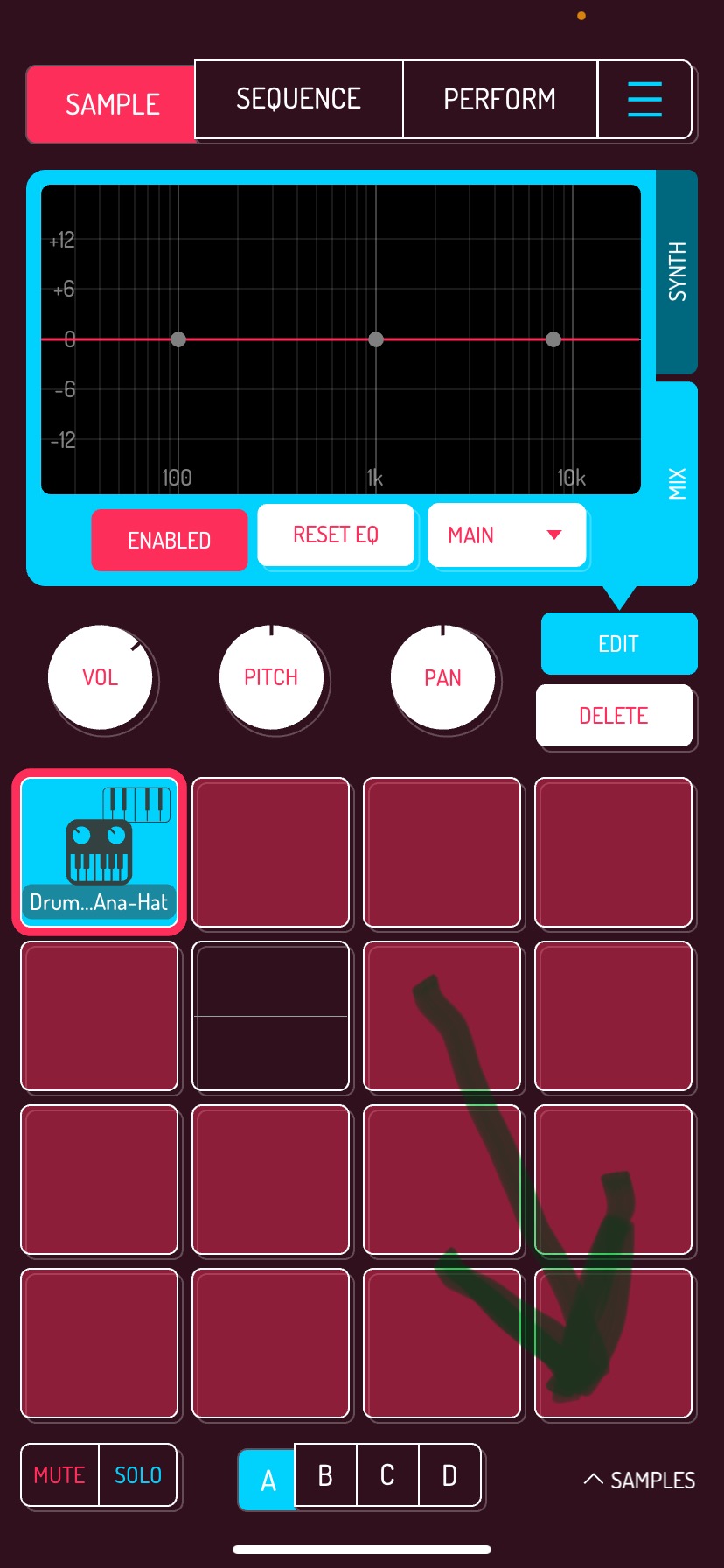
Parametric Eq
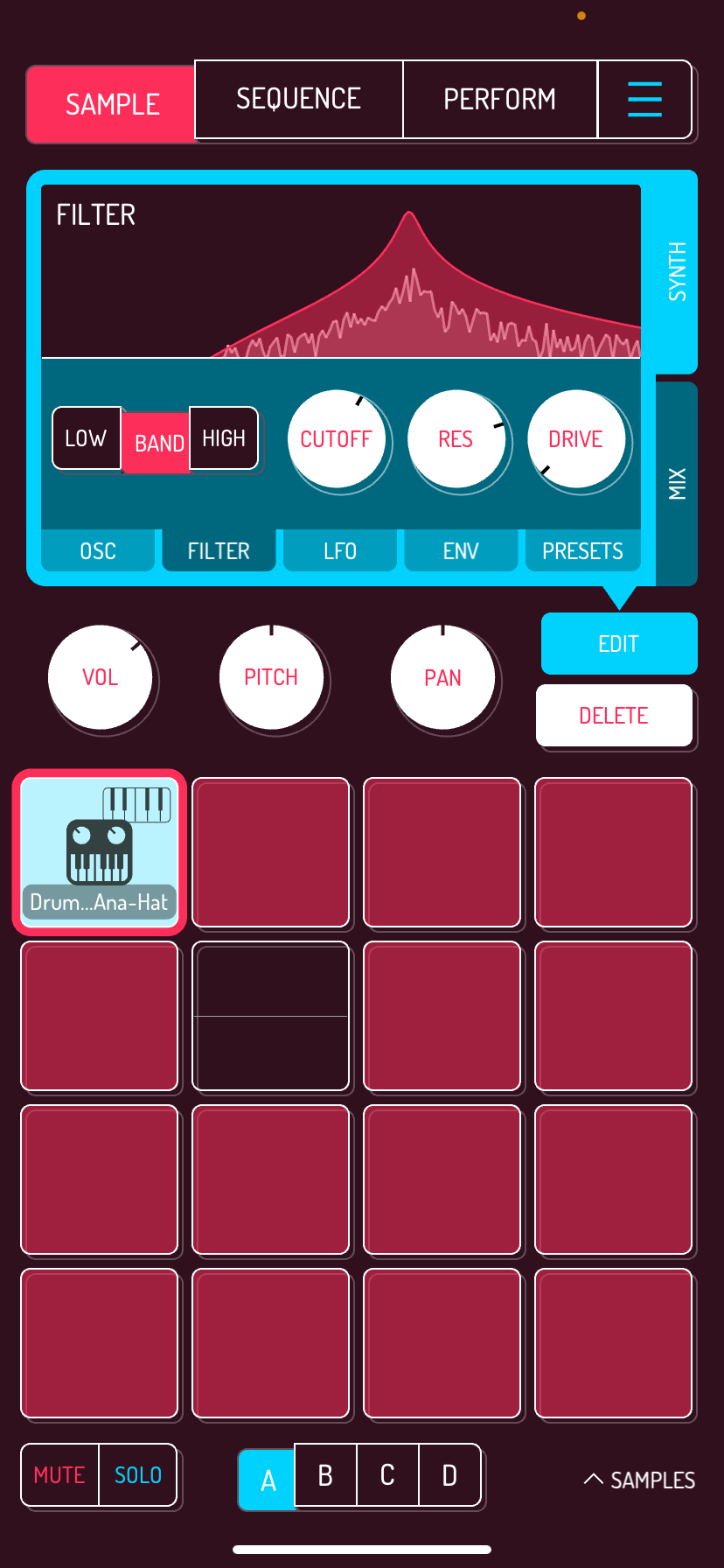
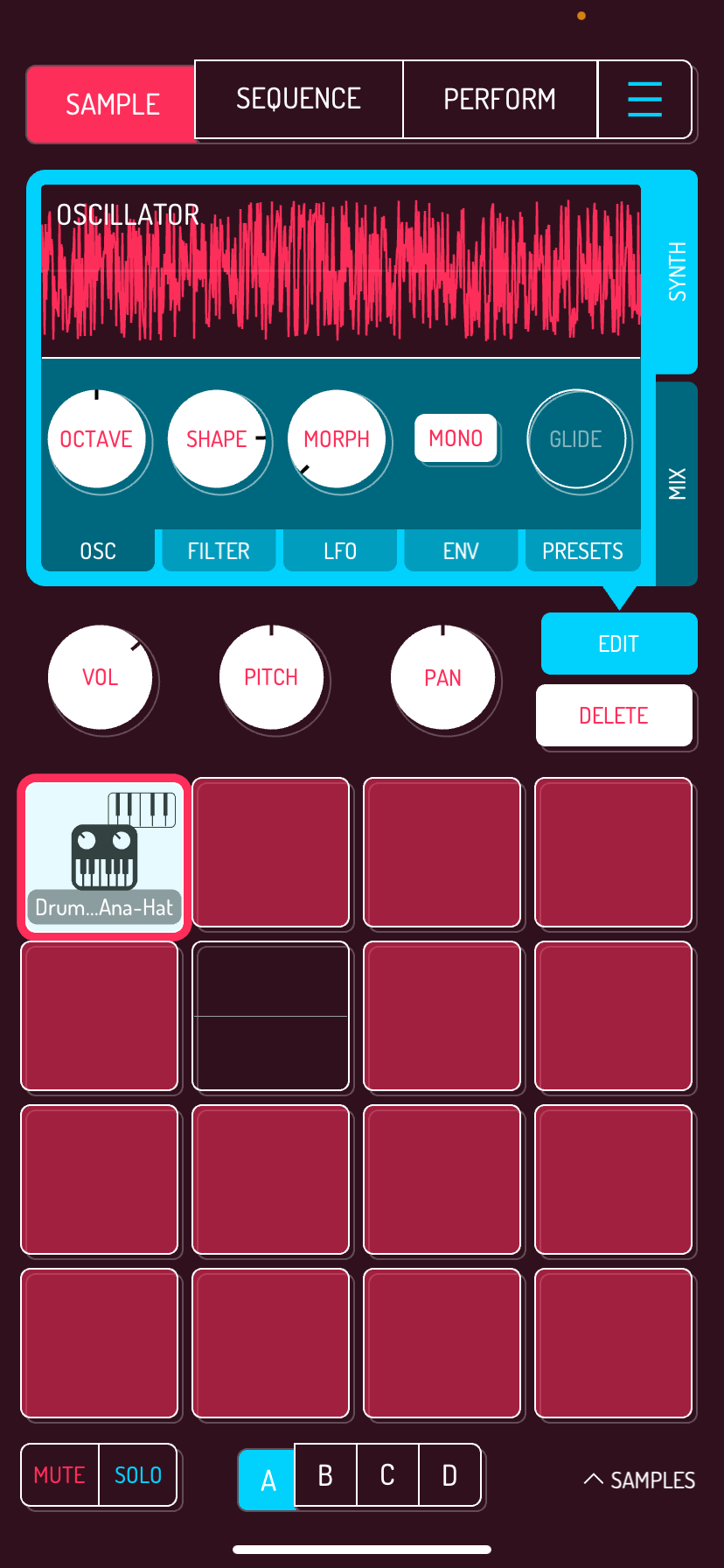
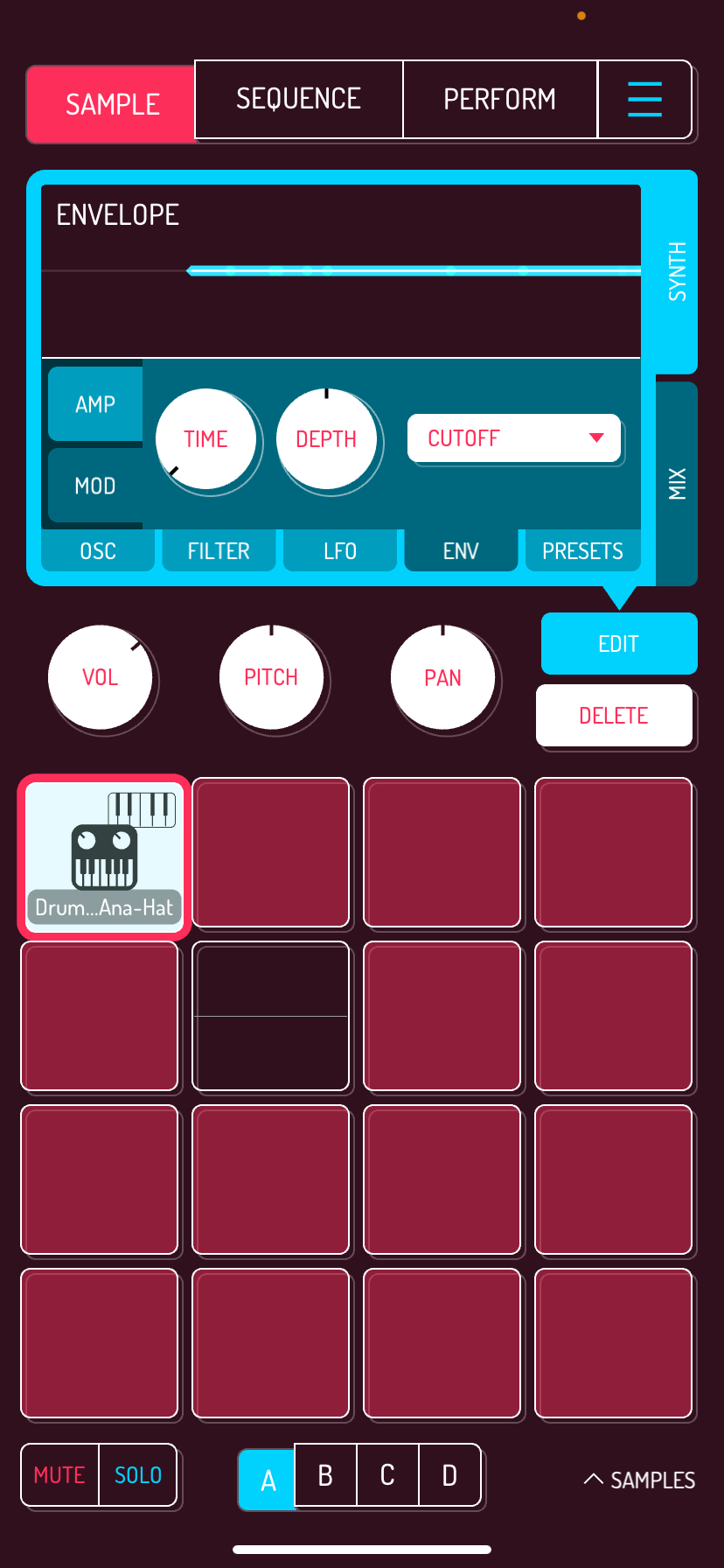
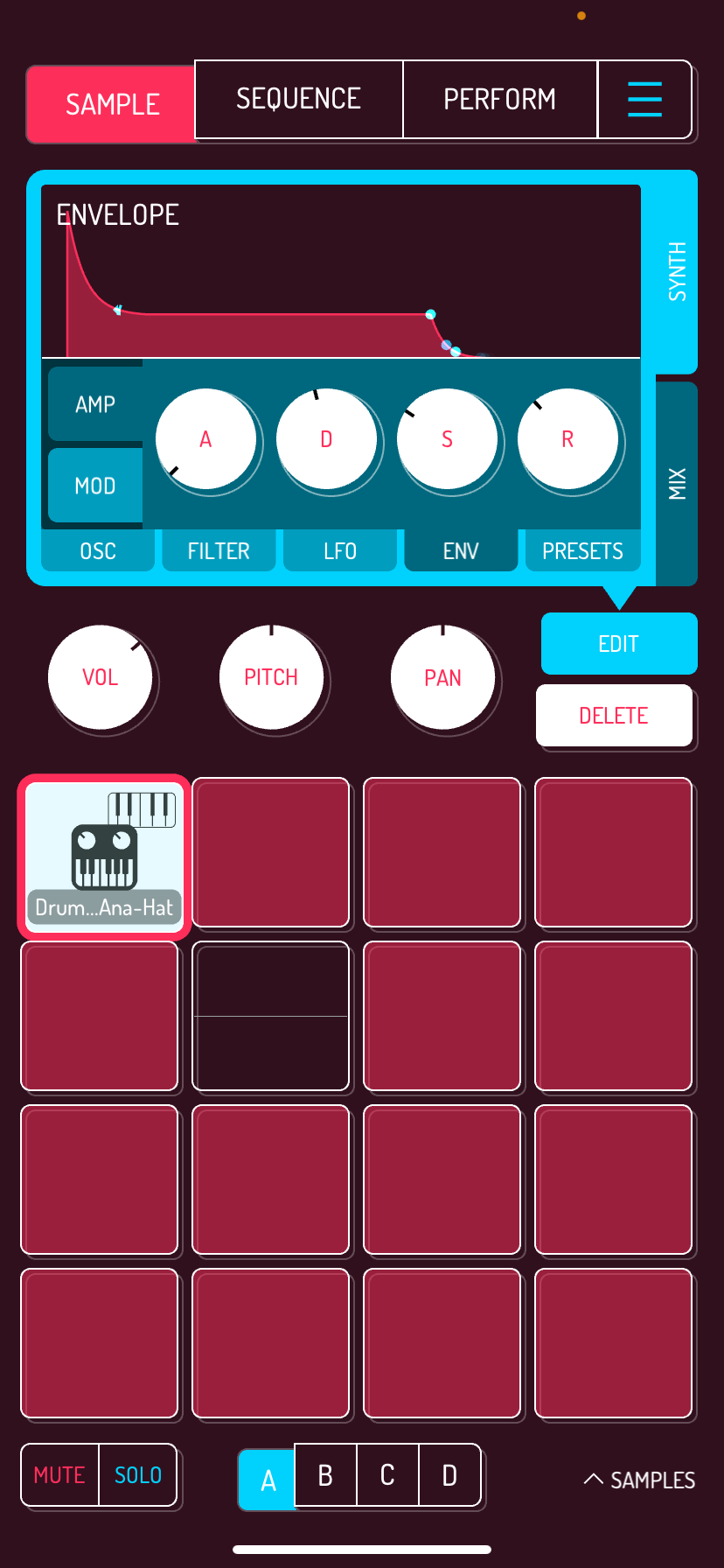
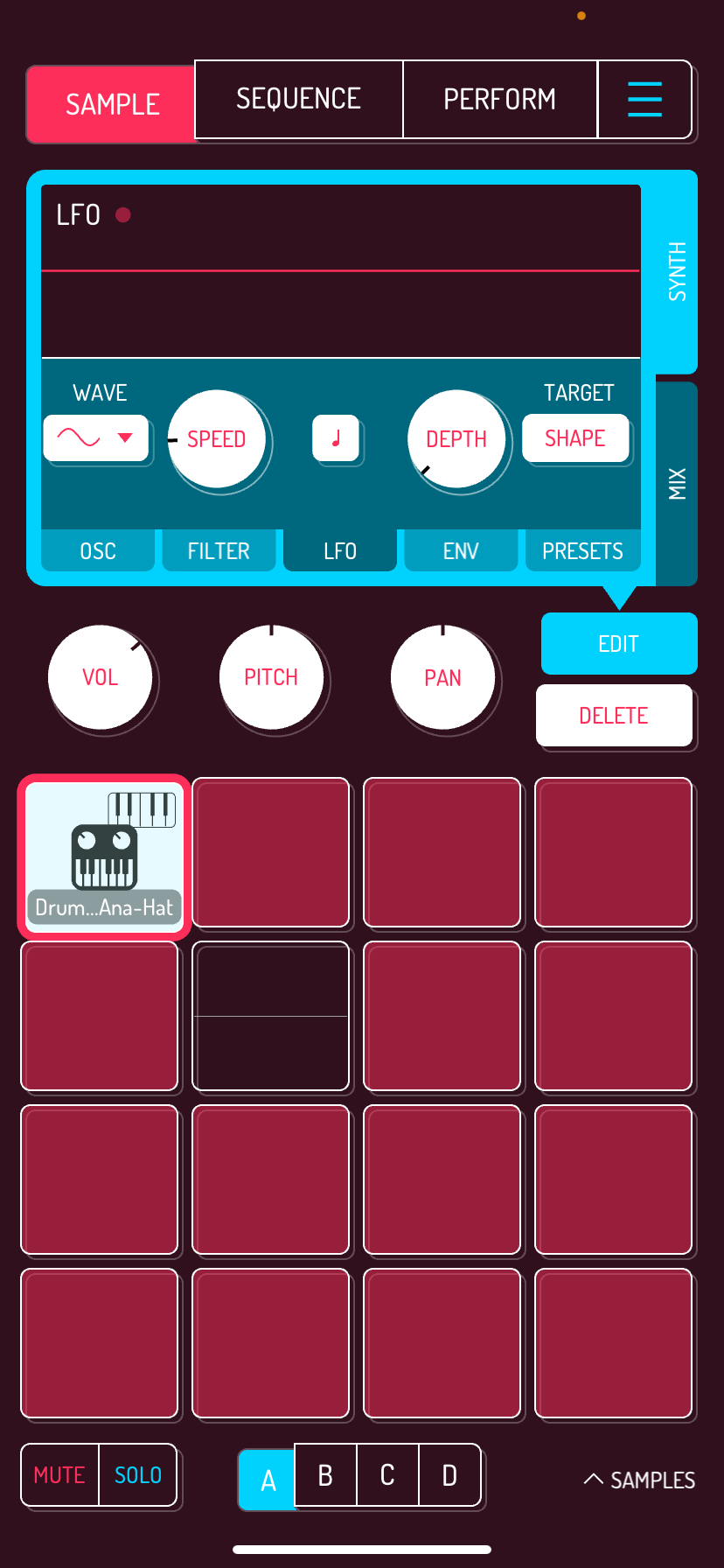
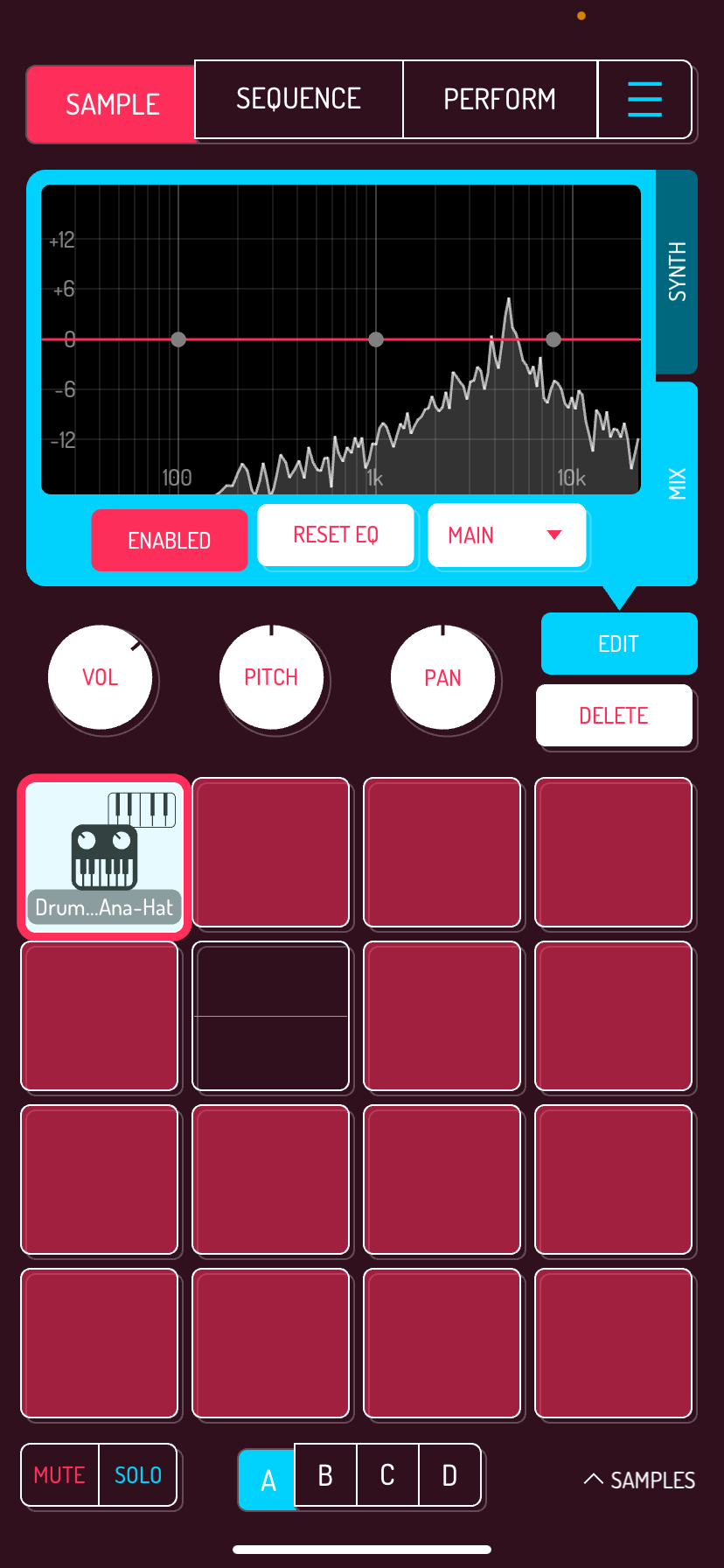
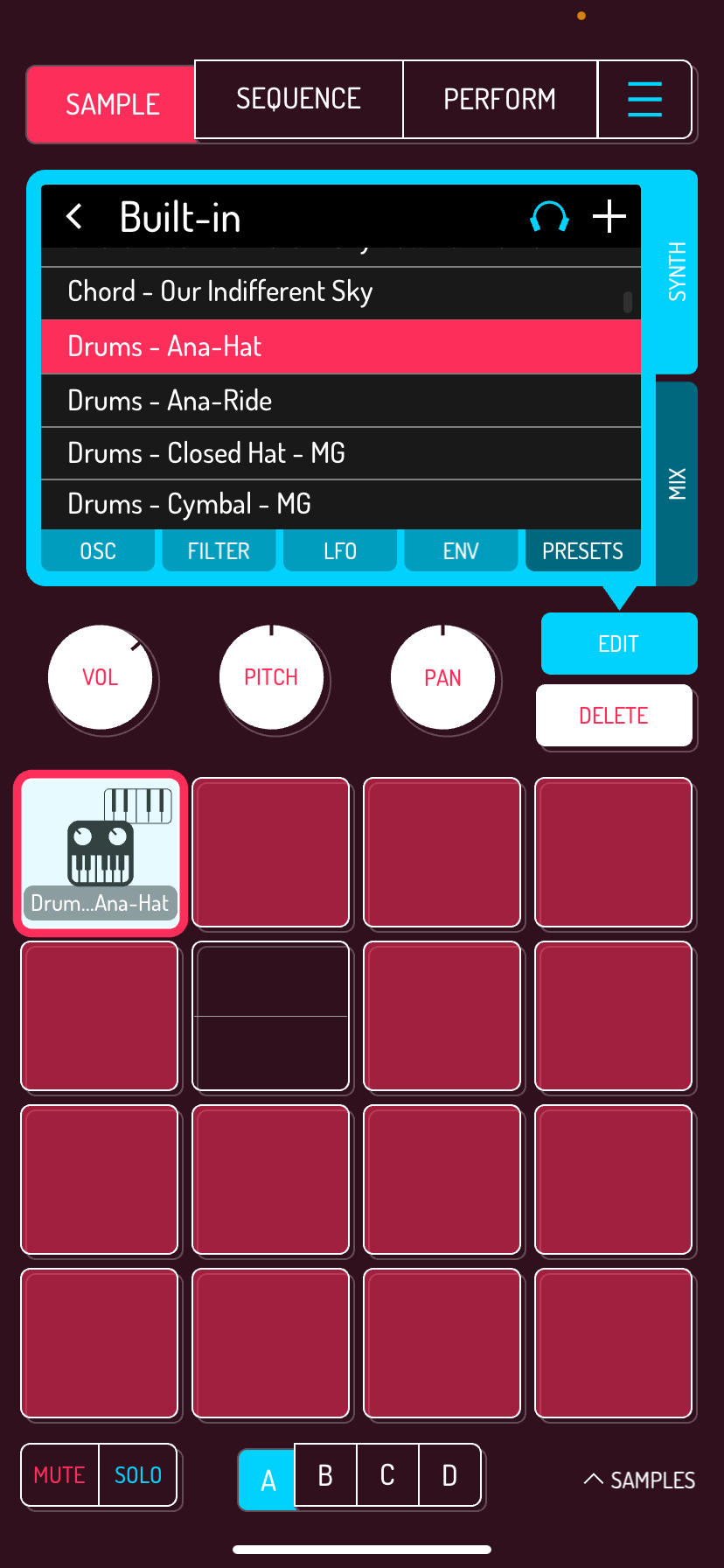
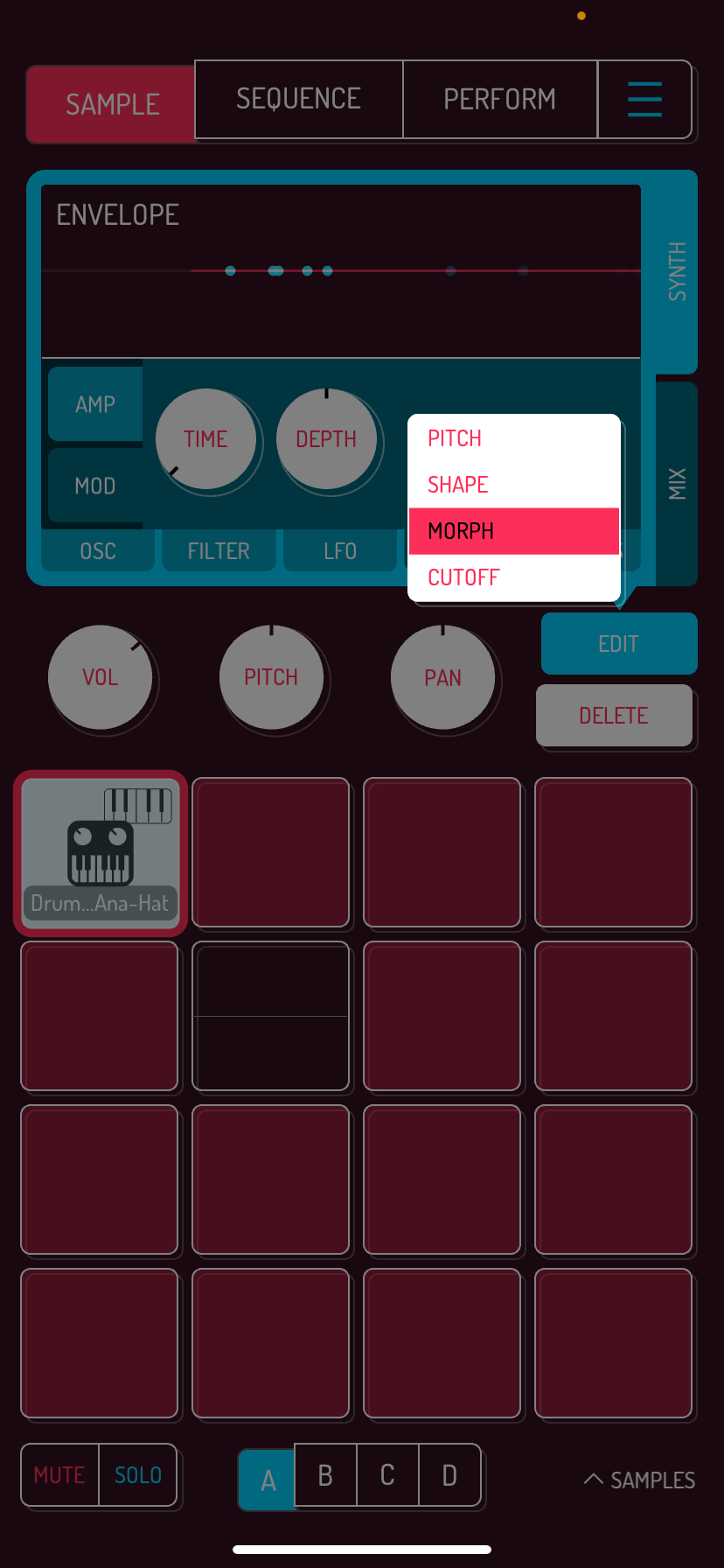
6 Likes
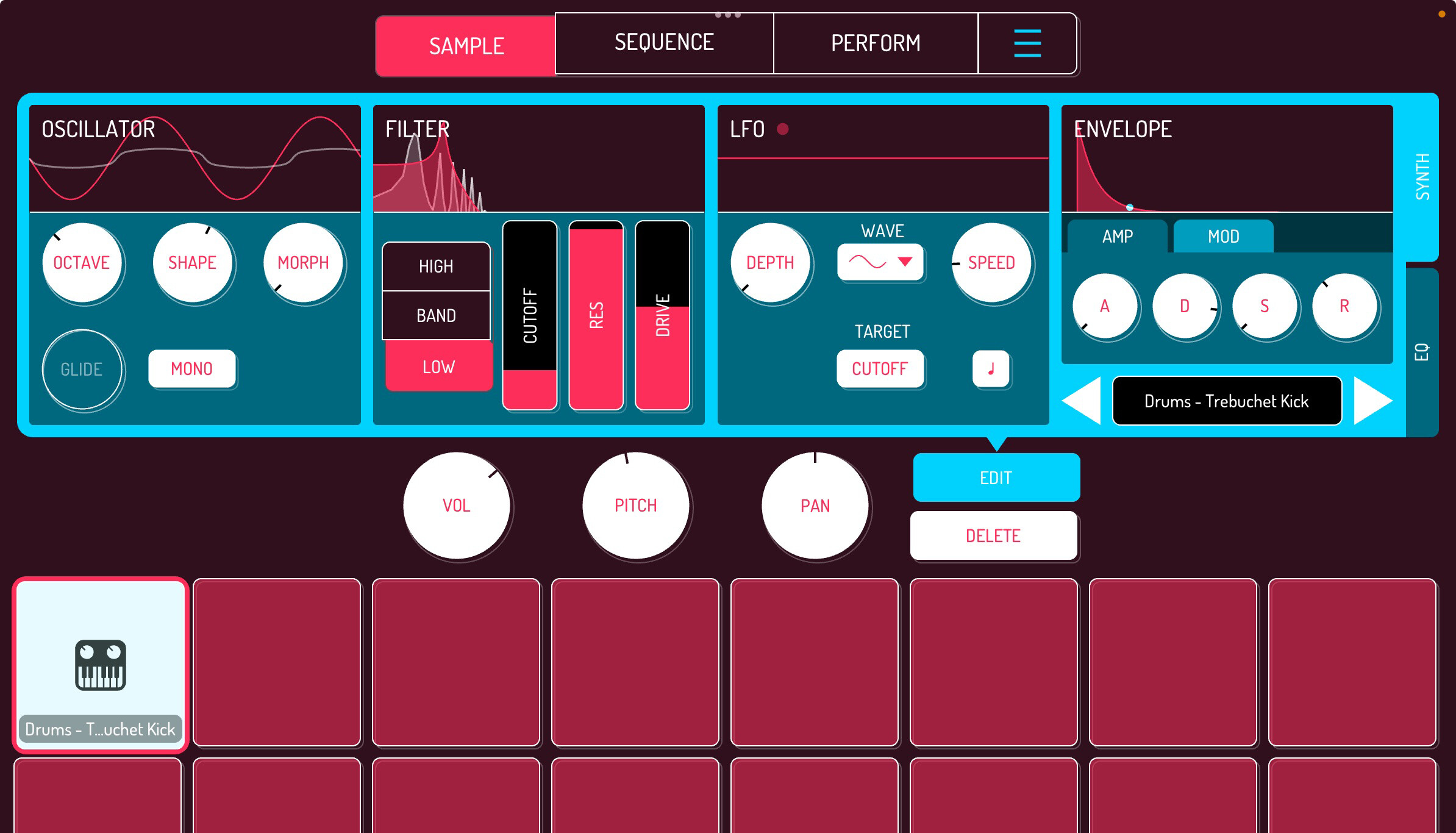
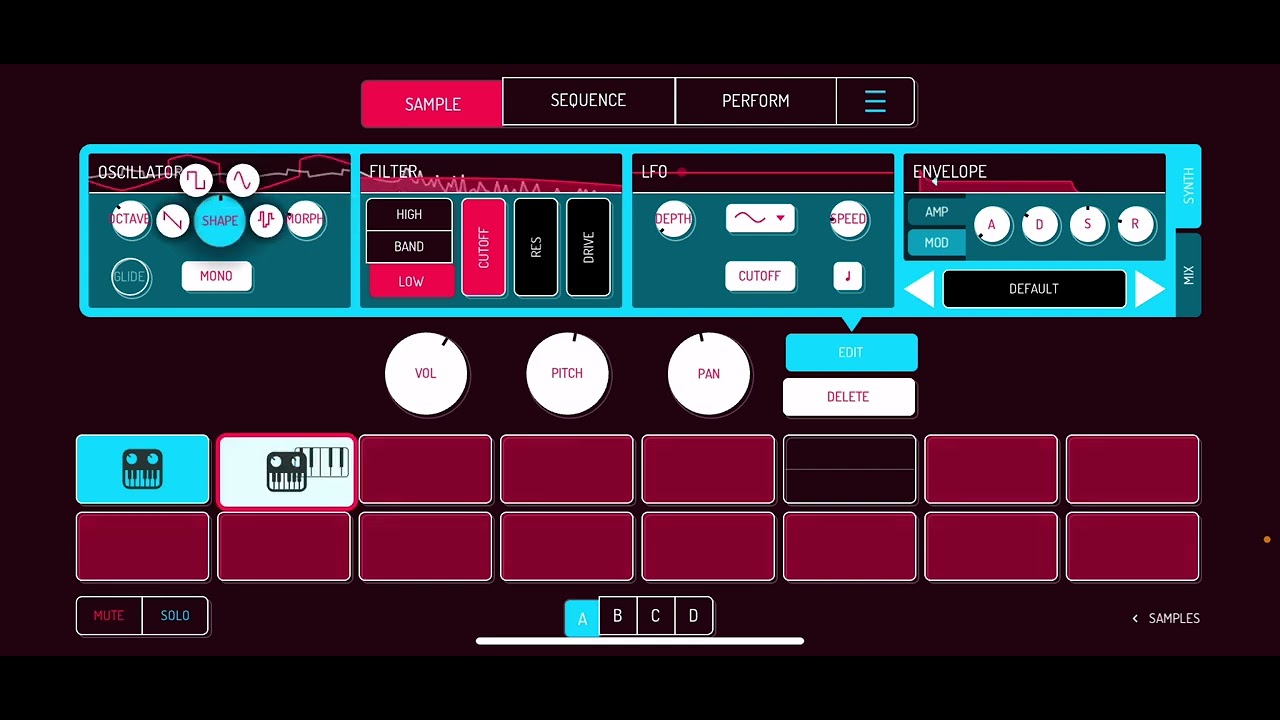
The shape of the mod envelope in Quokka is nice and inuitive.
1 Like
So yes you can assign Pitch, Shape, Morph, cutoff to mod/lfo.
1 Like
I can’t for the life of me figure out how to find the synth.
2 Likes
In sample page, clic on the SAMPLE link, as if you were importing a sample to a pad.
Then > MORE > QUOKKA
LOAD QUOKKA to a pad or drag it.
2 Likes

4 Likes

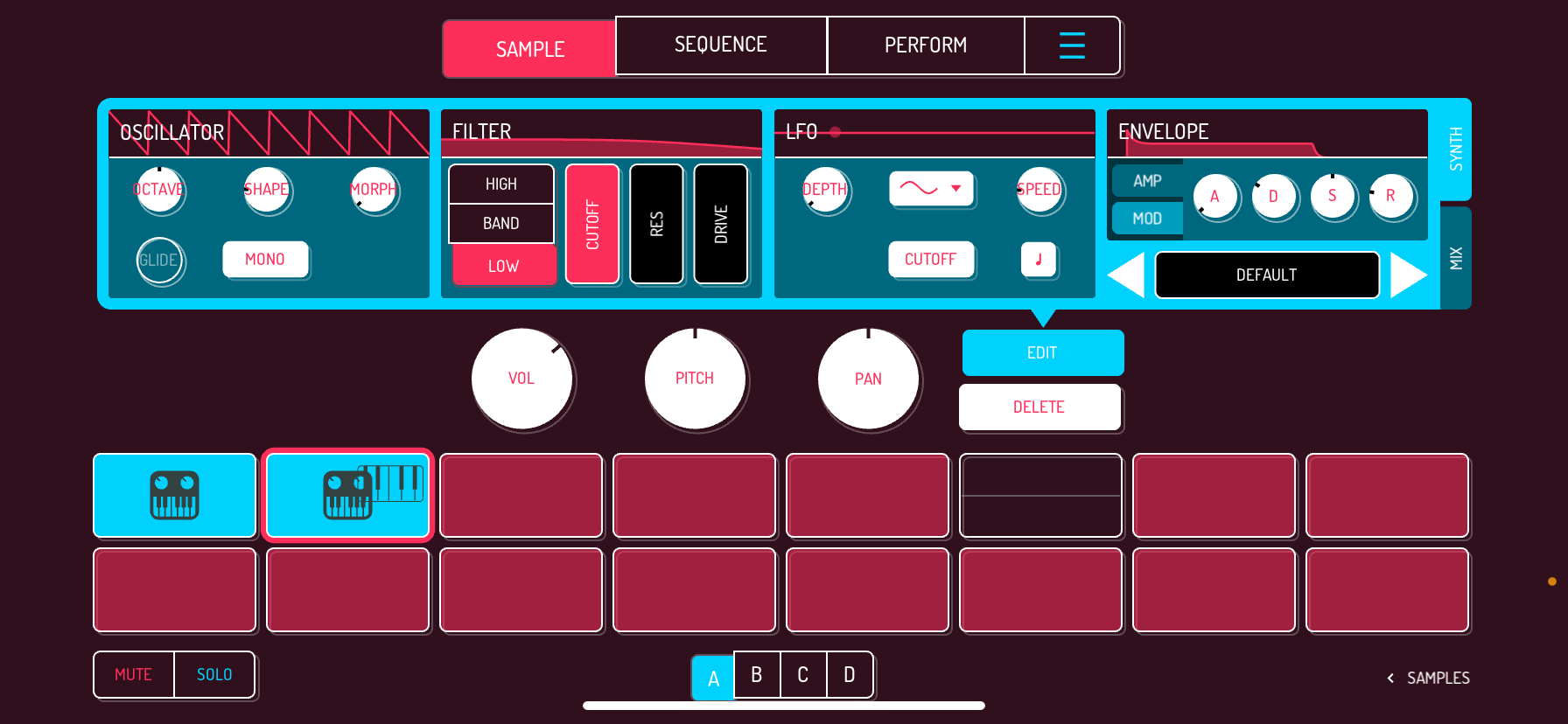
Several Shapes, different Morph behavior depending on shapes (including a Rhodes waveform).
XY pad for filter/res.
1 lfo with several shape including random glide sort of…
Pitch Amp Shape Morph Cutoff as destinations
Glide
Poly/mono
Parametric EQ
(iPhone)
2 Likes
Do you want her number ?
3 Likes
Updated ?
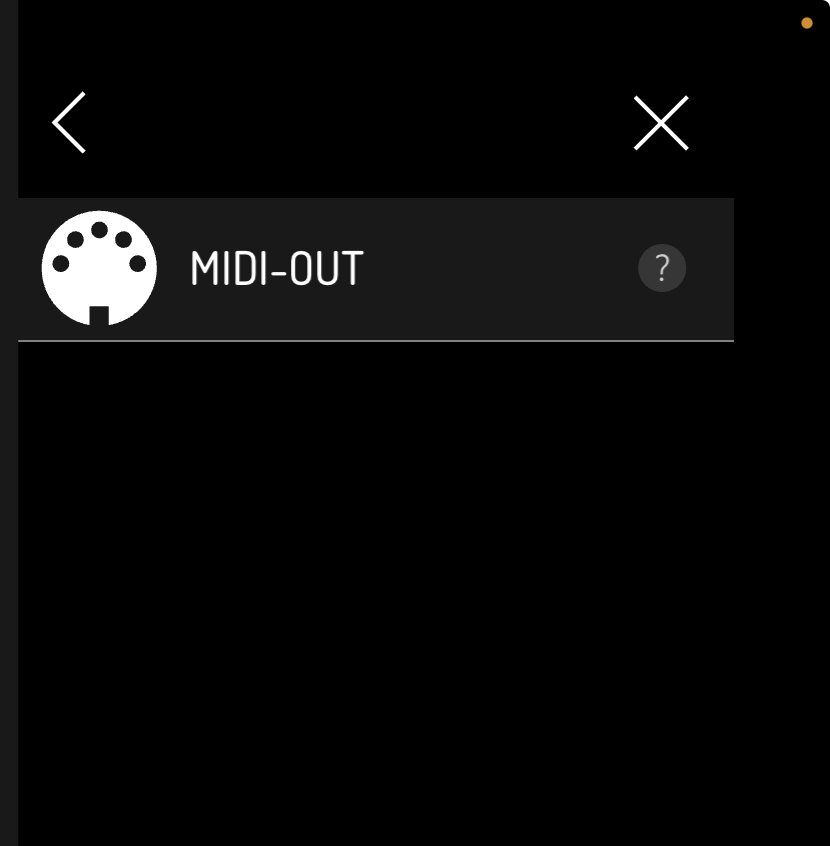
It should be in the same page as MIDI OUT.
Can verify. Downloading the new update via the app store is helpful.
Crazy we get a dope little synth for free! Good times. Fun app!
1 Like
Sounds like somebody does …
1 Like
A few buggy behaviors…
No midi mapping yet ?
I could sequence and play it from Digitone 2 but couldn’t access to synth parameters in mapping mode…
Quick test on iPhone. I can go to bed now !
2 Likes
This is so fun
2 Likes
Thanks for your help! It finally showed the update.
1 Like