Just a heads up for anyone else who encounters this problem
Updated firmware, installed Overbridge but couldn’t get Overbridge to detect my DT2
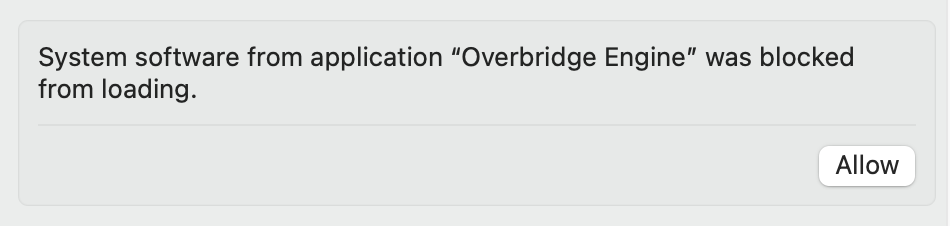
Allow in Mac Sys prefs (Privacy and Security)
Cheers, Apple!
Just a heads up for anyone else who encounters this problem
Updated firmware, installed Overbridge but couldn’t get Overbridge to detect my DT2
Allow in Mac Sys prefs (Privacy and Security)
Cheers, Apple!
Word up to Overbridge - super quick test this morning before work and I’m hyped!
Overbridge for the win - So fun to dig back through my DT2 projects and add some more stuff. Digging it! Short little thing…
that’s good , 200% cleaner that any recording i managed to do on my good old octatrack 
has anyone noticed that the led button backlights are really dim even when led intensity is set to high on the personalize page?
the dt2’s highest led backlight setting doesn’t even come close to the brightness of the syntakt’s lowest led backlight setting
using them together is potentially triggering for the neurodivergent (it’s making me crazy)
Never noticed this on DT2 but certainly noticed on DT1 beside Syntakt and it bugs me too  I figured it might just be my hardware or something.
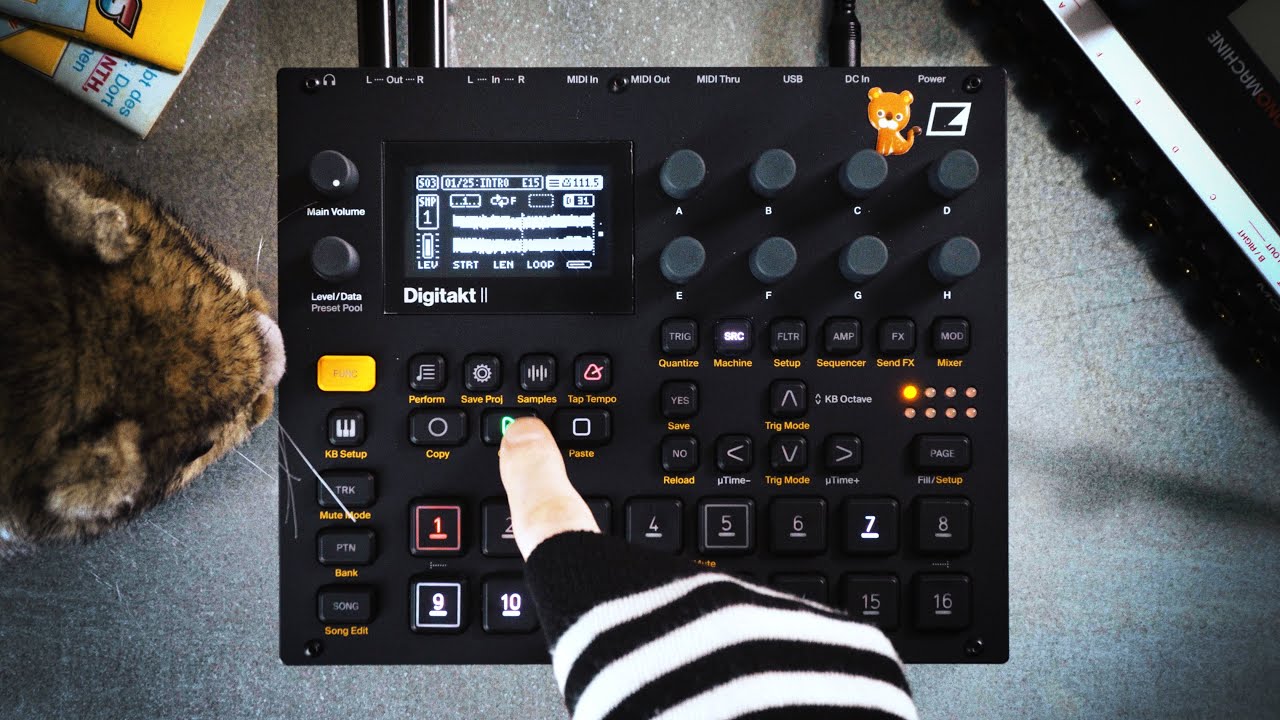
It’s international wombat day! Unrelated, experimental IDM on the Digitakt II, utilizing Stereo, the new filters and the three LFOs to create an organic sound. Sounds/Tones/… were created and sampled from Hydra, Machinedrum, Rytm, IM Clouds and others synths.
Love it! 
Sounds good!
was worried about the wombat until I saw it move at the end.

Love wombats. My FB feed is overflowing with wombats, otters, opossums …
the cutest @.@
If anyone’s upset that their device is old now, don’t forget that og digitakt is a device that can pull this.

I have a bug( when I sample something in DT2 via usb/audio in OB mode and save it, DT2 engine stops with no sound. and you need to reboot((
@happymozg Elektron fixed this bug:
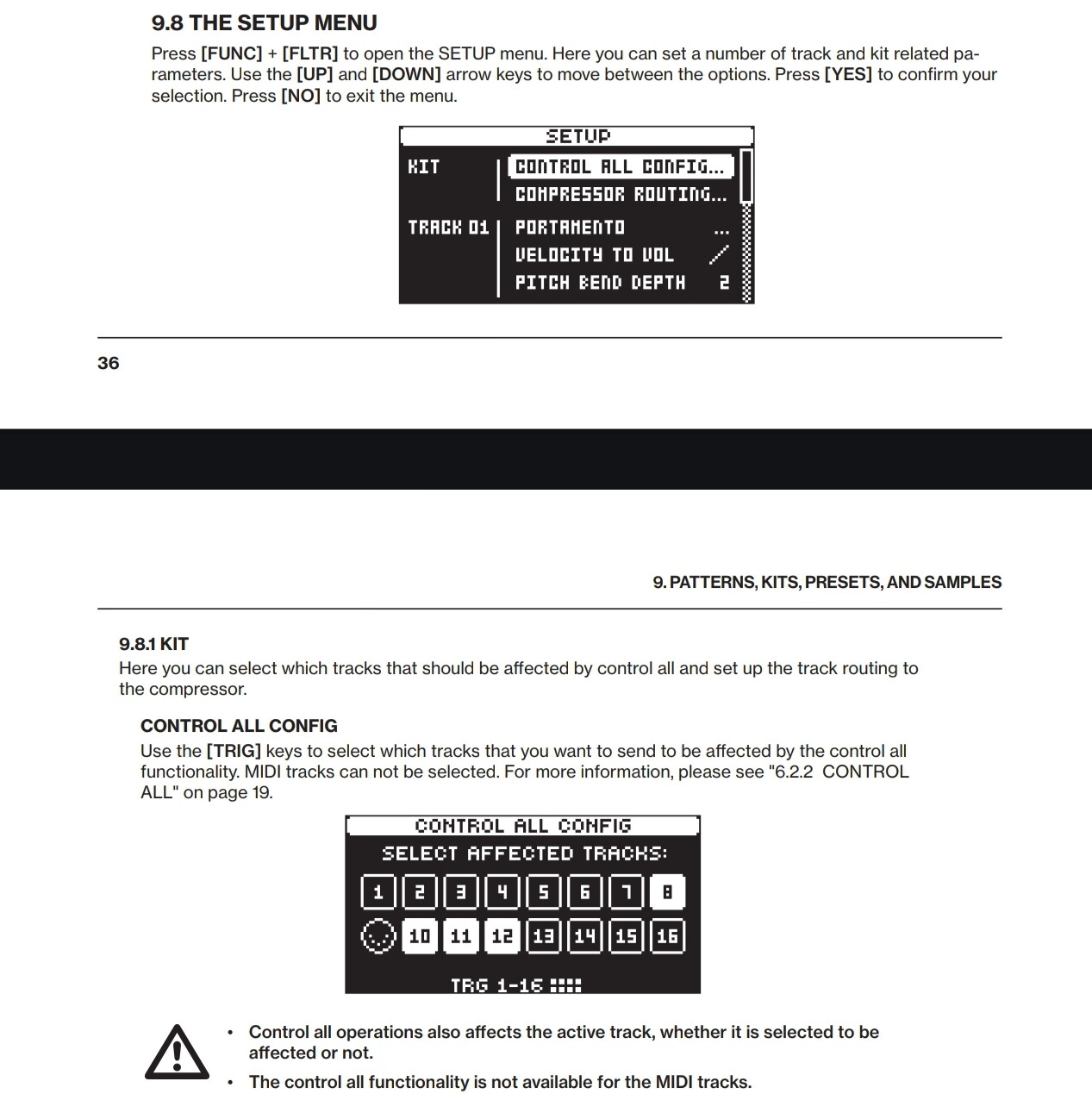
another question. sometimes when I hold down trk and try to manipulate all the instruments, some channel remain unchanged. And then, when I select this channel and try to repeat the manipulation on all trks, everything is ok. and even after I change the channel to another, the effect still reacts to all incl this trk…a little confused
maybe there is some rule that needs to be done before using the mode with trk held down so that all tracks are affected without exceptions … what am I missing
That sounds strange, since it changes after selecting another track. Regardless, if it happens again, consider checking your settings as outlined here:
My Lego’s are still waiting for adjustable Grid Slicing 
Are we still introducing this machine?!?!
did both of those suggestions solve the two issues you have?
Thank you very much, I checked that all channels are active. Today I recorded and jammed a little, everything seems ok.
but I can definitely say that this happened yesterday. If it happens again, I’ll try to analyze the situation more accurately, because I didn’t pay attention to it before because I’m still a noob.
I had 4 tracks, 3 with drums and one track with sampled chords. I changed the tune for all channels in trk mode, the drums changed, but the chord track did not change the pitch. Then, as I described earlier, I selected the channel with chords, did the same and everything became fine.
very strange(