Awesome to see more presets being released 
As for the mini at SB, it was bad luck. A problem with the alimentation on the freshly delivered motherboard. This is close to being ready to launch
4 Likes
I have undusted my electra one and want to put it to good use, so I started to build an Interface for jamming with the DTII.
Problem: MIDI Learn does not work in the editor. anyone else experiencing this?
Sure I could do all by hand but no thanks.
If you’re on the fence about the Electra One, I recommend watching this superb overview / review:
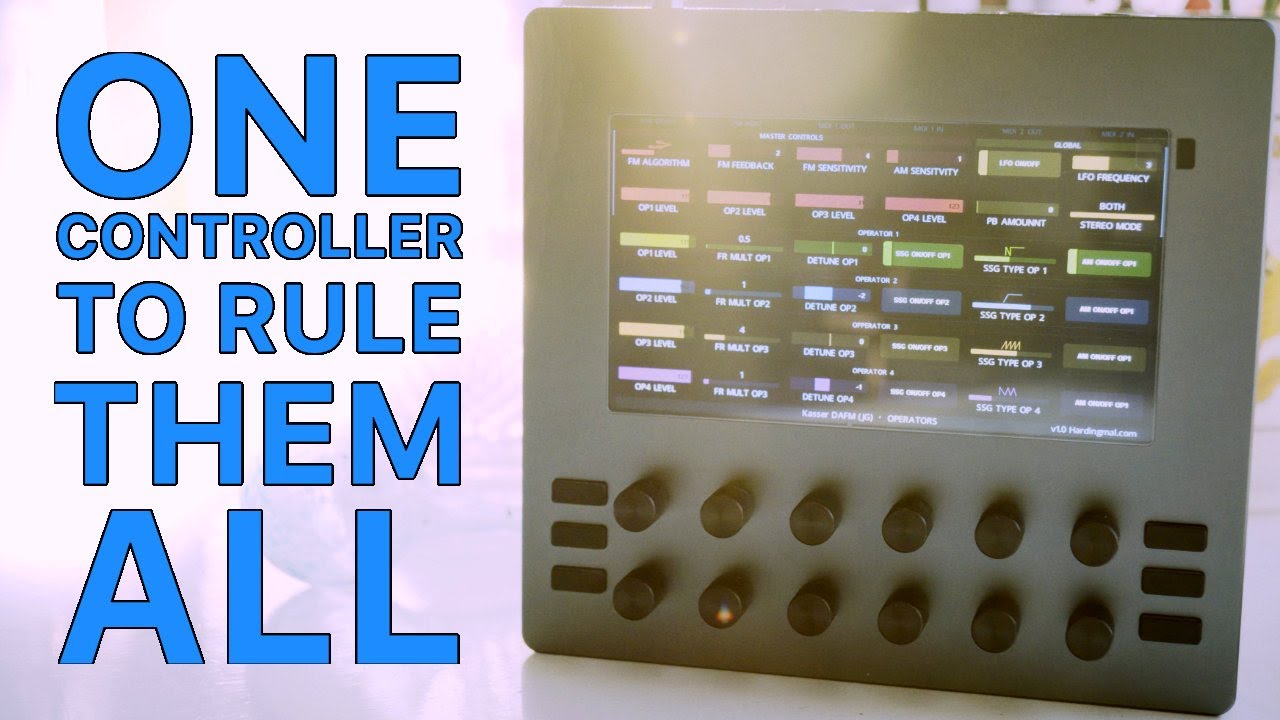
Part way through he mentions about the 3 buttons on the left not being very useful. Martin (the creator and developer) has confirmed that they’ll soon be customisable.
5 Likes
After reading about it in SoundOnSound I went and got one. Holy moly what a controller.
ESPECIALLY useful for effects/guitar pedals with MIDI! Plotting out the Hologram Microcosm and Hologram Chroma Console was a cinch - anything with MIDI CC on a printout can be done with this thing.
Really something special.
5 Likes
I just got my Electra One and I’m trying to figure how can I control all my midi devices in the studio with it. I’ve got a couple of devices connected to my macbook via USB and the E1 via USB Host port.
I tried connecting E1 Port 1 OUT to my Tempera device (connected to my macbook via usb) via the MIDI Studio app and then I created a simple preset on the E1 to change a parameter on my Tempera, I verified that the midi channels are correct and that the CC value is as well. Unfortunately, the Tempera doesn’t receive it.
Is this something that isn’t possible with the E1? Controlling devices via a computer?
In case you have missed this call for E1 pictures in real setups.
3 Likes
Also worth noting the V4 firmware was recently released which is a major update where almost every aspect of the device has been improved: Firmware v4.0.0 for mkII - #20 by martin - Releases - Electra One Community
7 Likes
yes, but for whatever reason I can‘t update my mk 1 electra…
hopefully they will find a solution for this
V4 is mkII only - I don’t believe there are any plans to make it available for mkI devices due to hardware limitations.
2 Likes
Thoughts on the new mini?
2 Likes
Looks nice… I have a mk2 which I used a bunch, especially with the live script… One thing that I always wanted was something smaller, though I like the touchscreen on the OG, the mini is very interesting and not at a bad price point… would be very tempting if I didn’t already have the mk2… once someone makes a good LFO/seq type device using luna I think this is going to be a even more killer device than it already is!
1 Like

yeah if I wasn’t trying not to go broke right now I would totally order one… it seems like a killer device… one that could replace my EC4…
2 Likes
How useful is the touchscreen on the bigger unit though?
very. It’s just nice to be able to “touch” things… especially on a very responsive screen. I could see how making the smaller one touch would create some of the problems I have with 1010 nano music devices, and since you can only have on screen the mini to which there is a physical button it makes it nice(the OG can have tons of info on the screen, and buttons DO allow you to move around the screen but touching the thing you want it just much much faster with the amount of info displayed).
4 Likes
Note, there is an intentional design difference between the two, the Mini and the OG E1.
The OG Electra is meant to provide visual feedback for as many parameters as possible and to create custom, dynamic screens. The idea is to offer an alternate or extended UI for synths and other MIDI devices/software - great for sound design or larger setups. The touch is really needed there.
The Mini is meant to provide hands-on control of a handful of parameters that are hard to access or used often. These parameters can still come from different synths, be combined into macros, and have SysEx and Lua behind them. the process is just more straightforward and knob oriented.
15 Likes
Martin, thanks so much for your work! it’s really a great product. The mini has me drooling all over it… even more than a new elektron sampler lol.
2 Likes
4.0.2 BETA is out
Changelog
- Allow users to assign preset’s custom Lua (user) functions to the hardware buttons. This builds upon introducing the Lua user functions in 4.0.0. Users can now use the Preset Menu screen (swipe down on the left side of the screen) to assign preset’s custom functions to the hardware buttons. The assignment stays as long as the preset is stored in the same preset slot. @Phommed
- Move on-screen page selector to the top of the screen. It was at the bottom of the screen in 4.0.0. A few users mentioned that it would be better to have it at the top of the screen. @Electrolove
- Move configuration of Remote knobs and MIDI Control routing to the Router screen. Routing is now managed from a single place. The extra routing screens for Remote knobs and for MIDI Control were a bit confusing.
- Add a beta version of the on-device editor for the Performance page. I will write more on this in a separate thread. In short, Electra can be now switched to an Edit mode. For now, presets’ performance page can be edited. This allows users to add and edit controls, macros, and modulators. This is the first serious step towards the new on-device preset editor. Any feedback and ideas are welcomed.
- Improve swipe animations and the layout of the configuration pages.
- Do not cycle the list items when using the knobs. The lists work as they did prior to 4.0.0. @jhh @NewIgnis @Electrolove
- Return support for dimming inactive control sets. @J-Ox @alectroniq
- Add lua function parameterMap.updateValue() to change stored value without triggering the Lua callbacks.
- Warn users when creating an overlay with an ID that already exists. Warning is written to the to Lua log.
- Add info.getText() function to query the text shown in the status bar. @SimonORorke
- Allow using program and bank changes on the CTRL port. @Project
- Fix issues with the midi.sendNrpn() function. @NewIgnis
- Fix issues with broken sysex due to System real-time messages. @NewIgnis
- Add preset.onEnter() Lua function. The function is called when users re-enters the preset. @Mint-Gecko
- Make it possible to lock current controlSet with page.lockControlSet() Lua function.
- Add Lua functions to set and query page visibility.
8 Likes
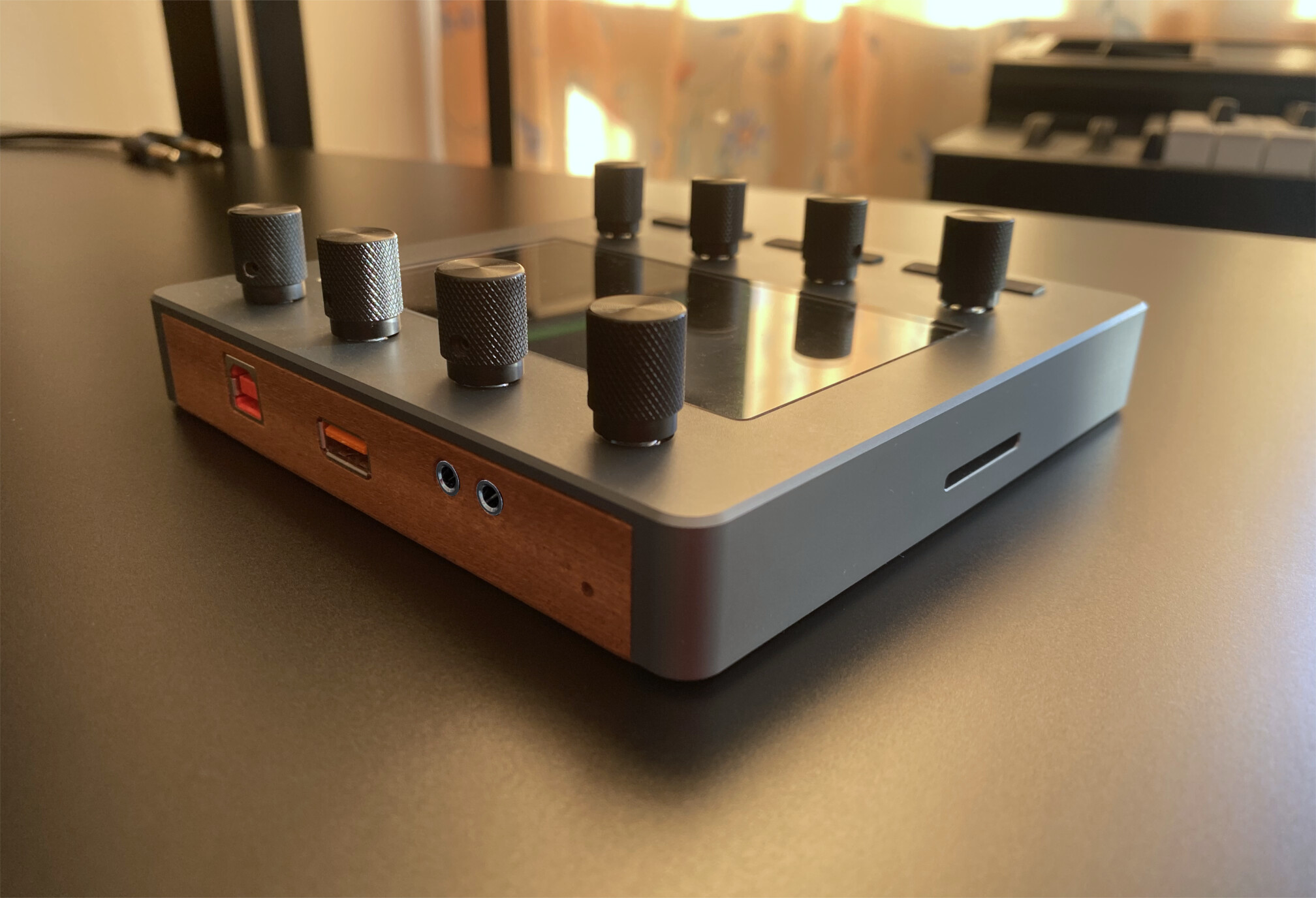
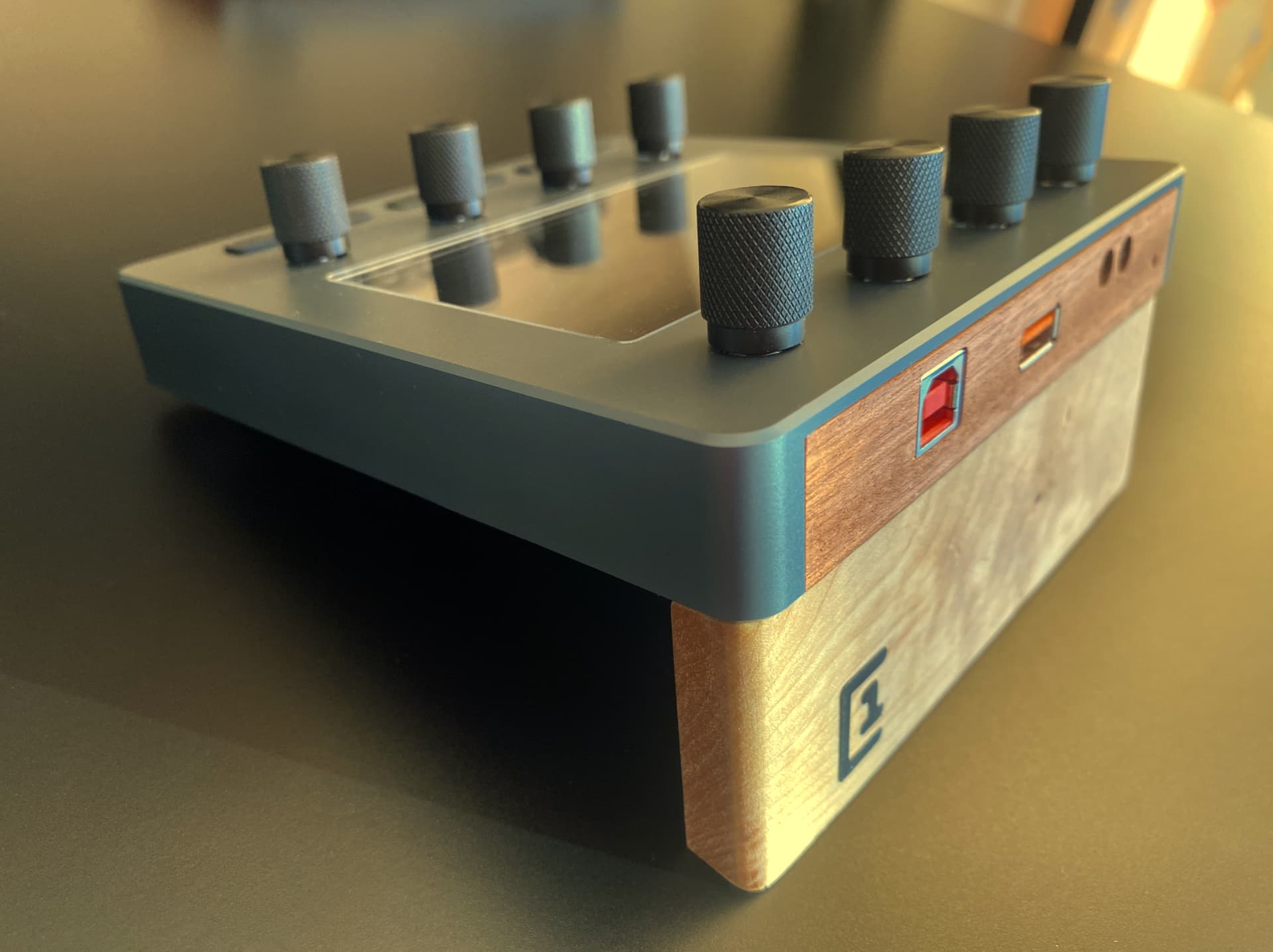
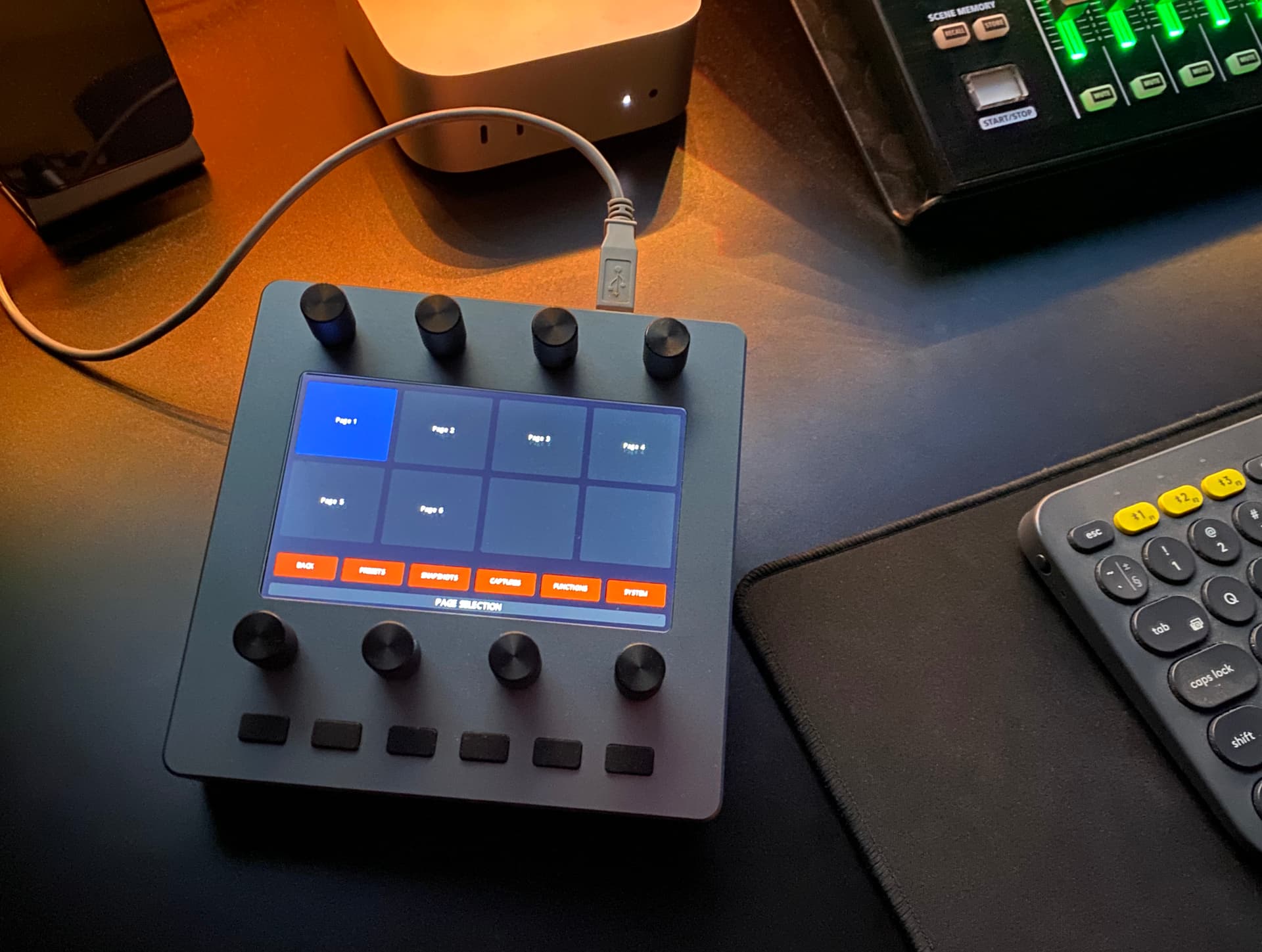
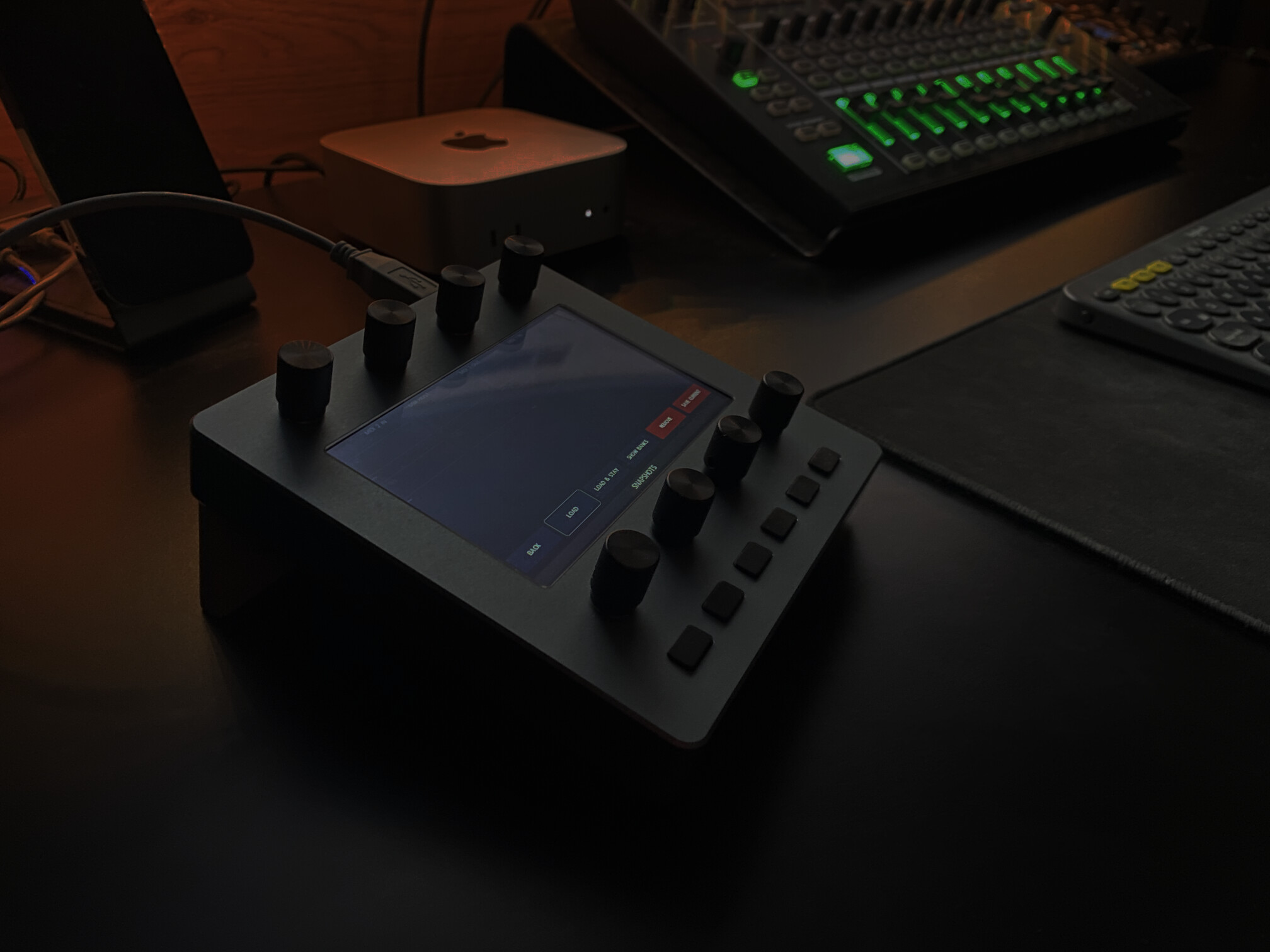
Electra One Mini - reflecting on six years of work on the project. Feature-packed, snappy, responsive, beautiful, and running the OG E1 firmware: USB device, Host, MIDI IO, 14Bit CC, NRPN, SysEx, Lua scripting, snapshots, morphing, SysEx recorder, and much more.

32 Likes
Ordered one!
Really looking forward to have it soon!
Does it come with the wooden panel?
Is it possible to change parameters and have it (and the synth or ableton) switch back/reset to the initial loaded patch/configuration with one button?
1 Like