Damn, just lost a track when digitone decided to give up on me
I did a lot of temporary saves, but hadn’t done a full save yet.
I was just finishing some last details.
Just before the crash I noticed that one track(T2) wasn’t playing any sound anymore. When I hit the record button to look a the trigs. All trigs were gone and the only trig that was showing was trig 1, but it stayed white instead of red.
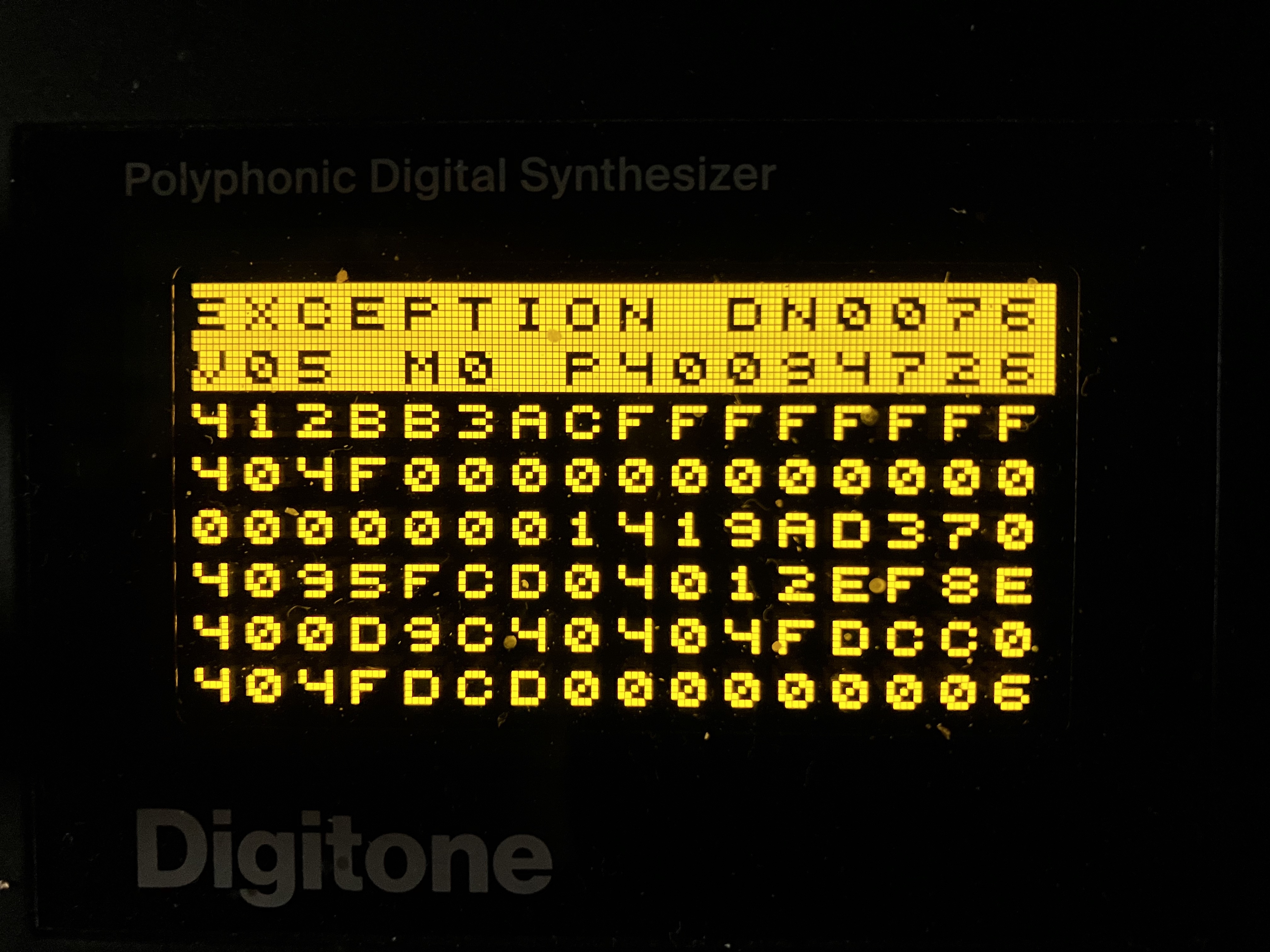
A few seconds later it crashed completely with the message in the picture.
Had to turn it off and on again.
It seem to work again, but the things I was working on or gone.
This never happened before.
I had a crash once during startup, but never when I was playing.
I have a gig in 2 days, so I hope it doesn’t happen again in the next few days or ever.
Anyone else got a crash with this exception before?
I’m on OS1.40, I think A.
SONG MODE
A saved song isn’t loaded properly. If I have added a row and then reload the song, the row is still there. I have to reload the project to load the song properly.
ARP + Fill
If I hold FILL my arp plays constantly without taking the length of each arpeggiated note into consideration. All 4 tracks are playing.
Over time I’ve noticed the ‘effects stop working, need a reboot’ bug is increasing, at least for me. I’d assumed it was some software thing and would therefore be largely happening at the same frequency. Half the time these days I’m just using the external inputs and sequencer and not involving the Digitone’s synth engine - is it possible the effects sulk and refuse to work if you don’t occasionally squirt some FM at them?
reboot not necessary. FX deactivate after some time if no internal synth sounds are sent to them.
so you are correct about squirting FM. lame that it happens but there must be a good reason for it, since people been identifying it as an issue for a long time now.
send init/any patch to fx and play a trig, should bring back fx.
Just updated to 1.4.1 and the mute state is broken. Track 2 lights up red on every pattern and all other track keys are just weakly backlit. I’ll be reverting right away.
Many sound patches have Modulation Wheel routed to any FX Send (CH, DEL, REV) for performance expressiveness. If you use Mod Wheel that can be an another factor to check.
Thx for the Advice, but it’s none of the Things you suggested. I’ve booted the DN in Test Mode and it didn’t show any Errors, all the LEDs light up evenly in all the Colours. It’s not p-locked either. It’s kind of like the Opposite of a p-lock since it shines yellow outside of the Recording Mode, but in Recording Mode the Trig is off like any other Trig (or red or yellow depending on what’s recorded on the Track).
Hiya, a bit early for a support ticket, so let me see if somebody can ease my suffering here today…
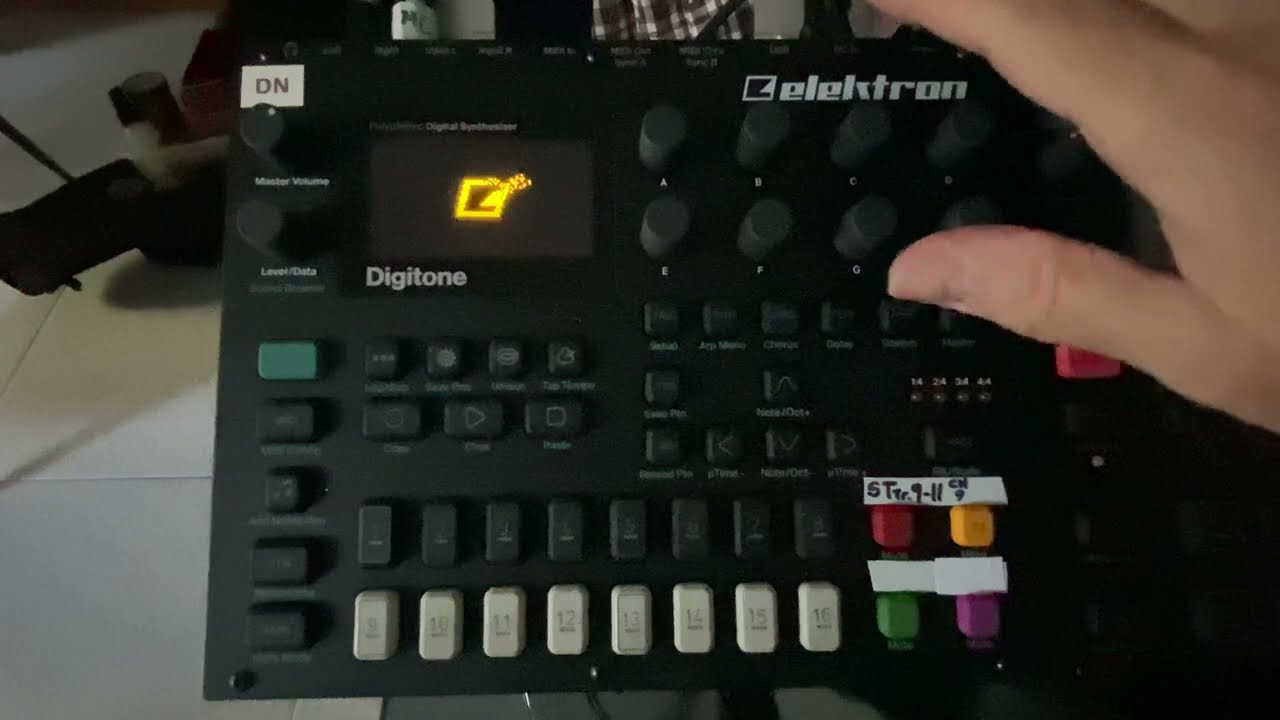
I booted up my Digitone and Syntakt this morning to check on what I was working on last night, and the Digitone seized up half way through the start-up screen animation. Test gave zero errors and all the keys and encoders are working fine. I tried my Digitakt’s power supply too, no luck. I’m at work now so a bit hard to get the short vid I made up here… but I’ll try later.
OK, so it’s hot, really hot these days, but the Syntakt next to it is fine. Though I didn’t have the a/c on this morning, and I’m sure that anyways a part of the heatwave here is caused by Syntakts and old Macbook pros…
Lucky I had to leave for work this morning as I about to try one of the other repair options suggested on Reddit: A) Toss it against a wall, or B) Factory Reset.
Last night everything was working fine, shut down from the Elektron boxes, as always, before powering off the room. Obviously didn’t backup to computer, which btw was actually on at the time… Crap.
Still, I’ve got the day to mull it over… maybe it’ll boot up normally this afternoon with the a/c on, really hope it’s just the heat…
EDIT… let’s see if the compressed version of the vid uploads… And that’s a nope… so here’s a utube link:
Ahhh… me and flat cables… a long, sad, out-of-warranty history, from my first Roland GR700, to the Emu and Yamaha samplers, and finally the motherboard of the Voicelive 3…
Thanks, if the long finger-crossing session today doesn’t work, then it’s out with the philips screwdriver and proctologist rubber gloves… Though if I angle it just right, a quick toss against the wall just might reseat the cable without having to open her up. I will evaluate the risks and post another quick vid of the havoc I have created.
But really, thanks for the idea, I’ll give that a try if the issue hasn’t cleared up by itself when I get back home…
The only moment where you need to be delicate is when seizing the front motherboard really.
I have already “fixed” 6 grooveboxes and FX pedals by doing this, and it’s really a benign operation as long as you go very slowly.
I think it’s also important to have appropriate tools, if it needs to be said: a phone repair kit such as this one is very useful:
This operation doesn’t need soldering, it’s really not rocket science.
Just got to it now… no good news though. Got barrels of guitar picks, rubber gloves and my Lidl Powerfix Profi kit so no worries with the mechanics of the problem. The electricals however… I reseated the flats after waiting a few minutes for any condensers to discharge, but the problem is the same.
I tried connecting the Digitone to my Macbook, but both Transfer and Overbridge don’t see it. If it looks like I’ll have to send it to Elektron for service, do you think I should try a Factory reset first? I’d lose my projects, but the world will be happier place if they are lost…
Yup… had some time this morning and tried down grading to 1.40B, no change, and then back up to 1.41, and again no change… Really bugs me that Test mode says everything is OK… Now to concentrate on explaining this to Elektron support… Thanks anyways…