Integrated midi controls for mw, at, pb, bc and effects, so we don’t have to use midi loopback trick to access them.
Trickery with cables and inclusion of midi controller can be skipped.
Having a option to use all midi controls via midi channel would open up some amazing sound design possibilities.
8 Likes
Just thought of that, on the 2nd gen digi boxes we now can select tracks affected by Control All, but it’s in a menu, and thats pretty inconvenient for a live/performance use of it.
What if pushing multiple tracks knobs and then twisting parameters allowed for a “control all” of those tracks ?
plays free mute mode
a third mute mode in DT2, where instead of muting the track, pressing a track button plays the track, and a second press stops the track. with or without (  ) launch quantization. idea being 16 tracks that are tempo locked but not synchronized
4 Likes
I’ve been thinking about this for a while. It would’ve been awesome to select the recording buffer as “sample source” on the DT2’s tracks, so you can preview the sample with filters and FX and LFOs in the context of the rest of the pattern before committing it to the drive.
17 Likes
That’s a cool idea!
1 Like
Please add the “track layering” option from the Digitone II, it would be super useful to have on the Digitakt as well.
14 Likes
yeah I requested this back when DNII was released. It would get lots of use here.
2 Likes
I hope more people request this! I move between the DTII and the DNII a lot and it’s actually confusing, I find myself looking for the option on the DT menu and sometimes it takes a couple of seconds until I realize it doesn’t exist there.
2 Likes
yeah I was surprised when it wasn’t added with track swap. It will arrive I hope, totally makes sense.
2 Likes
- Loop Crossfade
- 16 polyphony with voice allocation
13 Likes
- global and/or per track accents that would be clearly marked by half dimmed or very bright triggers on rec grid
- chords/polyphony static (by track stacking) or dynamic (track stealing) like on DN2
- ability to use other track modes (eg velocity) in grid recorder (now only possible via live rec or step). Actually the dim of the mode set should be visible on the grid rec view!
- control all but for multiple tracks that are currently pressed down
- better lfo config for some of the parameters: eg sample source from - to, instead of figuring math func values. Or lfo range mode where you select min + max and not middle and delta
2 Likes
- tape machine
- polyphony
- iOS app that is able to send/receive samples to the digitakt
6 Likes
the quest for more requests
a little 'love-letter to @Elektron '…
I think (with also a lot of my own silly requests and loads of unsollicited input) the machine is already awesome as is! (understatement)
Stuff that is not used on a regular basis obviously just clutters and wears out functionality and signature footprint to differentiate. It seems to be the hardest to keep things, features, within a minimal range but be impactful and inspiring complimenting the intuitive hands on user experience/workflow to make the genuine connection between user and machine. Like eg a guitar to a guitarist
I recently enjoyed ‘flipping’ some projects by messing up some 128 step track chunks i had loaded up to serve as a guide for converting projects from my DAW into the DT2 and ‘escape the box’
By just messing around with the available machines, and a bit of minor tweaking, it took some songs into a whole new direction, showing me glimpses of future shape like a preminition and promise (where one could easily get stuck in his/her walking the same route, patterns, tried and tested boring workflow) Taking a little detour can be refreshing with insight, and coming up with your own palette of little tricks using features in unimaginable ways to get where you want to take it. (be imaginative and escape your own prison sequences of thought loops) A few of the things i enjoy.
(dont forget to press record on some external audiorecorder to record your journey and not miss the happy accidents obviously, walking back the breadcrumbs while picking some colourful mushrooms along the way)
I would like the DT2 to not become a ‘jack of all trades, master of none’ but build on, and perfect it’s own minimalistic and stylish signature effects/power rather than add features any other random sampler/synth can do just to have it crammed in there somewhere, getting lost in the forest and not wanting to RTFM because it’ll make my brain hurt. (less thinking is more flow)
Too much input overload/feature overkill (+splashes of special/secret button combinations) can kill easily the vibe. (for me personally, button fetishes aside, keeping focus already being an issue at times when running around with my hair on fire)
Awesome little beastie  !!!
!!!
Cheers all 
2 Likes
In the sampling-menu it would be great to have a third option for “r.strt”: “loop” with which recording will begin whenever the playing pattern loops back to step 1. In that way you can record a loop with fx-tails.
2 Likes
I would love for an option that does what ableton does, meaning
„Bounce in place“ as in being able to Freeze a channel so it is rendered as an audio file including Fx. Would be great for easy and fast Stem export of a Project.
I have the issue that when i export to Ableton i always find it very restricting having to treat the FX sepparately.
2 Likes
On one-shot machine, allow selection of loop points, for modes FWD.L and REV.L, by crossover detection, as with slice machine.
Of course,
would be a great help here too.
2 Likes
- Assign an external midi keyboard to control a whole bank instead of only individual track to enable a
playing multiple tracks simultaneously. >>>>>. Transpose -4 octaves on midi keyboard (not all can do this) and you have the whole bank .
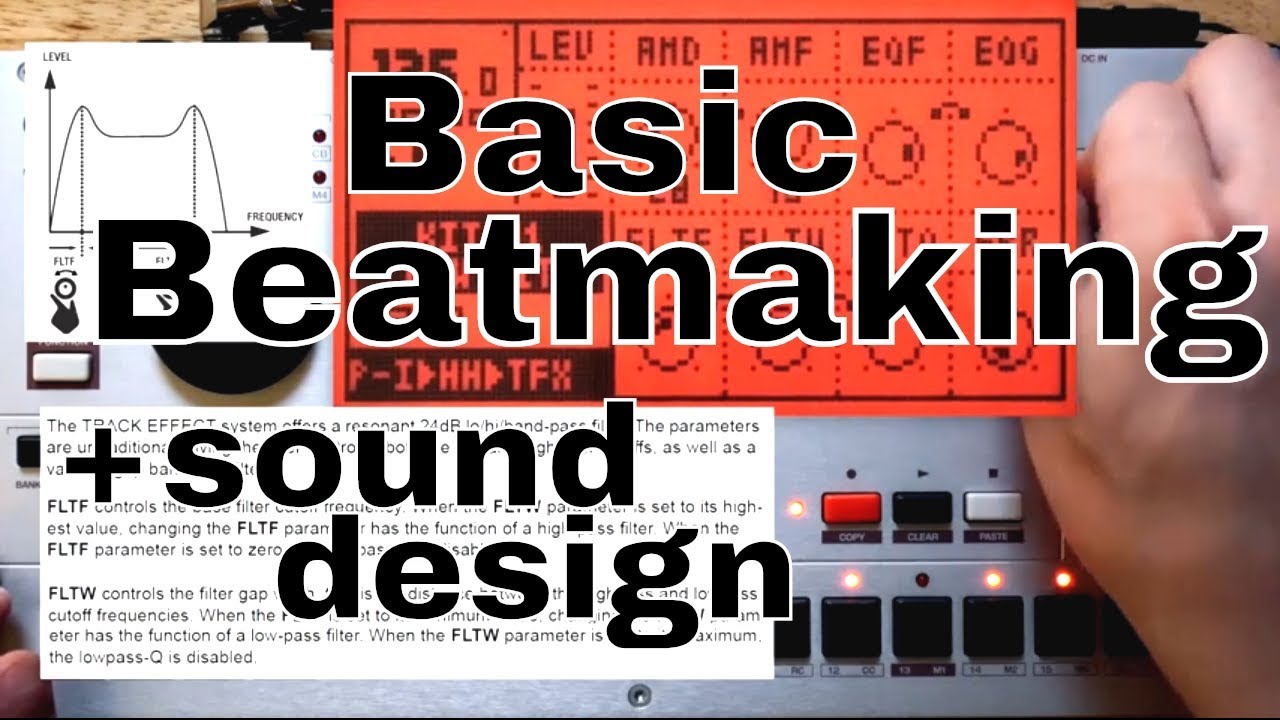
Just watching some Machinedrum videos, and one amazing concept is to add a fx page as a separate track(in video Max Marco added control master eq page as separate track and did per trig modulation).
Adding additional fx page where we can modulate master fx, compressor, distortion etc., beside midi and other avaliable machines would be amazing.
1 Like
I sent a feature request for this =D
3 Likes
 Let’s hope for the best
1 Like