I’ve been running my mono samples into a strymin iridium and putting that stereo in to the digitakt which is not a great workaround but it’s fun to have additional sample shifting options and gain before hitting record
If you record MAIN you can record inputs in mono with DUAL on (you record what your hear, but stereo files with same signal on both channels). Mono files recording should be possible in a future update…
Does anyone have problems with threshold recording? The recording doesn’t start or have I set something wrong?
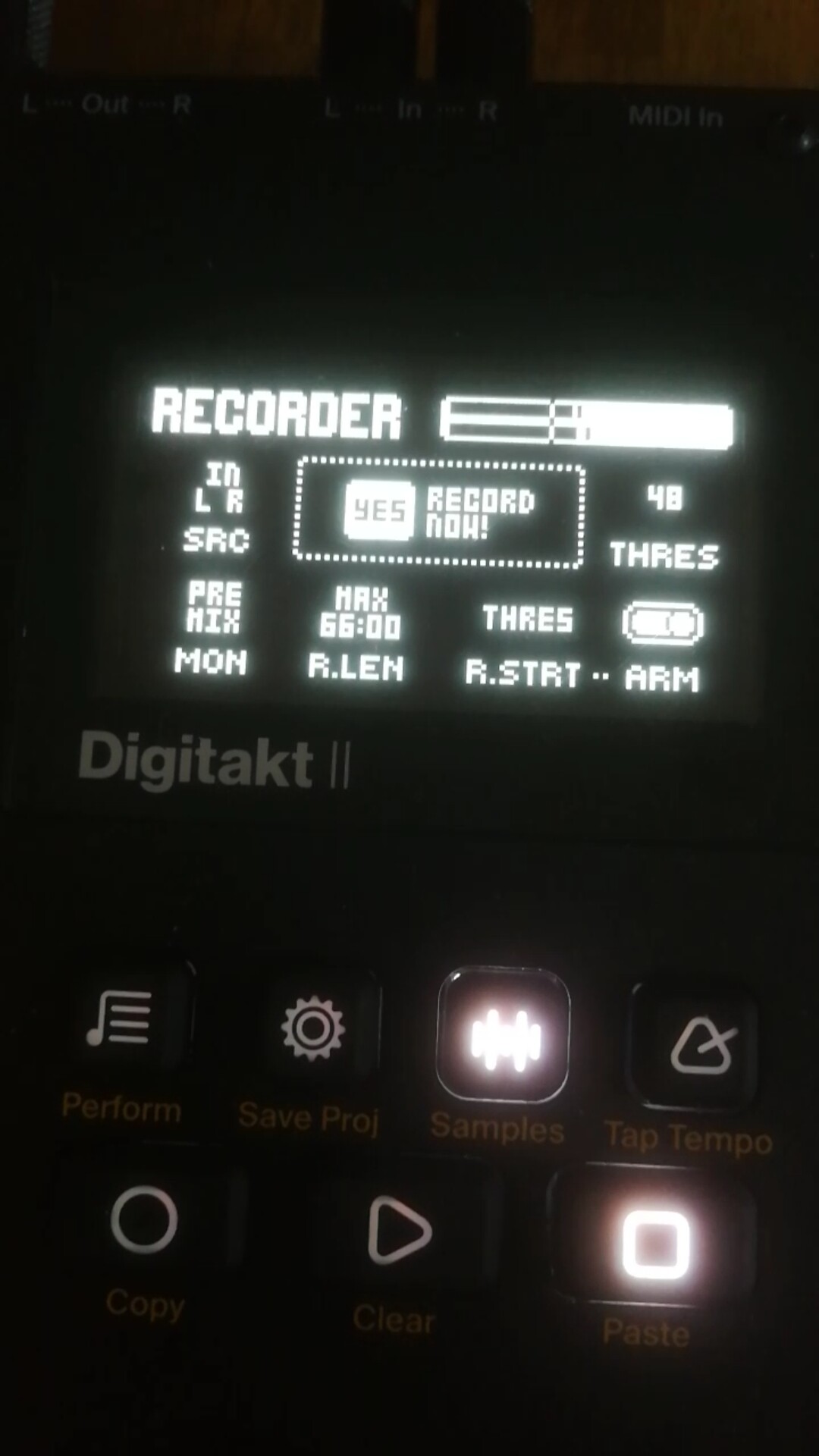
I’ve been sampling a fair amount over USB and just once encountered a time where the threshold didn’t seem to be working (the sound bars moved past the threshold line, but recording didn’t start). Haven’t seen it since but will keep an eye out for it now. If you have any details about what activities leading up to it not working, I bet Elektron support would appreciate hearing about it.
1 Like
Just tested. The cursor doesn’t seem to match real threshold :
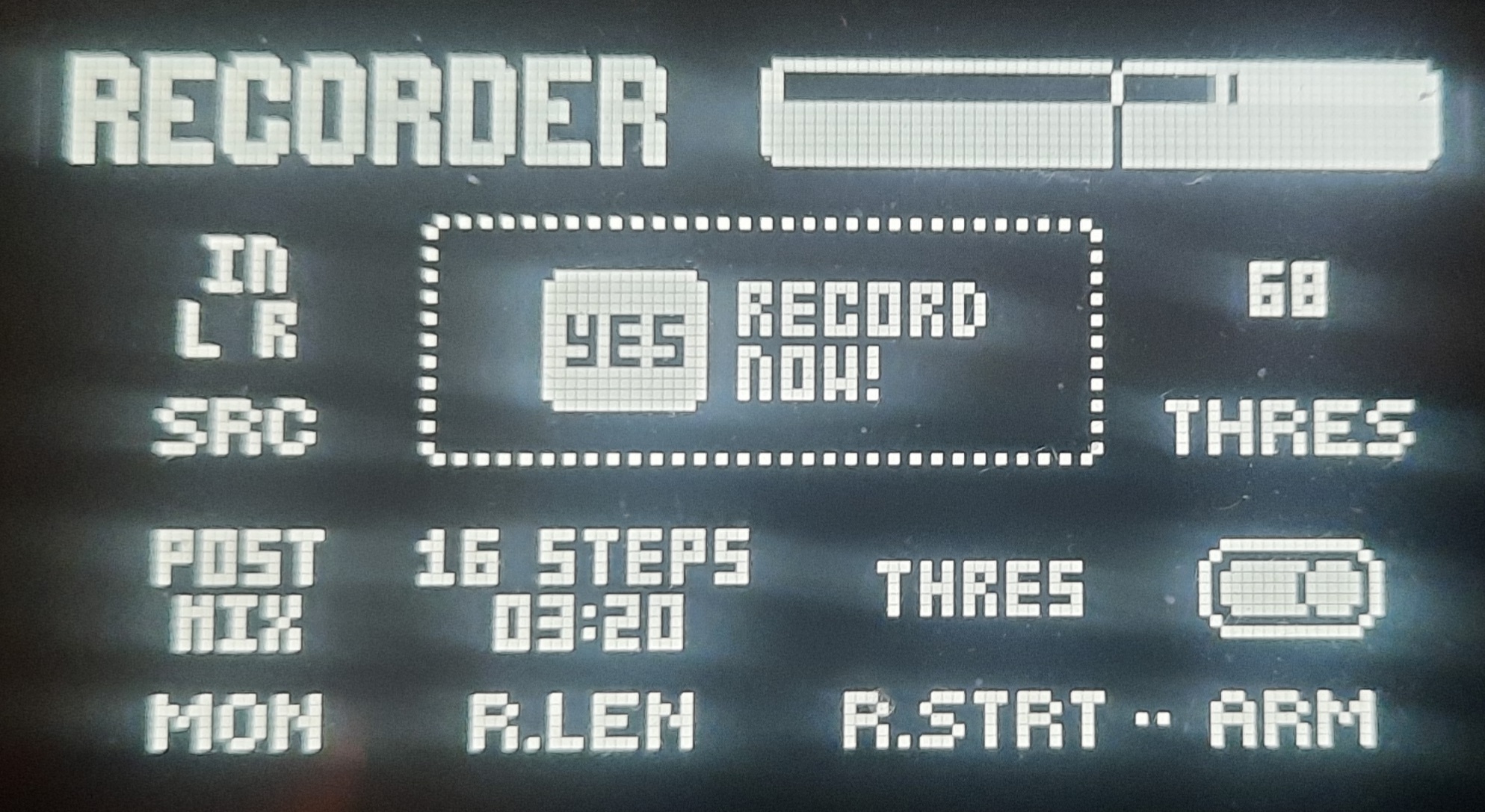
(Signal above threshold cursor, no start. Recording start if I lower the threshold)
1 Like
Is it possible that the input pad (lowered input gain) is being applied to the signal but not being reflected in the sampling monitoring screen?
That may explain why it might not trigger the recorder despite visually passing the threshold.
2 Likes
Possibly. I also thought about that.
What do you mean exactly with “but not being reflected in the sampling monitoring screen?” Do I have to put the input gain higher?
If the issue is stemming from what I’m suspecting, there’s nothing you can do as a workaround until there’s a firmware fix.
There’s a bug in 1.01A that appears to automatically apply an input gain pad (reduces gain on the inputs) that you cannot currently adjust.
Edit: for clarity - me saying there is no workaround for the time being refers to the input padding; to help trigger the recorder, lowering the threshold setting even more should theoretically help with starting it.
1 Like
Thanks for the reply. I hope that there will be a firmware update soon that will fix some bugs
Minor bug
When in the preset manager, and changing the bank with SEL BANK, if you select the bank with the trig buttons 9-16 it works fine, however if you use the left and right arrow keys to change bank, it doesn’t take effect until you exit preset manager and go back in
2 Likes
i dont know if this was mentioned, or if its a bug, but when i select a filter, and it exits the filter select window, it always brings me automatically back to the SRC page rather than the filter page, which is irritating. i think the behavior should be different
i also had the name of a pattern disappear after being saved to project once i power cycled yesterday. not sure what happeed there
I just noticed this one yesterday too.
thank god. i’ve been sampling via USB up until now and hadn’t even messed with the line inputs until this weekend with anything other than a model:cycles connected. i hooked up a minifreak (already a very quiet synth) to sample some chords and was shocked to realize i could barely hear it at all with both gain from minifreak pegged hard right and input gain on DT2 turned all the way up.
once you sample in and the auto normalize is engaged, it’s fine but what fun is that? i don’t even know what i’m going to grab from the minifreak until I can hear it in the mix with the rest of my sequence playing.
for me this is now my most pressing concern and had I known this issue existed before I bought the DT2, I would have waited to purchase.
current work around is i have the minifreak plugged into a small guitar amp and the line outs from the amp running into the digitakt. the amp lends enough of a gain boost to make up for the low input some but it definitely colors the sound of the minifreak to a degree which bothers me.
considering investing in some sort of small tube headphone amp or something now. i’ve always kinda wanted one and this seems like a good enough reason to finally make the purchase.
I wonder if others could look at the SRC page when you’re selecting between Filter and Source machines, to see if there is a dark band towards the left of the screen aligned with the currently selected item? That’s where the effect is strongest on my box.
There’s also a darker band on the Filter screen, and a few others.
Just would like to know if this is expected or indicative of a problem.
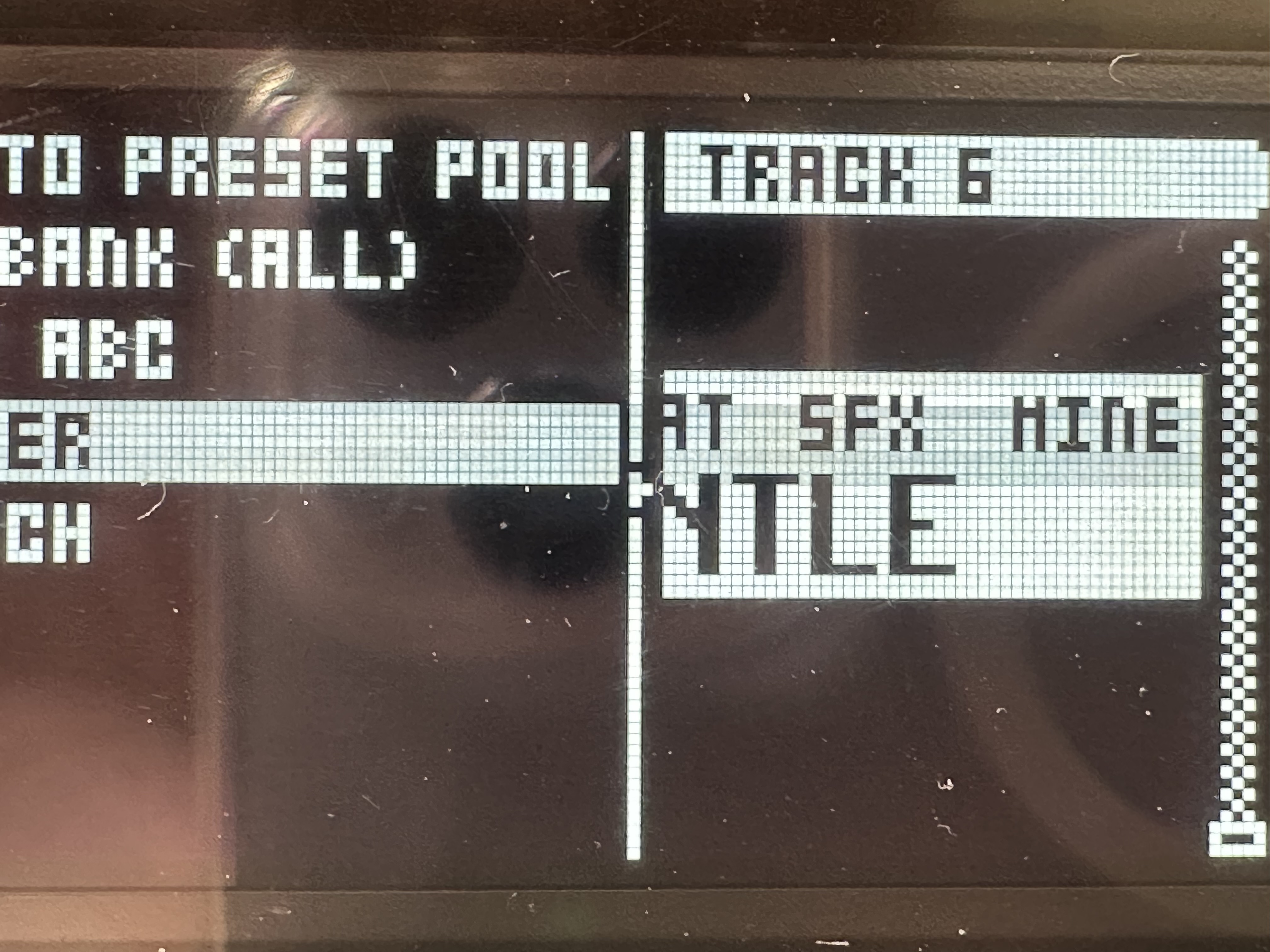
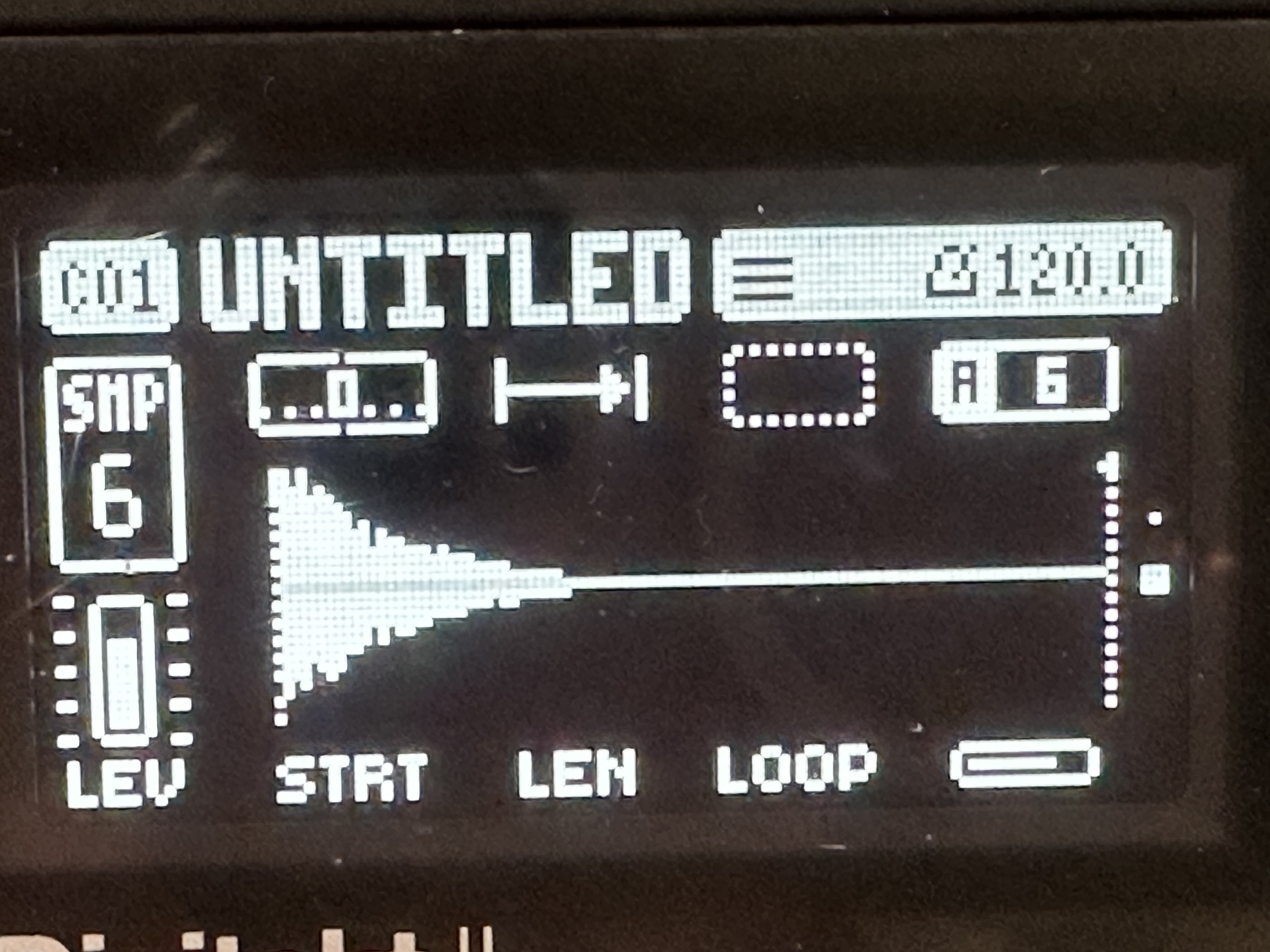
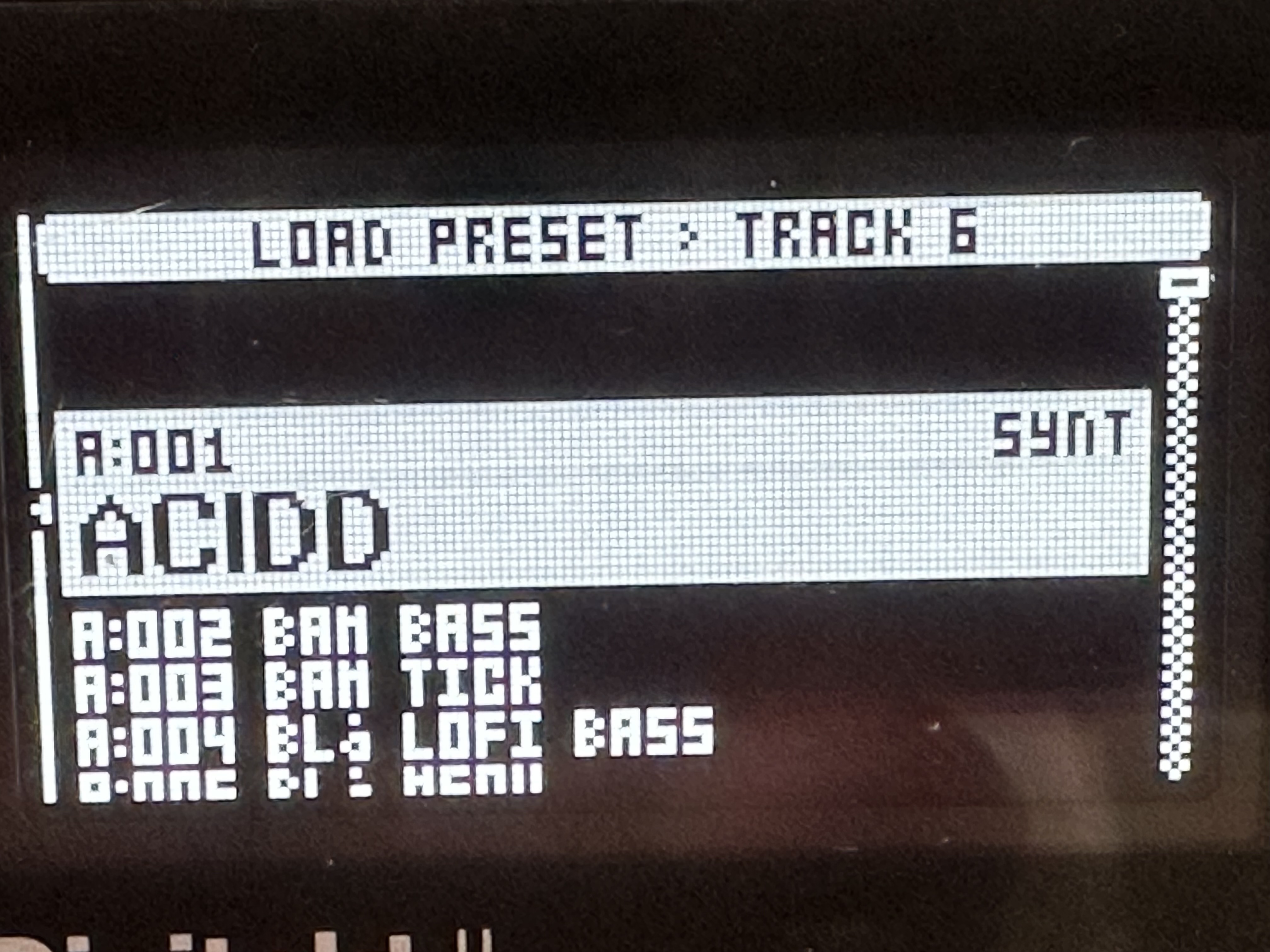
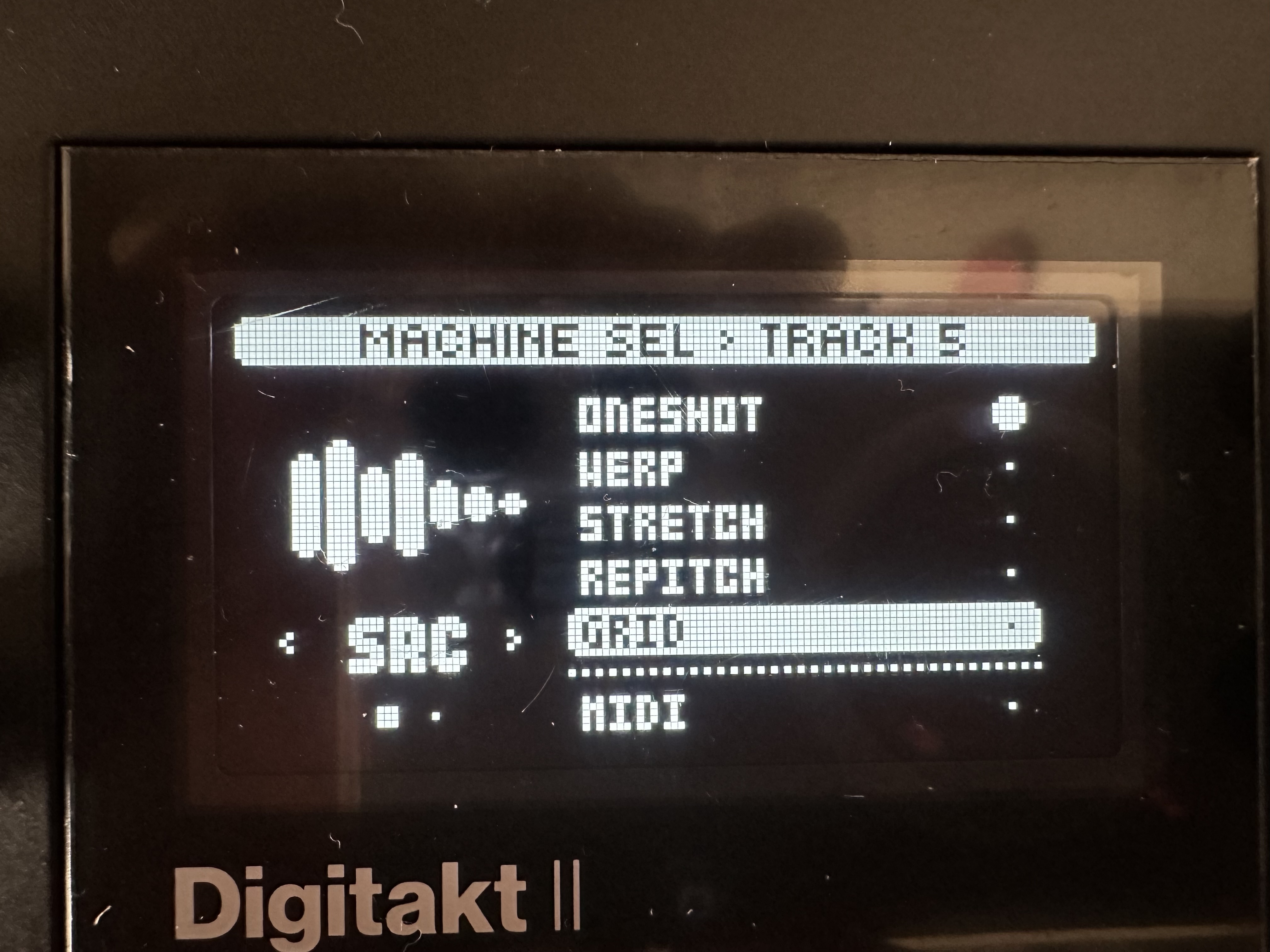
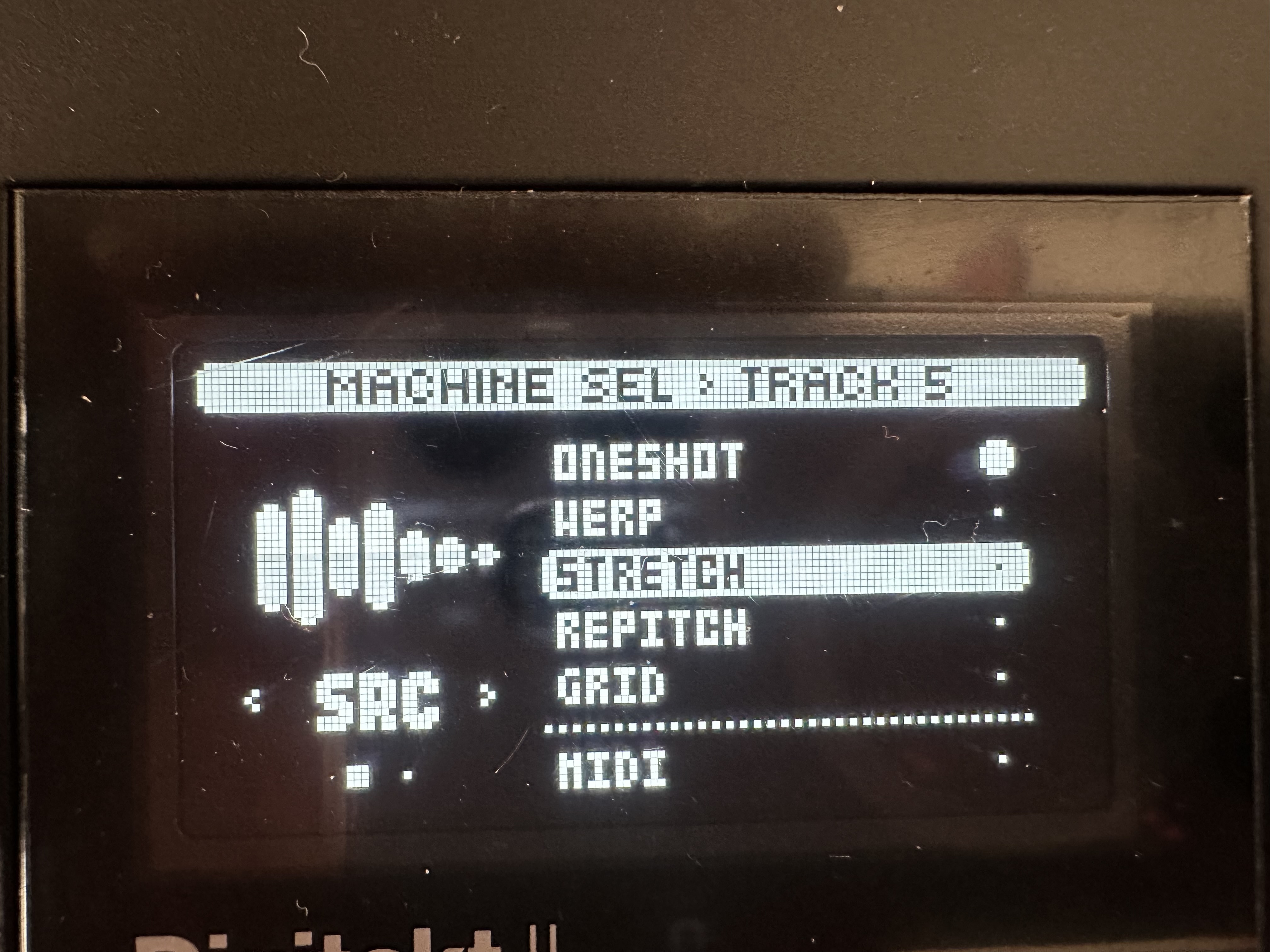
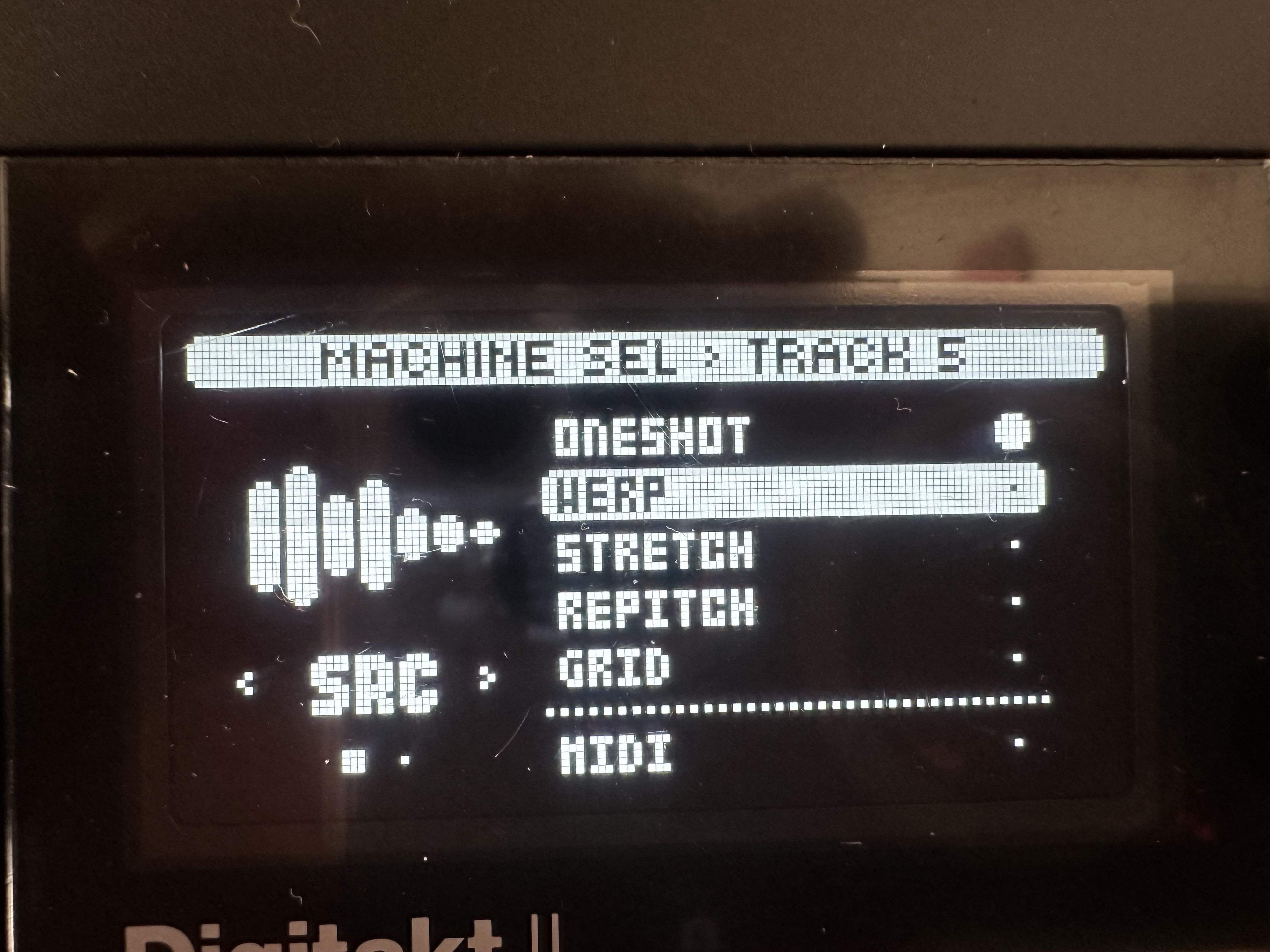
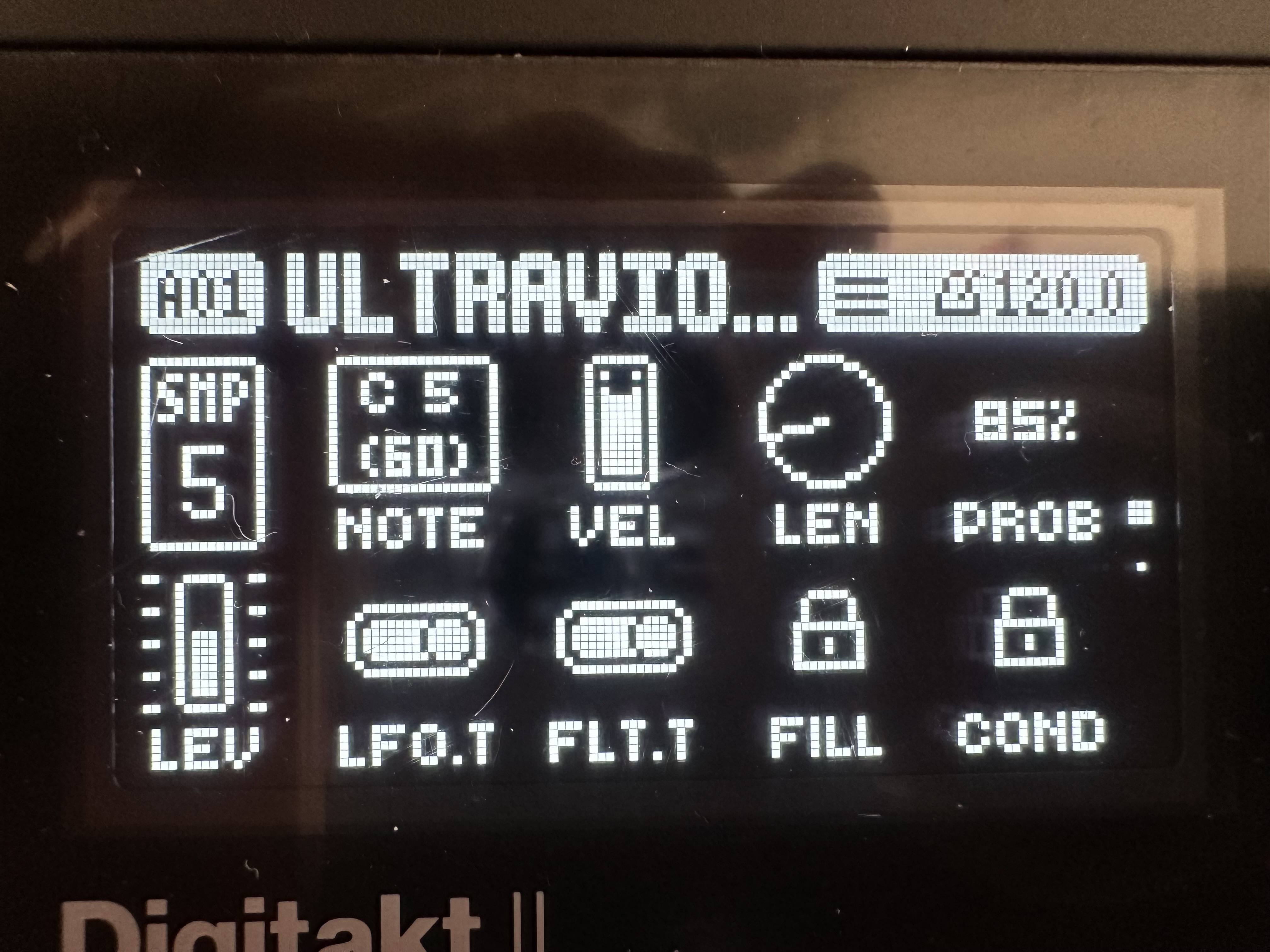
i do have this as well. but since it’s not occuring in the test mode, this hopefully must be a software issue and not a faulty display
time to reformat the drive and start from scratch. 
atm I’m on factory sounds only and also sampling via USB. honestly i’m totally fine and don’t feel like i’m missing anything by not having my 18gb sample library at my finger tips. it’s weird but the endless amount of samples kinda felt like a distraction somehow and i feel better off just working with what’s in there or what I can sample in on the fly.
I really wish however they would fix the line input gains – because I want to sample my synths as well and currently it is not an enjoyable process.
1 Like
Workaround before fix : assign Inputs only to the compressor and crank it up.
Always engaged unfortunately.
(Minifreak + DT2)
I had fun yesterday using DT2 as Audio In Osc1 + FM/AM Osc2
= DT2 as FM/AM source. 
2 Likes
I’ve read in several posts this bug was confirmed by Elektron and will be fixed in a future firmware update.
Another workaround without using the compressor when using a computer / DAW:
- Go to
Settings→Audio Routing→USB Outand set the routing toEXT. - Now the analog inputs are send to your DAW as USB input.
- Boost the gain and resend with USB back to the DT2
Now sample via USB instead of the external inputs.
ahhh, i will try that! I love a good work around.  thank you!!!
1 Like