Live launches, but when I try to open a project it closes immediately.
Was able to load it by loading a different project first, then the one I wanted to load…!
1 Like
This has happened to me in the past and it is (I think) related to a plugin. If I would load a few plugins on an empty project that I think are the culprits, then load the project, it loads fine. I think it is related to the plugin authorisation system, so o try loading one of each brand I got to cover all the bases.
Edit: for clarity, this has happened to me for a long time, completely unrelated to the latest version! It just so happens that if I’m working on a busy project and then load another project that uses plugins that I haven’t used in a while and from a brand that I haven’t used in a while, the program will crash, and the best way to avoid this issue is starting a new project and loading a few plugins so the authorisation process takes place or something (idk I’m just guessing the cause) and then loading the big project. That works for me.
3 Likes
1 Like
Anyone know how to stop clips from recording into the timeline?
I’m jamming, I turn on record, which is so I can record the entire output to a track.
I’m mucking around with launching clips etc. I don’t want those clips to go to the timeline.
Any way of stopping this please?
if you’re asking if you can completely disable the arranger mode, while you do whatever it is that you want to do in session mode then no that’s not possible.
1 Like
Not the person you responded to, but I was trying to disable the gravy from the pumpkin pie.
2 Likes
You don’t need it now, but getting a MacBook pro M4 likeI did a year ago will possibly make you more future proof, depending on how your needs evolve.
Not completely!
Just to stop it recording on certain tracks!
as long as the time line is moving events get recorded
1 Like
There is a little arrow on top which plays only clips and gray out Arranger
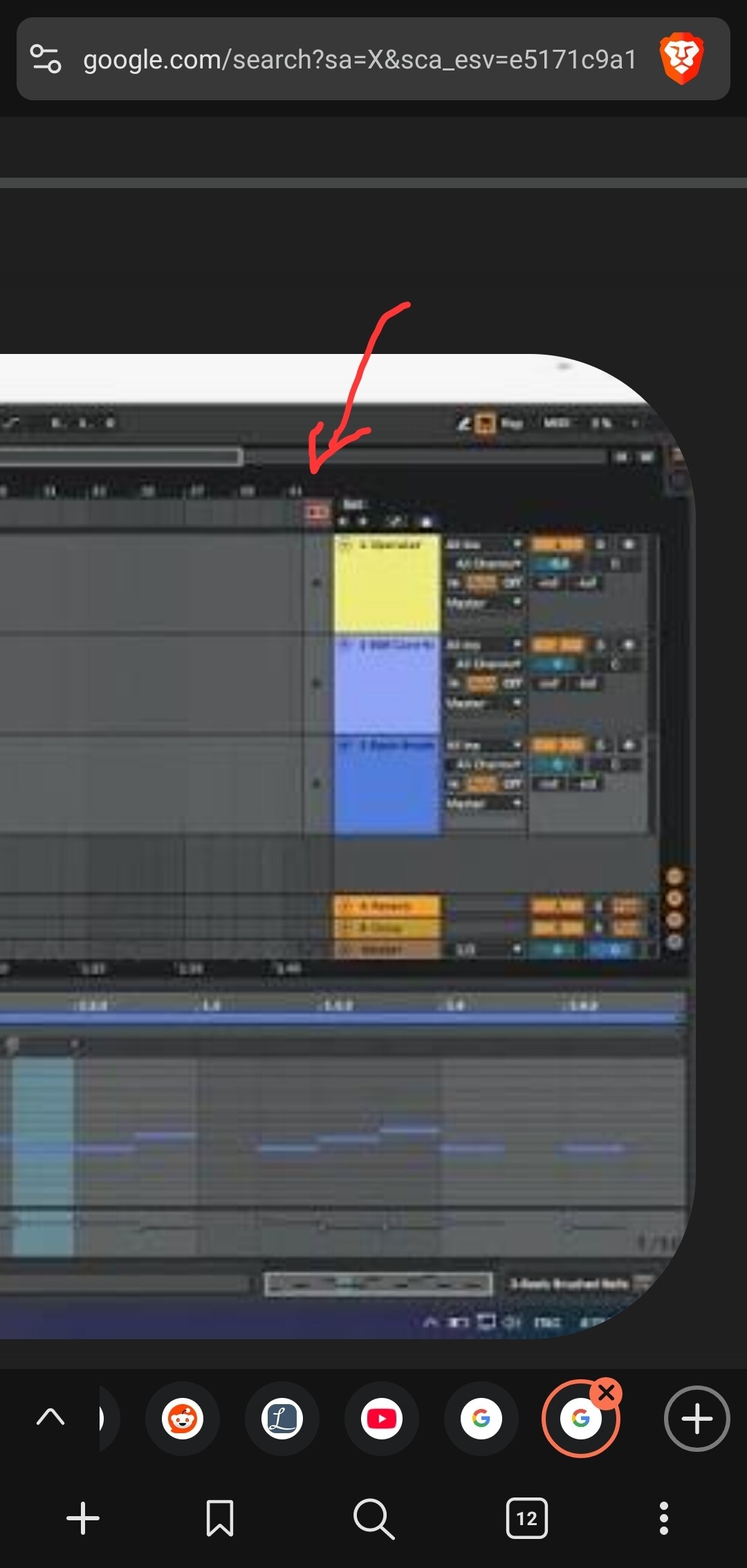
When you play in clip mode, arranger should be grayed out and unable to play even if you have something saved on a track.
1 Like
isn’t he talking about recording?
1 Like
Hm yes, so for clip recording each clip has it’s own record button, he shouldn’t use main record button on top of Live
3 Likes
oh yes… just don’t press record at the top of the screen, only in the session slot you want to record in… he doesn’t need the global record button
2 Likes
Yeah, maybe, but I think I’ll be able to do what I want for years with this MacBook air to be honest. Lately my main music making machine has been the Tonverk, and I am very happy with that. The MacBook is mainly for editing, vocals and more boring stuff right now 
Cheers @captain8 and @kokosnuss, appreciate the help!
I don’t think there’s a way to do it… Ableton basically thinks that if you use clips in session view, and the main Rec button is on, then it assumes you want those clips layed down in the arranger.
Not a huge problem, I’ll just work around it. Like we all do when needed!
2 Likes
Yes that’s the intended functionality, it’s so you can record a session as an arrangement.
What is it you’re actually trying to achieve? Might be a different approach that could work for you.
Is it that you want some of the tracks to record to the arranger but not others? Can you not just mute those tracks during the recording?
2 Likes
Exactly this, yes!
I’m basically jamming live, I occasionally use a very small amount of clip launching (some percussion loops).
I’m recording only one one track to the arranger, a mixdown of everything. So I hit Record at the top to record the mixdown.
Then if activate a clip, it’ll be recorded to the arranger too, on it’s own channel.
I can’t mute those tracks because want to hear them and record them in the mixdown!
It’s not a huge deal tbh. Can live with it!
1 Like
At least those unwanted tracks aren’t really being recorded per se; only a duplicate of them is reflected in the timeline, with its own automation if there is any. I normally have the mixdown track last and removing the unwanted arrangement is done in a couple of strokes.
But yeah, good question. I also don’t know how to avoid it.
2 Likes
If what you want is truly a mixdown then you could output the audio from the tracks you want to a single audio track (rather than sending them to the master) - that way you end up with a mix of just what you want, and can treat that as it’s own master recording.
Otherwise yea, seems trivial to me to simply remove/clear/mute the arrangement tracks you don’t care to have once the recording is done. You could even group them to make that a one click event.
3 Likes