11 Likes
Oh no! FWIW there could be lasting damage which only appears after a while (speaking from experience lol) so make sure you have backups etc. But I also spilled beer on a 2008 MacBook that my parents are still using so it definitely can be fine too, hope it is fine for you!
2 Likes
Sidebrain is on form at the moment! Loads of great ideas.
4 Likes
he never misses
3 Likes
Yeah, he’s consistently excellent. I’ve learned so much from him.
2 Likes
Bet this is awesome with breaks… I can imagine it being a massive boon to the the breakcore crowd…
2 Likes
It also works on instrument racks so it’s not sample morphing only  I can imagine going full generative with this just sliding through chains
1 Like
If you’re impatient like me and don’t want to wait until tomorrow 
16 Likes
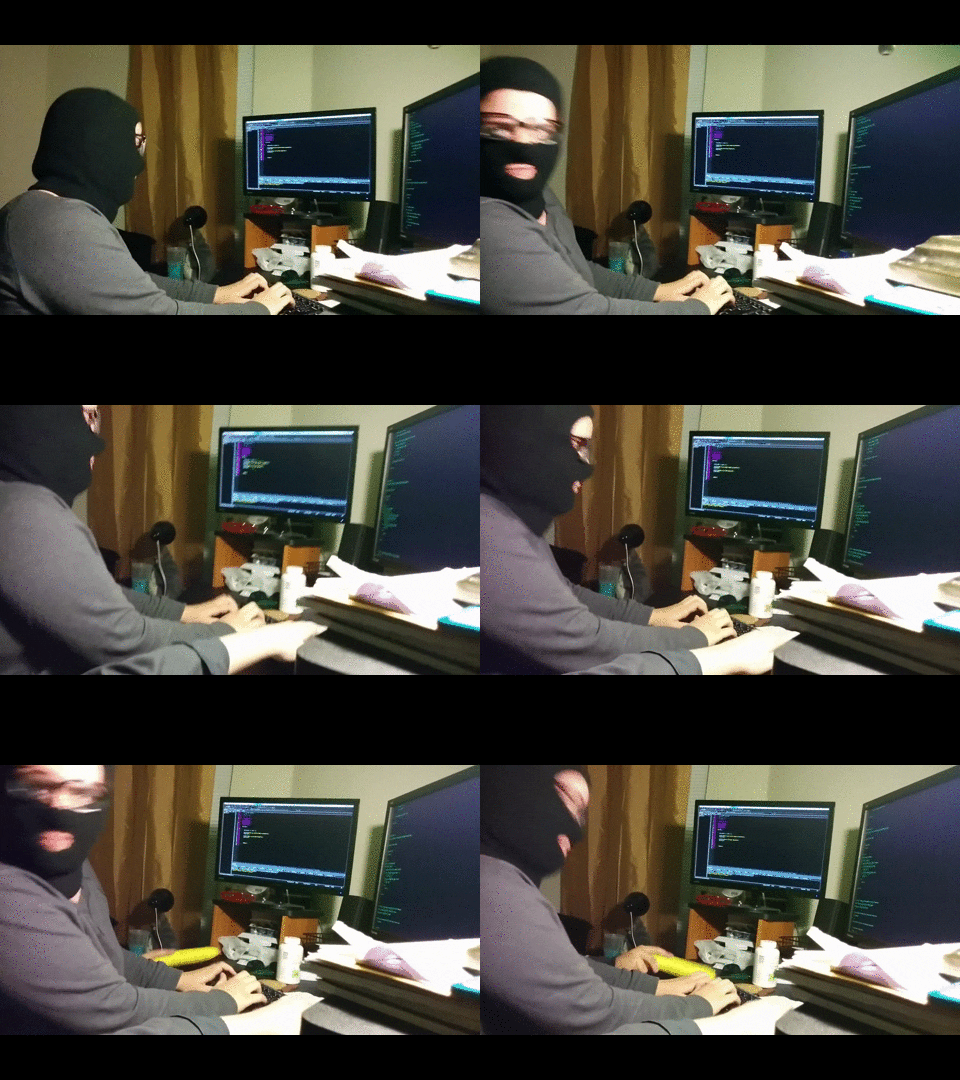
Hacker!
2 Likes
9 Likes

2 Likes
Drum Rack advice needed:
I want to set up a drum rack so that pressing a pad will toggle an FX chain on, and then turn it off with a second tap.
I have managed everything except the on/off behavior—the drum pads act like gates, and only stay on as long as I hold the pad down.
Any ideas for way to toggle the FX instead?
Unnecessary explanation of the FX setup
On each drum pad I have a MIDI Envelope device, which (with its attack and release set to zero) can map midi commands to other devices in a Live set. I’m using it to turn fx devices on and off.
The FX devices themselves are in parallel chains in the same track as the drum rack. Each FX device has a “Receive Audio” Max4Live device to grab the incoming audio from another track.
1 Like
Pad on what?
If you’re sending a CC and your pad is set to toggle, it can’t work, because it’ll only send data on the press, not the release too.
You need to set it to momentary, so it can tell when you take your finger off.
EDIT Ignore that, just read the hidden bit!
1 Like
The pad is on the Push 3, but I’m using it in controller mode, not standalone.
My bad, I assumed you were sending an external CC of some kind.
When you use CC’s often the device can set toggle/momentary. If you use toggle then the receiving device never knows when you’ve released the pad.
So momentary mode sends twice as much data as toggle. I often keep my pads set to momentary, and then use Drambo change it to toggle, you can do some cool stuff, for instance detecting a long or short press and having different functions, stuff like that.
I guess I could use an external controller to send CCs, but I have the Push right there.
True. Does the Push do a kind of ‘Custom’ mode? Where it just sends MIDI etc?
Probably a way to do it in Ableton though anyway, maybe using a M4L device of some kind!
Could build it in Drambo in 10 seconds flat!
1 Like
Yeah, it’s called ‘User’ mode. Makes it turn into a basic MIDI controller.
2 Likes
True!
1 Like
@Mistercharlie Maybe could use that mode then? If you can switch in and out if it quickly anyway!
1 Like