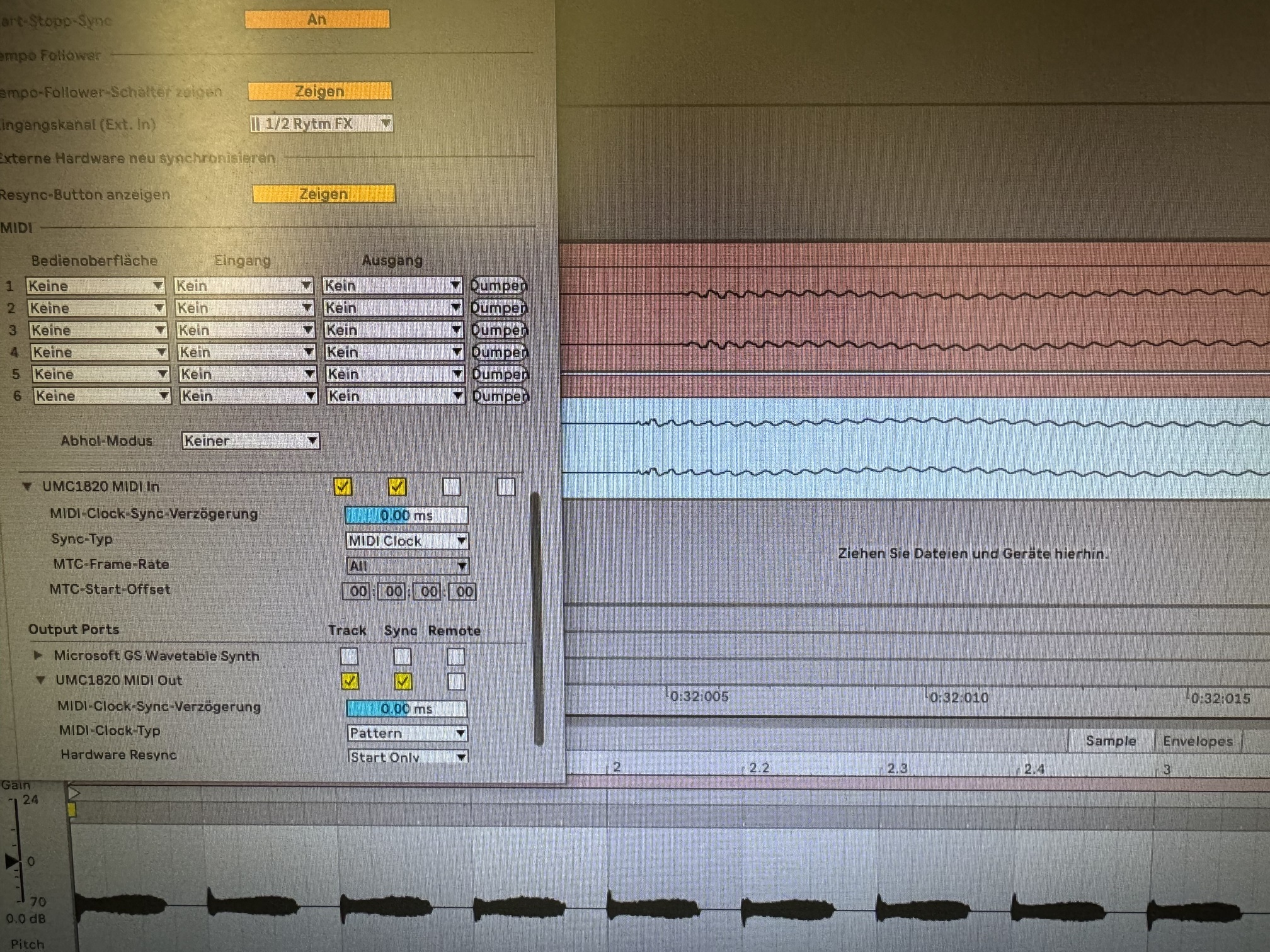
I don’t really know if that was the case before. But since Ableton 12 the recordings are no longer tight.
This means that as soon as an audio track is to be recorded, whether from OB or from the line of the audio interces, then the recording oscillates in the grid. So sometimes it’s on the same level, sometimes not.
This is just terrible because it is almost impossible to manually adjust longer recordings in the grid afterwards.
could it be that the ausio interface is broken? It’s clear that you sometimes have to adjust the latency a bit. But this swaying isn’t normal, is it?
Hard to offer any more ideas without any idea of what gear you’re using. Shouldn’t be any reason for audible tempo drift if your sync settings are all correct. You’ll get a bit of jitter with usb midi, but it shouldn’t be anything drastic. If the only change to your setup is from Live 11 to 12, I’d be inclined to suggest that there’s something up with your Ableton settings. Might be worth opening Ableton 11 and double checking all of your settings vs Ableton 12.
I’ll join the choir of asking for more details. What is it exactly you are doing?
It is a known fact that if you are recording individual stems of percussion from any drum machine synced by MIDI clock from a computer via USB - then if you put them all together again, you’re most likely to hear jitter.
This is why products like E-RM Midiclock and Multiclock, and its likes exists.
I never had problems with multitracked percussion stems, because they were all recorded at the same time. It was only when recording at different times the problem became clear.
I’ve just turned everything off and only recorded one VST instrument and it’s still not tight. Sometimes the recording is exactly on the grid and then again not.
That would be really strange if it were due to the Behringer audio interface
or to ableton 12…
When producing, everything always runs tight, including the hardware. It’s only when recording that the frustrating problems begin.
A bit more explanation of what you’re doing to get the above results would be good.
You say you’re just recording a single vst instrument, but is that by playing a sequenced midi clip and then freezing it and bouncing down to audio? Or are you manually playing the midi? What are the two separate audio files? Two separate recordings? A duplicate recording with the start offset?
The fact that it sounds like you’re doing everything within Ableton now is very strange as it suggests that somehow Ableton is drifting out of sync with itself.
So I create an MDI clip and an audio track. In the MIDI clip I have a VST instrument. Now I just record with the audio track. I’ve always done it that way and haven’t had any problems like that. There can always be a little latency with MIDI, you can easily adjust that.
But the problem is that it is recorded on the grid and then constantly oscillates.
The picture shows such a recording as explained. Cut the audio file and then doubled the channel to show that the recording is not tight.
I’m sure I’ve never had anything like this before. I never needed such an expensive E-RM midi clock. I think that’s more what happens when you play life anyway.
An erm clock likely won’t be much use if you’re having issues like this, as the problem is persisting when only internal devices are used.
I’m not at my computer right now, so can’t try and replicate. Perhaps someone else can try. What I’d try is creating a midi track with your midi data in and your vst on and then duplicate this track. Then create an audio track. Set the audio output of the first midi track to the audio track and record the audio to this track. Then freeze and bounce the second midi track (which was a duplicate of your first one) down to audio. Then expand your three tracks in the timeline and zoom in on the clips to see where the discrepancy occurs. This should show you your pure midi data, midi data rendered directly to audio and audio recorded from the audio output of the midi track. This should give you a clearer idea of where the timing issues lie. It won’t necessarily resolve things, but might point you in the right direction.
Yes, yes, ERM clock won’t help either, that’s what I’m saying. Someone here recommended that.
Hmm, that’s very nice of you, but I don’t know exactly what the point is. I also have the same problem when a piece of hardware records via a jack in the audio interface.
Somehow I have the feeling that it must be the audio interface.
Have you tried going back a version to confirm that it’s specifically Live 12 that is having the issue? Just to rule out potential hardware issues and such.
If Live 11 still works fine, create a bug report to Ableton and hopefully the issue gets looked at.
I noticed this issue as well.
What was strange is not only that the outboard gear hooked by midi was out of sync but even Elektron stuff which I was recording via the Overbridge.
I was messing with interface and Ableton configuration last days and was not really sure what could be a reason. I checked everything and didn’t see any problems with connections, nor the interface, nor any of devices.
Eventually I discovered that I disabled the delay compensation in Live
( > navigation bar > options > delay compensation).
After I re-enabled it, all looks rock-solid again.
That’s a good tip, thank you! I’ve already tried around here too.
Yes, the OB recording went just as badly for me. So any type of recording, whether from the audio interface via line inputs, OB, or internally in Ableton with VSTs.
When producing, everything runs tight except the recording