Yeah, the Live is way overkill for what you want to do, and also, it doesn’t do audio streaming, which you’ll learn to love with the Blackbox.
If you end up with a jam the length which would make the Doors look like pop chart pleasers, you’ll appreciate this. The Live’s like “Whoa, you wanna play and record a real instrument? For more than a few minutes? Clearly, you need to take your vitamins because you, sir, are insane.”
Well, I just ordered one after following this thread from the beginning.
I am assuming that you mean the BB is more like a 4 track, as apposed to an OT, which is a sound manipulator as well? Or not sure exactly what u r saying.
Do you mean arrange…I’m imagining you are saying it’s more of a multi loop building thing. I don’t know. Assemble? I’m intrigued.
Sorry, just very interested in your use of language. Excited to start using the BB in my setup. I’ve been using Ableton with OB to record bit’s and bobs, and I’m excited to have a little box like this that has little or no latency to quickly record into, and build from there…Well, maybe that’s what you mean by assemble. Oh, kay… Assemble “fit together the separate component parts of”, like no assembly required? Hah… Cute. I like that.
Good god, this is a long thread. Will venture to look thru it for tips and ideas…but jeez. 1623 pages? I just watched the Loopop vid. Seems since then the BB has been updated with a lot more functions. I will prolly be using it as a 12 track live recorder and 4 tracks slicer controlled by 4 midi tracks from the OT. I guess my only question is- does recording and playing loops push the CPU? If I just use as a tool for this?
But yes, it’s not so much about sound manipulation. It can do some cool stuff as far as sound design goes, but you get the BBox because of how quickly you can record stuff into it and build something from that, and that each slot can behave differently from each and every other slot. One shots, multi samples, loops, time stretched clips, granular stuff - and each slot triggered from the sequencer independently of every other, if you like.
Okay, yeah. I think I went and answered your question for you…Thanx for clarifying. I’m reading your CDM article now. Next- watch a the 1010 tutorials.
Saw this on Facebook earlier. I hopefully will never need to take it apart, but i’m pleased to see it’s built a lot better than a couple of old samplers I tried to diagnose the faults in.
Question: how many quantized bars can you record into the BB? I’ve red that it can play wav files up to 4gb. But can it record like 128 bars long with quantized recording?
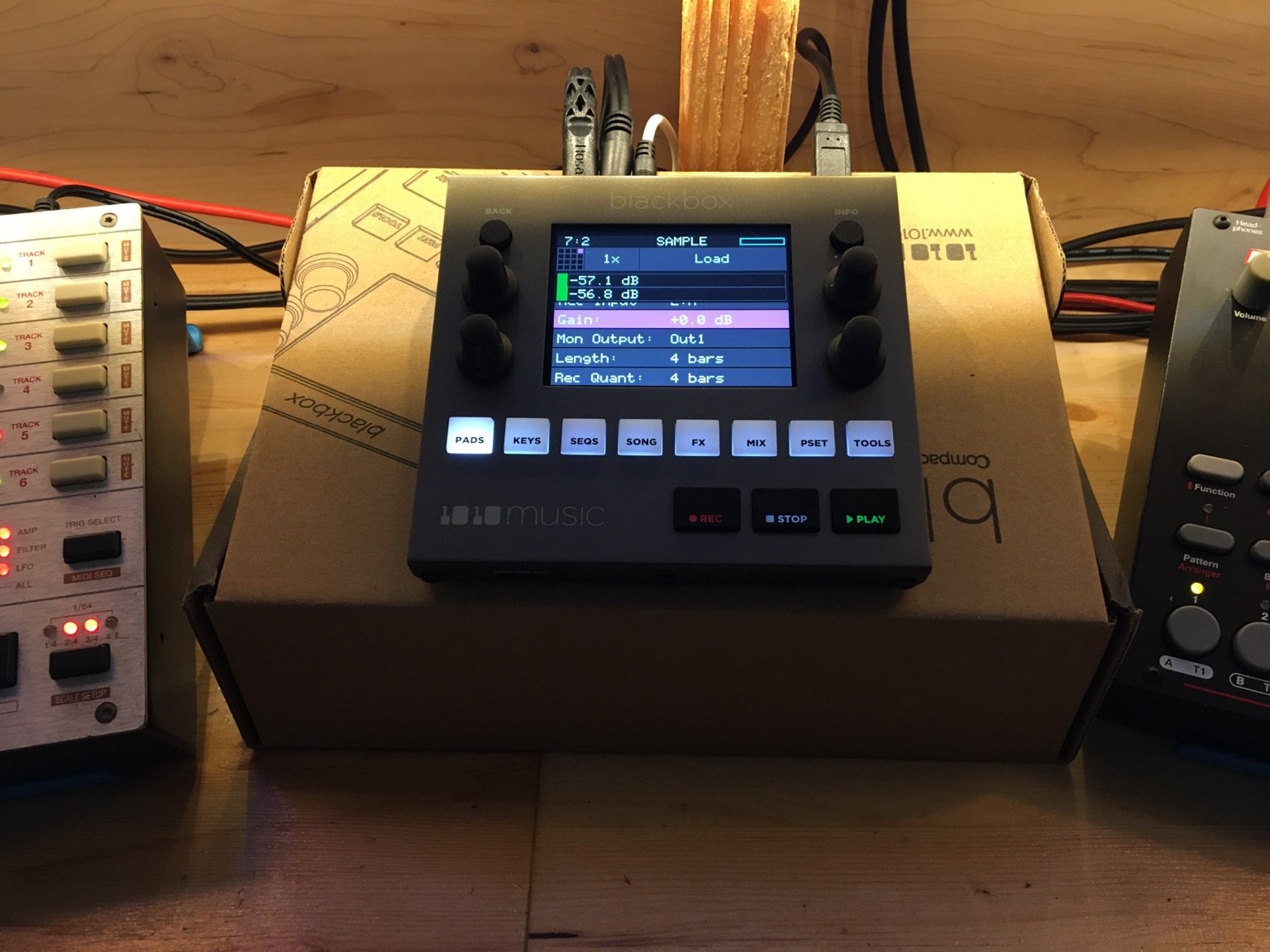
Custom length allows as much as the hardware can handle, which should be more than enough for any practical purpose, as long as your SD card has enough free space. Pressing stop will end the recording at the next quantized interval, which you set with the Rec Quant parameter before you start recording (you can also set this to None to stop immediately).
@vegeta897 Thanx for the detail. I have a question. I have just been using the BB as a loop sampler, all in clip mode. I guess that’s what I really enjoy…Anyways, I noticed that in clip mode there is now way to shorten the sample, or play from say bar 4 till bar 12. What is the easiest way to do something like this and still have a looping sample. I’ve thought of using the sequencer (would rather not add complexity) and using the slice mode…But, does the sample mode still stay in sync and if so, how would I find where bar 4 is…Not sure if I’m explaining this right, but I’ve been wondering this for a while.
Slice mode won’t timestretch the way a clip does, but if your recording and playback BPM is the same that shouldn’t be an issue. Your problem though is easily slicing the bars you want.
Another method would be to use resampling. Start playing your clip then go to a new sample and record with resampling as the source. Set the quantize to 1 bar. Then you can record the bars you want and it will be a clean trimmed new sample.
It’s nice when you don’t have to worry about internal memory filling up, so you can do workflow tricks like this. Then you can always use the Clean file operation to automatically delete unused samples when you’re done.