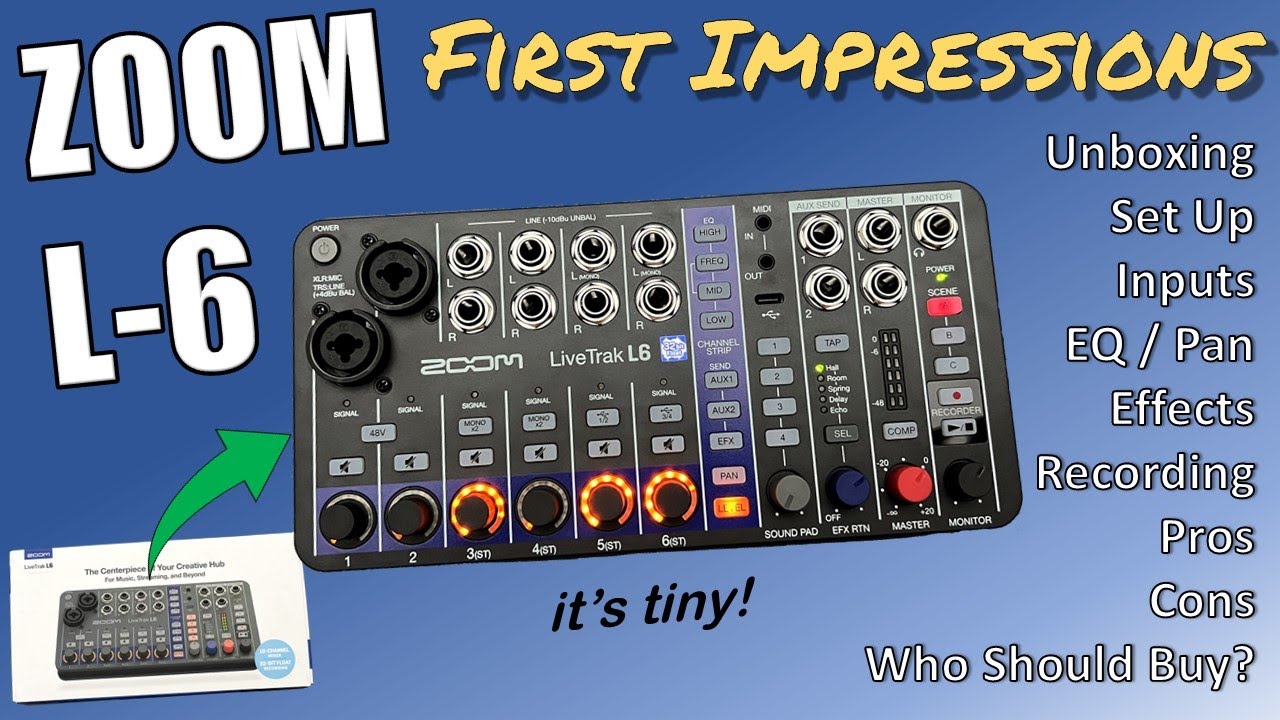
so glad I found this topic! I have bought the ZOOM L-6 and wanted to use it with my DJI Osmo Pocket 3. Since the ZOOM AMS-Series works completely fine with that camera, I thought I’ll give it a try: Well, at first I thought it doesn’t work at all. But then I realized that the audio from the camera is going into the ZOOM L-6. So it’s a one way connection.
I also tested my iPhone and iPad and both worked fine - until my iPhone decided to do an update over night to the newest iOS and since stopped working!
I do have hope that one day all of these devices will one day work, because I LOVE LOVE LOVE the L-6. The form factor and features is exactly what I hoped to have 10 years ago, when I hijacked an old R16 to use as a little monitoring mixer for In Ear Monitoring. I can record all the inputs without a separate computer and listen to rehearsals and shows at home. It’s just so darn convenient!
BUT: I still want to be able to send the audio to my Phone and the DJI Osmo Pocket 3. The built in compressor does wonders for that application! I know I should not hope for features that are not implemented at the time of buying, but I think I’m not sending it back. Fingers crossed!
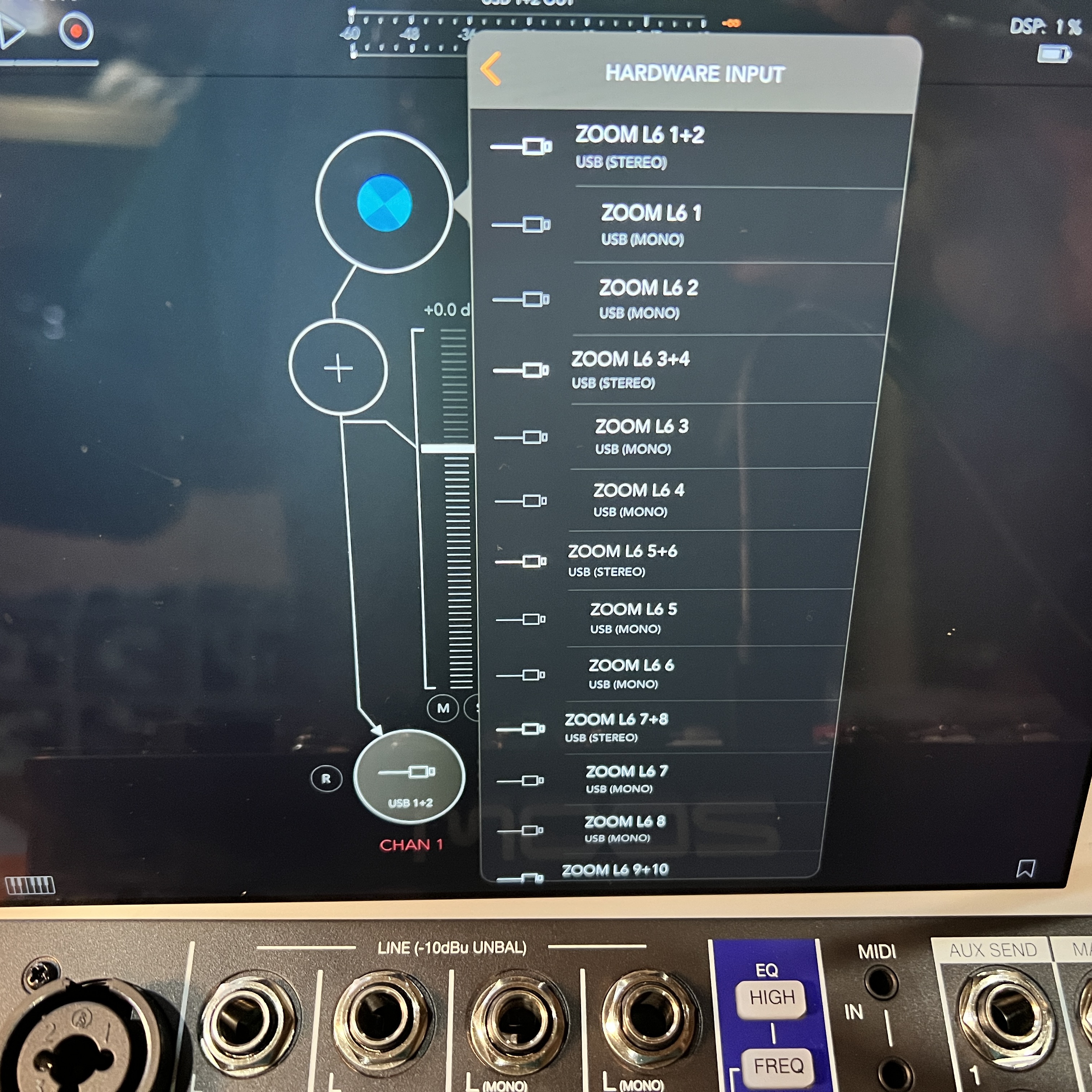
I’ve tested it with an MPC Live 2 with the new OS3 as well as an MPC Key 36 with OS2… unfortunately it doesn’t work with either. I get the following error message:
"ERROR: 44100 may not be a supported sample rate on the external device. Code: -22"
Works fine on a Mac, even without a driver. It’s just not working on an MPC / iDevice with new OS18 or DJI Osmo Pocket 3. I don’t think you can change the sample rate of the MPC to 48 KHz. That might be the problem. And I think the sample rate of the Zoom L-6 might be fixed to 48 KHz when using it with something other than a PC or Mac.
Which iPhone are you using? I’m using an iPad and it’s all fine. I wonder if you still need to use the Camera Connection kit with the iPhone even if it’s USB-C.
Try going into a USB hub and use the connection kit dongle.
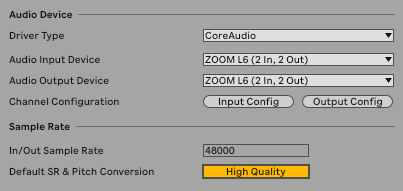
Just got my L6 and having issues similar to what people were mentioning with iPhone, but for me it’s in Ableton Live 12 on a Mac. It says that I only have 2 inputs and 2 outputs.
Does it need to be powered additionally with the side USB C-port? I’m only using the front USB C-port essentially bus powering it from the Mac currently with the USB A to USB C cable that came with it. Or does it need to be USB C to USB C?
My bad. I read the manual (duh) and found that you have to change the amount of inputs and outputs in the Audio & MIDI Settings of macOS. So problem solved.