I can’t get my Zoom LiveTrak L-6 to work as an audio interface. I could really use some tips from the pros.
Here’s what I’ve done so far:
• Installed the L-6 driver
• Installed the L-6 Editor (it recognizes the LiveTrak just fine)
• Ableton detects both the L-6 and the driver, but there’s no audio when I try the test tone.
• Same story on my Windows 11 PC — the sound settings show the L-6, but again, no audio.
• If I switch to my Digitakt or Scarlett, I get sound immediately.
• I already contacted Zoom Support, and they told me to install the Zoom driver, which I’ve done.
• The LiveTrak firmware is up to date.
• I’ve tried different USB cables and no USB hub.
• I also reinstalled the driver, but no luck.
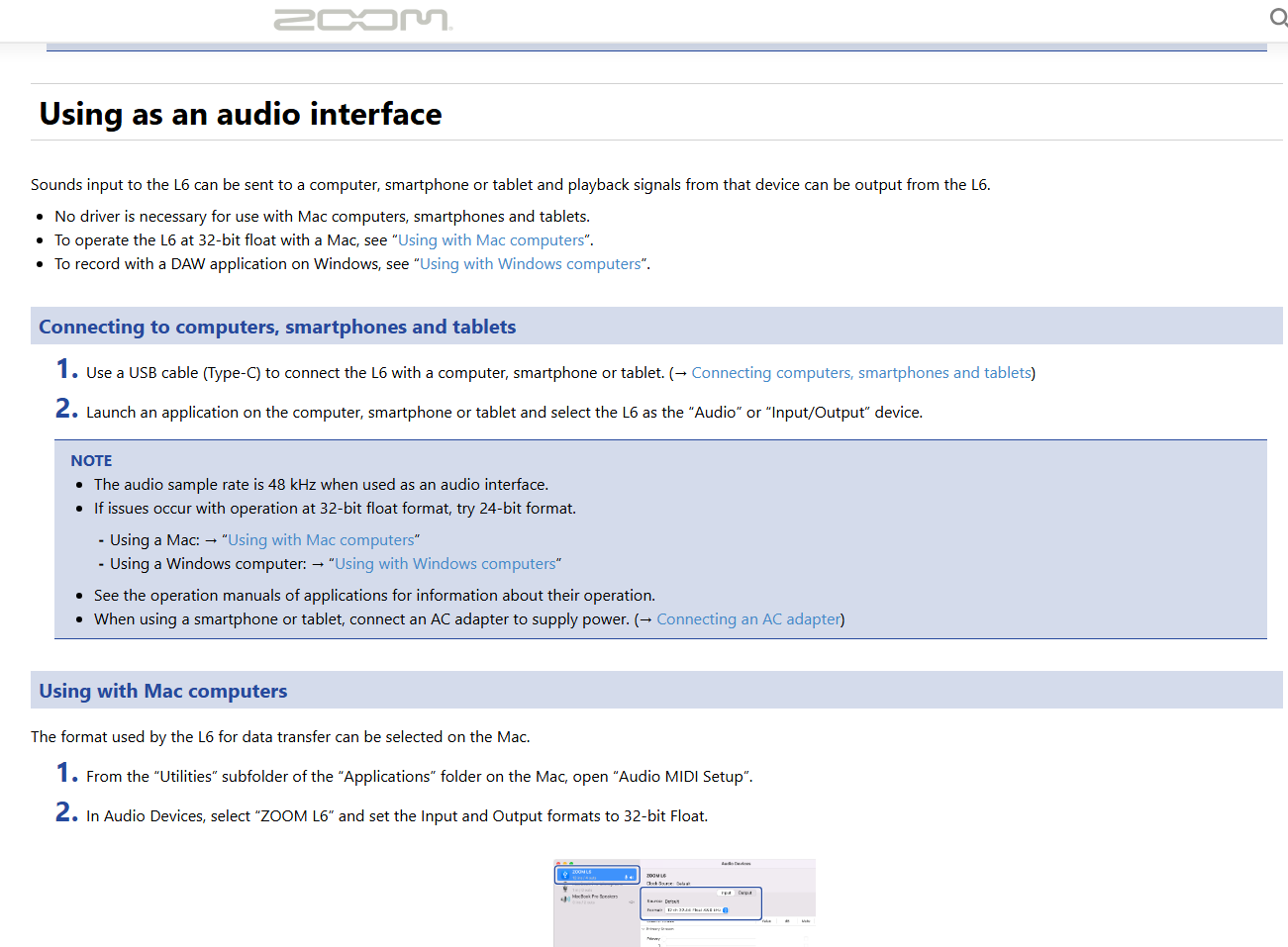
I don’t have an L6 or a Mac so I can’t really do much to confirm, but their setup guide says that you first need to set the mac input and output devices to 32-bit float and if that won’t work with certain applications, try switching it to 24-bit. Did you already do this, on both counts?
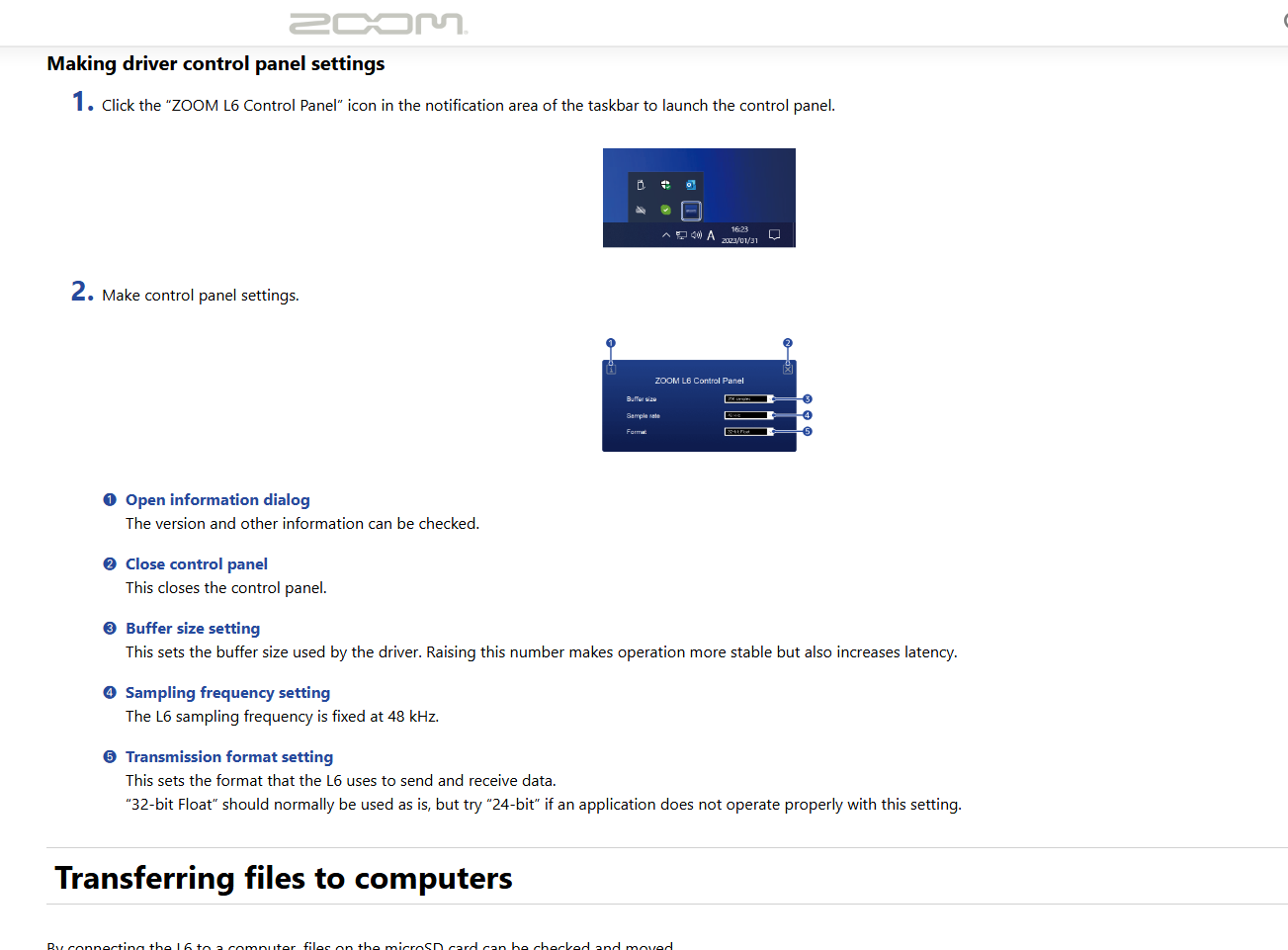
On the Windows PC same thing except they’re calling the setting “transmission format”.
Your issue is not really an issue, it’s a user interface design flaw. What you need to do to hear the sound output is to push the “1/2” button with a USB symbol on it (it is located in the channel 5 control column, right above the CH5 mute button). It should lit green and voila - there is sound!
Yeah it is highly frustrating. I always forget about it when away from making music for a while and then spend hours troubleshooting only to recall I had to press this damn button.
Oh, as we’re here already - if by any chance you experince crackling/clicks/pops within your DAW with the L6, the solution (the only one I found) is to uninstall the ZOOM L6 driver and install ASIO4ALL driver instead. It is limited to 24bit, but 24 is plenty enough for most cases. You do have to uninstall the Zoom driver though, otherwise even with the ASIO4ALL selected as the driver it still crackles.
I have been beating my head against the wall to figure this out, so I’ve just been recording in the L6 and pulling tracks off with the SD card. I feel like an idiot!