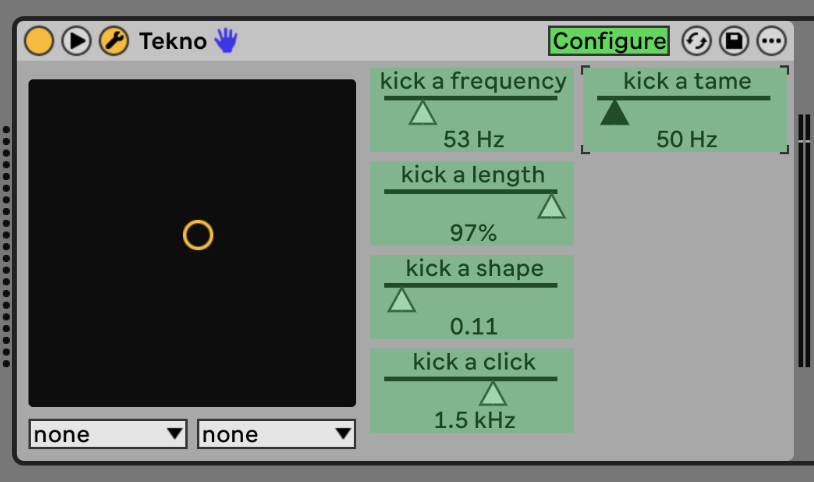
Hi people. I’m really enjoying some of the m4l devices to enhances the possibilities of the push. I do find it really hard to find good m4l devices so I really like this thread!
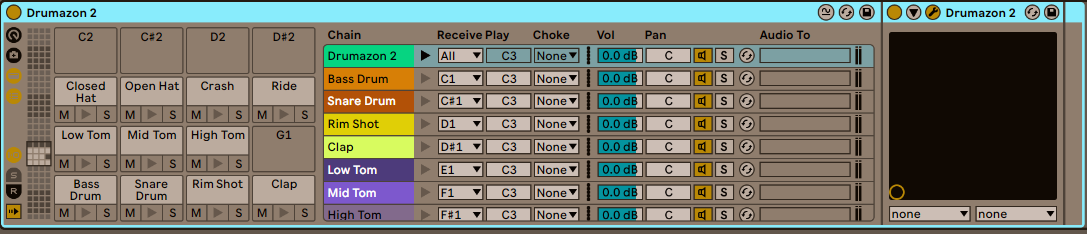
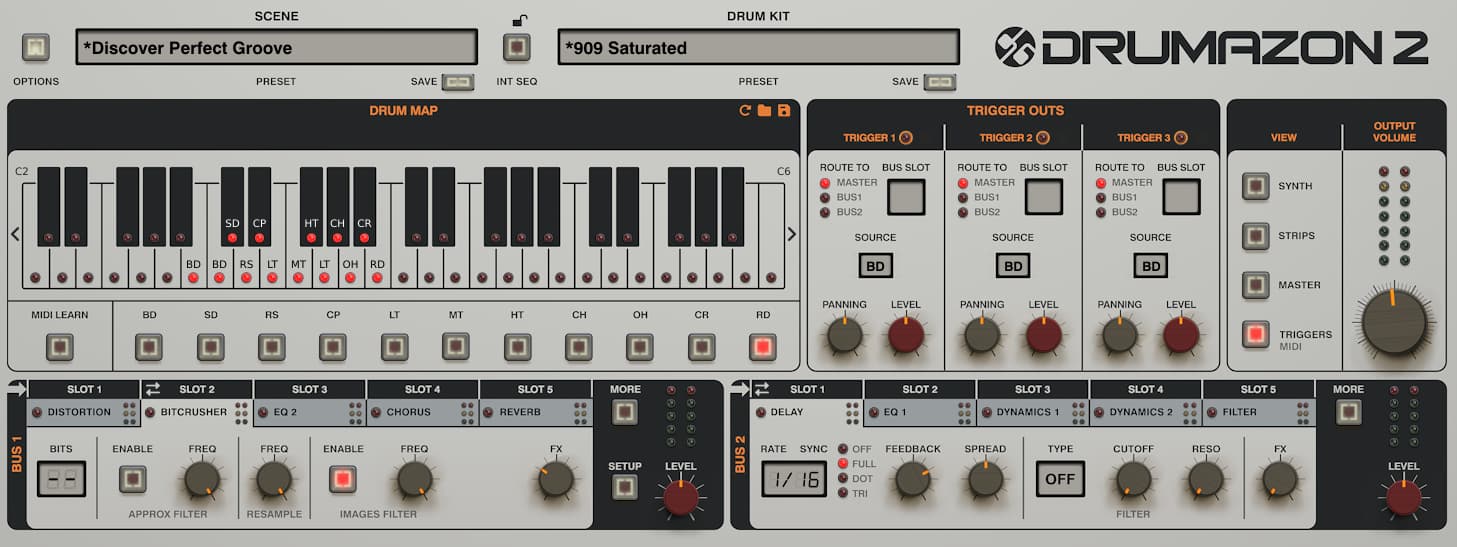
I use unroot overtake to enable the drumazon and nepheton plugins to work with a drumrack in push. This way, I am able to use a single instance of drumazon inside a drumrack and whenever I select a pad i get all the pads parameters on top in the push. It’s great!
I am also looking for a way to have full control over a plugin (take a synth as an example) and i can use multiple pages of controls. Ideally with the ability to name the pages and parameters. Does anyone of you know if such a thing exists, perhaps in the shape of a M4L device?
Basically act like macro controls but then with:
Multiple pages of parameters
Ability to name the pages
ideally adjust the behaviour to not only knobs, but also buttons, choices, etc.
I bought this m4l device:
Which seems perfect for this, but it doesn’t show up on the push as parameters.
The setup you have for using drumazon with the push sounds interesting… please could you share some more about how you can set that up with unroot overtake?
I had a look but couldn’t work it out so far, it seems like three things that don’t want to go together
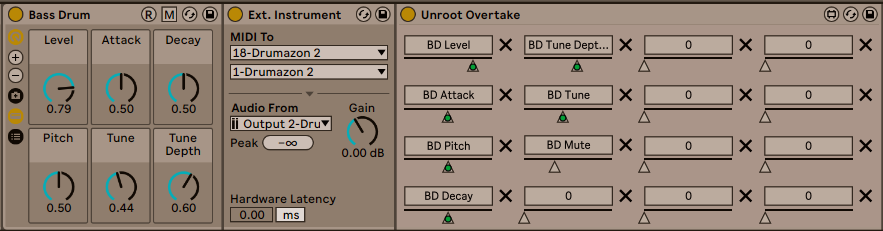
Yeah sure! I’ll be back home on Wednesday so i can share the file if you want to, but in general it comes down to loading drumazon in a drumrack, map the midi note accordingly and then on each pad load an unroot overtake device and map it to the corresponding parameters of that sound. Put the unroot device in a rack with the macro’s et voila.
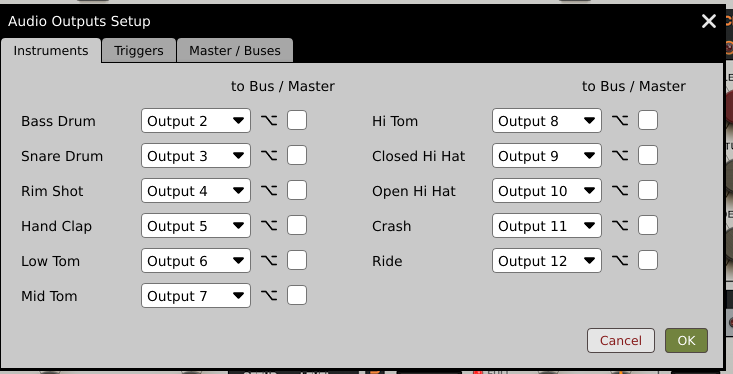
Then add an Instrument Rack to every pad with an external instrument (for audio routing) and Unroot Overtake. Map the parameters of the specific synthengine. Then map those to the macro’s of the instrument rack:
So I got pretty far with mapping Tekno. However, there is a max of parameters that you can configure in Ableton per plugin. I got to the Conga Hi and then you run out of parameters to configure Such a shame! Just a little headsup.
The obvious solution is to load a second instance of Tekno into your drumrack, which should work fine. Only downside is that they than don’t have the same master settings. Which could also be a bonus if you’re a cup half full kind of person I guess.
Find my mapping for Tekno attached. It works like a charm I must say. It uses 2 instances of Tekno to be able to map all parameters. Am using the main macro controls for controlling the master parameters for both instances at the same time.
It’s a lot of work mapping it, but it’s worth it. I hope this way it saves somebody some time
Hey this should work the same with drums from an elektron box (Syntakt) and Overbridge, right? I alejach have external instruments routing midi to overbridge and audio from the VST, i just need to add this cc device you showed, right?