What is the craic, I need a little help routing my digitakt into ableton. I probably have it set right already but just checking as I am confused about the pre and post settings and differentiation of volumes etc. I’m about to start recording and don’t want waste time doing it wrong. I have attached a pic of my live set. When recording into ableton from digitakt using digitakt vst I have my 8 individual outs but I am looking for fx sends on a channel.
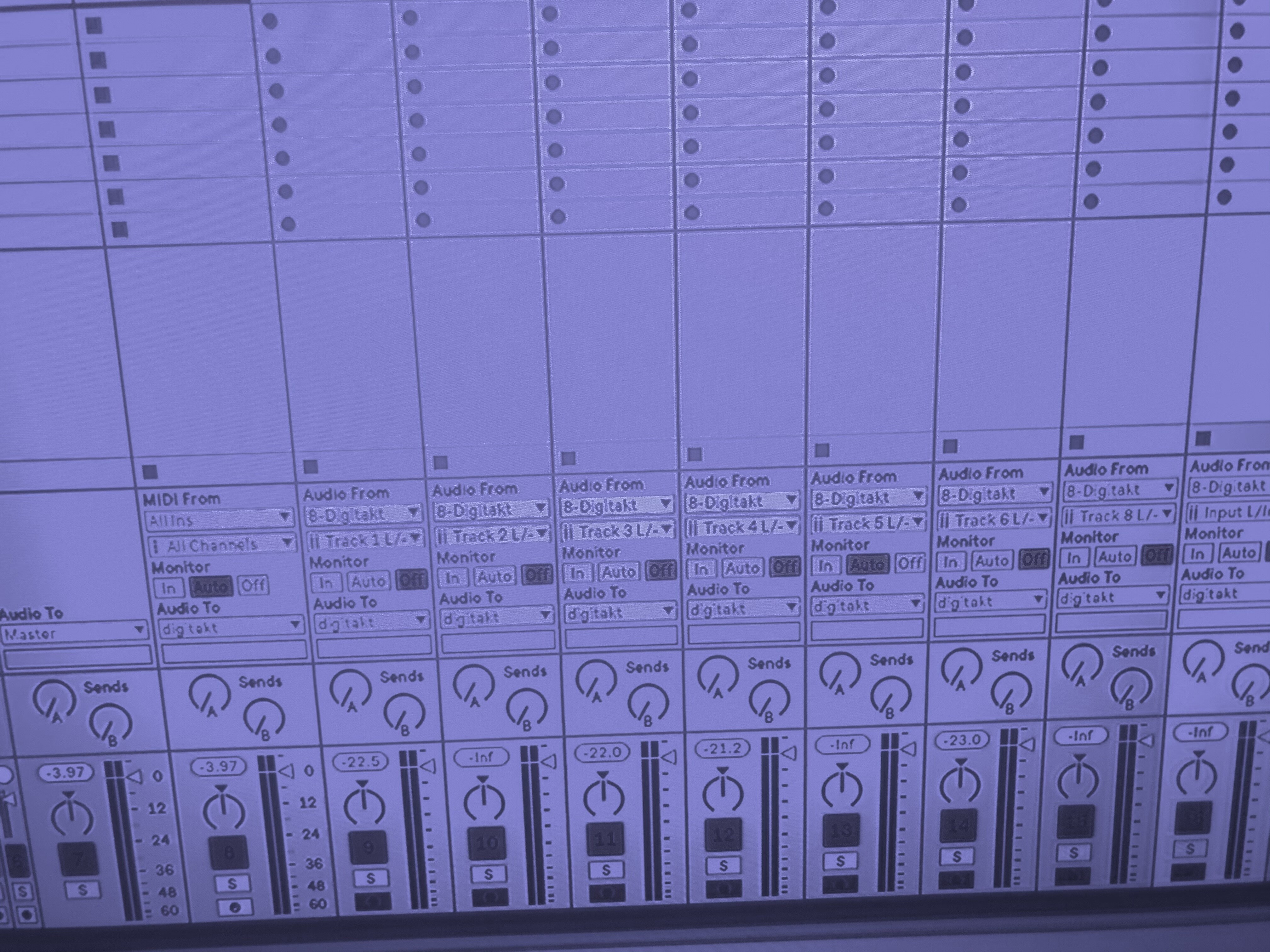
You must switch off all the tracks going to the main on the digitakt
Then and only the send fx will go to the main (the track the vst is on)
Pre volume will make the level control on digitakt not affect the recorded volume.
I have mine set to post so can still adjust the vol on the digitakt
1 Like
Great. Thanks <3 That’s my Windows 7 overbridge 2.0.47.1 operational finally! Love the recording from digitakt vst with ableton and the fact it has added another 2 input channels which are all operating bang on time! What wizardry!