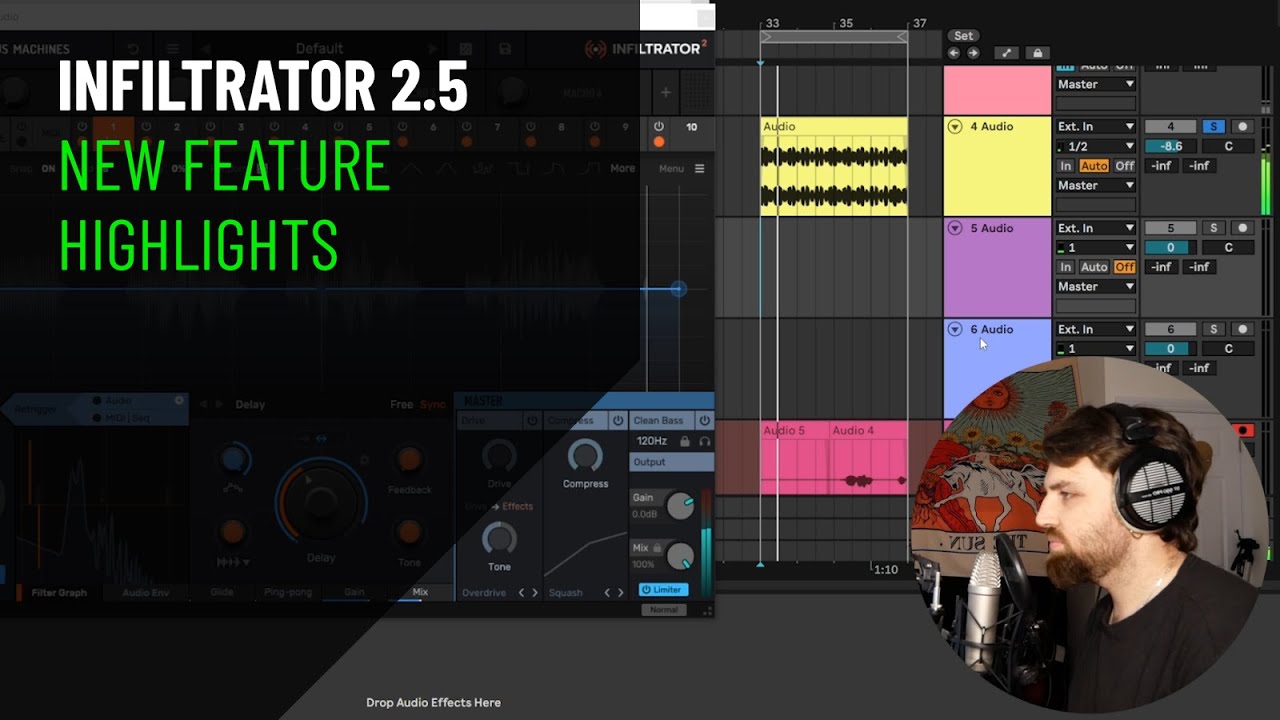
I’m using Infiltrator on bus track, in Ableton - have dry/wet built as a chain selector.
Some of the Infiltrator presets are really loud, when compared to the dry chain.
So I’m looking for a way of managing this difference. I can’t simply modify the presets, as they are factory and you can’t save them modified. Can’t save in user bank, only 128 slots.
I’ve tried putting a compressor as a limiter (Peak, inf:1), tried various release times, but it either distorts or kills the sound in some way.
There is color limiter which has no lookahead. It’s been available since Live Suite 10 but in a separate (free) download.
That being said, this video says specifically that a use case for the built in limiter is to make sure all the presets are within the same level and you should be able to use switch presets with the built in limiter.
The problem is, some presets cause a big volume increase, some not at all. And I’m switching them in real-time, often punching in different presets as punch-in FX.
So the volume ends up being all over the place!
Seems like they knew this was an issue and fixed it already in the latest version. All good!