This app has a lot potential, many of us don’t want a laptop around for making music (sick of the mouse after all day at work). Since the excellent web based “elk-herd” app doesn’t work on iOS, this is the only solution I know of.
Some issues:
- I’m missing the normalize, reverse, and other options… (screenshot)
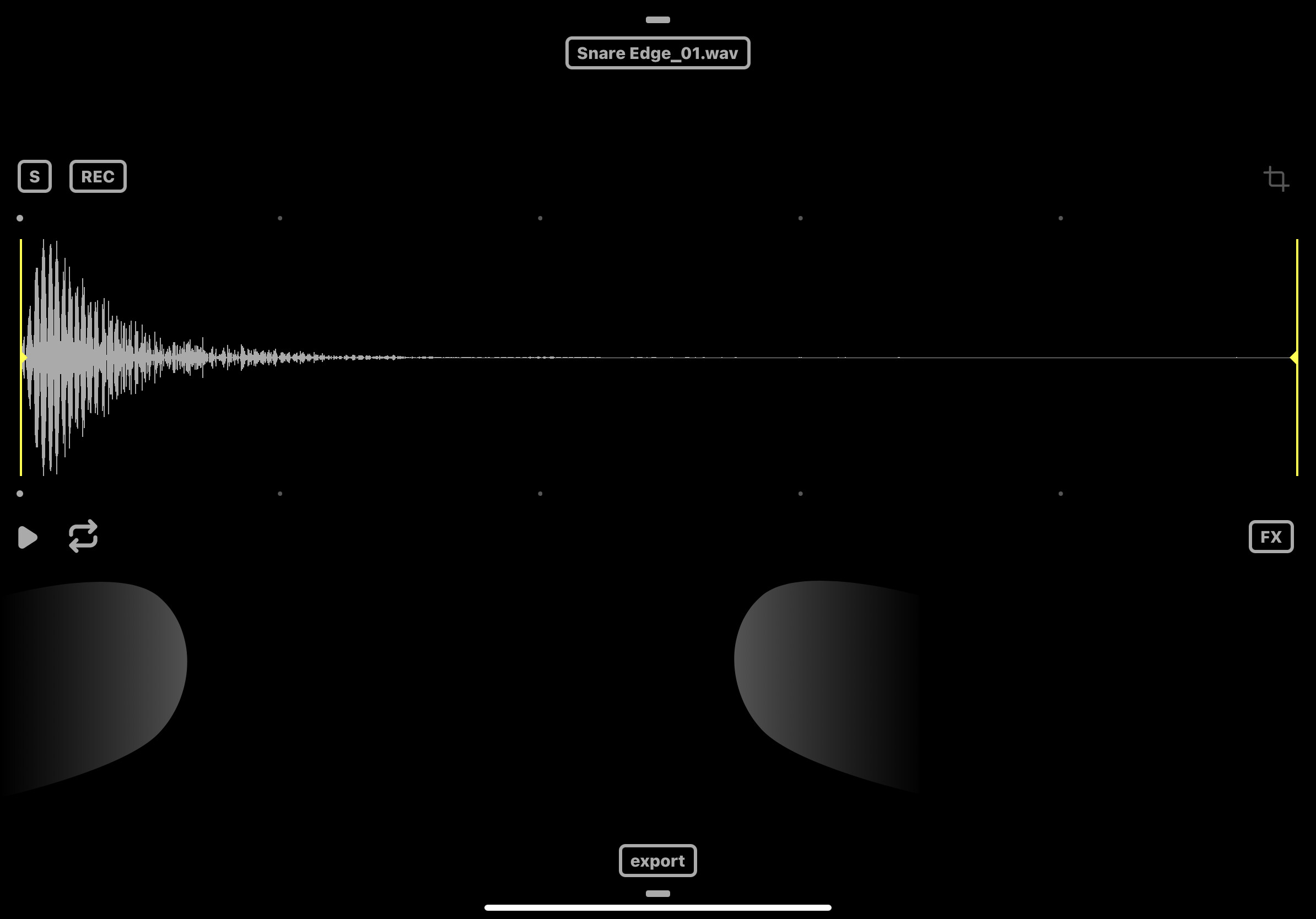
- same for slice mode… Crossfader only does sample speed, no reverse, gain….
- in slice mode if you import multiple samples they’re not imported in a “logical” order. Seems like the order is pretty much random, and you can’t rearrange the samples. I’d like to chain velocity samples and set the sample start point via parameter locks to mimic a more realistic kit.
- the “auto” slice is a nice feature but it seems to need some work. You can’t delete slices (can you?.) or manually add them, also the ability to move slices seems to appear only when there’s a few… it’s confusing.
Way around this would be to edit the files with auditor and use Transfer app just to upload, but it’d be a lot quicker to do it all in the app.

I have the paid version and would like to hear comments on the DT “editing” IAP. Is it working ok?. Useful?.
I hope @alexalx666 is following this thread…
Cheers!