I don’t think that exact system to increment with up/down arrows exists. I think LSDJ/M8 have a very clever system without having a full qwerty keyboard, but when I have a full keyboard I have to pretty much type everything, yet I still find it faster. I’ve also been using trackers on a computer with a full keyboard since the 90s and only started using the M8 this year.
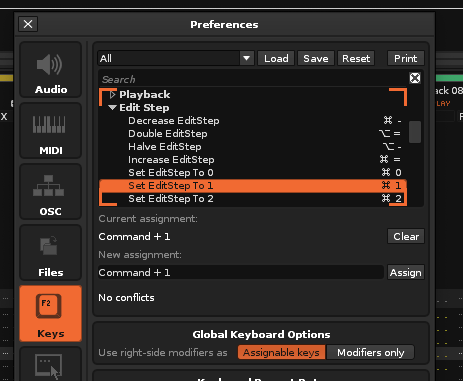
I find that changing the step number based on what I’m doing at the time can speed me up. Like, if I’m editing things horizontally (moving from note, to FX column for example), it’s faster if I change the step number to 0, so the cursor doesn’t jump down to the next step after I input a number. Or, for example, I want to edit every 4th line, I change it to 4, so I’m not using the arrows as much. That’s just one example of things that can speed you up in Renoise.
If you browse through the keys menu and try things out, you might find areas for increasing efficiency for your own style of editing— they might be a slightly different paradigm from the M8.
yea i see most advanced users seem to change editstep a lot, and fast. I’ll get the shortcut down, I’m quite slow in that regard atm, been keeping it at either 1 or 0 mostly and just sorta sticking with it. tho it’s been a lingering thought at the back of my mind that I probably need to sort that out
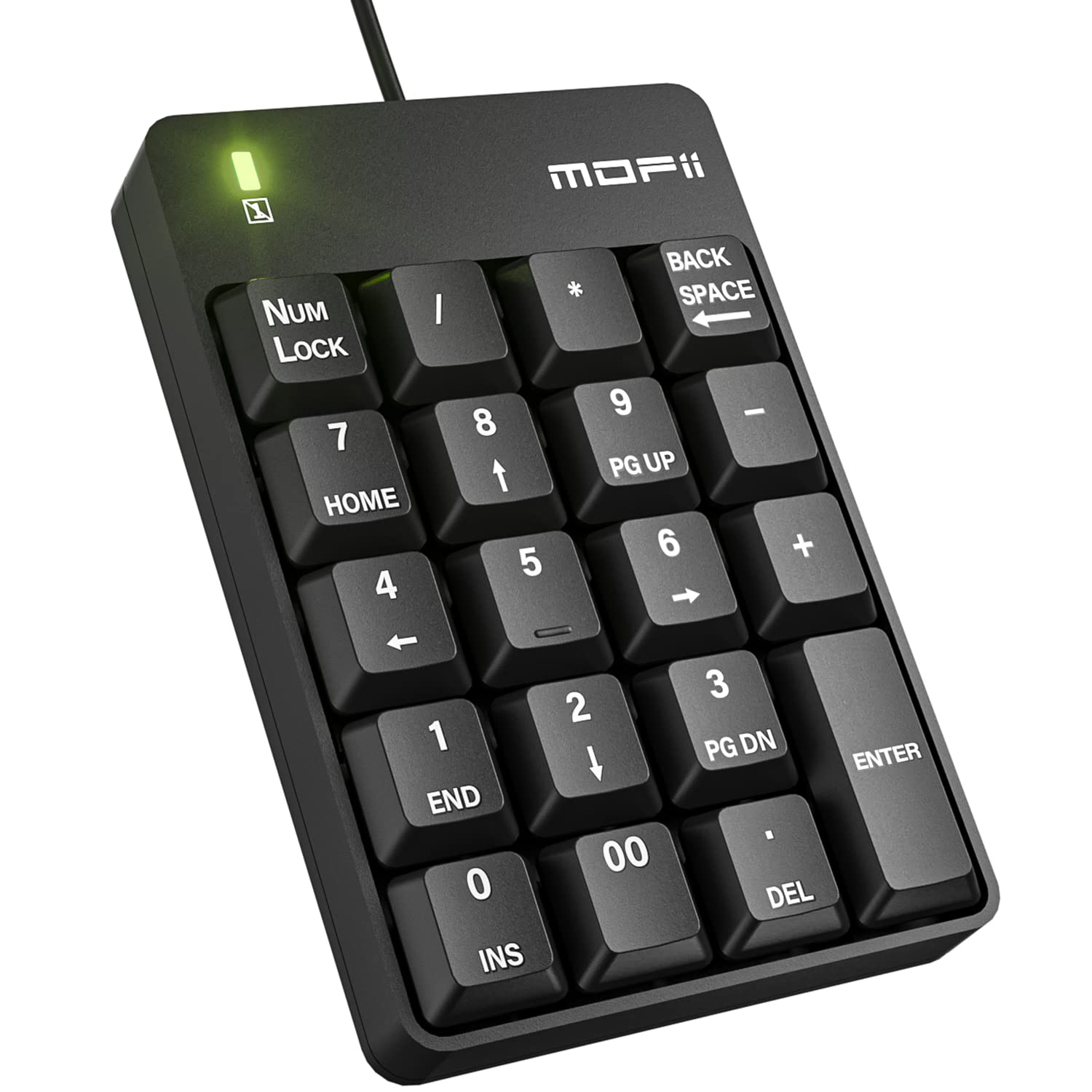
For me full keyboard in Renoise is a must. I use num pad (± for instrument selection, /* for octave selection and numbers for muting tracks - I mapped those myself), cursor keys&pageup/down section all the time. I was really missing this on laptop.
Yeah, a laptop with a number pad or a separate number pad are totally necessary for me. A separate one can get a bit annoying though, I’ll be going back to having one built in next time around.
yea looks like a nice addition. I’m not at the level of needing the numpad just yet but. I don’t mind option+arrows to select instrument at the moment, but I’m a renoise novice.
I’m making progress now. shortcuts getting better.
not minding using the trackpad today. think I prefer it to the mouse. feels much closer to the action for switching between it and the keys.
I like the “right click on parameter” inserts data shortcut. that’s nice.
So, for example, if my cursor is in the pattern editor in the note column and I input a note, it will add a note for the active instrument (upper right corner). If I want to change that instrument on the fly without a mouse, I can use the corresponding numbers on the numpad to activate the instrument I want, then when I hit the note key it will drop the right instrument into the editor
There is an app on macOS that allows you to define this change for each app on your computer. I use it, it is quite straight forward to configure, and transparent in its use!
Put your vsts where you would normally. If you new to PCs or Mac or whatever your OS is then just install and then in renoise direct scan to that directory.