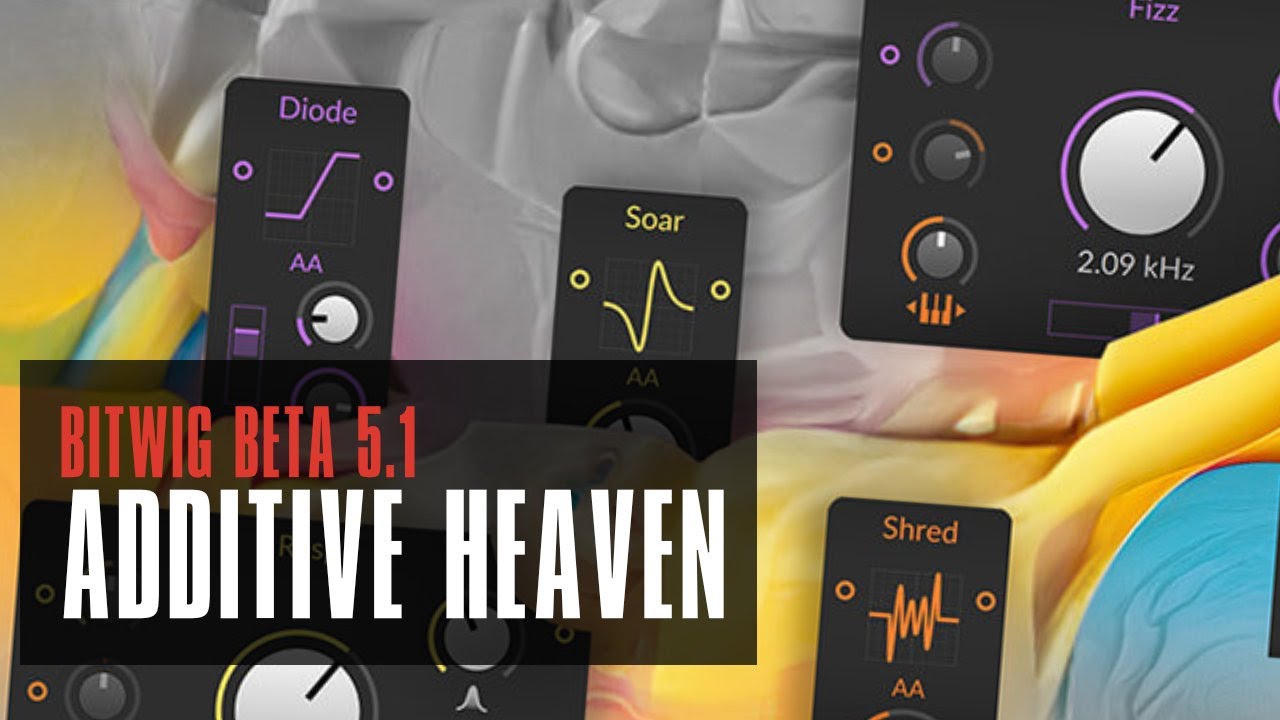
I was reading this thread literally just couple of days ago and was thinking what I personally missing besides different filter models/curves and voila! They were just delivered with this update…
So… just a little wish for Granular FX block/primitive for Grid and just audio fx and Grain cloud playback mode (current implementation is totally ok and a lot is achievable via proper voice stacking, but still not exactly what is possible in other tools). And rival of Objekt in Reason or comparable block for physical modeling And then probably not much would be missing.
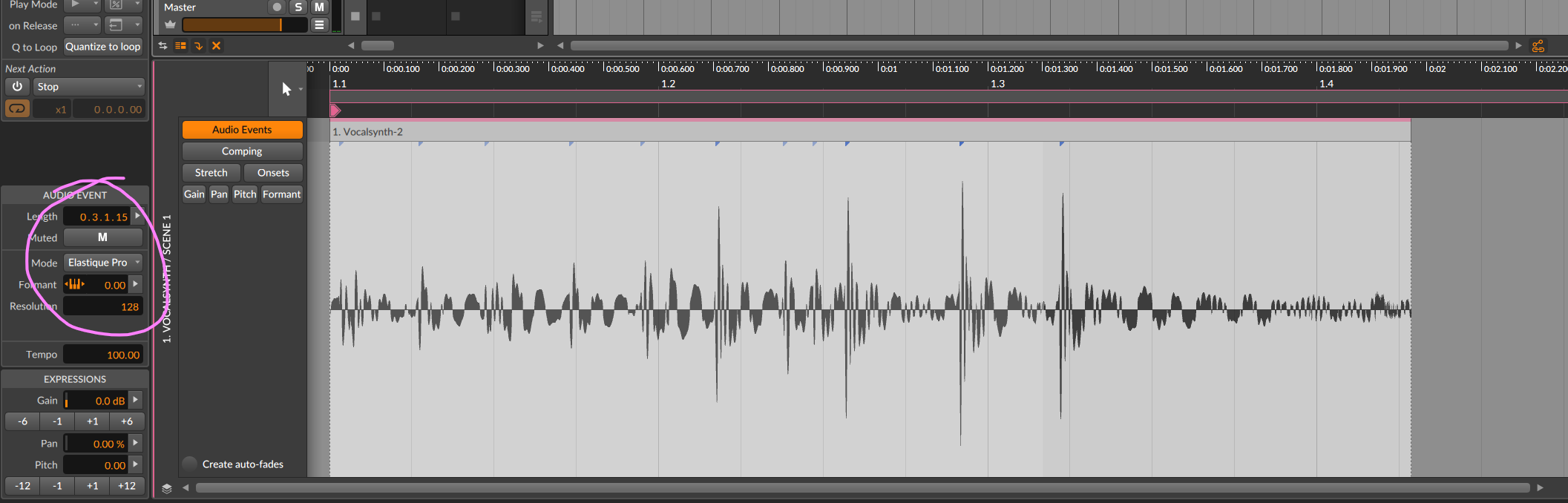
Not sure how to do the audio quantize yet. I drag a loop into BW and it’s not in time with the track. So I right click and see the quantize audio option. Select that and hit OK and nothing happens. So I am clearly doing something wrong here. Interested in how to do it once you all figure it out.
Fors.fm m4l devices would be an example of high quality Max stuff equal, in my opinion, to fabfilter, serum, etc. Yes, it is a lot of ~gen and a lot of Ess’s genius. But what would you expect, he used Max as a prototype environment when he designed the Digitone sound engine. Which says a lot about Max in expert hands….
I have no idea what to do with you, but still, I love you.
That time when I danced around naked making up little grid patches over a 4x4,
The tutorials I followed that turned into day long jams,
That one month period where I went down the rabbit hole with the DSP meter whilst running patched kernels on a brand-new-unsupported laptop,
and my ever-present confusion at what anything within the program does.
Bitwig, luckily enough, does not fear confusion.
I can create within Bitwig without any etched paths.
I can plug the machines into Bitwig, and then let them communicate.
Do I know how to make a reverb, no, but now I can present one that only comes on a third of the time and then blends at a random amount with the dry signal from this Analog synth!
Everything is here, and now they are giving me more?
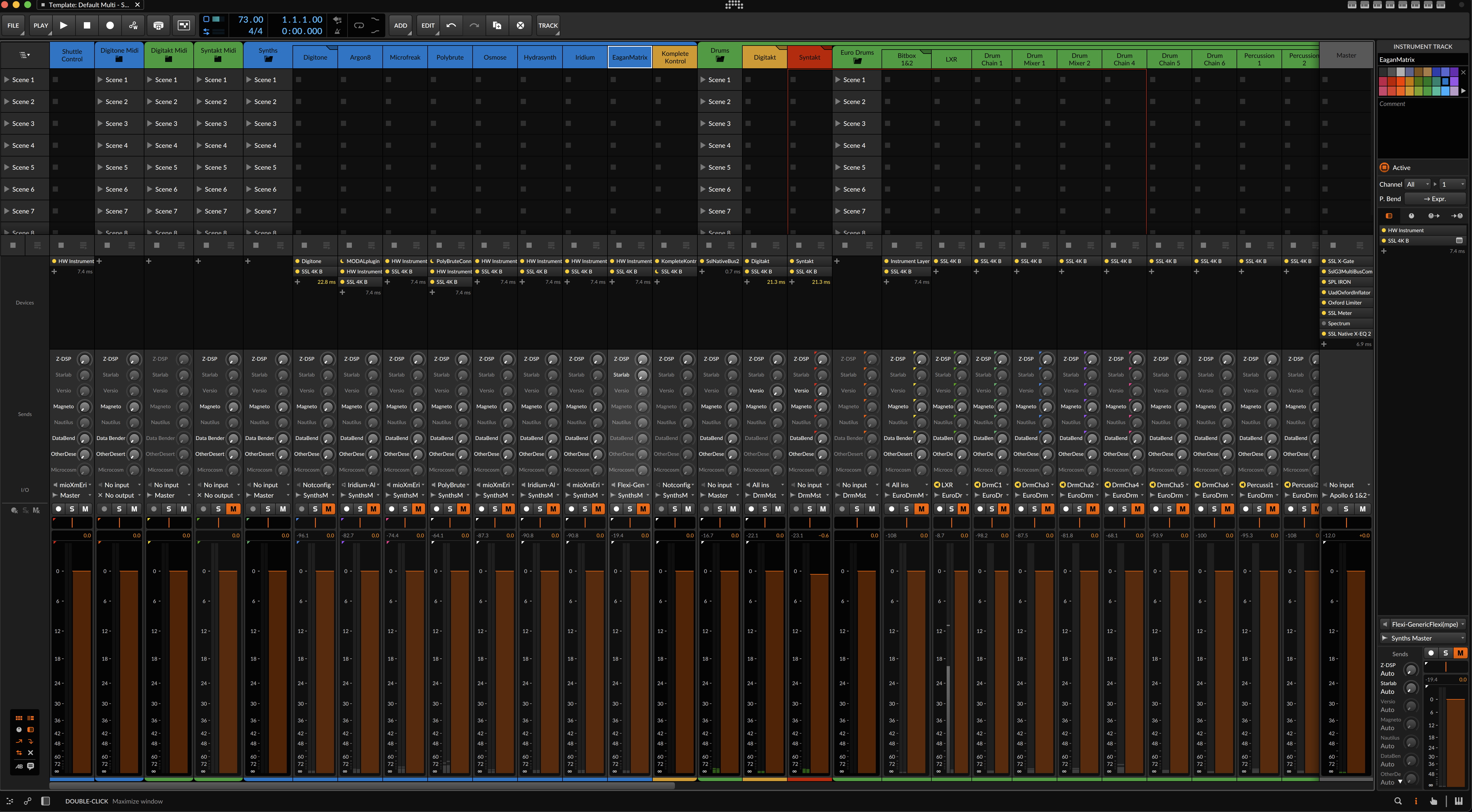
I’m a bit torn on the 5.1 update. I like the new tabs at the top, I like the audio quantize upgrade, but the mixer re-skin is a hot mess.
Rec. Solo, and Mute buttons are super fiddly and crunched together, gone are the nice big meters, and if you extend the height of the mixer and width of tracks so you have a fighting chance of clicking the solo/mutes, there’s a whole lot of baby shit brown staring you in the face…
The option to still have the large meters, and change colors would go a long way. I’m literally cringing every time I look up at the screen.
…i avoid the beta stages…so for now, i won’t chime in…but orange is never the new brown…
but i’m also a little scared of the new mixer functionality and still have not made use of any project modulation options…
they have to start to leave some well established looks and functions untouched and focus even more on truu next level improovements…i was damned happy with the mixer, the way it was…
but resizeable means to me, i still can operate with big meters, right?
many like to use the ableton like vertical scene structure on the mixer page…but my mixer page setting leaves out the whole scene thing…mixer with big meters and device panel only…
i think, we’ve come a long way already and it’s time to leave all ableton comparisons behind…bitwig is bitwig, no further ableton alike “improovements” needed…
I don’t think I’d realised how game-changing the new voice spread features were, seems to open up all kinds of amazing stuff in the grid. Curious what the cpu hit is when you’re going full on with 16 stacked voices though
Figured out the timestretch. For me I have to go into settings and change the audio default from Raw to elastique pro, or another stretch option. It appears that you can’t change from Raw into the inspector and get the audio to snap to the grid. So that was a bit of a snafu that I finally figured out.
Is your default setting Raw or something else? My default (in the settings page, not inspector) was set to Raw and I think that is where the problem was.
 And then probably not much would be missing.